Free Shipping on Domestic Orders $75+

Roccat Tyon omron switch Replacement

Views: 6.4K

View statistics:

Past 24 Hours:
6
Past 7 Days:
36
Past 30 Days:
158
All Time:
6,361
Comments: 6

5 comments on steps, 1 guide comment.

Go to guide comments
Completed: 10

10 people have marked this guide "completed." Will you be next?

Favorites: 0

No one has favorited (and subscribed to) this guide. Will you be the first?

Time Required: 30 minutes - 1 hour
Difficulty: Easy
Community-Contributed Guide

An awesome member of our community made this guide. It was not created by iFixit staff.

Roccat Tyon omron switch Replacement

Introduction

Go to step 1 ↓

If your mouse start to register double-click when you click only once, this might be a worn switch.

What you need

Parts

Tools

    1. Roccat Tyon omron switch Replacement, uncovering the screws: step 1, image 1 of 3 Roccat Tyon omron switch Replacement, uncovering the screws: step 1, image 2 of 3 Roccat Tyon omron switch Replacement, uncovering the screws: step 1, image 3 of 3
      • All screw are hidden below the mouse

      • Peel off the mouse pad to uncover 5 of the 6 screws

      • The last screw is in a hole under the sticker. You don't need to remove the whole sticker to uncover it.

      Ask FixBot

      Add Comment

    2. Roccat Tyon omron switch Replacement, remove the screws: step 2, image 1 of 2 Roccat Tyon omron switch Replacement, remove the screws: step 2, image 2 of 2
      • use the screwdriver to remove all the screws

      Ask FixBot

      Add Comment

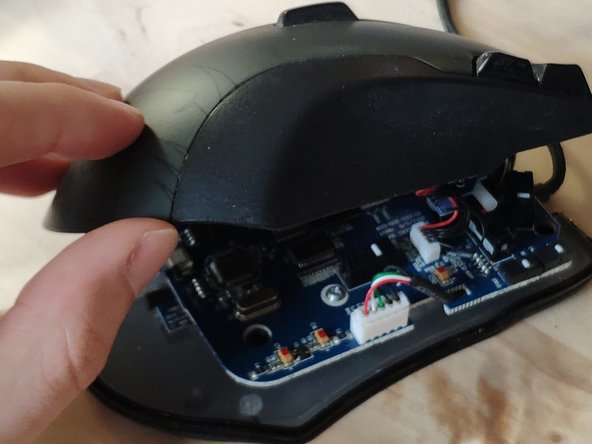
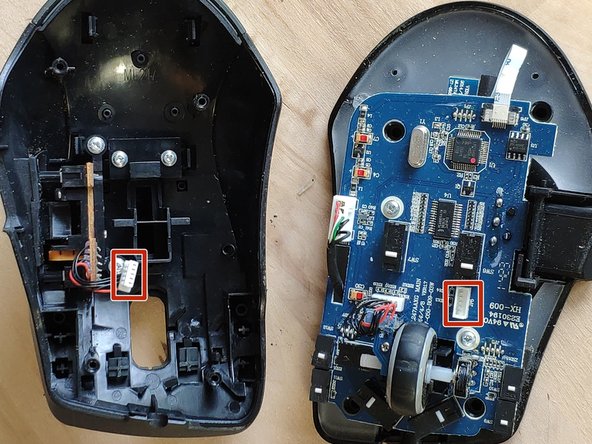
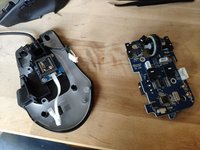
    3. Roccat Tyon omron switch Replacement, separate the top half: step 3, image 1 of 2 Roccat Tyon omron switch Replacement, separate the top half: step 3, image 2 of 2
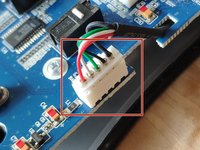
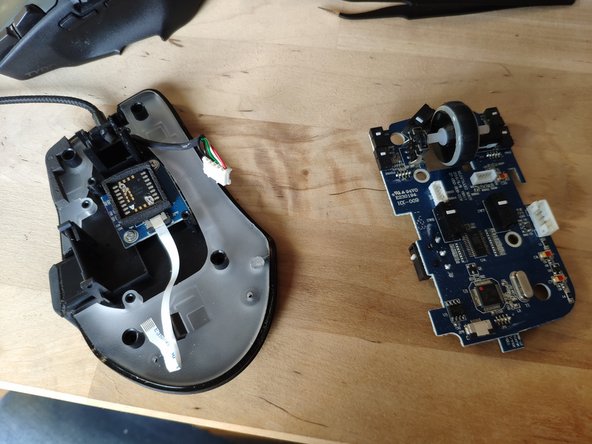
      • Carefully remove the outer shell, the two halves are still connected by wires.

      • remove the white wire connector carefully

      Ask FixBot

      Add Comment

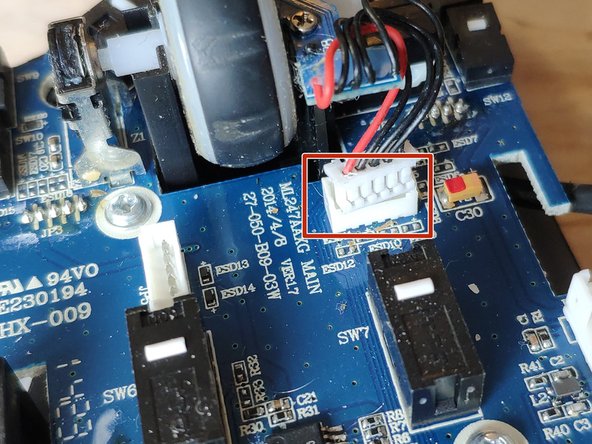
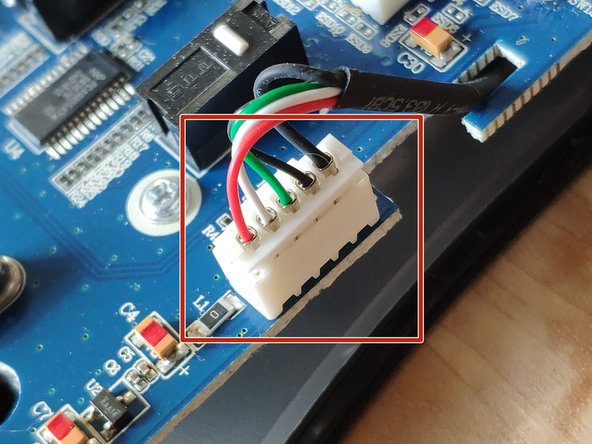
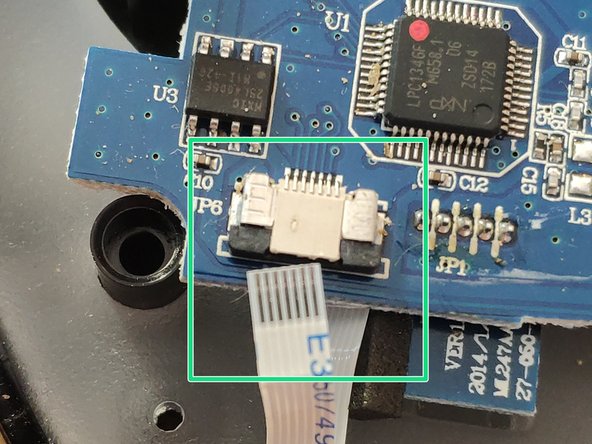
    4. Roccat Tyon omron switch Replacement: step 4, image 1 of 3 Roccat Tyon omron switch Replacement: step 4, image 2 of 3 Roccat Tyon omron switch Replacement: step 4, image 3 of 3
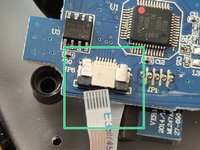
      • unplug the remaining connectors

      • carefully pull-down the Ribbon cable to unplug it

      Ask FixBot

      Add Comment

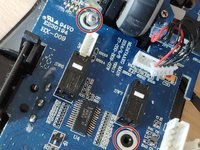
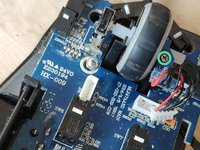
    5. Roccat Tyon omron switch Replacement, free the PCB: step 5, image 1 of 3 Roccat Tyon omron switch Replacement, free the PCB: step 5, image 2 of 3 Roccat Tyon omron switch Replacement, free the PCB: step 5, image 3 of 3
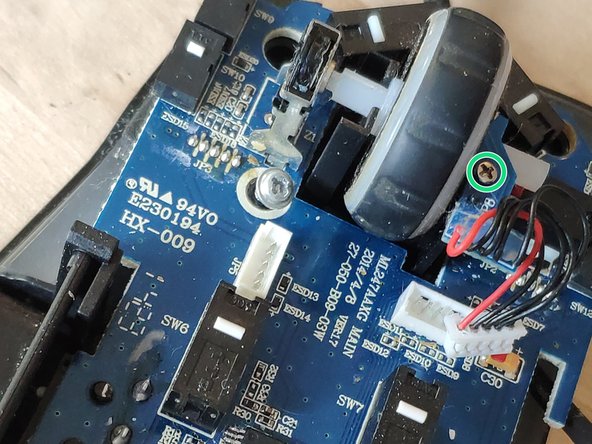
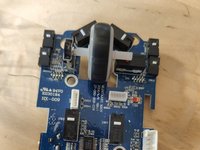
      • remove the last screws and pull the board free

      • the mouse wheel LED assembly is a separate piece you need to unscrew.

      Ask FixBot

      Add Comment

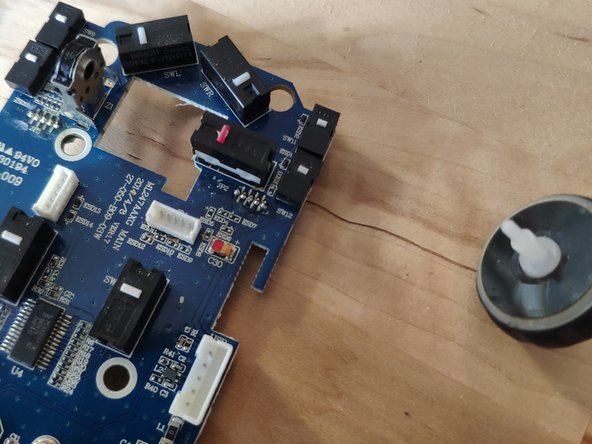
    6. Roccat Tyon omron switch Replacement, remove the mouse wheel: step 6, image 1 of 2 Roccat Tyon omron switch Replacement, remove the mouse wheel: step 6, image 2 of 2
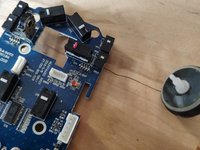
      • you need to pull the mouse wheel to the right to get it out

      Ask FixBot

      Add Comment

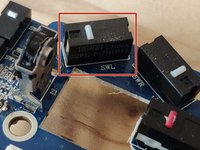
    7. Roccat Tyon omron switch Replacement, remove the old omron switch: step 7, image 1 of 2 Roccat Tyon omron switch Replacement, remove the old omron switch: step 7, image 2 of 2
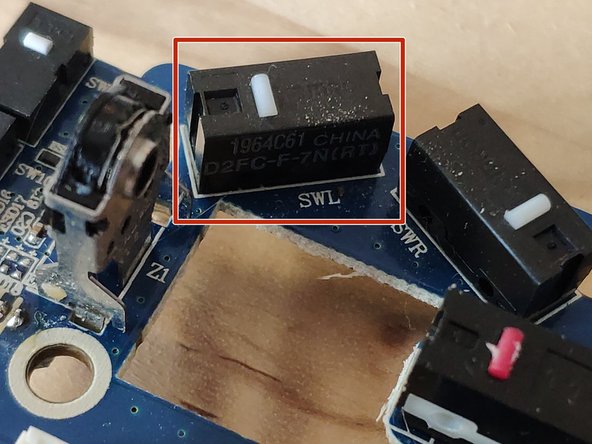
      • I want to change the left switch.

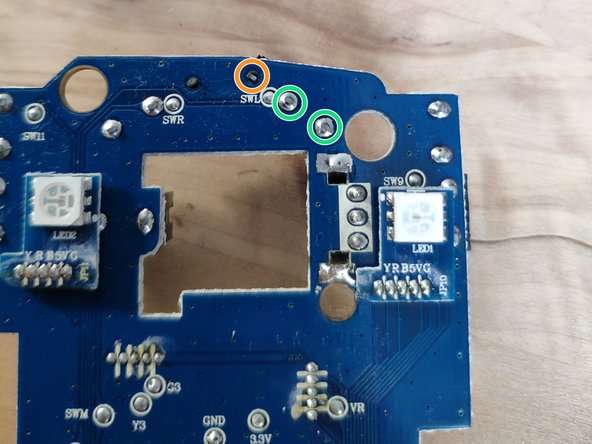
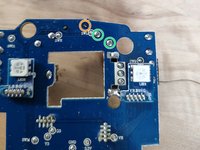
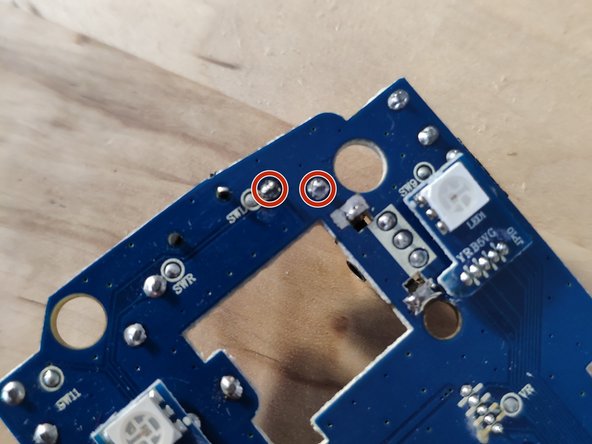
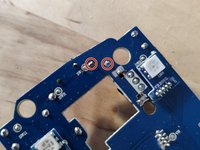
      • flip the board to unsolder the switch.

      • Only two legs are soldered, this is the third one

      Ask FixBot

      Add Comment

    8. Roccat Tyon omron switch Replacement, solder the new switch: step 8, image 1 of 2 Roccat Tyon omron switch Replacement, solder the new switch: step 8, image 2 of 2
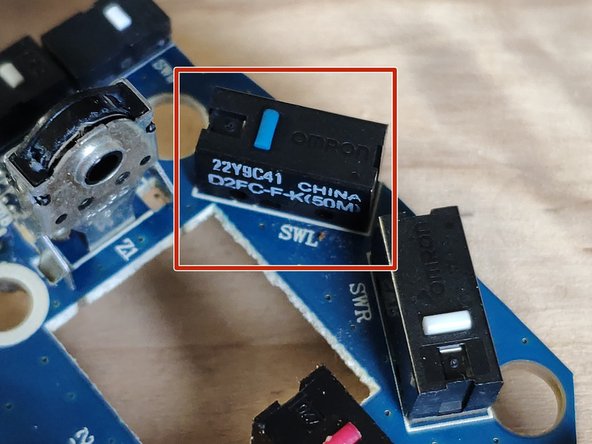
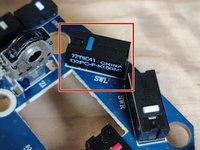
      • The new switch replace the old one not working.

      • The button should be on the left

      • I used a slightly different switch (D2FC-F-K(50M)). The official one is a D2FC-F-7N(RT)

      Ask FixBot

      Add Comment

Conclusion

To reassemble your device, follow these instructions in reverse order.

Cancel: I did not complete this guide.

10 other people completed this guide.

marc balemboy

Member since: 10/13/20

497 Reputation

1 Guide authored

1 Guide Comment

Greetings,

Would you happen to know the part number for the x-celerator paddle potentiometer replacement?

Thanks!

Enrique Rumbo - Reply Share
Add Comment

View Statistics:

Past 24 Hours: 6

Past 7 Days: 36

Past 30 Days: 158

All Time: 6,361