Introduction
If the side brush on your Roborock Q5 is not cleaning properly, is damaged or broken, use this guide to replace the side brush on your robot vacuum.
The side brush is a five-pronged brush that slightly projects from the underside of the Roborock Q5. As the vacuum cleans, hair and other types of debris can cause the side brush to get jammed and malfunction. Additionally, the side brush may be broken or damaged, affecting how your Roborock functions. If these scenarios occur, you will need to remove and clean or replace the side brush on your device.
Thankfully, this is a simple process. This guide will help you get your device working again in a few minutes.
Before starting this procedure, power off your device.
What you need
-
-
-
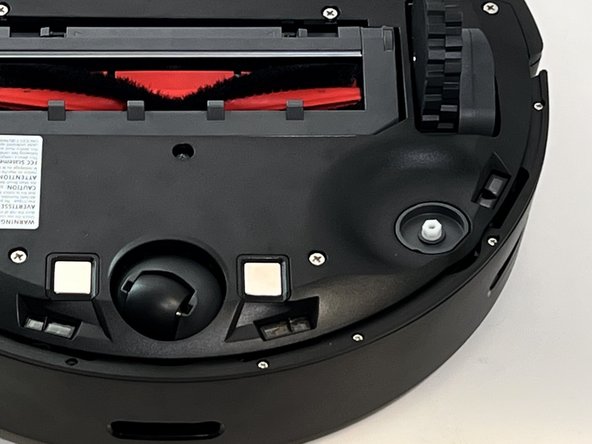
Power off your Roborock and place the device on a flat surface with the wheels facing up.
-
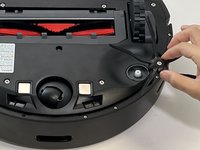
Position the robot so the five-pronged side brush is on the bottom right side.
 Ask FixBot
-
-
-


To reassemble your device, follow these instructions in reverse order.

Team

Austin Community College, Team 18-1, Watkins Spring 2024 Member of Austin Community College, Team 18-1, Watkins Spring 2024
AUSTINCC-WATKINS-S24S18G1
4 Members
72 Guides authored
