Introduction
If your Roborock Q5 Max Plus side brush has stopped spinning, moves erratically, or triggers repeated error messages, the side brush motor may need replacing. While this component is built to last, years of regular cleaning, especially in homes with pets or high debris, can eventually wear it down. This guide will show you how to safely replace the side brush motor and restore proper edge-cleaning performance. Be sure to power off the vacuum and remove it from the dock before starting any repairs.
What you need
-
-
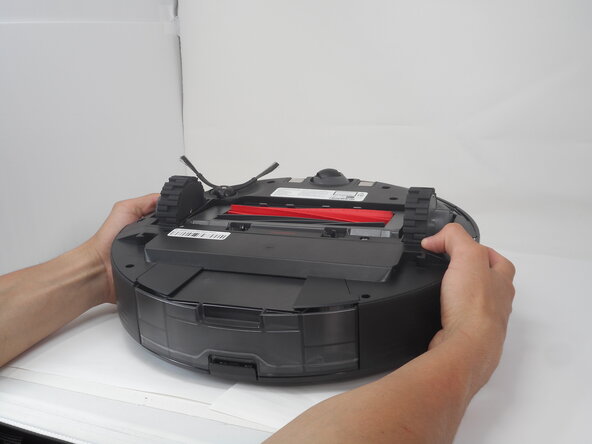
Carefully flip the Roborock upside down on a soft surface (e.g., towel) to avoid scratches.
-
Turn off the vacuum using the main switch underneath.
 Ask FixBot
-
-
-
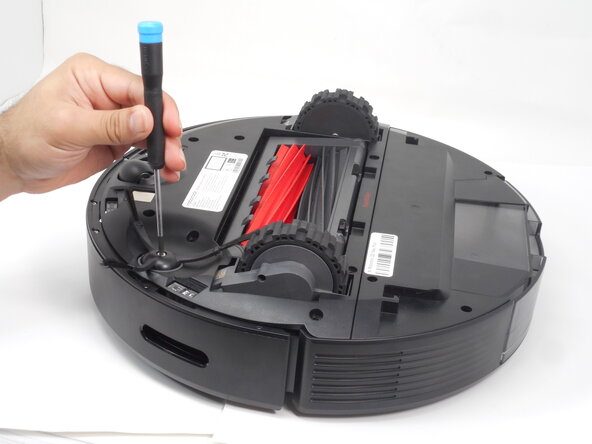
Hold down the side brush with one hand to prevent it from moving.
-
Use a Phillips #1 screwdriver to remove the single screw securing the side brush.
-
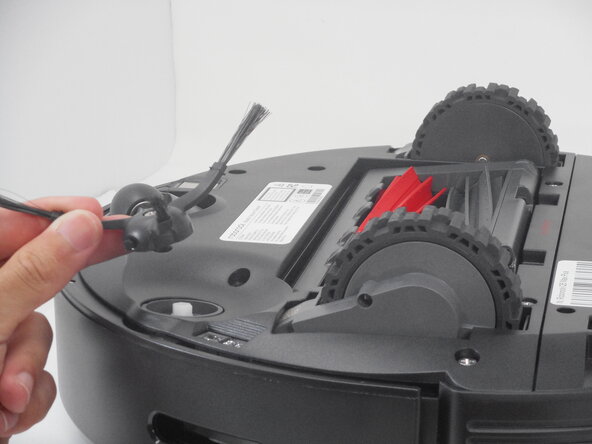
Remove it from the base.
-
-
-
-
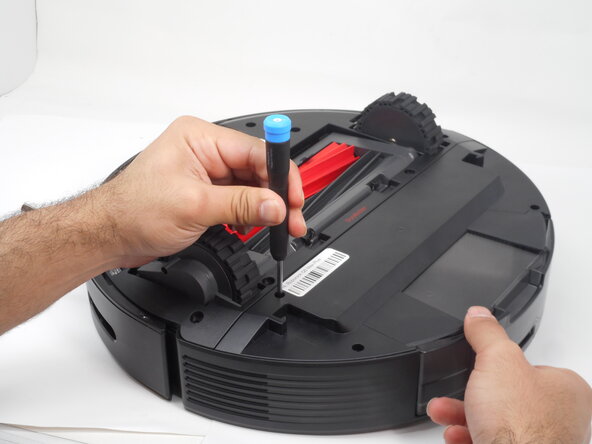
Use a Phillips #1 screwdriver to remove the eight 14 mm screws that secure the bottom shell.
-
-
-
Use a Phillips #1 screwdriver to remove the five screws that secure the side brush motor.
-







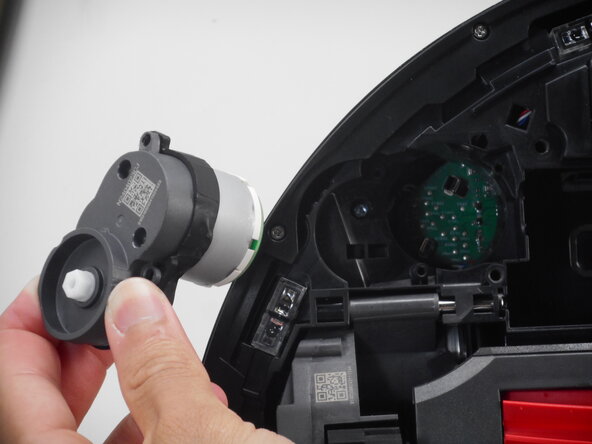
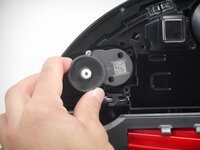
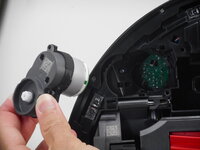
To reassemble your device, follow these instructions in reverse order.

Team

University of Memphis, Team 3-1, Sneed Spring 2025 Member of University of Memphis, Team 3-1, Sneed Spring 2025
UM-SNEED-S25S3G1
4 Members
5 Guides authored
