
Rival CM4015 Power Button Replacement

Connor Tustin and 3 other contributors
Last updated on Dec 23, 2016
Views: 1.1K
View statistics:
- Past 24 Hours:
- 0
- Past 7 Days:
- 17
- Past 30 Days:
- 85
- All Time:
- 1,074
Comments: 0
No one has left comments on this guide. Will you be first?
Go to guide commentsCompleted: 1 2
1 person has marked this guide "completed." Will you be next?
2 people have marked this guide "completed." Including you — great job!
Favorites: 0 1
No one has favorited (and subscribed to) this guide. Will you be the first?
1 person has favorited (and subscribed to) this guide — and that's you!
Introduction
Go to step 1 ↓First, make sure that the device is unplugged from the socket. Before replacing the power button you must unscrew the metal base plate. After doing this all you need to do is unscrew the button on the inside of the device and pry it out of the slot on the body of the device. Pry with enough force to detach the button but not so much that it breaks the plastic button.
What you need
Tools


-
-
-
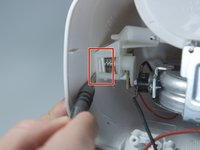
Remove the base plate by pressing the plastic body away from the metal plate with your thumbs.
-
-
-
-
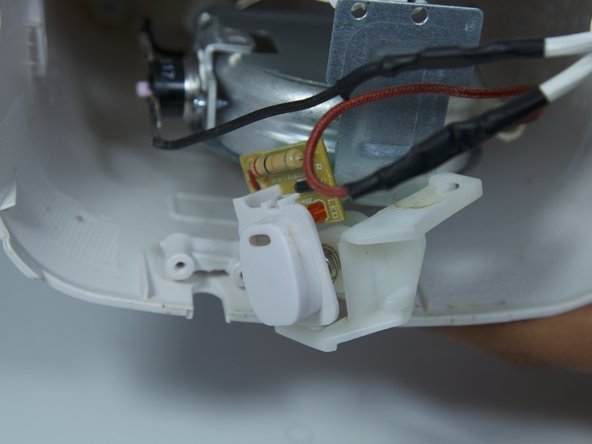
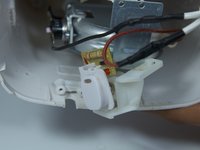
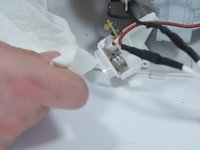
Remove the 8mm Phillips screw that attaches the power button to the inside of the coffee maker.
-
-
-
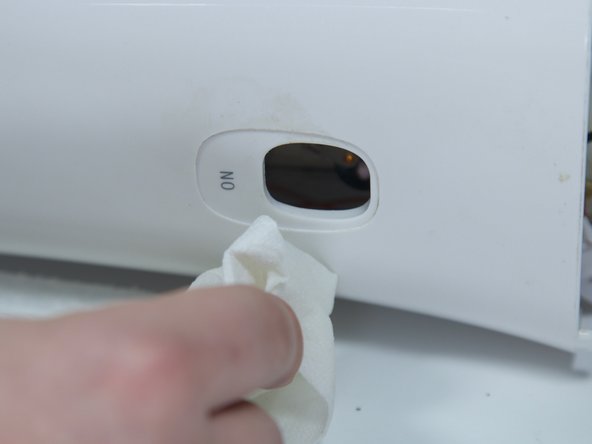
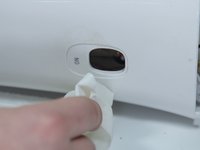
Use a flat head screwdriver to pry the power button from its slot in the body of the device.
-
-
-


 Ask FixBot



To reassemble your device, follow these instructions in reverse order.
Cancel: I did not complete this guide.
One other person completed this guide.

Team

Cal Poly, Team 10-6, Livingston Fall 2016 Member of Cal Poly, Team 10-6, Livingston Fall 2016
CPSU-LIVINGSTON-F16S10G6
5 Members
72 Guides authored
