Free Shipping on Domestic Orders $75+

Ricoh Theta Z1 Battery Replacement

What you need

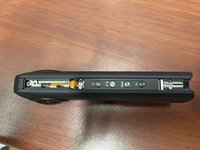
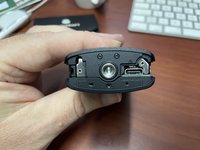
  1. Ricoh Theta Z1 Battery Replacement, Bottom: step 1, image 1 of 3 Ricoh Theta Z1 Battery Replacement, Bottom: step 1, image 2 of 3 Ricoh Theta Z1 Battery Replacement, Bottom: step 1, image 3 of 3
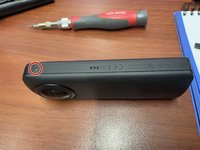
    • Use a Spudger to remove the sticker, starting from the reset hole.

    • The using 00-Torx remove the 3 screws at the bottom.

    Ask FixBot

    Add Comment

  2. Ricoh Theta Z1 Battery Replacement, Button side: step 2, image 1 of 2 Ricoh Theta Z1 Battery Replacement, Button side: step 2, image 2 of 2
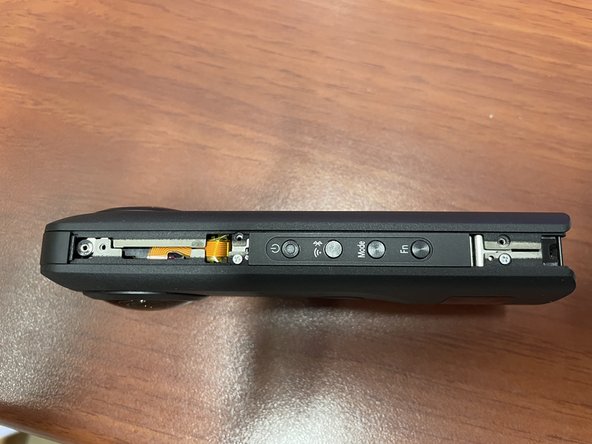
    • Now remove the screw at the side with the 00-Torx screwdriver.

    • Gently remove the side pieces.

    Ask FixBot

    Add Comment

  3. Ricoh Theta Z1 Battery Replacement, Long side: step 3, image 1 of 2 Ricoh Theta Z1 Battery Replacement, Long side: step 3, image 2 of 2
    • Remove the 00-Torx screw and gently slide the side piece off.

    Ask FixBot

    Add Comment

  4. Ricoh Theta Z1 Battery Replacement, Long Side: step 4, image 1 of 2 Ricoh Theta Z1 Battery Replacement, Long Side: step 4, image 2 of 2
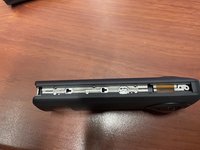
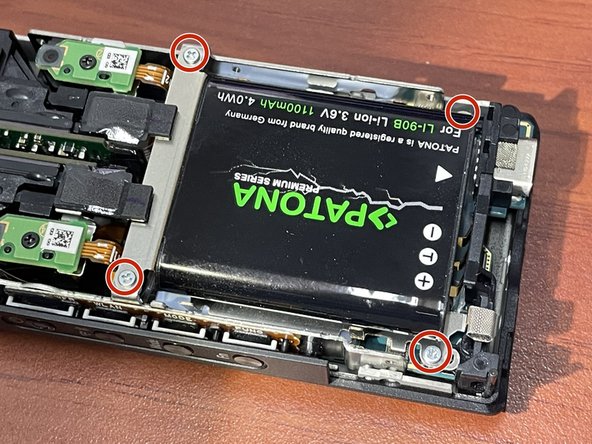
    • Remove the 4 00-Phillips screws from the long side

    Ask FixBot

    Add Comment

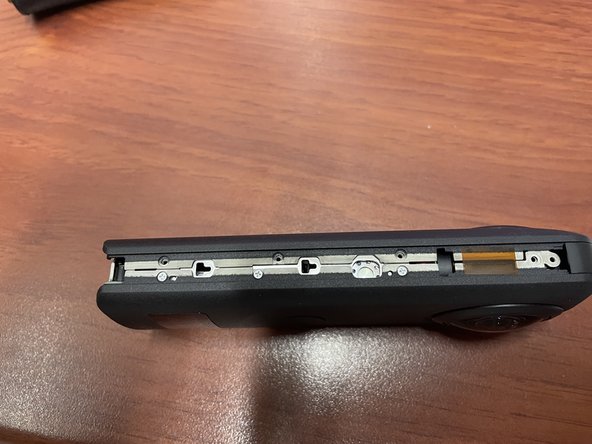
  5. Ricoh Theta Z1 Battery Replacement, Button Side: step 5, image 1 of 2 Ricoh Theta Z1 Battery Replacement, Button Side: step 5, image 2 of 2
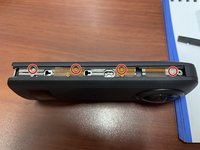
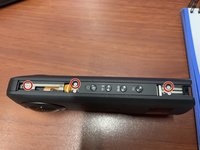
    • Remove the 3 00-Phillips screws from the button side

    Ask FixBot

    Add Comment

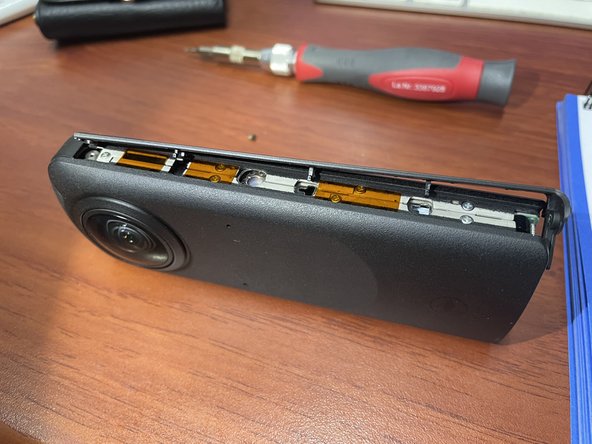
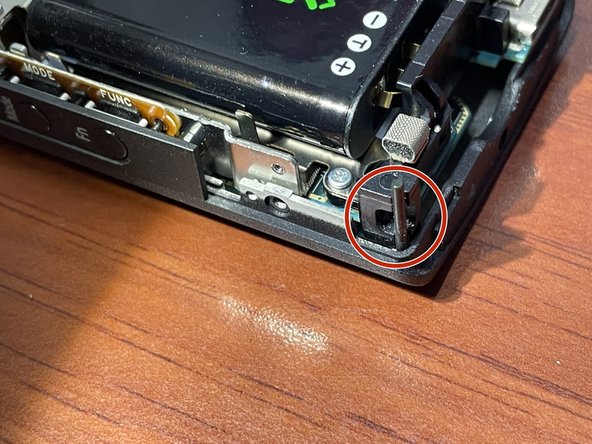
  6. Ricoh Theta Z1 Battery Replacement, Opening the Case: step 6, image 1 of 2 Ricoh Theta Z1 Battery Replacement, Opening the Case: step 6, image 2 of 2
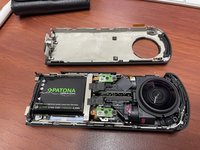
    • Now one part of the case can be pulled away, carefully observing the pin for the strap holder.

    Ask FixBot

    Add Comment

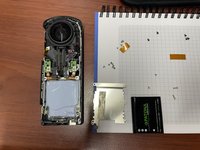
  7. Ricoh Theta Z1 Battery Replacement, Replacing the Battery: step 7, image 1 of 3 Ricoh Theta Z1 Battery Replacement, Replacing the Battery: step 7, image 2 of 3 Ricoh Theta Z1 Battery Replacement, Replacing the Battery: step 7, image 3 of 3
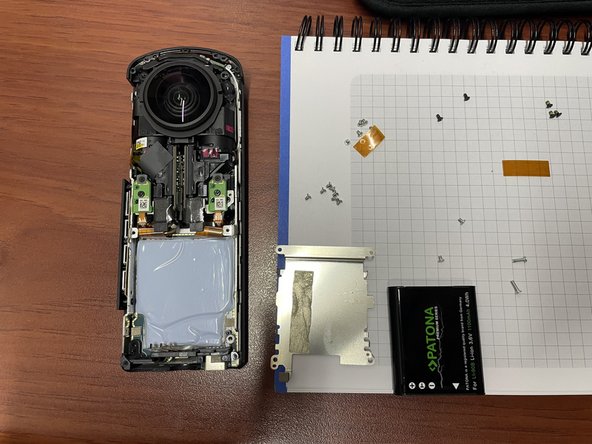
    • The battery is glued with tape to a holder, that has to be unscrewed.

    Ask FixBot

    Add Comment

Conclusion

To reassemble your device, follow these instructions in reverse order.

Cancel: I did not complete this guide.

2 other people completed this guide.

JJAY

Member since: 02/18/23

230 Reputation

1 Guide authored

6 Guide Comments

Great guide, thanks. May i know the battery detail that you use for the replacement.

Hanifah Mazlan - Reply Share

Hi Hanifah!
The battery is called "DB-110" by Ricoh, but there are similar models with other names. If you click on the link "LI‑92B" in the parts list you get all the details.

JJAY - Reply Share

πŸ‘ This was so helpful and easy to do ! Thank you πŸ˜€ * Bought DB 110 (same as for Ricoh Theta X) on Amazon for 49 €

Maximilian Paech - Reply Share

Thank you for your post. I just called Ricoh for assistance and was referred to www.precisioncamera.com/ricoh, where I was quoted $833 to replace the battery.

I have just ordered a replacement battery on Amazon and will be doing it myself. Ricoh and PrecisionCamera can go FYT!

Mtherofdragons - Reply Share

Where can I find the specific 00 torx screwdriver?

512SRH - Reply Share

Add Comment

View Statistics:

Past 24 Hours: 3

Past 7 Days: 19

Past 30 Days: 74

All Time: 2,603