Free Shipping on Domestic Orders $75+

Retro-Bit Retro Duo Cartridge Doors Replacement

Views: 1.2K

View statistics:

Past 24 Hours:
2
Past 7 Days:
12
Past 30 Days:
74
All Time:
1,216
Comments: 0

No one has left comments on this guide. Will you be first?

Go to guide comments
Completed: 0

No one has marked this guide "completed." Will you be the first?

Favorites: 1

1 person has favorited (and subscribed to) this guide. Will you be next?

Time Required: 5 minutes
Difficulty: Moderate
Better Introduction

Improve this guide by completing or revising its introduction.

Retro-Bit Retro Duo Cartridge Doors Replacement

Introduction

Go to step 1 ↓

How to replace the console's cartridge doors. These cover the cartridge slots and hold games in place.

What you need

Tools

    1. Retro-Bit Retro Duo Cartridge Doors Replacement, Cartridge Doors: step 1, image 1 of 3 Retro-Bit Retro Duo Cartridge Doors Replacement, Cartridge Doors: step 1, image 2 of 3 Retro-Bit Retro Duo Cartridge Doors Replacement, Cartridge Doors: step 1, image 3 of 3
      • With the console on its top. Remove the four 12 mm Phillips #2 screws.

      • There may be a sticker covering one or more of the screws. Remove it before the screws.

      • Flip the console on its feet, pinch near the AV/S ports, and carefully lift the top casing.

      • Do not completely remove the top casing. There is a small LED circuit board connected to the main circuit board.

      Ask FixBot

      Add Comment

    2. Retro-Bit Retro Duo Cartridge Doors Replacement: step 2, image 1 of 3 Retro-Bit Retro Duo Cartridge Doors Replacement: step 2, image 2 of 3 Retro-Bit Retro Duo Cartridge Doors Replacement: step 2, image 3 of 3
      • Remove the one 6 mm Phillips #0 screw.

      • Lift the top case and set aside.

      Ask FixBot

      Add Comment

    3. Retro-Bit Retro Duo Cartridge Doors Replacement: step 3, image 1 of 3 Retro-Bit Retro Duo Cartridge Doors Replacement: step 3, image 2 of 3 Retro-Bit Retro Duo Cartridge Doors Replacement: step 3, image 3 of 3
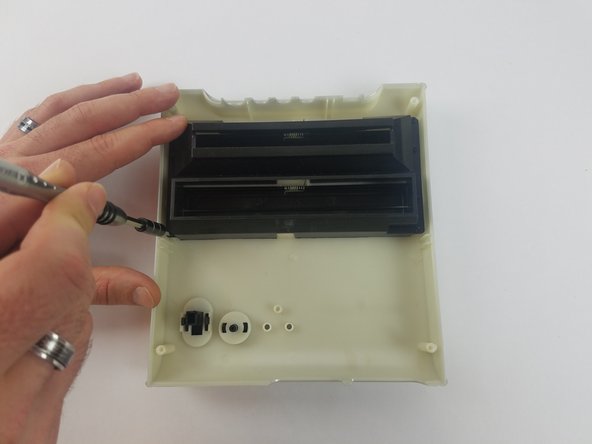
      • Remove the eight 10 mm Phillips #0 screws.

      • The cartridge doors are spring-loaded and may pop up.

      Ask FixBot

      Add Comment

    4. Retro-Bit Retro Duo Cartridge Doors Replacement: step 4, image 1 of 2 Retro-Bit Retro Duo Cartridge Doors Replacement: step 4, image 2 of 2
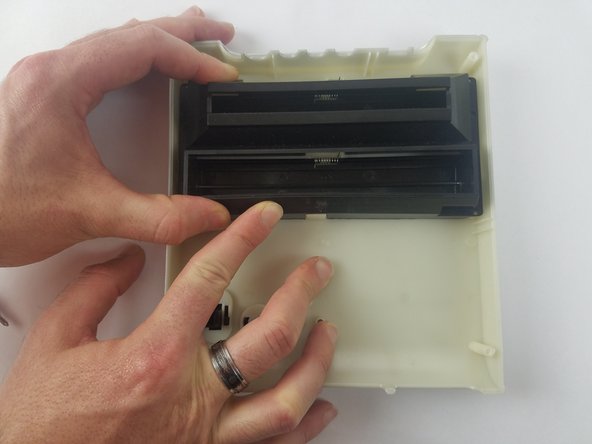
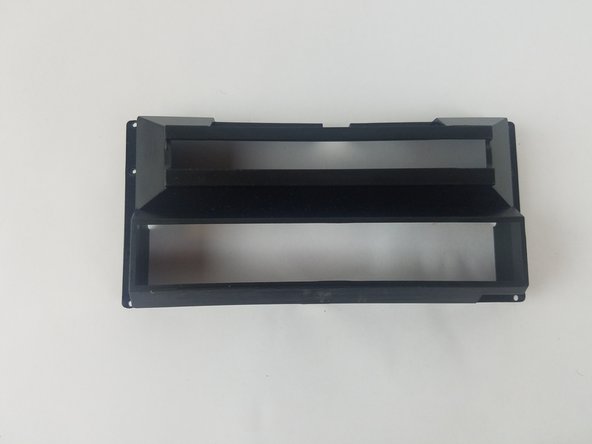
      • Carefully lift the cartridge door case and set aside.

      Ask FixBot

      Add Comment

    5. Retro-Bit Retro Duo Cartridge Doors Replacement: step 5, image 1 of 2 Retro-Bit Retro Duo Cartridge Doors Replacement: step 5, image 2 of 2
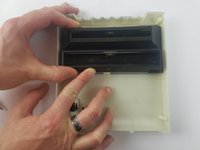
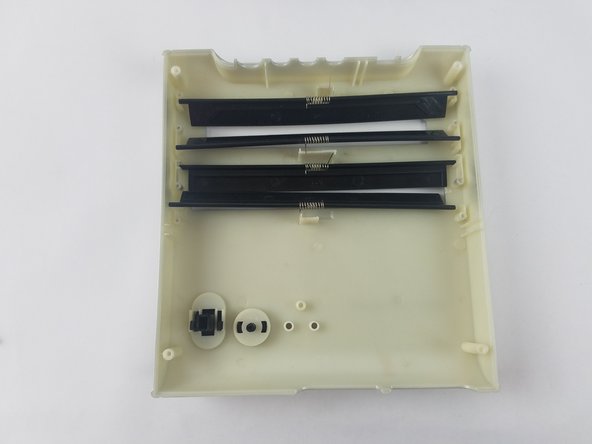
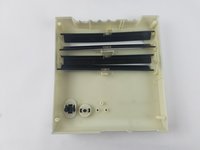
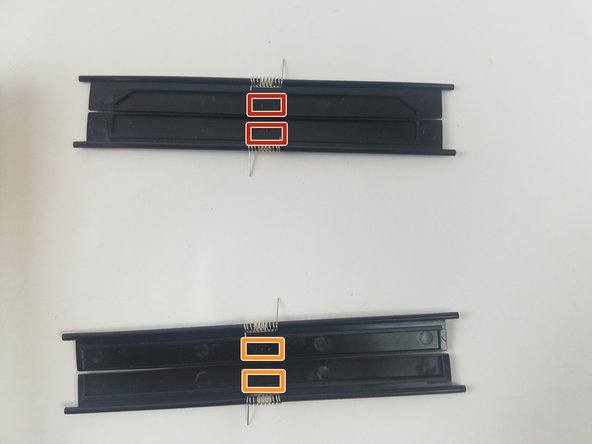
      • Take the cartridge doors out of the top casing.

      • Keep the correct cartridge doors together. Note the door numbers and position.

      • Doors numbered two and four are for NES cartridges.

      • Doors numbered three are for SNES cartridges.

      Ask FixBot

      Add Comment

Conclusion

To reassemble your device, follow these instructions in reverse order.

Cancel: I did not complete this guide.

Truong Vo

Member since: 09/25/17

324 Reputation

3 Guides authored

Team

USF Tampa, Team S4-G4, Eyestone Fall 2017 Member of USF Tampa, Team S4-G4, Eyestone Fall 2017

USFT-EYESTONE-F17S4G4

3 Members

60 Guides authored

0 Guide Comments

Add Comment

View Statistics:

Past 24 Hours: 2

Past 7 Days: 12

Past 30 Days: 74

All Time: 1,216