Introduction
The blower unit fails when the device becomes overused and outdated. It also fails as a result of dust clogging up the intake. Replacements extend for only a certain amount of time. Replacing the blower unit will save lots of money compared to buying a whole new unit. Eventually, a full unit replacement is necessary.
What you need
-
-
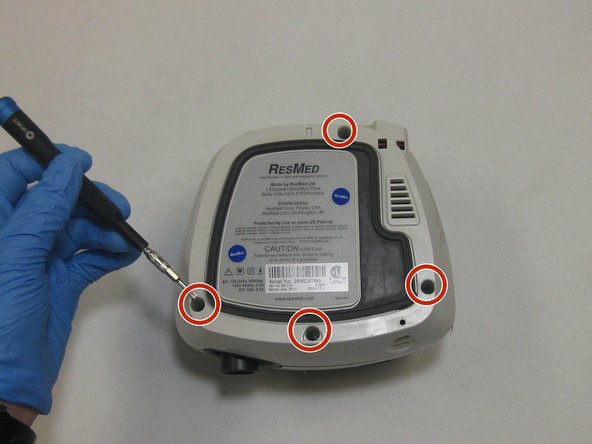
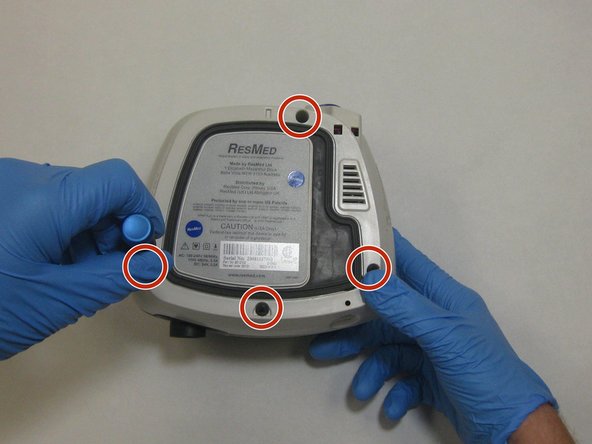
Remove the four 26.7 mm T3 Torx screws from the bottom side of the ResMed VPAP Auto 25.
 Ask FixBot
-
-
-
Flip the device over.
-
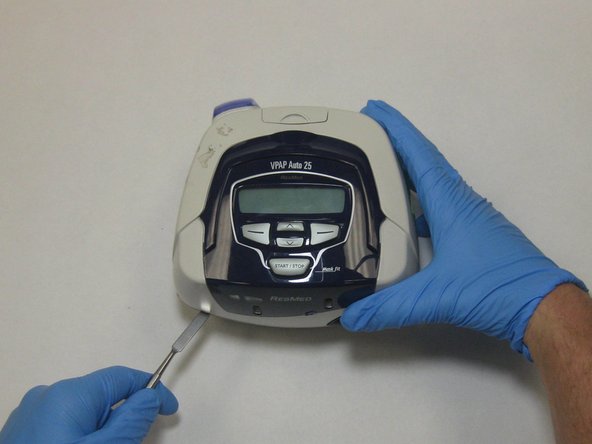
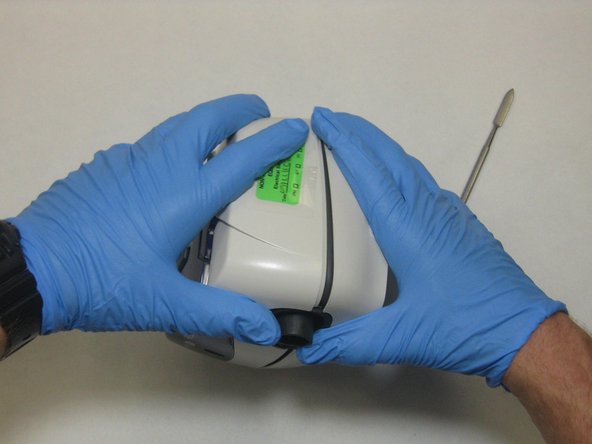
Pry the outermost plastic cover off with the metal spudger until the cover is loose and able to be removed.
-
-
-
Loosen the motherboard from the rubber dowels holding it in place and unplug the screen components.
-
-
-
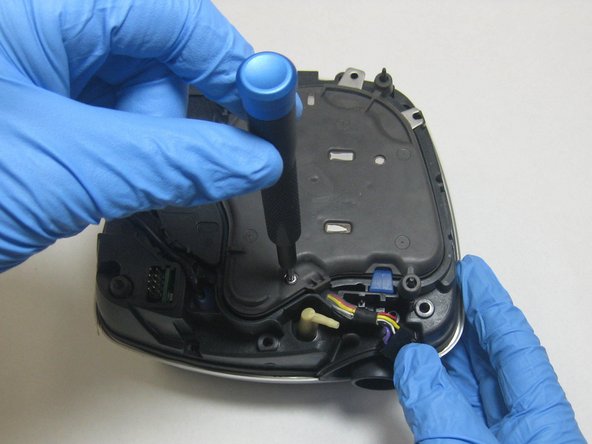
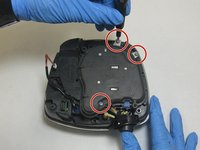
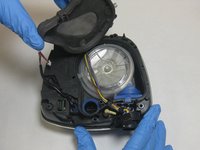
Remove the three 26.7 mm T3 Torx screws from the now visible rubber fan motor cover.
-
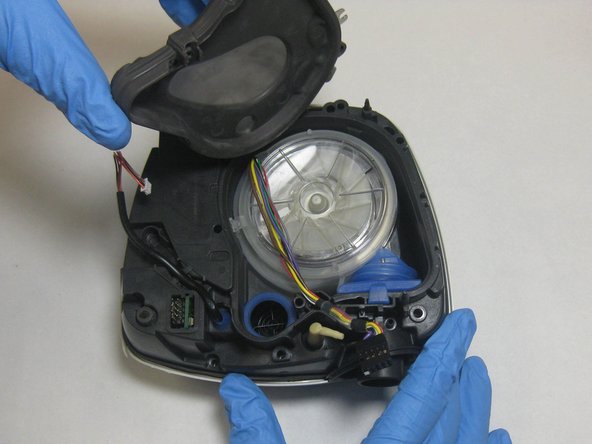
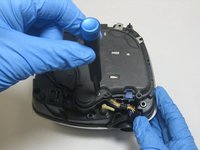
Lift off the rubber fan motor cover, revealing the fan motor.
-





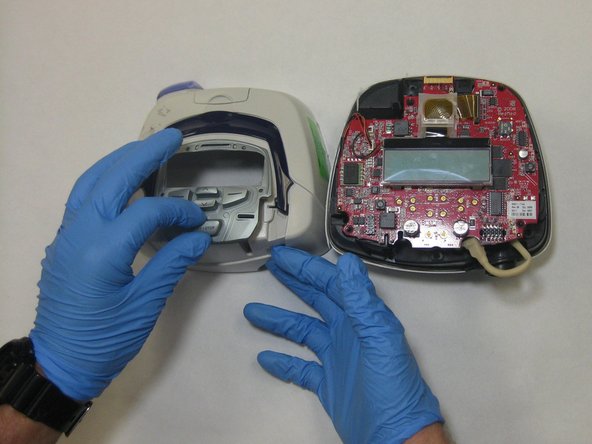

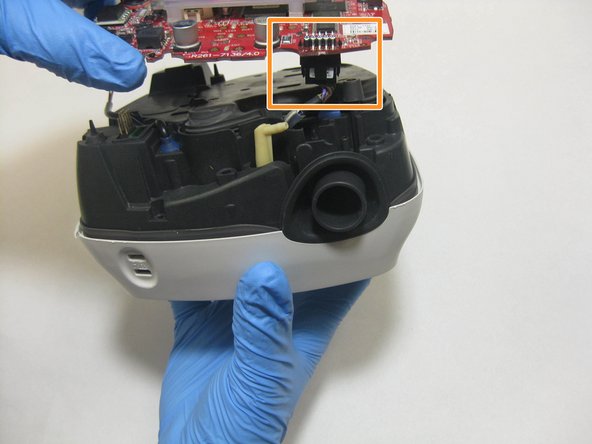
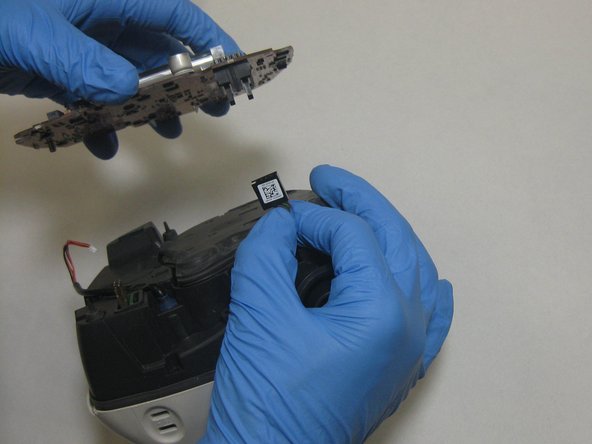


To reassemble your device, follow these instructions in reverse order.
Cancel: I did not complete this guide.
One other person completed this guide.

Team

The Citadel Military College of South Carolina, Team S3-G17, Eggleston Fall 2020 Member of The Citadel Military College of South Carolina, Team S3-G17, Eggleston Fall 2020
CMCSC-EGGLESTON-F20S3G17
3 Members
5 Guides authored
