Free Shipping on Domestic Orders $75+

ResMed AirSense 10 Pump Motor Replacement

Medical Equipment
Neither iFixit nor this repair guide is endorsed by or affiliated with the medical device manufacturer.

What you need

    1. ResMed AirSense 10 Pump Motor Replacement, Pump Motor: step 1, image 1 of 2 ResMed AirSense 10 Pump Motor Replacement, Pump Motor: step 1, image 2 of 2
      • Position the ResMed Airsense 10 with the water reservoir facing towards you.

      • Grip both the top and bottom of the water reservoir and pull it straight out and away from the device.

      Ask FixBot

      Add Comment

    2. ResMed AirSense 10 Pump Motor Replacement: step 2, image 1 of 3 ResMed AirSense 10 Pump Motor Replacement: step 2, image 2 of 3 ResMed AirSense 10 Pump Motor Replacement: step 2, image 3 of 3
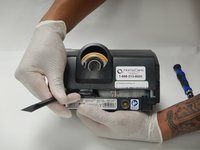
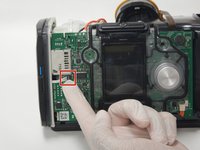
      • Position the ResMed Airsense 10 with the screen facing you to remove the front cover plate.

      • Place your finger under the indent beneath the home button and pry the front cover plate off.

      • This should only require medium pressure.

      Ask FixBot

      Add Comment

    3. ResMed AirSense 10 Pump Motor Replacement: step 3, image 1 of 1
      • Remove the two 14mm Torx T10 screws that were exposed by removing the front cover plate.

      Ask FixBot

      Add Comment

    4. ResMed AirSense 10 Pump Motor Replacement: step 4, image 1 of 3 ResMed AirSense 10 Pump Motor Replacement: step 4, image 2 of 3 ResMed AirSense 10 Pump Motor Replacement: step 4, image 3 of 3
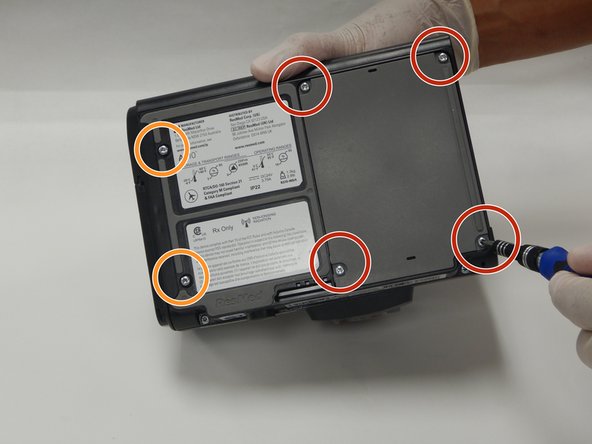
      • Rotate the device to face the bottom of the ResMed Airsense 10.

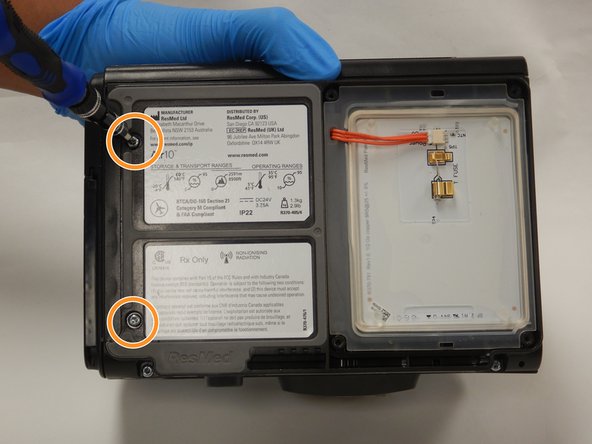
      • Remove the four 10mm Torx T10 screws, then place the screws and the plastic heater plate cover to the side.

      • Remove the remaining two 14mm Torx T10 screws.

      Ask FixBot

      Add Comment

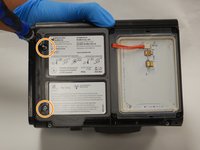
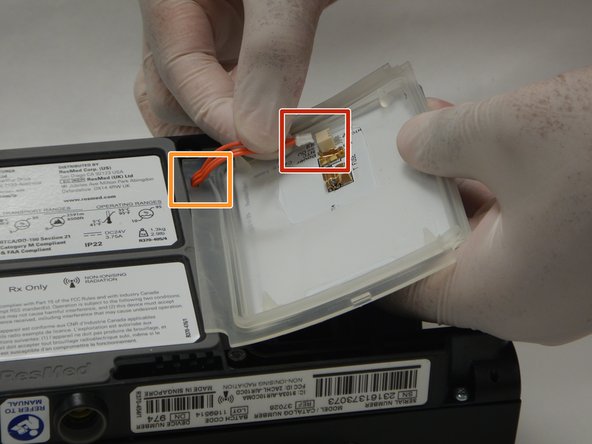
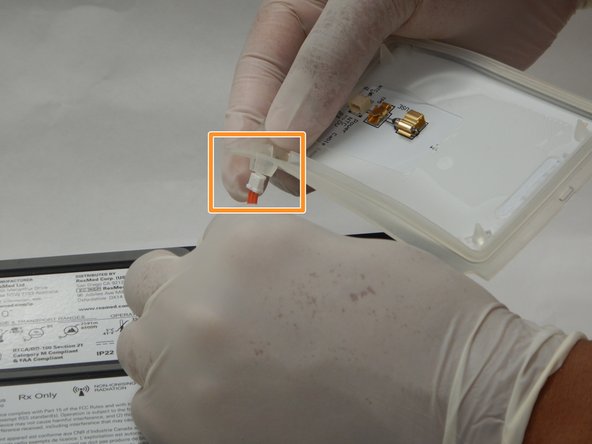
    5. ResMed AirSense 10 Pump Motor Replacement: step 5, image 1 of 3 ResMed AirSense 10 Pump Motor Replacement: step 5, image 2 of 3 ResMed AirSense 10 Pump Motor Replacement: step 5, image 3 of 3
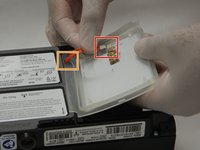
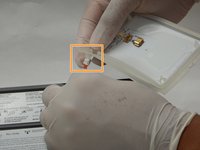
      • Once you have removed the cover of the heating plate, disconnect the orange wire from the fuse.

      • Carefully pull the orange wire through the silicone gasket.

      • Fully remove the heater plate from the ResMed Airsense 10.

      Ask FixBot

      Add Comment

    6. ResMed AirSense 10 Pump Motor Replacement: step 6, image 1 of 1
      • Remove the remaining two 14mm Torx T10 screws holding the frame together.

      Ask FixBot

      Add Comment

    7. ResMed AirSense 10 Pump Motor Replacement: step 7, image 1 of 2 ResMed AirSense 10 Pump Motor Replacement: step 7, image 2 of 2
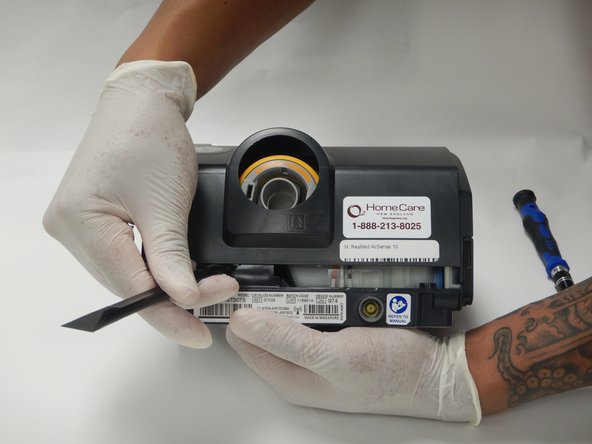
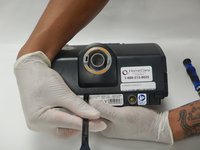
      • Orient the ResMed AirSense 10 to face the rear of the machine. The air outlet should be facing towards you.

      • Use the plastic spudger to pry the casing of the ResMed AirSense 10 off of the unit.

      • Fully remove the casing from the ResMed frame.

      Ask FixBot

      Add Comment

    8. ResMed AirSense 10 Pump Motor Replacement, Lift the modem cable off the connection: step 8, image 1 of 2 ResMed AirSense 10 Pump Motor Replacement, Lift the modem cable off the connection: step 8, image 2 of 2
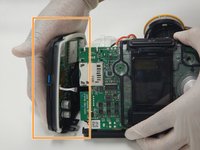
      • Position the ResMed AirSense 10 with the screen facing towards you.

      • Carefully remove the 4 pin wire connector located to the left of the screen.

      • Fully remove left panel of the ResMed.

      Ask FixBot

      Add Comment

    9. ResMed AirSense 10 Pump Motor Replacement: step 9, image 1 of 3 ResMed AirSense 10 Pump Motor Replacement: step 9, image 2 of 3 ResMed AirSense 10 Pump Motor Replacement: step 9, image 3 of 3
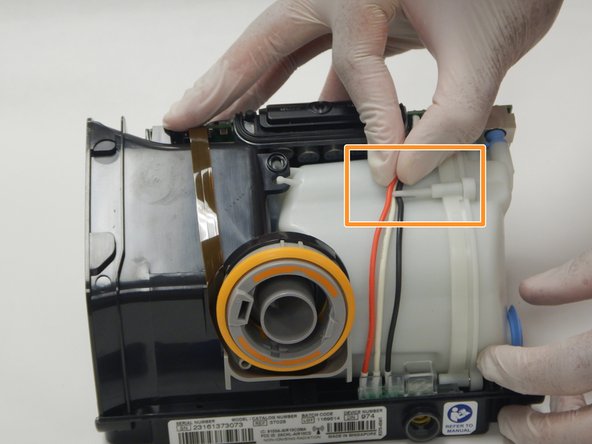
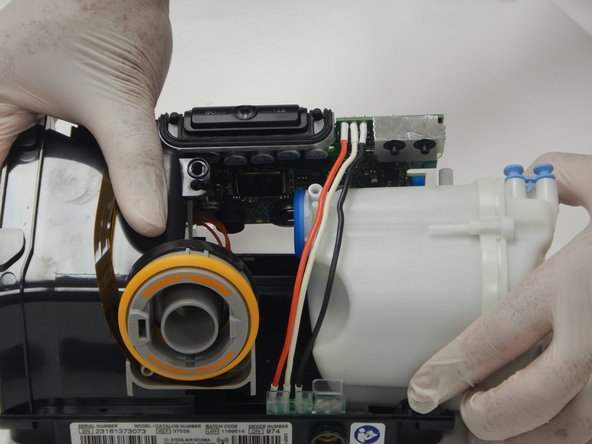
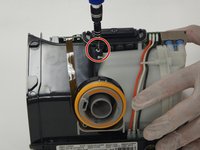
      • Position the ResMed AirSense 10 with the air outlet facing you.

      • Remove the 14mm Torx T10 screw that is located between the air outlet and the front screen.

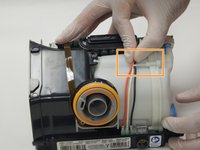
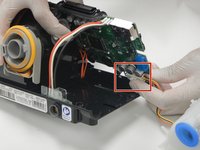
      • Remove the wires from the pump casing's hook.

      • Carefully start to remove the pump casing from the Resmed AirSense 10 until the wire connector is exposed.

      Ask FixBot

      Add Comment

    10. ResMed AirSense 10 Pump Motor Replacement: step 10, image 1 of 2 ResMed AirSense 10 Pump Motor Replacement: step 10, image 2 of 2
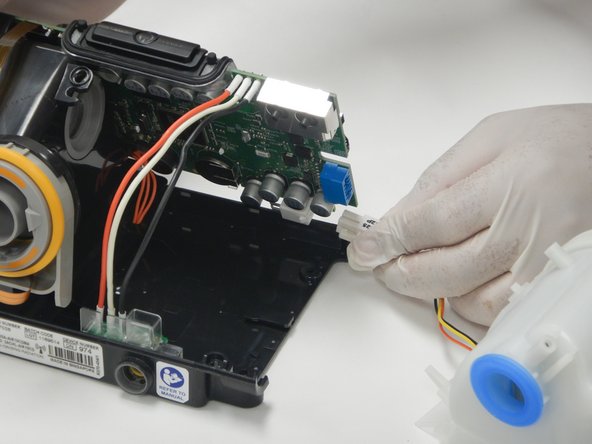
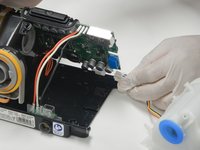
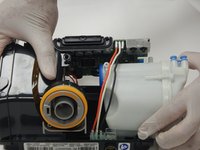
      • Unclamp the connector for the wires that connect the pump casing to the motherboard to fully disconnect the pump.

      Ask FixBot

      Add Comment

    11. ResMed AirSense 10 Pump Motor Replacement: step 11, image 1 of 3 ResMed AirSense 10 Pump Motor Replacement: step 11, image 2 of 3 ResMed AirSense 10 Pump Motor Replacement: step 11, image 3 of 3
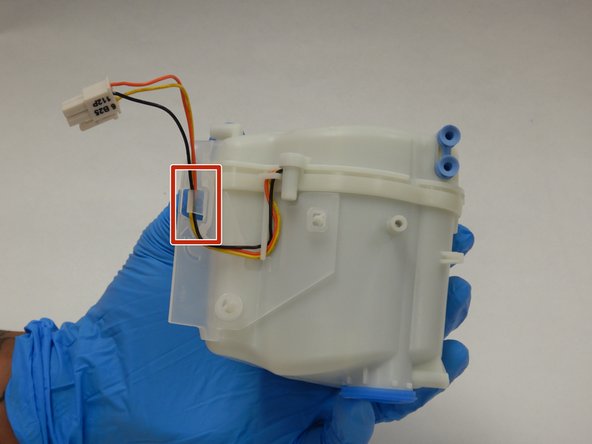
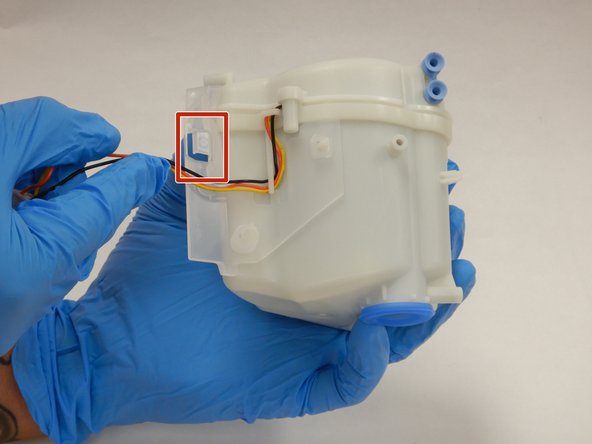
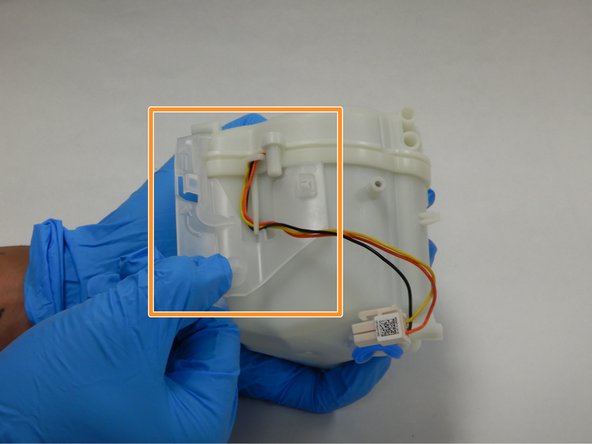
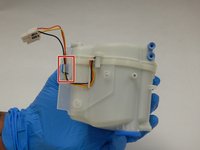
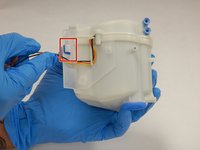
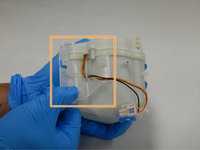
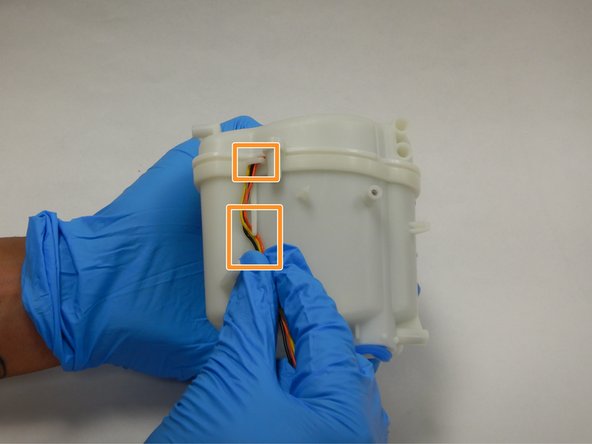
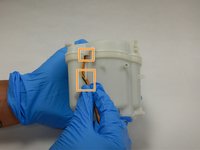
      • Orient the pump casing with the wires facing towards you.

      • Unhook the wires from the outer most clip.

      • Then remove the plastic retainer from the pump casing.

      Ask FixBot

      Add Comment

    12. ResMed AirSense 10 Pump Motor Replacement: step 12, image 1 of 3 ResMed AirSense 10 Pump Motor Replacement: step 12, image 2 of 3 ResMed AirSense 10 Pump Motor Replacement: step 12, image 3 of 3
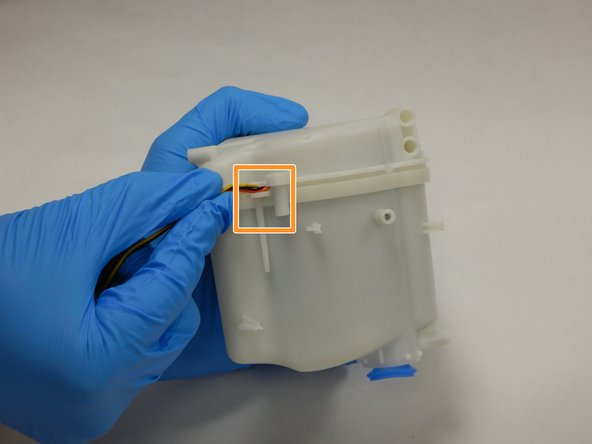
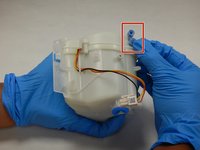
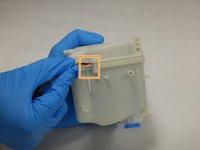
      • Remove the blue silicone buffer to right corner.

      • Remove the wires from the remaining hooks.

      Ask FixBot

      Add Comment

    13. ResMed AirSense 10 Pump Motor Replacement: step 13, image 1 of 2 ResMed AirSense 10 Pump Motor Replacement: step 13, image 2 of 2
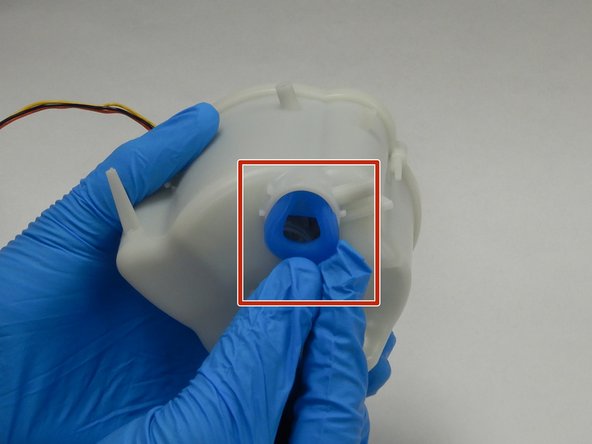
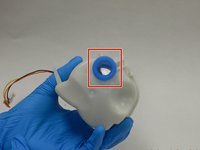
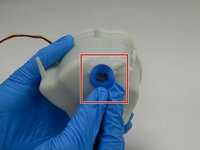
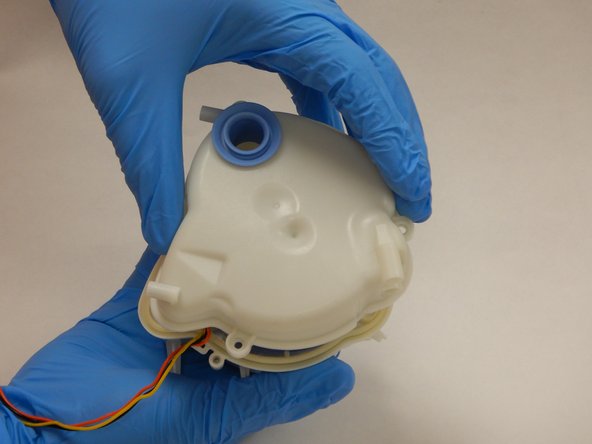
      • Orient the pump casing to face the outlet port.

      • Push the outlet nipple into the pump housing.

      Ask FixBot

      Add Comment

    14. ResMed AirSense 10 Pump Motor Replacement: step 14, image 1 of 3 ResMed AirSense 10 Pump Motor Replacement: step 14, image 2 of 3 ResMed AirSense 10 Pump Motor Replacement: step 14, image 3 of 3
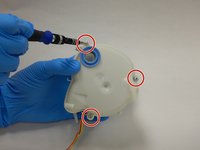
      • Orient the pump casing to face the three T10 torx screws.

      • Remove the three 14mm Torx T10 screws.

      • Lift off the top of the pump casing.

      Ask FixBot

      Add Comment

    15. ResMed AirSense 10 Pump Motor Replacement: step 15, image 1 of 3 ResMed AirSense 10 Pump Motor Replacement: step 15, image 2 of 3 ResMed AirSense 10 Pump Motor Replacement: step 15, image 3 of 3
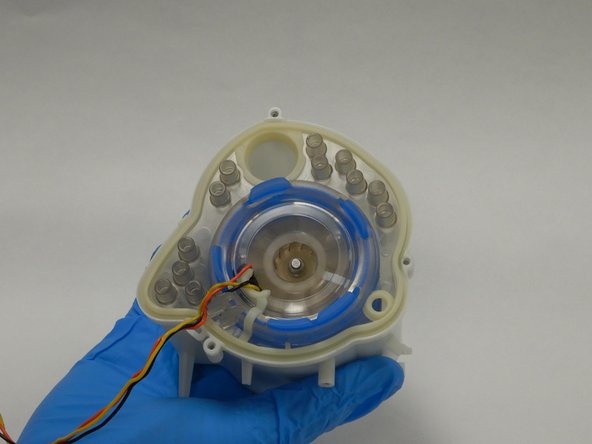
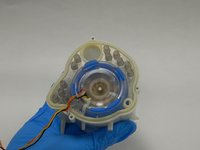
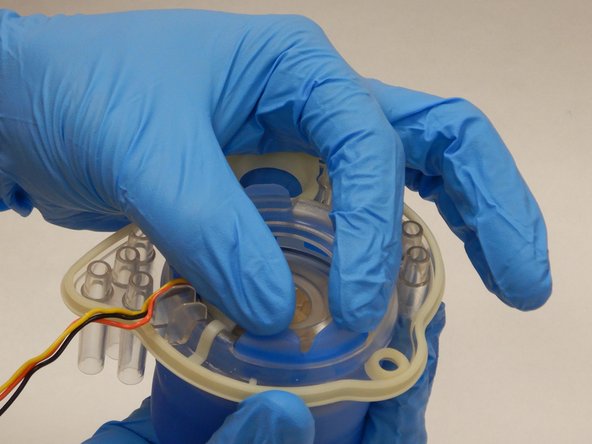
      • Remove the pump assembly from the pump casing and face the pump assembly with the mounting plate facing you.

      • With the pump assembly out of the pump, there is a mounting plate that needs to be removed to access the pump.

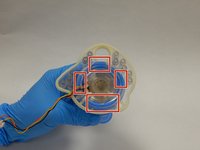
      • There are 5 rubber ridges connecting the mounting plate to the rubber sock encasing the pump.

      • Push the ridges through the holes in the mounting plate.

      Ask FixBot

      Add Comment

    16. ResMed AirSense 10 Pump Motor Replacement: step 16, image 1 of 1
      • Separate the mounting plate from the rubber sock.

      Ask FixBot

      Add Comment

    17. ResMed AirSense 10 Pump Motor Replacement: step 17, image 1 of 3 ResMed AirSense 10 Pump Motor Replacement: step 17, image 2 of 3 ResMed AirSense 10 Pump Motor Replacement: step 17, image 3 of 3
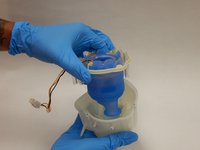
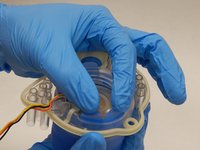
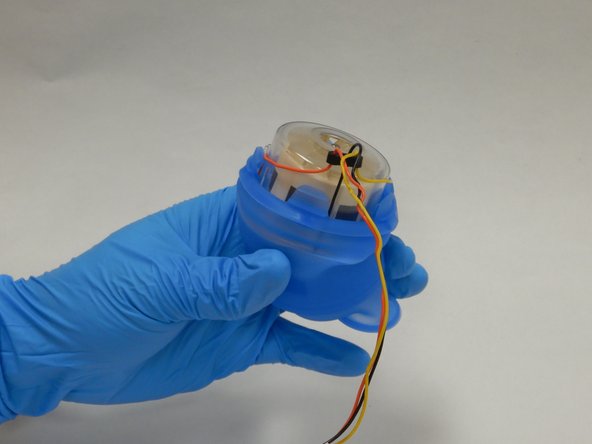
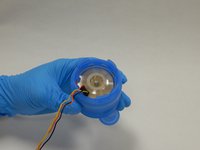
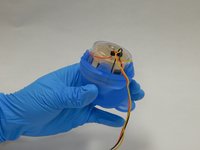
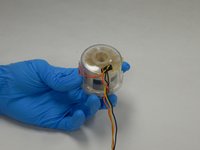
      • Pull off the rubber sock to expose the pump.

      • Do not damage the wires while removing the rubber sock.

      • The exposed pump can now be cleaned and inspected for damage.

      Ask FixBot

      Add Comment

Conclusion

To reassemble your device, follow these instructions in reverse order.

Cancel: I did not complete this guide.

70 other people completed this guide.

62 Guide Comments

Thank you @jaceyt ! This was spot on.

glove2006 - Reply Share
Where can i buy a replacement pump?

Shayne Braid - Reply Share

Alibaba sells the pump. Everyone else is OOS.

Travis Verner - Reply Share

got mine from aliexpress, but they are also on amazon

Tracy White - Reply Share

Grabbed one on Amazon for like 90$. Worked without issues! woot, now I have my new one and this fixed my old one's motor which aged as a backup. 👍

James Tucholski - Reply Share

Add Comment

View Statistics:

Past 24 Hours: 39

Past 7 Days: 244

Past 30 Days: 1,261

All Time: 76,082