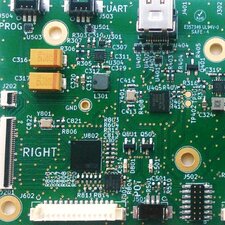
Replace faultly digit

Pierre Le Gargasson and one other contributor
Last updated on Aug 9, 2025
Views: 396
View statistics:
- Past 24 Hours:
- 4
- Past 7 Days:
- 24
- Past 30 Days:
- 93
- All Time:
- 396
Comments: 0
No one has left comments on this guide. Will you be first?
Go to guide commentsCompleted: 0 1
No one has marked this guide "completed." Will you be the first?
1 person has marked this guide "completed." It's you — great job!
Favorites: 0 1
No one has favorited (and subscribed to) this guide. Will you be the first?
1 person has favorited (and subscribed to) this guide — and that's you!
Community-Contributed Guide
An awesome member of our community made this guide. It was not created by iFixit staff.
Introduction
Go to step 1 ↓Digits are enlighted by leds. After a while, some led intensity decrease or goes into short circuit. Let see how to replace the led.
-
-
-
Unplug the power supply from the wall, remove batteries.
-
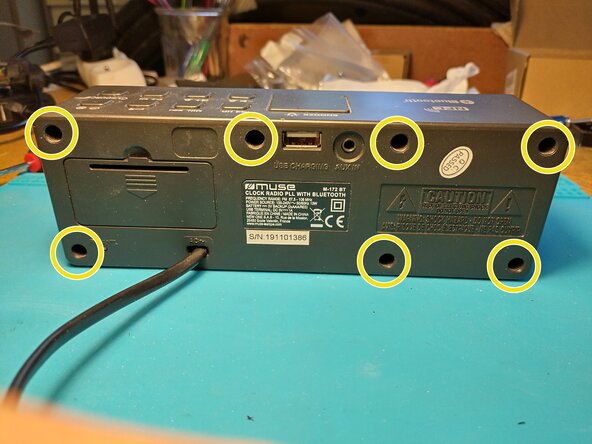
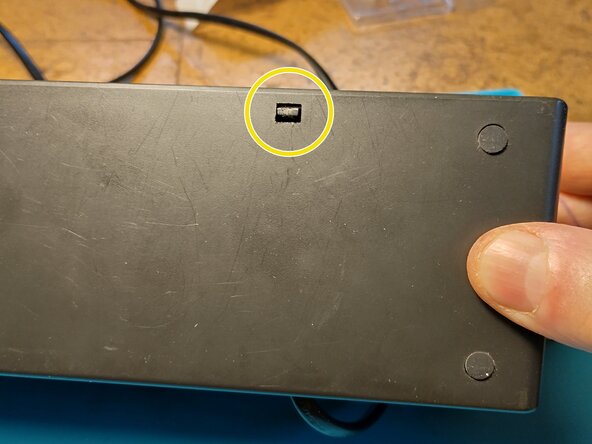
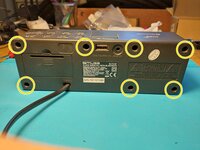
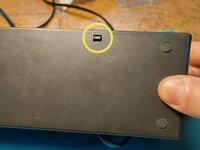
Unscrew x7 and open the device by unlocking the plastic clip on the bottom face.
-
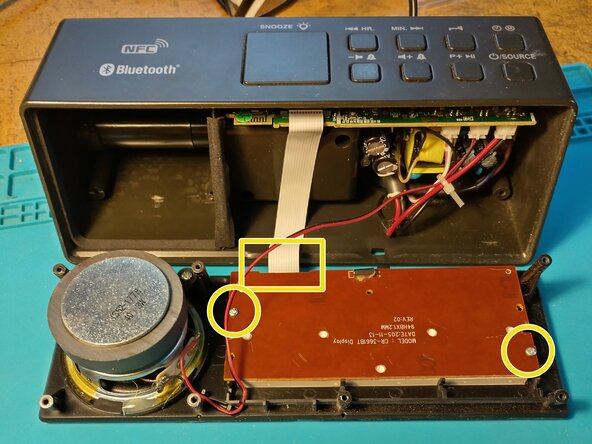
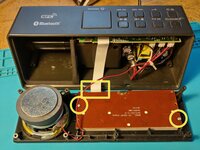
On the rear of the display panel, unscrew x2 and unclip the flat cable.
 Ask FixBot
-
-
-
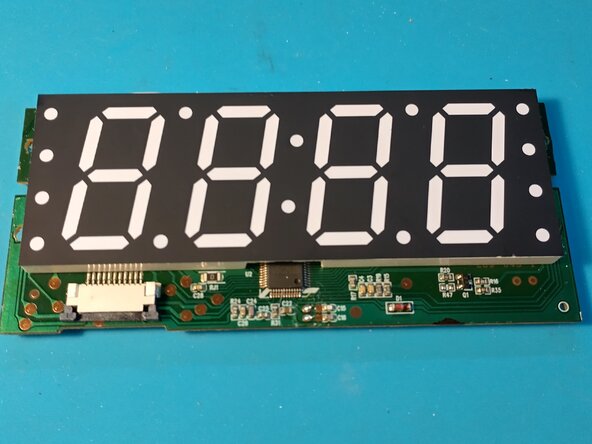
We want to separate the digit support from the PCB to access the leds.
-
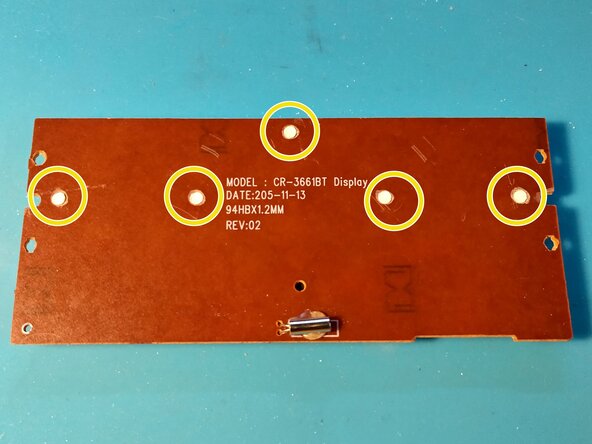
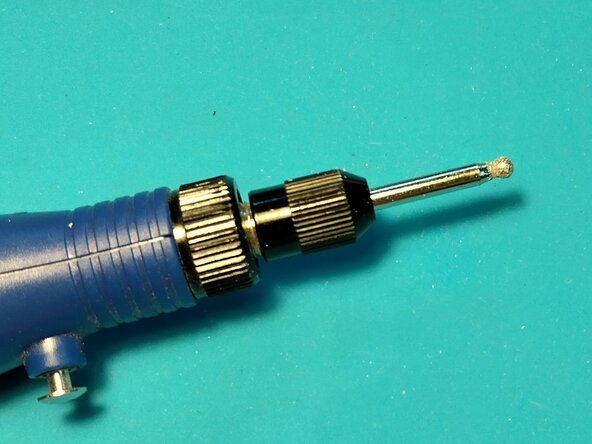
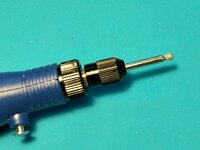
On the back, mill the white clips to free the PCB from the digit support. I used a Dremel like tool.
-
-
-
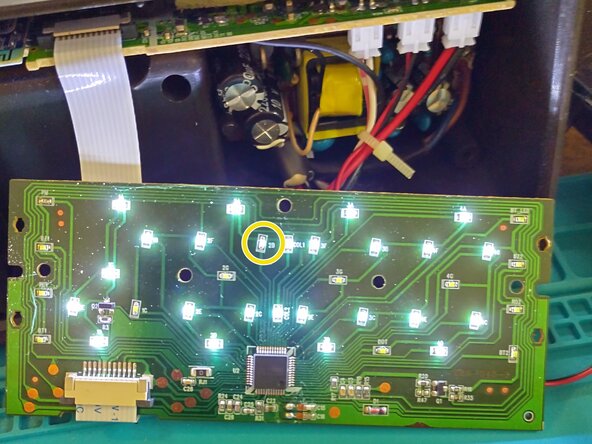
You can test the leds by plug in the flat cable. Be carefull of high voltage.
-
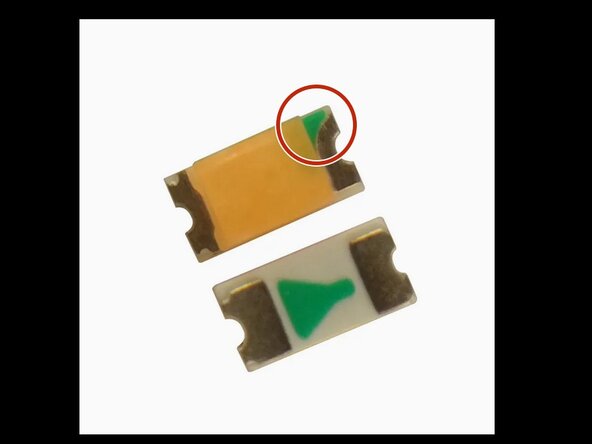
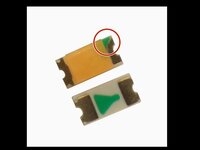
In my case, I had to replace the 2B led. Locate the green mark before unsoldering the led. Green mark goes to the driver chip.
-
To buy leds, search Internet with key words : white led smd 0603
-
-
-
Pour réassembler votre appareil, suivez les instructions dans l'ordre inverse.