Free Shipping on Domestic Orders $75+

Repairing HTC Droid Incredible LCD

Archived Guide
This guide is retained solely for historical purposes. Use the updated version of the guide to perform your repair.

What you need

  1. Repairing HTC Droid Incredible LCD, Battery: step 1, image 1 of 3 Repairing HTC Droid Incredible LCD, Battery: step 1, image 2 of 3 Repairing HTC Droid Incredible LCD, Battery: step 1, image 3 of 3
    • Pry off back plastic, starting at the gap provided at the bottom of the phone. A spudger can be used to make this easier.

    Ask FixBot

    Add Comment

  2. Repairing HTC Droid Incredible LCD: step 2, image 1 of 2 Repairing HTC Droid Incredible LCD: step 2, image 2 of 2
    • Remove battery, prying from the provided gap at the upper-right corner of the battery

    Ask FixBot

    Add Comment

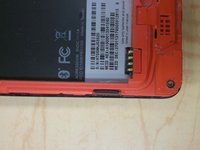
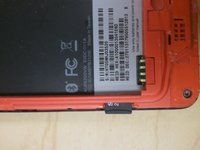
  3. Repairing HTC Droid Incredible LCD, Back Panel: step 3, image 1 of 2 Repairing HTC Droid Incredible LCD, Back Panel: step 3, image 2 of 2
    • Depress MicroSD to eject it from the side of the case.

    Ask FixBot

    Add Comment

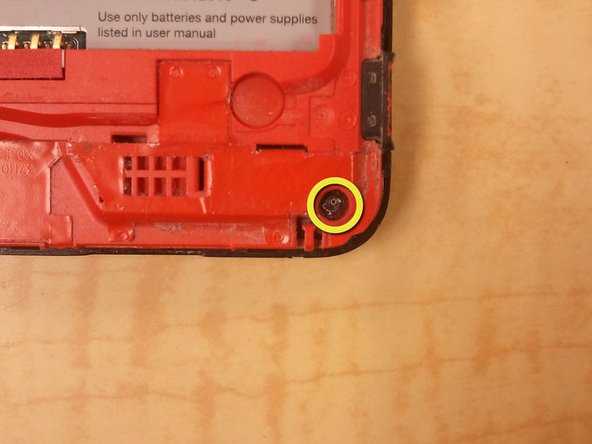
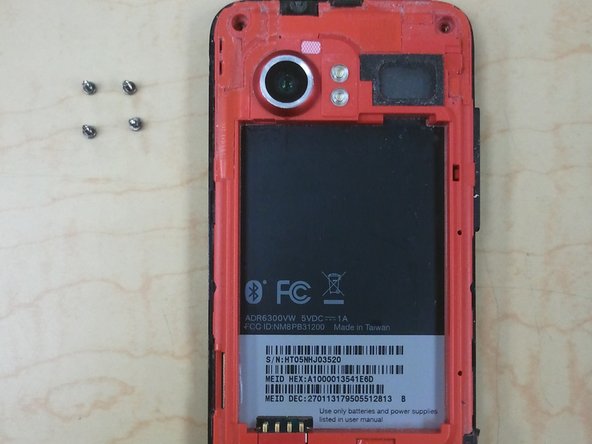
  4. Repairing HTC Droid Incredible LCD: step 4, image 1 of 3 Repairing HTC Droid Incredible LCD: step 4, image 2 of 3 Repairing HTC Droid Incredible LCD: step 4, image 3 of 3
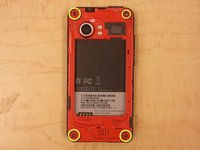
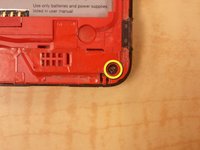
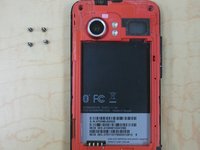
    • Remove 4 corner screws, you may have to remove a "VOID" sticker from one of the screw heads.

    Ask FixBot

    Add Comment

  5. Repairing HTC Droid Incredible LCD: step 5, image 1 of 3 Repairing HTC Droid Incredible LCD: step 5, image 2 of 3 Repairing HTC Droid Incredible LCD: step 5, image 3 of 3
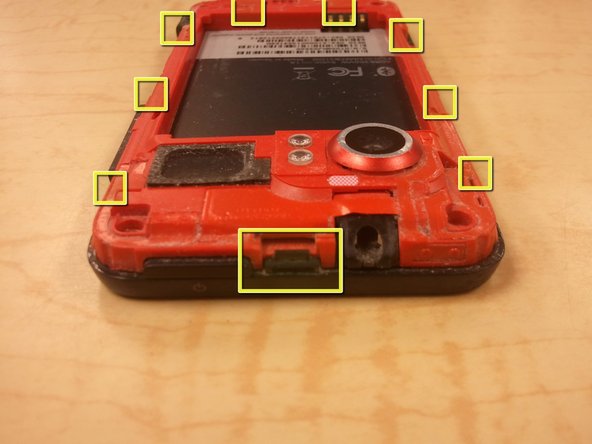
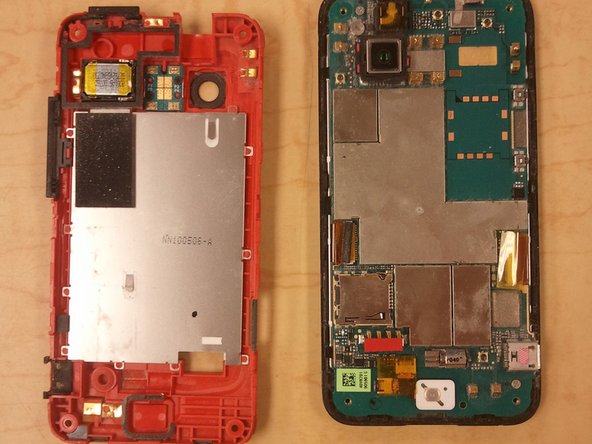
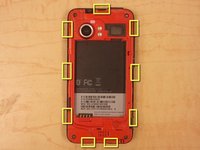
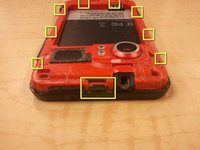
    • Using a spudger, unclip the nine clips holding the back panel to the front panel, highlighted in included pictures.

    • Start at the top, and work clockwise, being careful not to break the clips.

    • There are, 1, 3, 2, and 3 clips on each side, respectively.

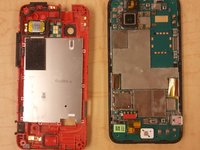
    • After the clips are disengaged, there are no cables holding the back panel in place.

    Ask FixBot

    Add Comment

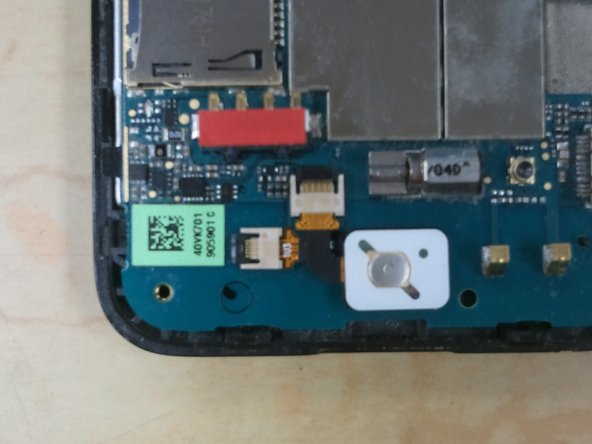
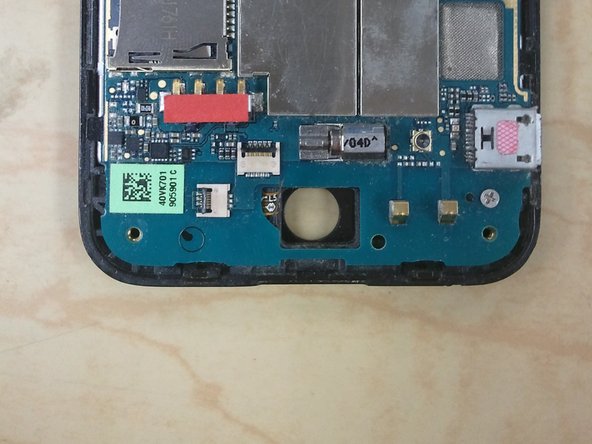
  6. Repairing HTC Droid Incredible LCD, Optical Track Pad: step 6, image 1 of 3 Repairing HTC Droid Incredible LCD, Optical Track Pad: step 6, image 2 of 3 Repairing HTC Droid Incredible LCD, Optical Track Pad: step 6, image 3 of 3
    • Use your spudger to release the jaw clip holding the Optical Track Pad cable to the logic board.

    • Remove Optical Track Pad from logic board.

    Ask FixBot

    Add Comment

  7. Repairing HTC Droid Incredible LCD, Logic Board: step 7, image 1 of 1
    • Use your spudger to release the remaining clips, disconnecting the ribbon cables from the logic board.

    Ask FixBot

    Add Comment

  8. Repairing HTC Droid Incredible LCD: step 8, image 1 of 2 Repairing HTC Droid Incredible LCD: step 8, image 2 of 2
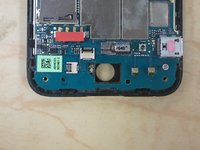
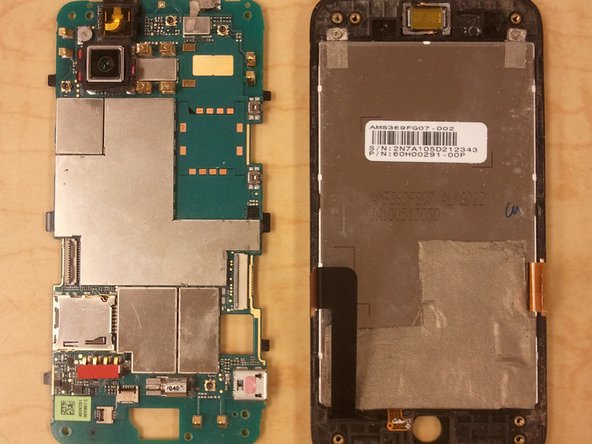
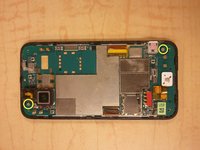
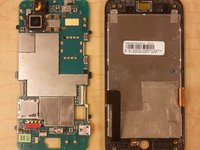
    • Remove 2 Phillips Screws holding the logic board to the front panel.

    • Gently lift the logic board off the front panel.

    Ask FixBot

    Add Comment

  9. Repairing HTC Droid Incredible LCD, LCD: step 9, image 1 of 2 Repairing HTC Droid Incredible LCD, LCD: step 9, image 2 of 2
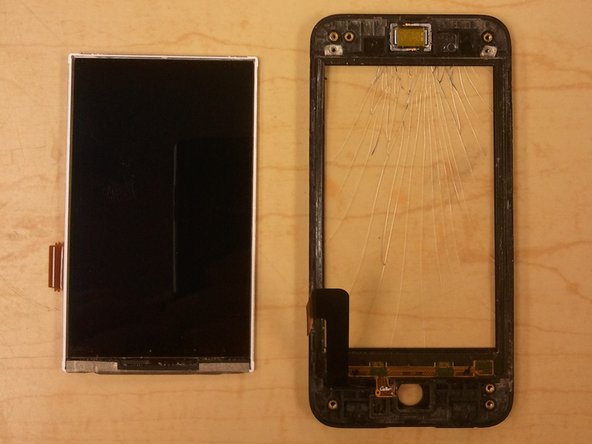
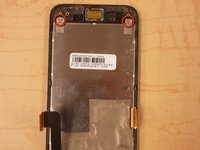
    • Remove the two phillips screws from the top of the LCD frame.

    • Use your spudger to pry the LCD out of the frame.

    Ask FixBot

    Add Comment

Conclusion

To reassemble your device, follow these instructions in reverse order.

Cancel: I did not complete this guide.

4 other people completed this guide.

Mobile Rapid Response Unit

Member since: 05/07/12

1,941 Reputation

6 Guides authored

0 Guide Comments

Add Comment

View Statistics:

Past 24 Hours: 1

Past 7 Days: 11

Past 30 Days: 36

All Time: 4,007