
Repairing Alarm Clock Clock Projector

Andrea Gangemi and
Last updated on May 22, 2019
Views: 16K
View statistics:
- Past 24 Hours:
- 12
- Past 7 Days:
- 52
- Past 30 Days:
- 205
- All Time:
- 15,741
Comments: 8
2 comments on steps, 6 guide comments.
Go to guide commentsCompleted: 6 7
6 people have marked this guide "completed." Will you be next?
7 people have marked this guide "completed." Including you — great job!
Favorites: 3 4
3 people have favorited (and subscribed to) this guide. Will you be next?
4 people have favorited (and subscribed to) this guide — including you!
Community-Contributed Guide
An awesome member of our community made this guide. It was not created by iFixit staff.
What you need
Tools

Introduction
Go to step 1 ↓After several years, the clock projector of my RRM320P was missing some segments.
Suspecting that issue could be related to some poor electrical contact I decided to try to repair it
-
-
-
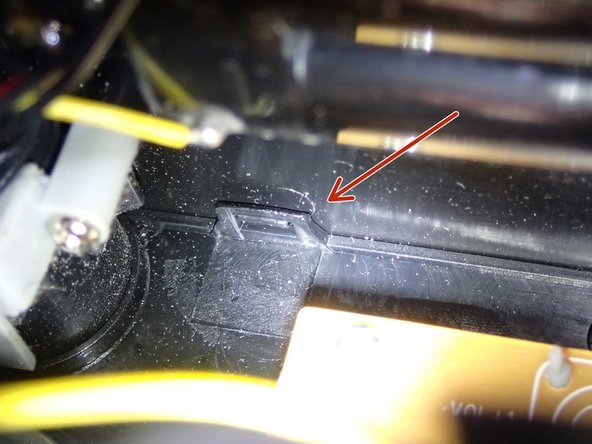
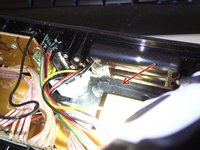
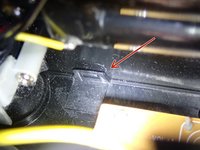
After removing the 2 screws on the bottom, carefully open the bottom frame, see location of the plastic snaps snaps
-
-
-
Removes the back panel, taking care of the other plastic snaps
-
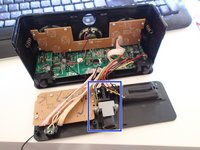
The projector and its optics is shown in the blue square
-
-
-
-
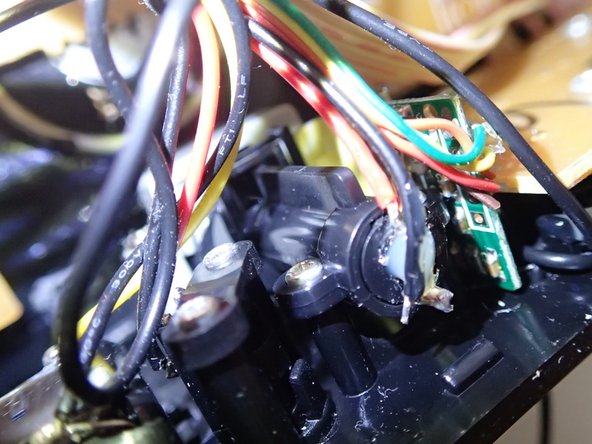
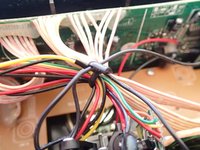
cables are tied together with a simple ribbon, in general the inner construction seems very cheap
-
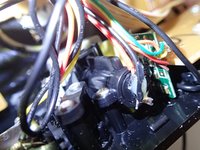
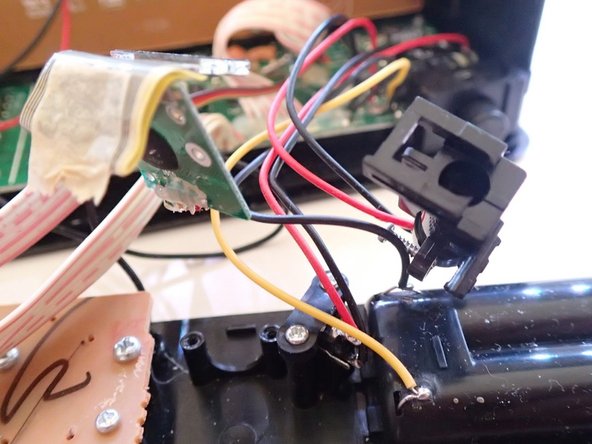
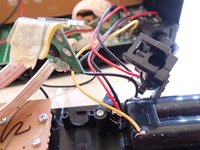
The Projector is made of three parts:
-
A red LED
-
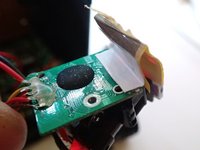
The display with its controller
-
the lens with focus mechanics
-
All parts are kept by tiny screws that you have to remove
-
Take extra caution when handling the display, the flat cable is very weak and can be damaged by improper handling
-
-
-
Carefully remove display from its supporting frame
-
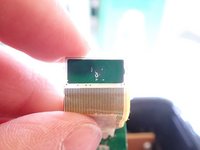
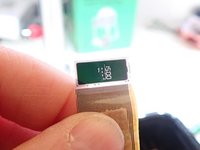
The issue should be ralated to flat cable connecting display to controller
-
-
-
Verify that moving the flat the display returns to work
-
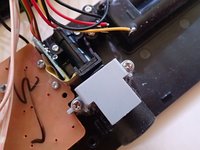
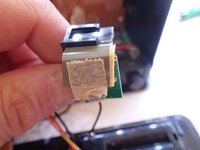
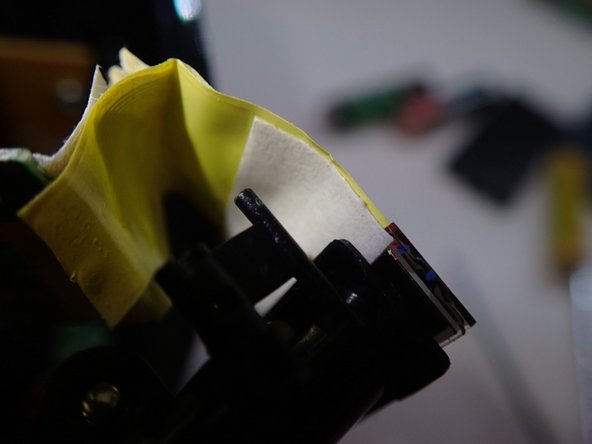
put a stiffner on controller side and close to the display
-
if everything is working, reassemble the clock by doing the steps in reverse order
-

 Ask FixBot










To reassemble your device, follow these instructions in reverse order.
Cancel: I did not complete this guide.
6 other people completed this guide.

6 Guide Comments
my Peakeep clock keeps the correct time but you can't see the time clearly. It's as if the light is turned off.
Thank you for this post! It was the exact starting point to fix my projection clock which was looking dull and had lost a few segments. While the addition of supporting tape helped for a short period, doing it again in conjunction with Step 6 of the following link (http://www.instructables.com/id/How-to-r...) - Applying heat - to the ribbon contact points was the ticket that restored my projection clock functionality.
Hi Adam, glad to helped you
