Introduction
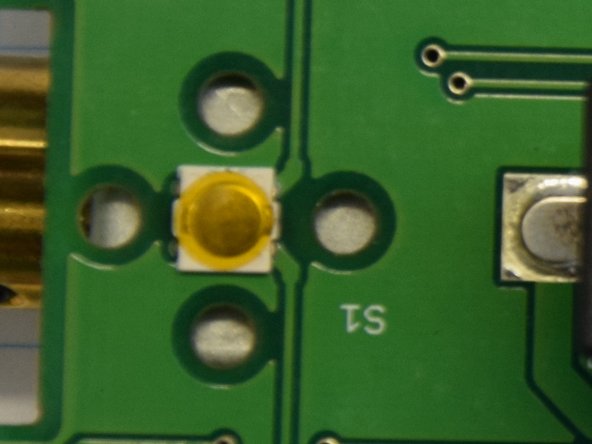
A fault was detected in the therapy cat. Although I am not a veterinarian, I was able to help. The symptom: switching on and off does not work reliably, even though the cat is sufficiently charged. The very small SMD button is cleaned.
What you need
-
-
-
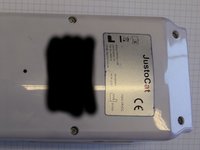
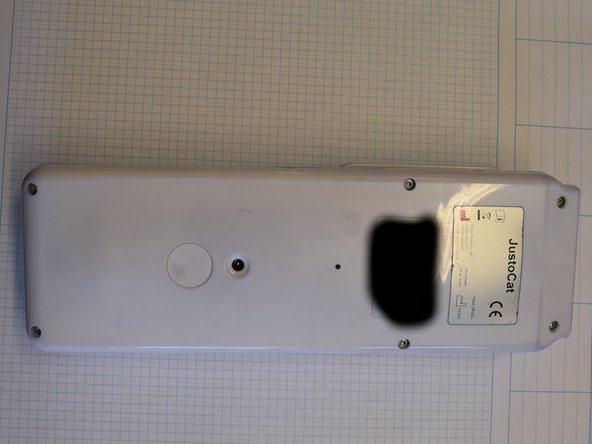
Remove six screws with Torx T10 on the backside of the device.
 Ask FixBot
-
-
-
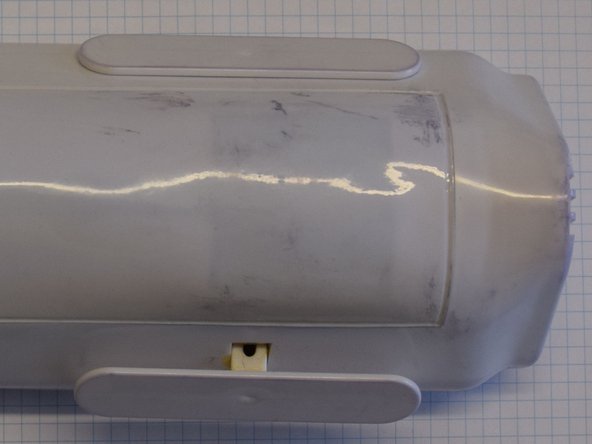
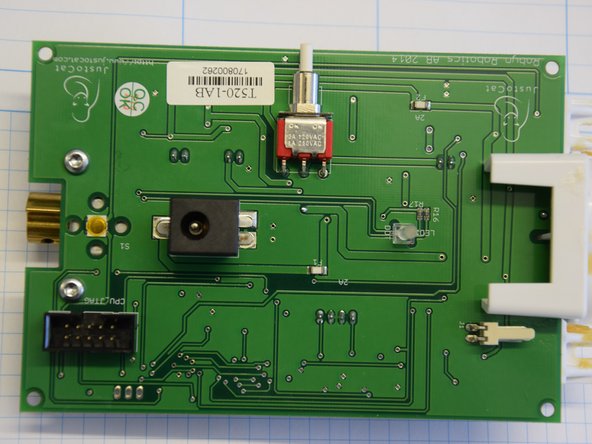
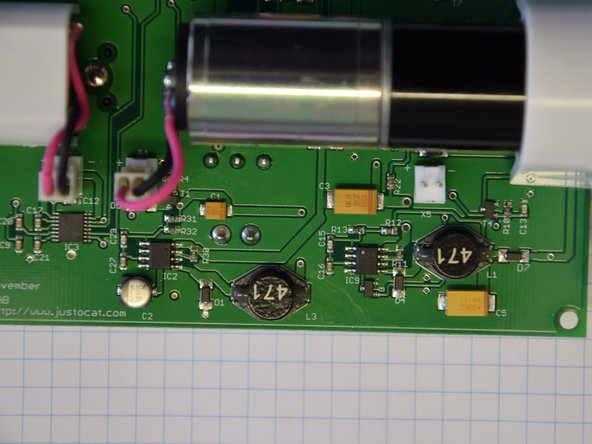
Just for information, it is NOT necessary to remove the printed circuit board! There are three connectors: speaker, battery and sensor.
-
-
-
-
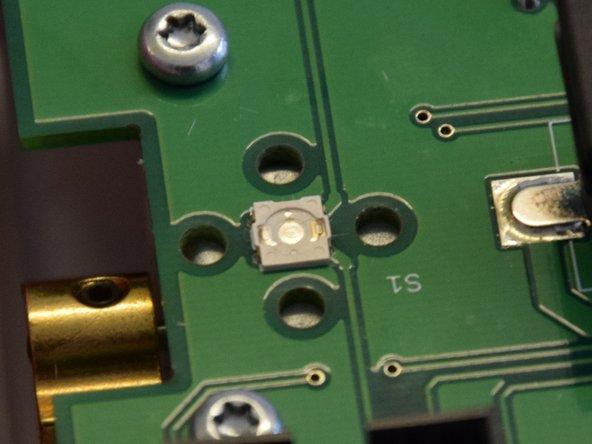
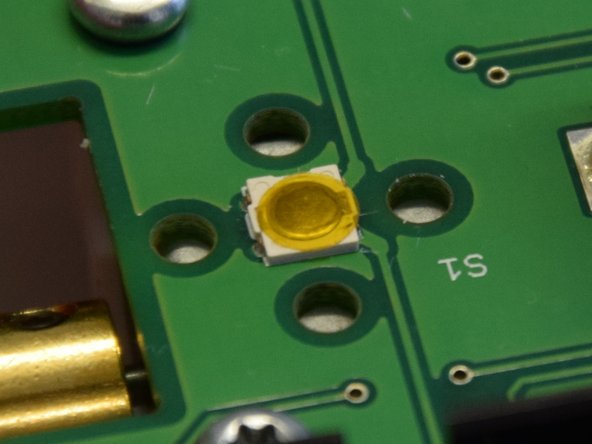
Button: pick the membrane and the adhesive stick up, clean with glass fiber brush and some Isopropyl alcohol. Let it dry, reassemble it. Fix it with some tape of Teflon.
-
Test it, you should feel the pressure point with a click.
-
-
-
Example of securing with Teflon tape or similar thin adhesive tape.
-
I did not try the following: One could add a coil spring arround the white part of the push button of the case. The Spring could relieve the small button.
-
-
-
Assembly: put the case together, ensure the free move of the button, are all connectors in place?
-
Assembly: Use the six screws to fix the case.
-
-



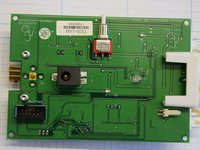
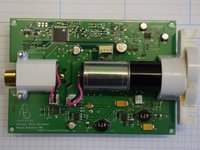
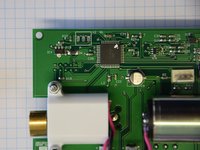
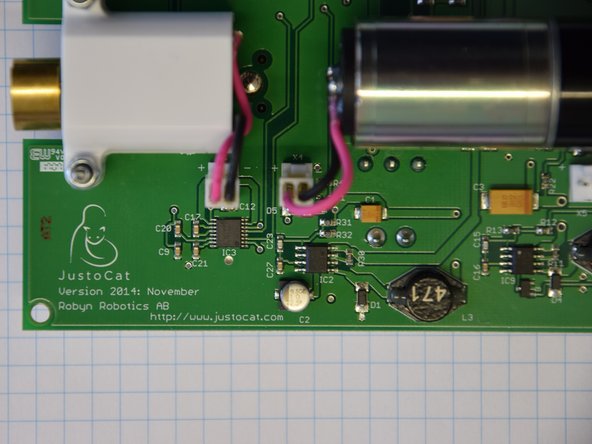







Just assemble in opposite order the steps to reassemble the device.
Cancel: I did not complete this guide.
One other person completed this guide.
Special thanks to these translators:
100%


These translators are helping us fix the world! Want to contribute?
Start translating ›

