
Removinging Panasonic DVD-RV31 Player Rear Panel

Kevin and 4 other contributors
Last updated on Jan 28, 2014
Views: 2.8K
View statistics:
- Past 24 Hours:
- 3
- Past 7 Days:
- 16
- Past 30 Days:
- 96
- All Time:
- 2,770
Comments: 0
No one has left comments on this guide. Will you be first?
Go to guide commentsCompleted: 1 2
1 person has marked this guide "completed." Will you be next?
2 people have marked this guide "completed." Including you — great job!
Favorites: 2 3
2 people have favorited (and subscribed to) this guide. Will you be next?
3 people have favorited (and subscribed to) this guide — including you!
Step Trimmer
This guide has unnecessary steps. Trim them to be more concise!
Introduction
Go to step 1 ↓Outline what you are going to teach someone how to do.
What you need
Tools

-
-
-
Remove the three screws running along the back edge of case cover.
-
Remove the two screws from each side of the case cover.
 Ask FixBot
-
-
-
Grab edges of the cover with your hands. Pull outward slightly, then straight up.
-
-
-
-
-
Be sure case cover has been removed prior to back panel removal.
-
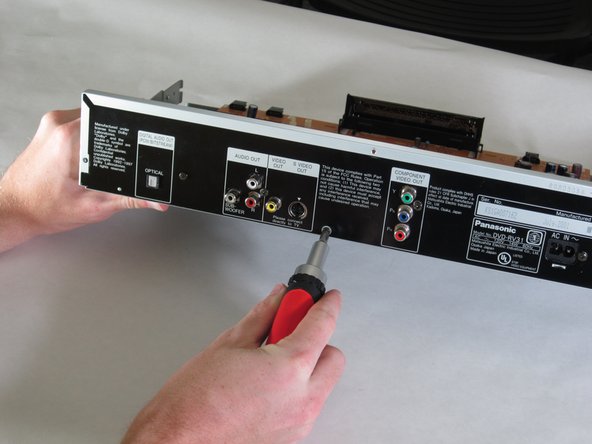
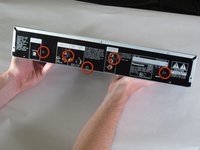
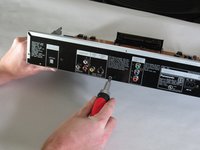
Remove 5 screws from panel, as shown.
-
-
-
-
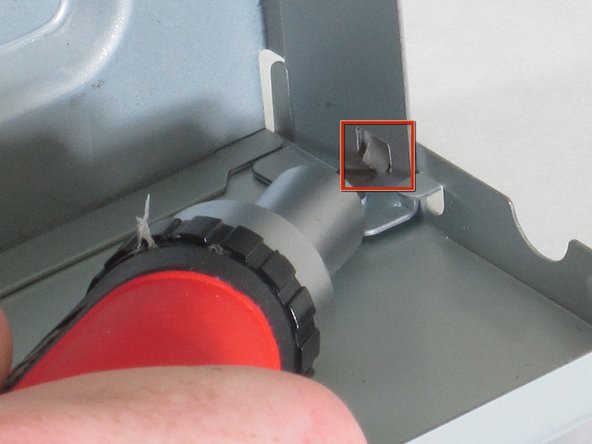
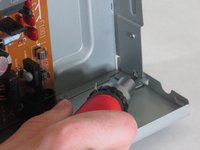
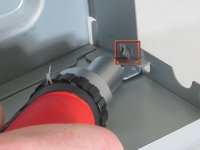
Use flat-head screwdriver to push in square tabs, located on each side of the back panel.
-
Use caution, the edges are sharp.
-
-



To reassemble your device, follow these instructions in reverse order.
Cancel: I did not complete this guide.
One other person completed this guide.

Team

Cal Poly, Team 18-20, Garner Spring 2011 Member of Cal Poly, Team 18-20, Garner Spring 2011
CPSU-GARNER-S11S18G20
4 Members
132 Guides authored
