Free Shipping on Domestic Orders $75+

Removing Samsung DVD-P230 Tray

Views: 2.6K

View statistics:

Past 24 Hours:
2
Past 7 Days:
26
Past 30 Days:
97
All Time:
2,577
Comments: 1

1 comment on steps.

Completed: 1

1 person has marked this guide "completed." Will you be next?

Favorites: 0

No one has favorited (and subscribed to) this guide. Will you be the first?

Time Required: 4 minutes
Difficulty: Moderate
Removing Samsung DVD-P230 Tray

What you need

Tools

    1. Removing Samsung DVD-P230 Tray, Outer Cover & Faceplate: step 1, image 1 of 3 Removing Samsung DVD-P230 Tray, Outer Cover & Faceplate: step 1, image 2 of 3 Removing Samsung DVD-P230 Tray, Outer Cover & Faceplate: step 1, image 3 of 3
      • Open the tray by pressing the eject button

      • Remove the DVD tray faceplate by pushing the faceplate up off of the tray.

      Ask FixBot

      Add Comment

    2. Removing Samsung DVD-P230 Tray: step 2, image 1 of 1
      • Press the eject button to insert the tray

      • After the tray is closed unplug DVD player

      Ask FixBot

      Add Comment

    3. Removing Samsung DVD-P230 Tray: step 3, image 1 of 1
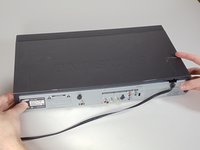
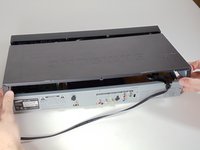
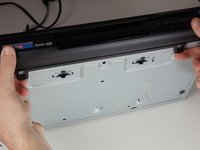
      • Unscrew the 3 screws in the back.

      Ask FixBot

      Add Comment

    4. Removing Samsung DVD-P230 Tray: step 4, image 1 of 2 Removing Samsung DVD-P230 Tray: step 4, image 2 of 2
      • Pull the outer case upward and then towards you.

      Ask FixBot

      Add Comment

    5. Removing Samsung DVD-P230 Tray: step 5, image 1 of 3 Removing Samsung DVD-P230 Tray: step 5, image 2 of 3 Removing Samsung DVD-P230 Tray: step 5, image 3 of 3
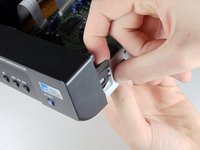
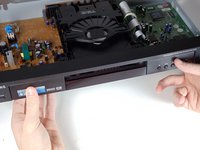
      • There are six symmetrically placed tabs holding in the front faceplate. Unhook these six tabs to loosen the faceplate.

      Ask FixBot

      Add Comment

    6. Removing Samsung DVD-P230 Tray: step 6, image 1 of 2 Removing Samsung DVD-P230 Tray: step 6, image 2 of 2
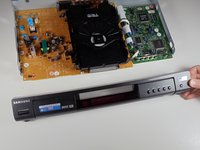
      • Pull off front faceplate. This may take a couple of tries to get all six tabs unhooked simultaneously.

      Ask FixBot

      Add Comment

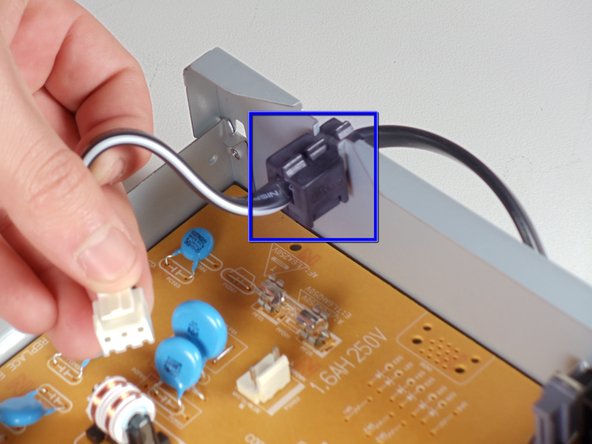
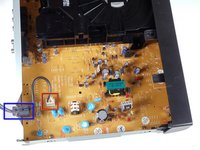
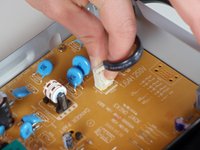
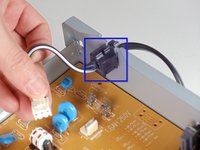
    1. Removing Samsung DVD-P230 Tray, Power Cord: step 7, image 1 of 3 Removing Samsung DVD-P230 Tray, Power Cord: step 7, image 2 of 3 Removing Samsung DVD-P230 Tray, Power Cord: step 7, image 3 of 3
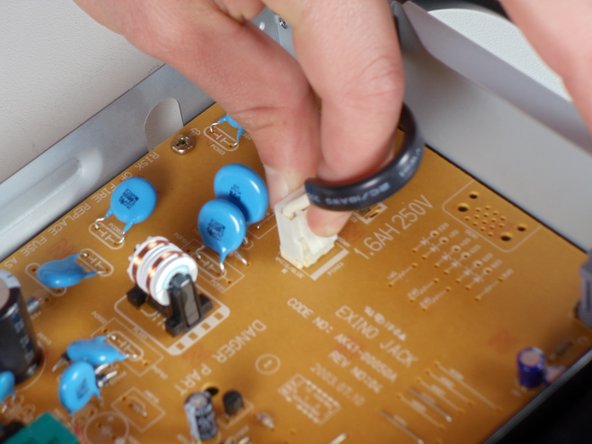
      • Locate the white clip that attaches the cord to the motherboard

      • Grasp clip and squeeze to release

      • Lift up and remove power cord

      • Slide cord mount from outer case

      Ask FixBot

      Add Comment

    1. Removing Samsung DVD-P230 Tray, Tray: step 8, image 1 of 3 Removing Samsung DVD-P230 Tray, Tray: step 8, image 2 of 3 Removing Samsung DVD-P230 Tray, Tray: step 8, image 3 of 3
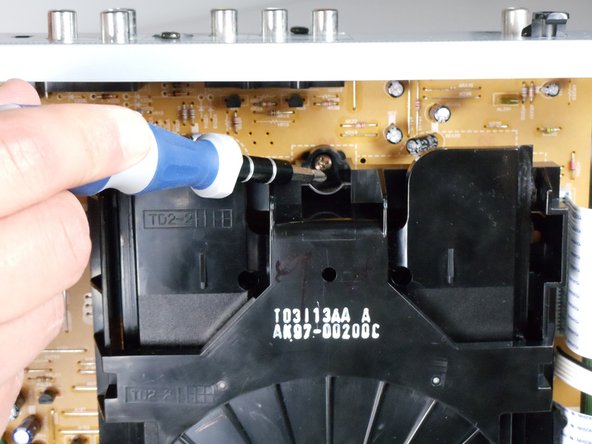
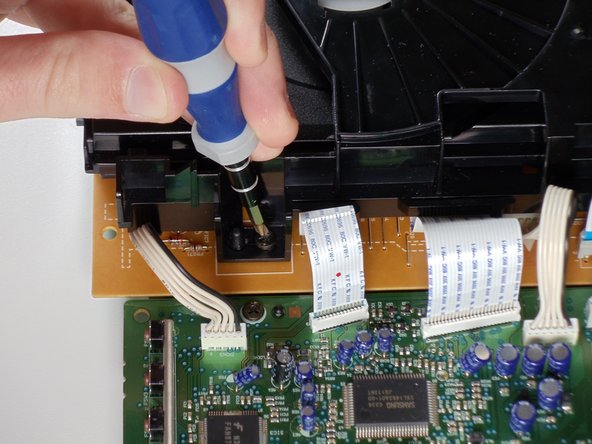
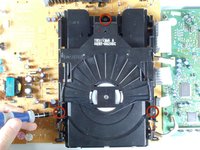
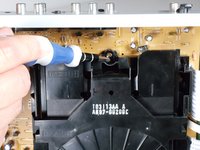
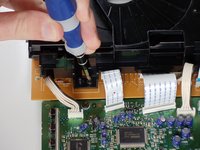
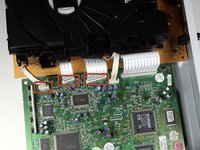
      • Remove the three screws holding in the DVD tray

      Ask FixBot

      Add Comment

    2. Removing Samsung DVD-P230 Tray: step 9, image 1 of 2 Removing Samsung DVD-P230 Tray: step 9, image 2 of 2
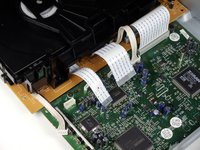
      • Remove the power cord and first two ribbons by pulling them directly out of their sockets.

      Ask FixBot

      Add Comment

    3. Removing Samsung DVD-P230 Tray: step 10, image 1 of 2 Removing Samsung DVD-P230 Tray: step 10, image 2 of 2
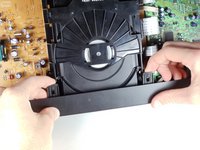
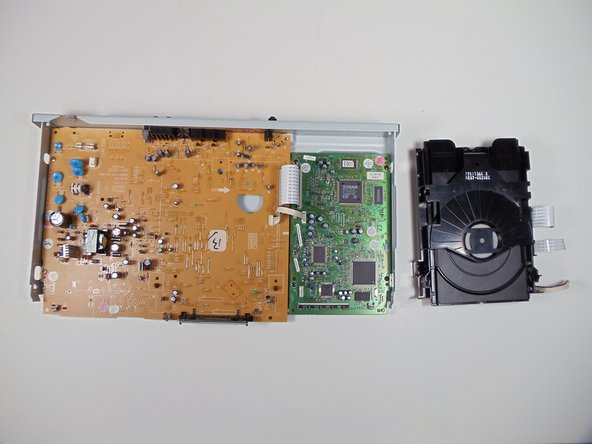
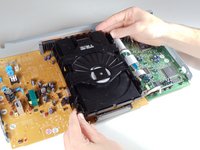
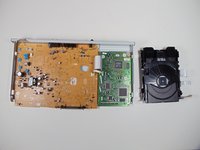
      • Gently lift the DVD tray off of the motherboard.

      Ask FixBot

      Add Comment

Conclusion

To reassemble your device, follow these instructions in reverse order.

Cancel: I did not complete this guide.

One other person completed this guide.

Evan Domingue

Member since: 01/28/11

410 Reputation

3 Guides authored

Team

Cal Poly, Team 3-30, Regan Winter 2011 Member of Cal Poly, Team 3-30, Regan Winter 2011

CPSU-REGAN-W11S3G30

4 Members

96 Guides authored

0 Guide Comments

Add Comment

View Statistics:

Past 24 Hours: 2

Past 7 Days: 26

Past 30 Days: 97

All Time: 2,577