
Removing Olympus FE-210 Rear Casing

Last updated on Jan 28, 2014
Views: 3.4K
View statistics:
- Past 24 Hours:
- 2
- Past 7 Days:
- 15
- Past 30 Days:
- 103
- All Time:
- 3,408
Comments: 0
No one has left comments on this guide. Will you be first?
Go to guide commentsCompleted: 1 2
1 person has marked this guide "completed." Will you be next?
2 people have marked this guide "completed." Including you — great job!
Favorites: 2 3
2 people have favorited (and subscribed to) this guide. Will you be next?
3 people have favorited (and subscribed to) this guide — including you!
Markup Mishap
This guide needs better markups. Help out by correcting or making some markup annotations.
Introduction
Go to step 1 ↓Removing the rear camera casing will give you access to the inside of the camera.
What you need
Tools

-
-
-
The battery compartment is located on the bottom side of the camera. Push the button in, and slide the cover to get access to the batteries.
 Ask FixBot
-
-
-
-
-
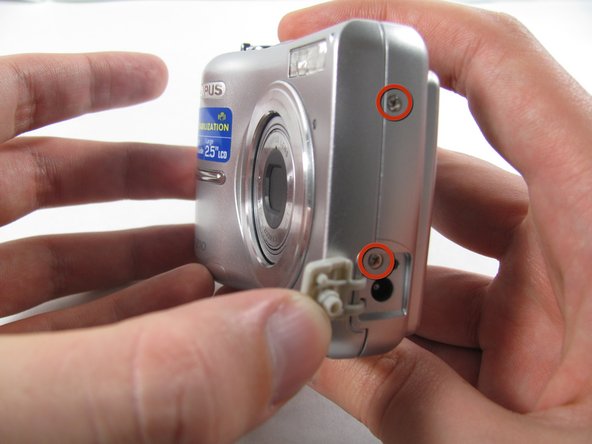
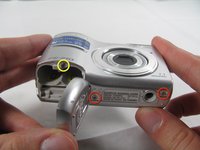
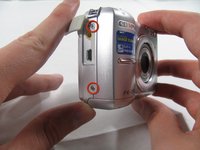
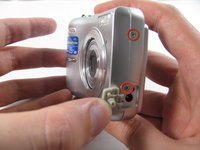
Remove the seven screws holding the front case in place, with a Phillips #00 screwdriver.
-
Six screws are 3.6 mm.
-
The seventh screw is 3.2 mm.
-
-
-
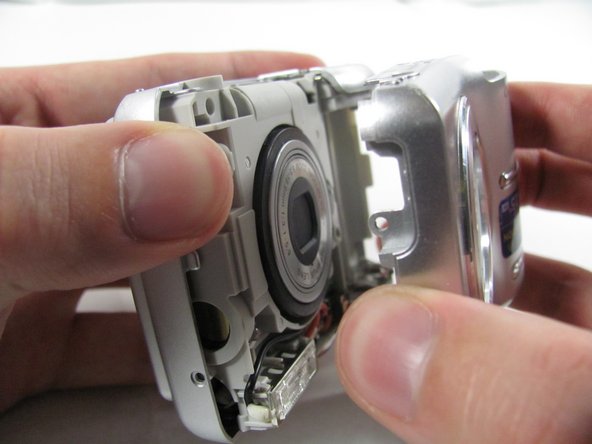
Insert an opening tool or spudger into the seam between the front case and body of the camera to release the clips holding it together.
-
These three places are located:
-
At the top and bottom of the battery side (opposite of side pictured) of the case.
-
Right in the middle of the DC-in side (side pictured) of the case.
-
Top of the camera, to the left of the power button.
-
Once those places are disconnected, the front case will pop right off.
-
-
-
-
-
-
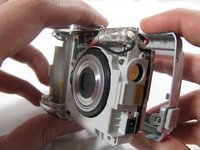
Remove the 3.2 mm screw in the battery compartment using a #00 screwdriver.
-
-
-
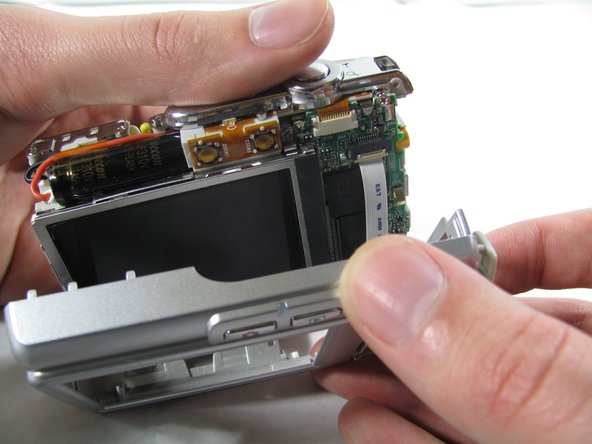
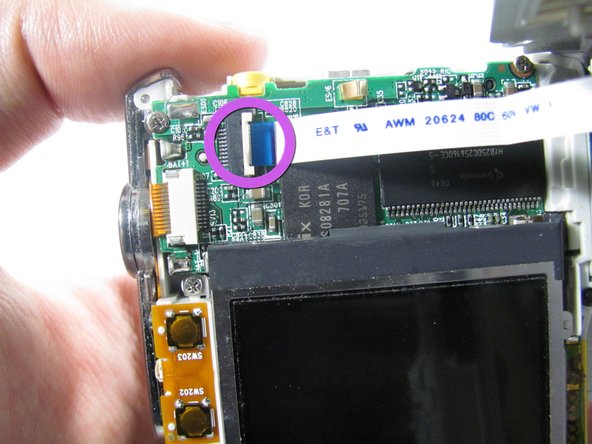
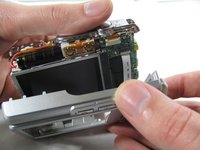
Carefully pull the rear case away from the camera until you have access to the cord connected to the motherboard.
-
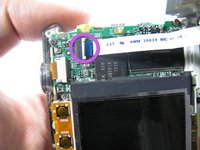
Lift the white latch using a fingernail or a spudger.
-
Pull the cord from its connector.
-
-






To reassemble your device, follow these instructions in reverse order.
Cancel: I did not complete this guide.
One other person completed this guide.

Team

Cal Poly, Team 4-36, Regan Winter 2011 Member of Cal Poly, Team 4-36, Regan Winter 2011
CPSU-REGAN-W11S4G36
3 Members
84 Guides authored
