Free Shipping on Domestic Orders $75+

Removing Olympus FE-210 Motherboard

What you need

  1. Removing Olympus FE-210 Motherboard, Battery: step 1, image 1 of 2 Removing Olympus FE-210 Motherboard, Battery: step 1, image 2 of 2
    • The battery compartment is located on the bottom side of the camera. Push the button in, and slide the cover to get access to the batteries.

    Ask FixBot

    Add Comment

  2. Removing Olympus FE-210 Motherboard: step 2, image 1 of 2 Removing Olympus FE-210 Motherboard: step 2, image 2 of 2
    • The batteries will slide right out.

    • When putting new batteries in, make sure they are pointing the right direction.

    Ask FixBot

    Add Comment

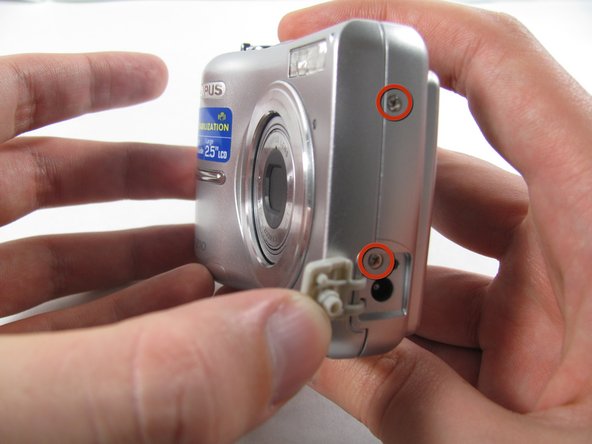
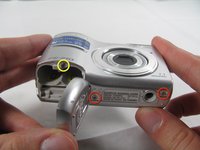
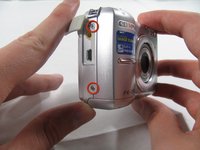
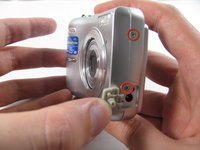
  3. Removing Olympus FE-210 Motherboard, Front Casing: step 3, image 1 of 3 Removing Olympus FE-210 Motherboard, Front Casing: step 3, image 2 of 3 Removing Olympus FE-210 Motherboard, Front Casing: step 3, image 3 of 3
    • Remove the seven screws holding the front case in place, with a #00 screwdriver.

    • Six screws are 3.6 mm.

    • The seventh screw is 3.2 mm.

    Ask FixBot

    Add Comment

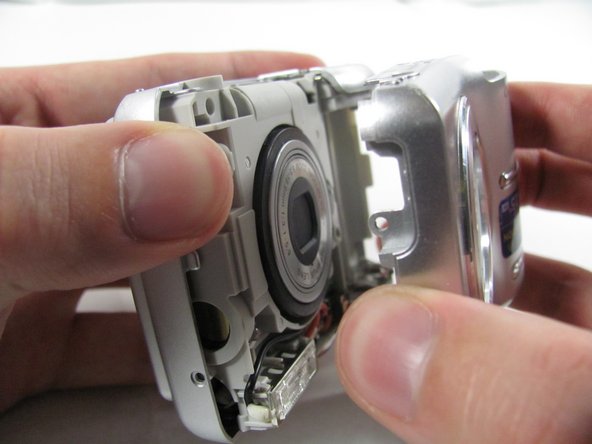
  4. Removing Olympus FE-210 Motherboard: step 4, image 1 of 3 Removing Olympus FE-210 Motherboard: step 4, image 2 of 3 Removing Olympus FE-210 Motherboard: step 4, image 3 of 3
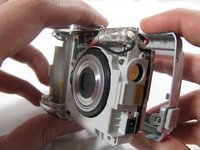
    • Apply enough pressure at the three snappable places to pull the front case off.

    • These three places are located:

    • At the top and bottom of the battery side (opposite of side pictured) of the case.

    • Right in the middle of the DC-in side (side pictured) of the case.

    • Top of the camera, to the left of the power button.

    • Once those places are disconnected, the front case will pop right off.

    • The camera in the first two pictures is upside down. This is the best position to place your thumbs to remove the case.

    Ask FixBot

    Add Comment

  5. Removing Olympus FE-210 Motherboard, Rear Casing: step 5, image 1 of 1
    • Remove the 3.2 mm screw in the battery compartment using a #00 screwdriver.

    • After removal of the screw the case will be loose, but do not tug it off. There is a cord connecting the rear controls to the motherboard.

    Ask FixBot

    Add Comment

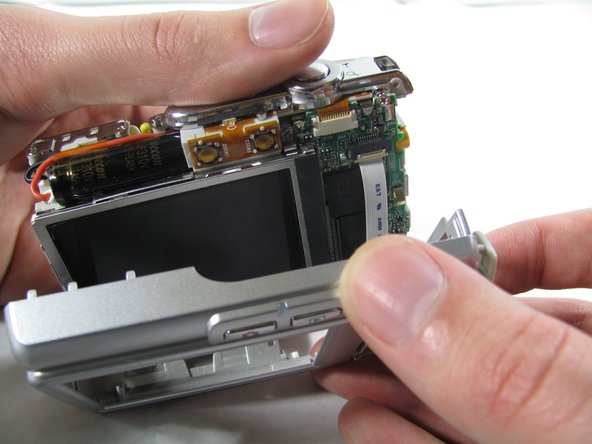
  6. Removing Olympus FE-210 Motherboard: step 6, image 1 of 3 Removing Olympus FE-210 Motherboard: step 6, image 2 of 3 Removing Olympus FE-210 Motherboard: step 6, image 3 of 3
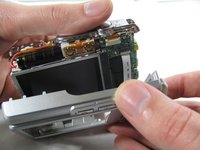
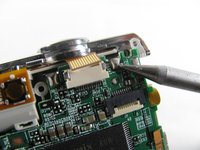
    • Carefully pull the rear case away from the camera until you have access to the cord connected to the motherboard.

    • Lift the white latch using a fingernail or a spudger.

    • Pull the cord from its connector.

    Ask FixBot

    Add Comment

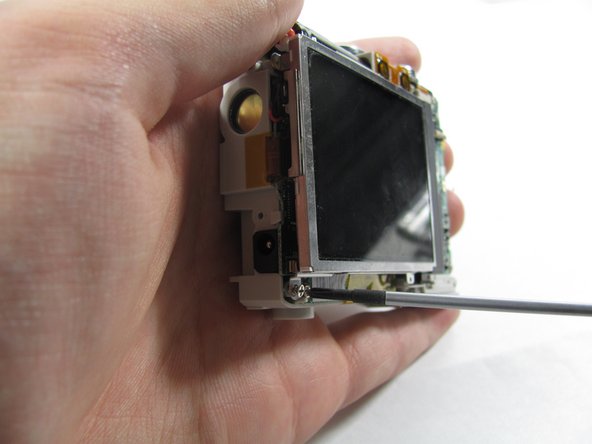
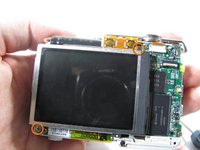
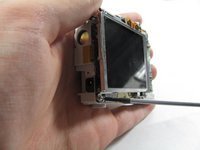
  7. Removing Olympus FE-210 Motherboard, LCD Screen: step 7, image 1 of 2 Removing Olympus FE-210 Motherboard, LCD Screen: step 7, image 2 of 2
    • Remove the two 2.7 mm screws using a #00 screwdriver.

    • After removing the screws the display will be free. Do not remove it. Like the rear case, there is a cord connecting it to the motherboard that must be disconnected first.

    Ask FixBot

    Add Comment

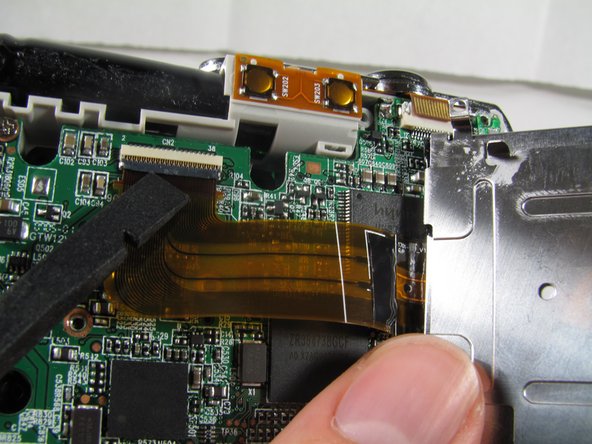
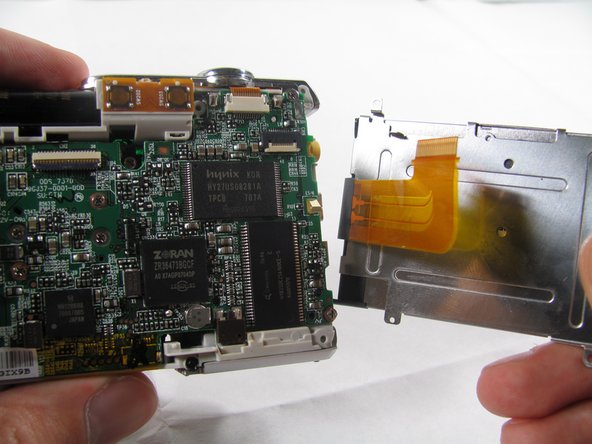
  8. Removing Olympus FE-210 Motherboard: step 8, image 1 of 3 Removing Olympus FE-210 Motherboard: step 8, image 2 of 3 Removing Olympus FE-210 Motherboard: step 8, image 3 of 3
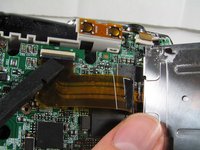
    • Using a spudger, lift the latch on the connector.

    • Remove the ribbon cord from its connector.

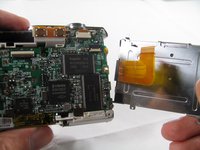
    • Remove the LCD from the rest of the camera.

    Ask FixBot

    Add Comment

  9. Removing Olympus FE-210 Motherboard, Motherboard: step 9, image 1 of 2 Removing Olympus FE-210 Motherboard, Motherboard: step 9, image 2 of 2
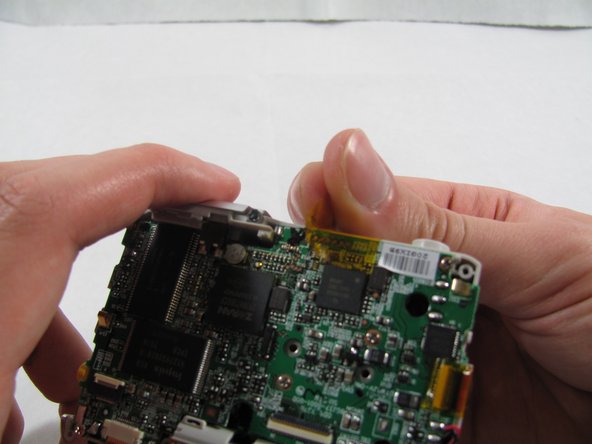
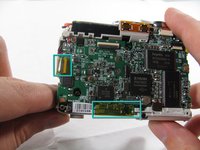
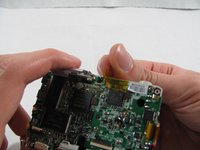
    • Remove the 2 pieces of translucent yellow tape.

    • Removing these pieces of tape will void the camera warranty. They serve no functional purpose and do not need to be replaced during reassembly.

    Ask FixBot

    Add Comment

  10. Removing Olympus FE-210 Motherboard: step 10, image 1 of 2 Removing Olympus FE-210 Motherboard: step 10, image 2 of 2
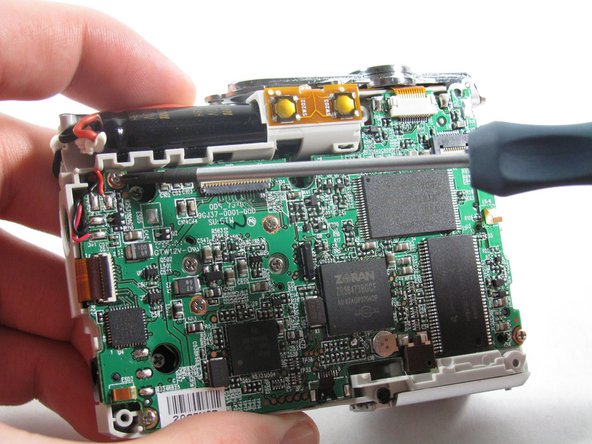
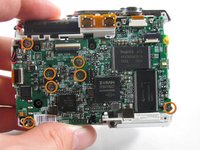
    • Remove the seven 2.7 mm using a #00 screwdriver.

    Ask FixBot

    Add Comment

  11. Removing Olympus FE-210 Motherboard: step 11, image 1 of 1
    Tool used on this step:
    Tweezers
    $4.99
    Buy
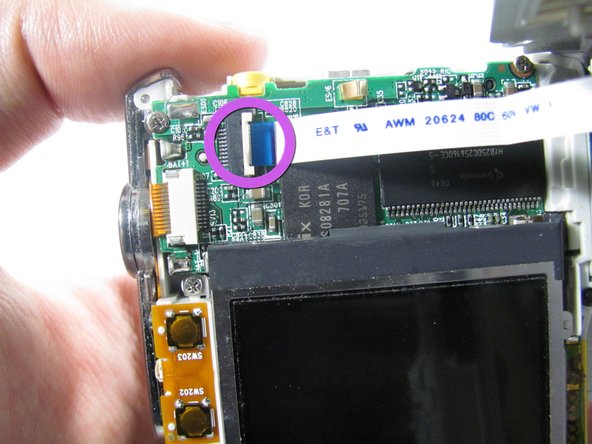
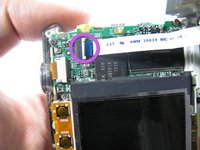
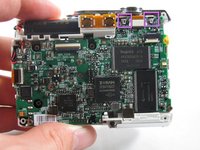
    • Remove the ribbon cord located near the top right corner of the motherboard. Do this by carefully pulling the cord out of the socket using a pair of tweezers.

    Ask FixBot

    Add Comment

  12. Removing Olympus FE-210 Motherboard: step 12, image 1 of 1
    • Disconnect the ribbon cord located on the left side of the motherboard.

    • Use tweezers or a spudger to lift the latch on the connector.

    • Carefully remove the cord from the connector.

    Ask FixBot

    Add Comment

  13. Removing Olympus FE-210 Motherboard: step 13, image 1 of 2 Removing Olympus FE-210 Motherboard: step 13, image 2 of 2
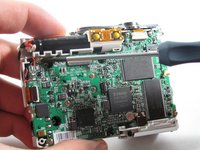
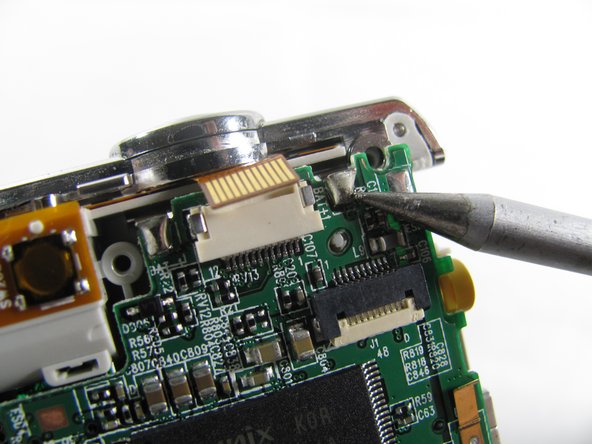
    • De-solder the 2 connection points.

    • Be careful to not damage any part of the circuit board with the soldering iron.

    Ask FixBot

    Add Comment

  14. Removing Olympus FE-210 Motherboard: step 14, image 1 of 1
    • Remove the motherboard from the camera casing.

    Ask FixBot

    Add Comment

Conclusion

To reassemble your device, follow these instructions in reverse order.

Cancel: I did not complete this guide.

Alex Wolff

Member since: 01/21/11

234 Reputation

1 Guide authored

Team

Cal Poly, Team 4-36, Regan Winter 2011 Member of Cal Poly, Team 4-36, Regan Winter 2011

CPSU-REGAN-W11S4G36

3 Members

14 Guides authored

0 Guide Comments

Add Comment

View Statistics:

Past 24 Hours: 1

Past 7 Days: 16

Past 30 Days: 82

All Time: 4,641