
Removing Delphi Myfi XM2GO LCD Screen

Aubrey and 7 other contributors
Last updated on Jan 2, 2019
Views: 2.4K
View statistics:
- Past 24 Hours:
- 2
- Past 7 Days:
- 17
- Past 30 Days:
- 92
- All Time:
- 2,407
Comments: 2
2 comments on steps.
Completed: 0 1
No one has marked this guide "completed." Will you be the first?
1 person has marked this guide "completed." It's you — great job!
Favorites: 1 2
1 person has favorited (and subscribed to) this guide. Will you be next?
2 people have favorited (and subscribed to) this guide — including you!
Missing Steps
Oops! This guide is currently missing one or more important steps.
Better Introduction
Improve this guide by completing or revising its introduction.
What you need
Tools

-
-
-
Locate the large button on the top of the device.
-
Push down on the button and slide the cover away from the button.
 Ask FixBot
-
-
-
-
-
Grab the red pull tab and pull down to unlock the latch.
-
Pull the battery out.
-
-
-
-
-
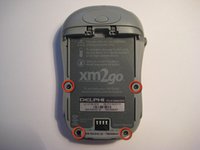
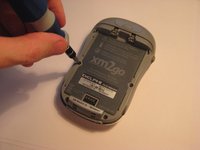
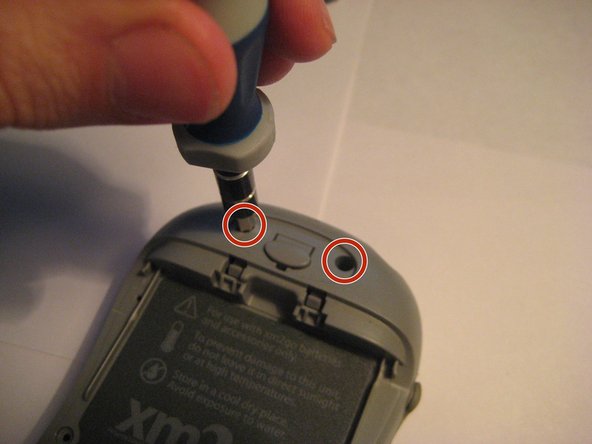
Remove the four screws from the bottom of the device using a T6 Torx screwdriver.
-
-
-
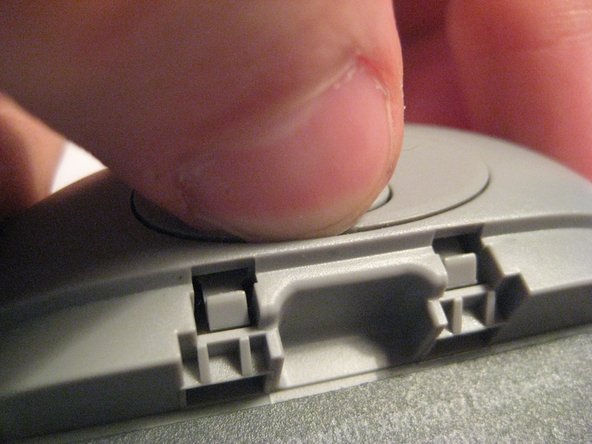
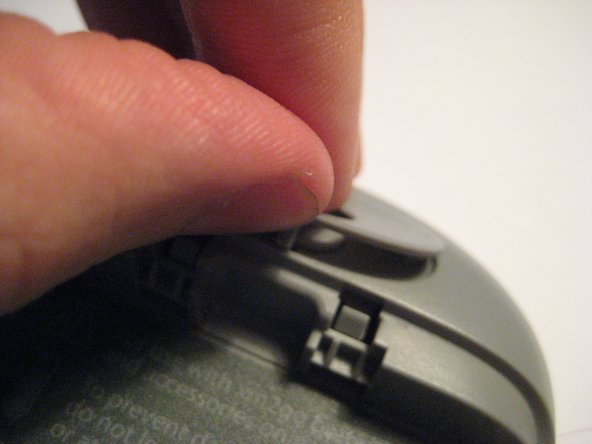
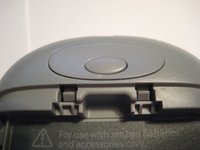
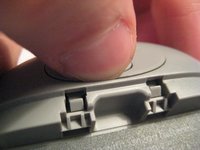
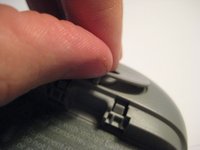
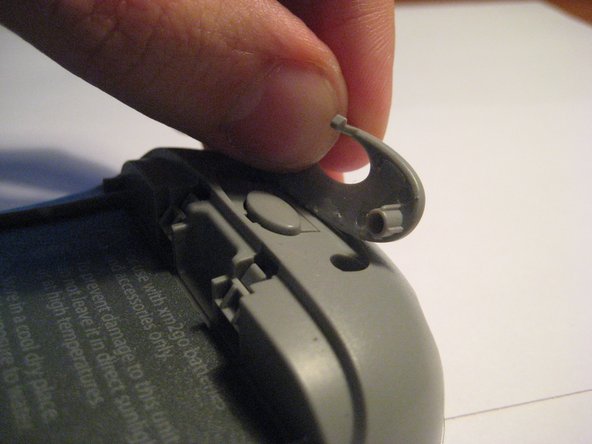
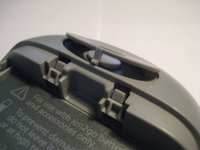
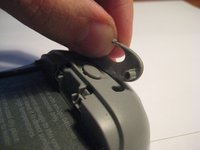
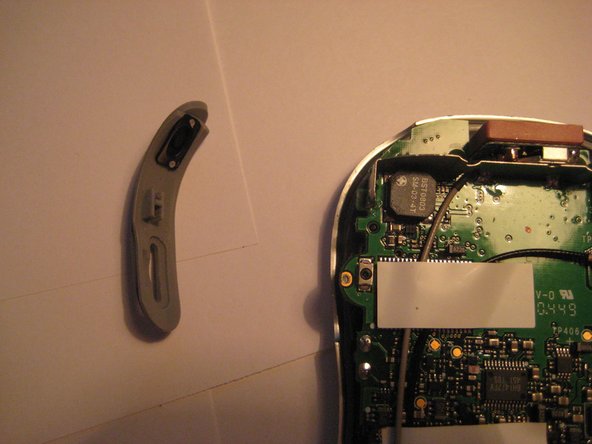
Remove the button cover on the back of the device by prying it up with a spudger or your thumb nail.
-
-
-
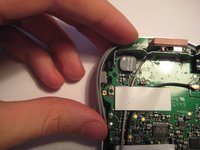
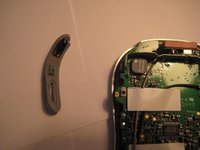
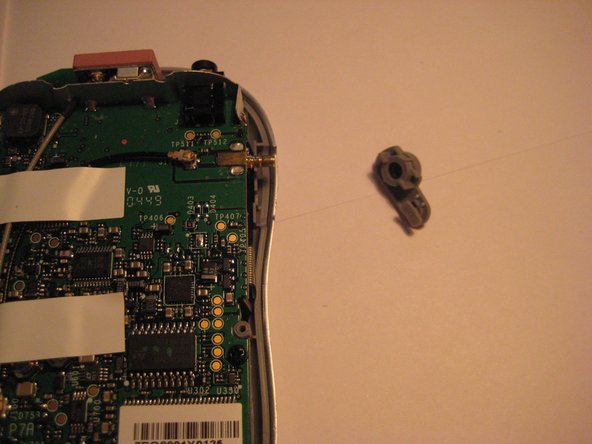
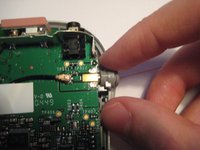
Remove the plastic antenna extension connector on the right side of the device.
-
-
-
-
-
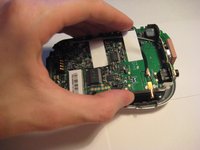
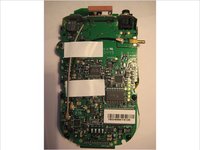
The logic board must be exposed to begin.
-
Flip the device over (see second picture).
-
-
-
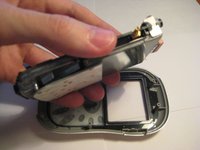
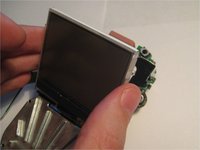
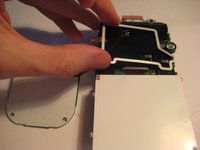
Pivot the LCD screen, pulling on the top and sides and keeping the bottom attached.
-
-
-
-
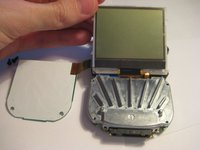
Continue to pivot the screen until it is lying on its face.
-
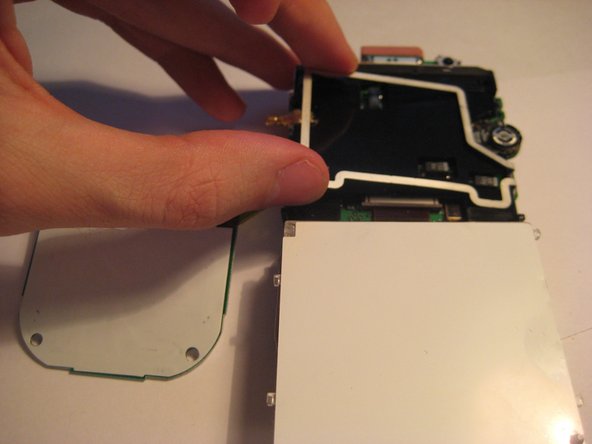
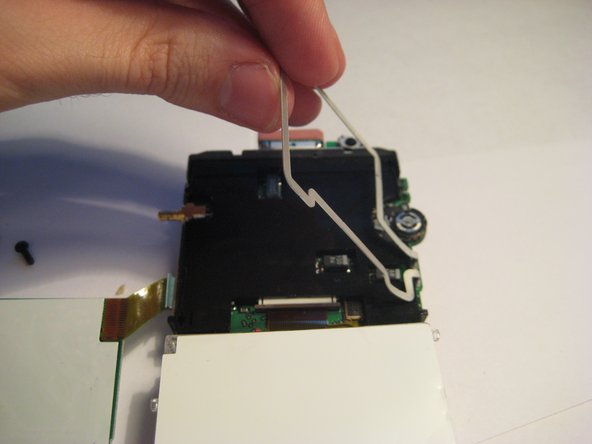
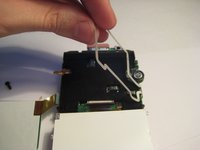
Pivot the wire frame, that was under the LCD, from the left side.
-
-
-
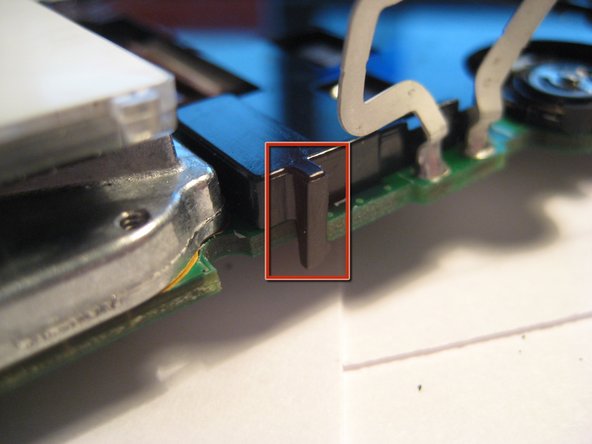
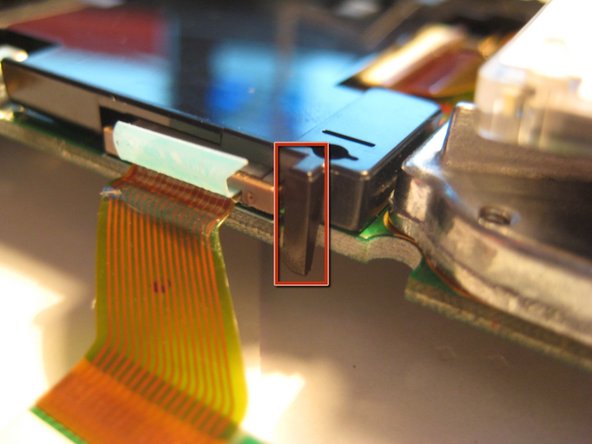
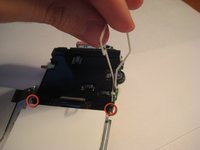
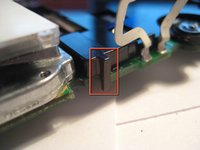
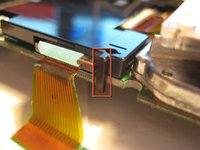
With the frame perpendicular to the device, locate the two black, plastic tabs shown in the two red circles.
-
The boxes show more detailed views in the following pictures.
-
-
-
WIth both hands, pull the tabs outwards to release the plastic cover from the board.
-
Once the tabs are disengaged, pivot the plastic cover upwards.
-
After the cover is pivoted slightly, remove it from the device.
-
-
-
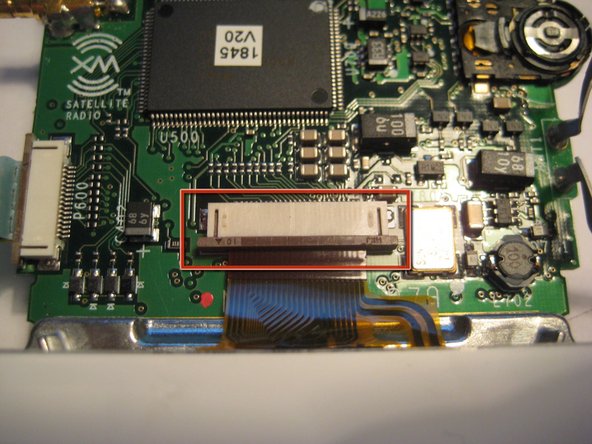
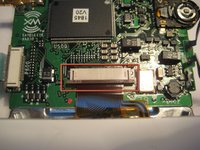
After the plastic cover is removed, locate the white, ribbon connector highlighted by the red square.
-
Rotate the device 90 degrees counterclockwise to remove the ribbon connector.
-
-
-
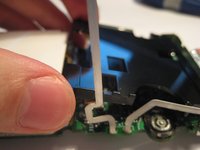
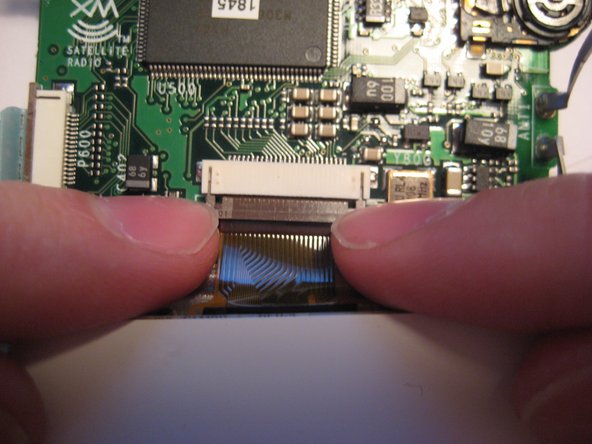
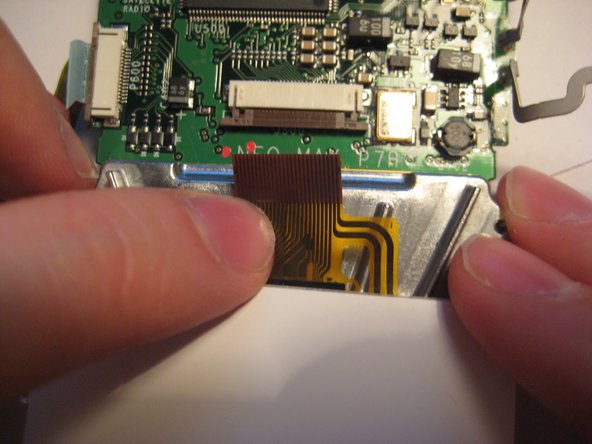
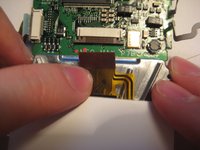
To remove the ribbon cable from the board, catch the sides of the connector with fingernails and pull downward.
-
After the latch is pulled down, the ribbon cable is free to slide out of the connector housing.
-
-
-
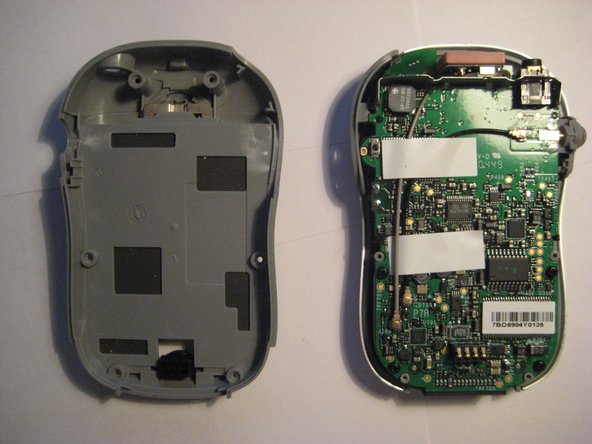
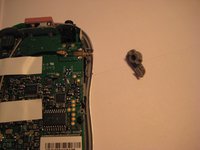
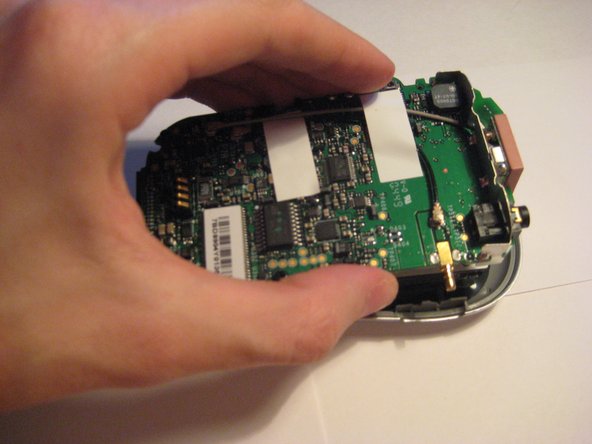
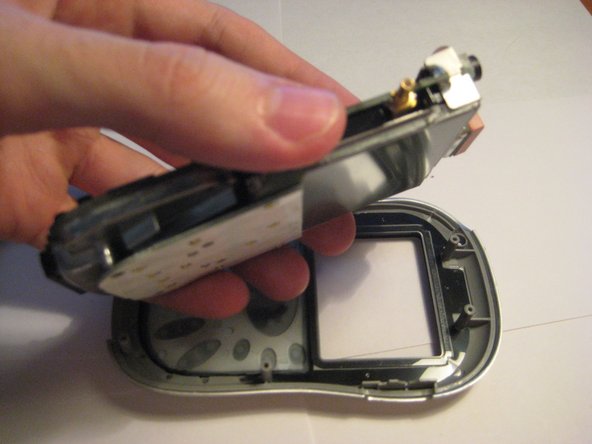
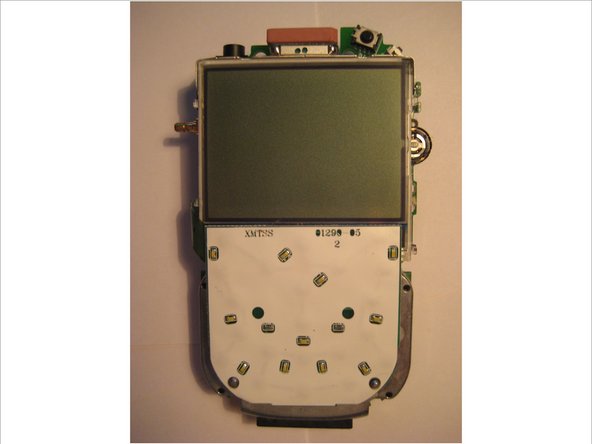
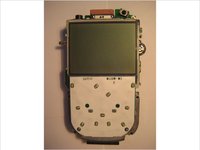
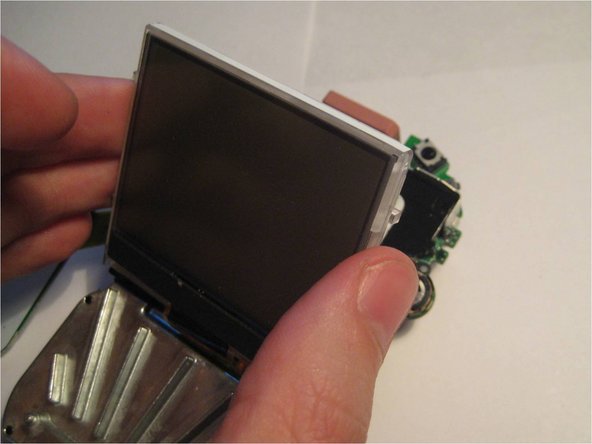
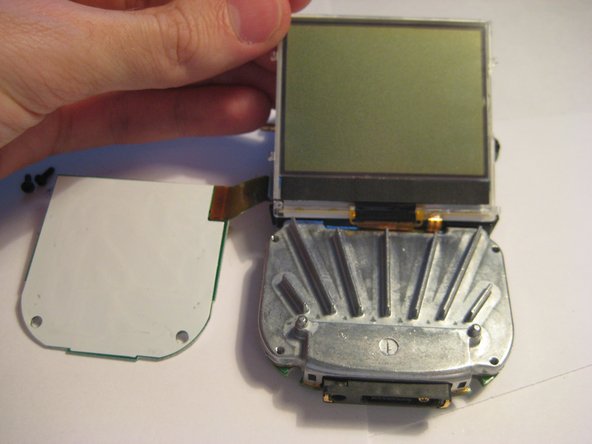
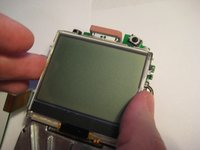
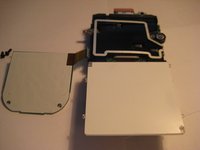
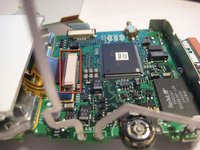
After following the prerequisite steps in the guide, the components are laid out as depicted in the picture.
-
The LCD screen is highlighted in red.
-
-














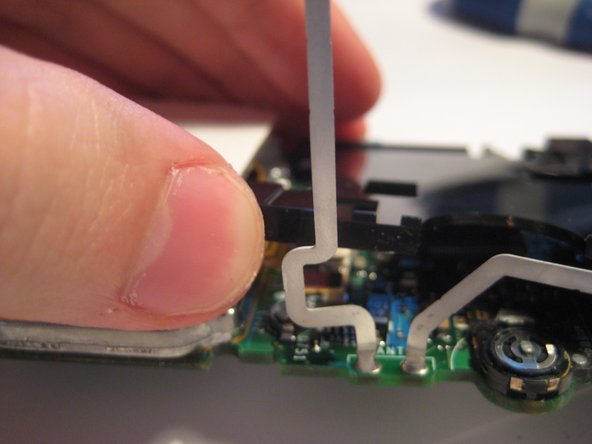
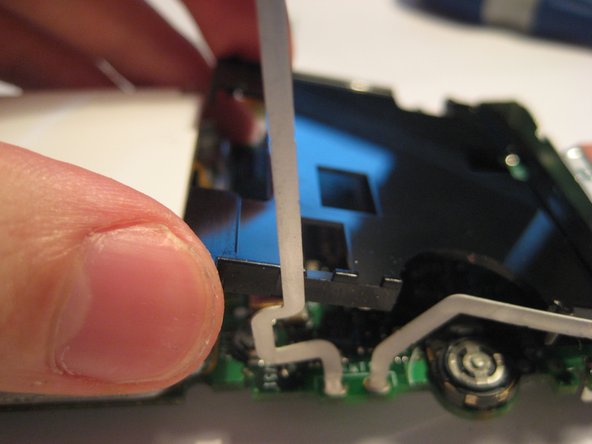



To reassemble your device, follow these instructions in reverse order.

Team

Clemson, Team 1-2, Benson Spring 2012 Member of Clemson, Team 1-2, Benson Spring 2012
CLEM-BENSON-S12S1G2
3 Members
108 Guides authored
