Free Shipping on Domestic Orders $75+

Redmi Note 9 Pro - Reboots, Power On flex Replacement

What you need

Video Overview

Xiaomi Redmi Note 9 Pro restarts - Power On flex replacement

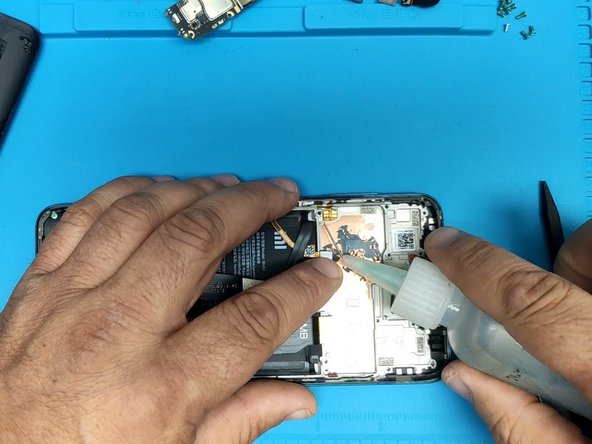
    1. Redmi Note 9 Pro - Reboots, Power On flex Replacement, Back cover removal: step 1, image 1 of 3 Redmi Note 9 Pro - Reboots, Power On flex Replacement, Back cover removal: step 1, image 2 of 3 Redmi Note 9 Pro - Reboots, Power On flex Replacement, Back cover removal: step 1, image 3 of 3
      • Warm up the device to soften the adhesive.

      • Use plastic tools and a little isopropyl alcohol to separate the back cover.

      Ask FixBot

      Add Comment

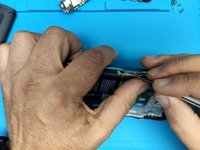
    2. Redmi Note 9 Pro - Reboots, Power On flex Replacement, Motherboard plastic cover removal.: step 2, image 1 of 3 Redmi Note 9 Pro - Reboots, Power On flex Replacement, Motherboard plastic cover removal.: step 2, image 2 of 3 Redmi Note 9 Pro - Reboots, Power On flex Replacement, Motherboard plastic cover removal.: step 2, image 3 of 3
      • Remove the Phillips screws that secure the motherboard cover.

      • Use a plastic opening tool to remove the cover.

      Ask FixBot

      Add Comment

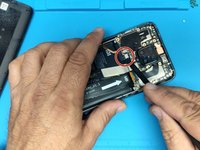
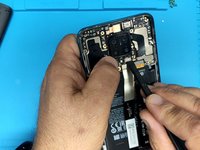
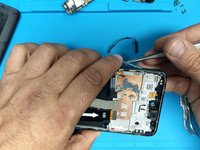
    3. Redmi Note 9 Pro - Reboots, Power On flex Replacement, Motherboard removal - part 1: step 3, image 1 of 3 Redmi Note 9 Pro - Reboots, Power On flex Replacement, Motherboard removal - part 1: step 3, image 2 of 3 Redmi Note 9 Pro - Reboots, Power On flex Replacement, Motherboard removal - part 1: step 3, image 3 of 3
      • Lift up the flex connector to disconnect the battery.

      • Remove the main cameras.

      • Remove the SIM tray.

      Ask FixBot

      Add Comment

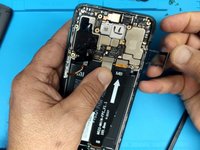
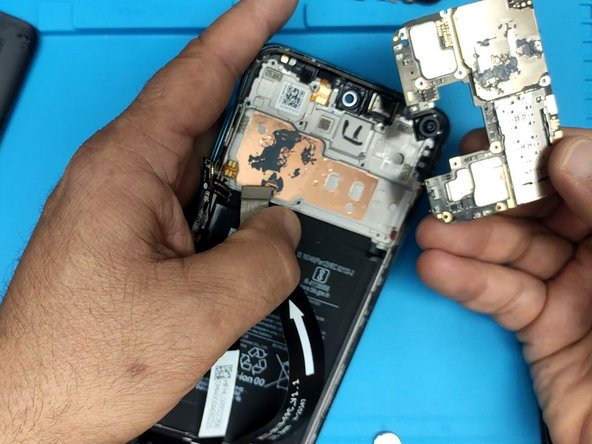
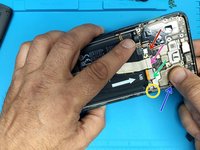
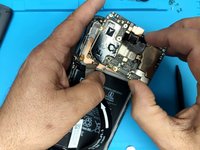
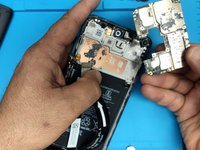
    4. Redmi Note 9 Pro - Reboots, Power On flex Replacement, Motherboard removal - part 2: step 4, image 1 of 3 Redmi Note 9 Pro - Reboots, Power On flex Replacement, Motherboard removal - part 2: step 4, image 2 of 3 Redmi Note 9 Pro - Reboots, Power On flex Replacement, Motherboard removal - part 2: step 4, image 3 of 3
      • Disconnect all flex cables:

      • Fingerprint sensor flex cable

      • Screen flex cable

      • Main flex cable

      • Coaxial antenna cable

      • Remove the Phillips screws securing the motherboard to the middle frame

      • Remove the motherboard.

      Ask FixBot

      Add Comment

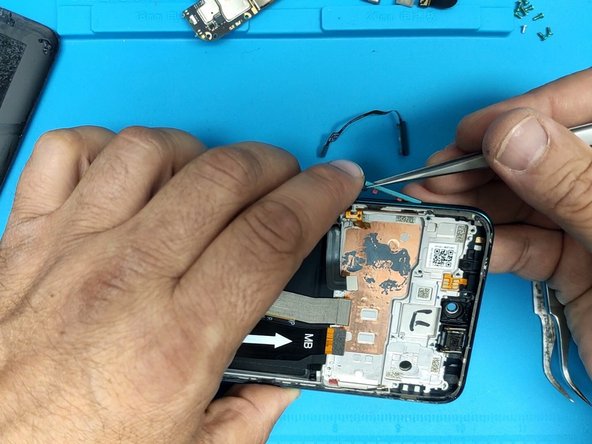
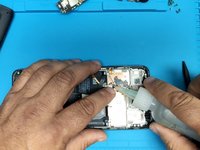
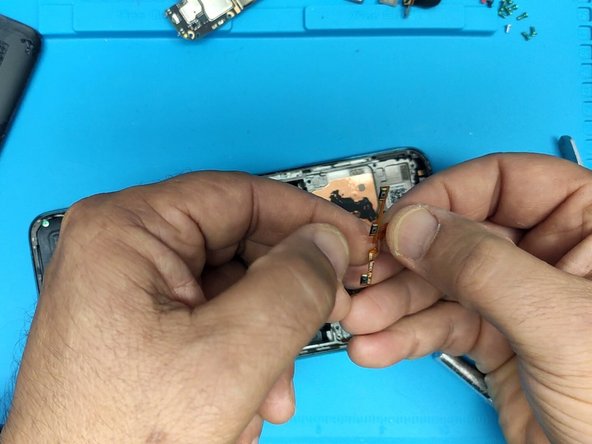
    5. Redmi Note 9 Pro - Reboots, Power On flex Replacement, Power on and volume buttons flex cable removal.: step 5, image 1 of 3 Redmi Note 9 Pro - Reboots, Power On flex Replacement, Power on and volume buttons flex cable removal.: step 5, image 2 of 3 Redmi Note 9 Pro - Reboots, Power On flex Replacement, Power on and volume buttons flex cable removal.: step 5, image 3 of 3
      • Remove the Fingerprint sensor.

      • Remove the volume buttons plastic cap.

      • Use isopropyl alcohol to help remove the glued down flex cable.

      Ask FixBot

      Add Comment

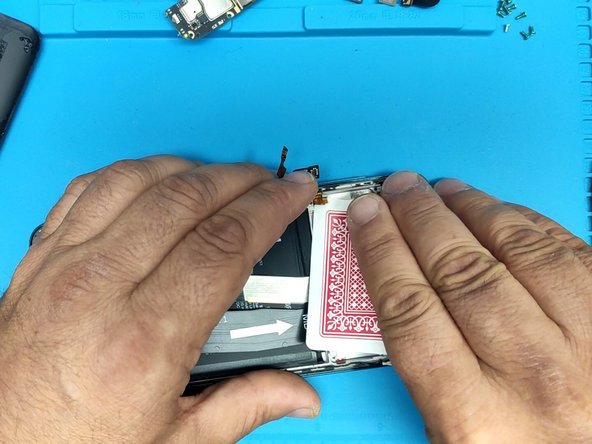
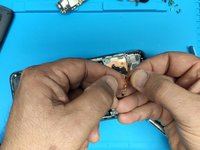
    6. Redmi Note 9 Pro - Reboots, Power On flex Replacement, Power on and volume buttons flex cable removal: step 6, image 1 of 3 Redmi Note 9 Pro - Reboots, Power On flex Replacement, Power on and volume buttons flex cable removal: step 6, image 2 of 3 Redmi Note 9 Pro - Reboots, Power On flex Replacement, Power on and volume buttons flex cable removal: step 6, image 3 of 3
      • Use playing cards to remove the flex cable.

      Ask FixBot

      Add Comment

Conclusion

To reassemble your device, follow these instructions in reverse order.

Cancel: I did not complete this guide.

7 other people completed this guide.

ZFix

Member since: 12/09/13

197,561 Reputation

330 Guides authored

Team

Master Techs Member of Master Techs

Community

334 Members

8,249 Guides authored

0 Guide Comments

Add Comment

View Statistics:

Past 24 Hours: 4

Past 7 Days: 39

Past 30 Days: 199

All Time: 8,797