Free Shipping on Domestic Orders $75+

RedOctane X-Plorer Strum Bar Sensor Board Replacement

What you need

    1. RedOctane X-Plorer Strum Bar Sensor Board Replacement, Rear Case: step 1, image 1 of 2 RedOctane X-Plorer Strum Bar Sensor Board Replacement, Rear Case: step 1, image 2 of 2
      • Remove the strap by pulling it off of the mounts located on the body and neck.

      Ask FixBot

      Add Comment

    2. RedOctane X-Plorer Strum Bar Sensor Board Replacement: step 2, image 1 of 3 RedOctane X-Plorer Strum Bar Sensor Board Replacement: step 2, image 2 of 3 RedOctane X-Plorer Strum Bar Sensor Board Replacement: step 2, image 3 of 3
      • Remove the nine 12mm Phillips #1 screws around the perimeter of the case with a screwdriver.

      • Remove the two 15mm Phillips #1 screws connecting the body panel to the neck panel with a screwdriver.

      • These screws can also be Torx on some models.

      • Pull off the rear case.

      Ask FixBot

      Add Comment

    3. RedOctane X-Plorer Strum Bar Sensor Board Replacement: step 3, image 1 of 3 RedOctane X-Plorer Strum Bar Sensor Board Replacement: step 3, image 2 of 3 RedOctane X-Plorer Strum Bar Sensor Board Replacement: step 3, image 3 of 3
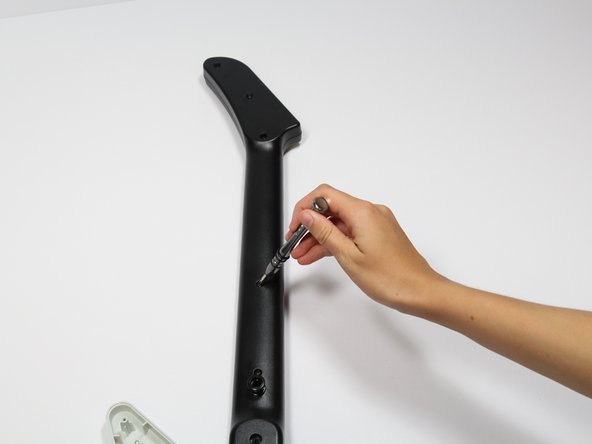
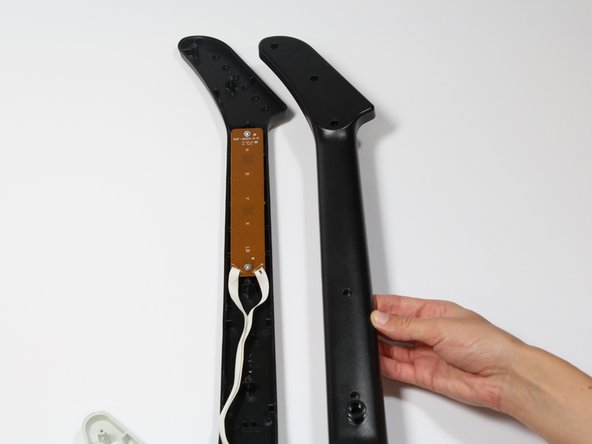
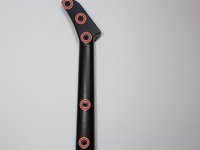
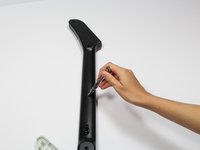
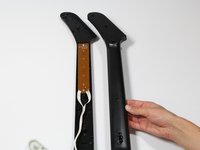
      • Remove the five 12mm Phillips #1 screws along the neck with a screwdriver.

      • Pull off the top shell of the neck to expose the internal features.

      Ask FixBot

      Add Comment

    1. RedOctane X-Plorer Strum Bar Sensor Board Replacement, Strum Bar Sensor Board: step 4, image 1 of 3 RedOctane X-Plorer Strum Bar Sensor Board Replacement, Strum Bar Sensor Board: step 4, image 2 of 3 RedOctane X-Plorer Strum Bar Sensor Board Replacement, Strum Bar Sensor Board: step 4, image 3 of 3
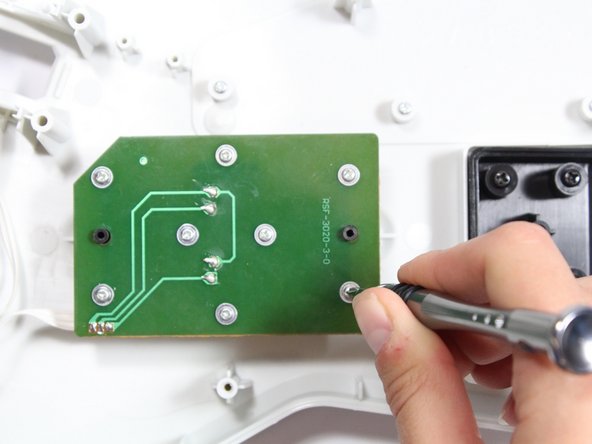
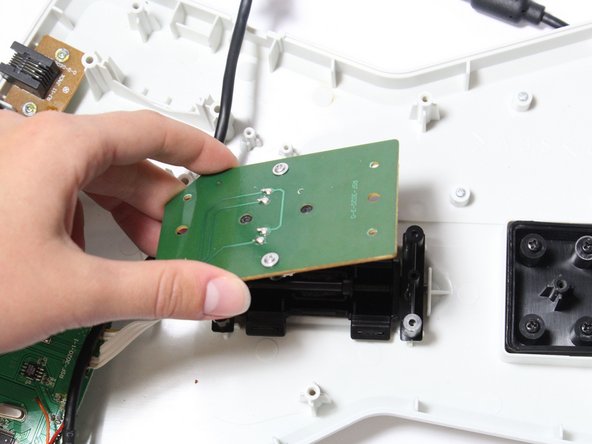
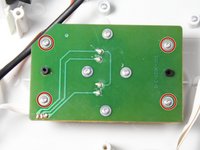
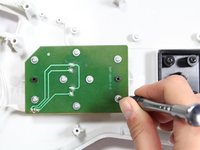
      • Use a screwdriver to remove the four 14mm Phillips #1 screws around the perimeter of the strum bar sensor board.

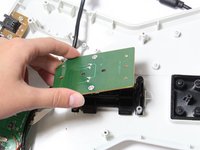
      • Lift up on the strum bar sensor board to remove it from the case.

      Ask FixBot

      Add Comment

Conclusion

To reassemble your device, follow these instructions in reverse order.

Cancel: I did not complete this guide.

One other person completed this guide.

Riley

Member since: 04/18/18

703 Reputation

7 Guides authored

Team

Cal Poly, Team S17-G1, Livingston Spring 2018 Member of Cal Poly, Team S17-G1, Livingston Spring 2018

CPSU-LIVINGSTON-S18S17G1

3 Members

108 Guides authored

0 Guide Comments

Add Comment

View Statistics:

Past 24 Hours: 0

Past 7 Days: 11

Past 30 Days: 50

All Time: 3,629