
RedOctane X-Plorer Strum Bar Replacement

Jared McMullen and 2 other contributors
Last updated on May 30, 2018
Views: 4.9K
View statistics:
- Past 24 Hours:
- 2
- Past 7 Days:
- 17
- Past 30 Days:
- 92
- All Time:
- 4,922
Comments: 4
1 comment on steps, 3 guide comments.
Go to guide commentsCompleted: 5 6
5 people have marked this guide "completed." Will you be next?
6 people have marked this guide "completed." Including you — great job!
Favorites: 0 1
No one has favorited (and subscribed to) this guide. Will you be the first?
1 person has favorited (and subscribed to) this guide — and that's you!
Introduction
Go to step 1 ↓The guitar strings often catch on the plastic case or wear over time. This guide demonstrates how to access the internal components of the strings and diagnose hidden problems.
What you need
Tools

-
-
-
Remove the strap by pulling it off of the mounts located on the body and neck.
 Ask FixBot
-
-
-
Remove the nine 12mm Phillips #1 screws around the perimeter of the case with a screwdriver.
-
Remove the two 15mm Phillips #1 screws connecting the body panel to the neck panel with a screwdriver.
-
Pull off the rear case.
-
-
-
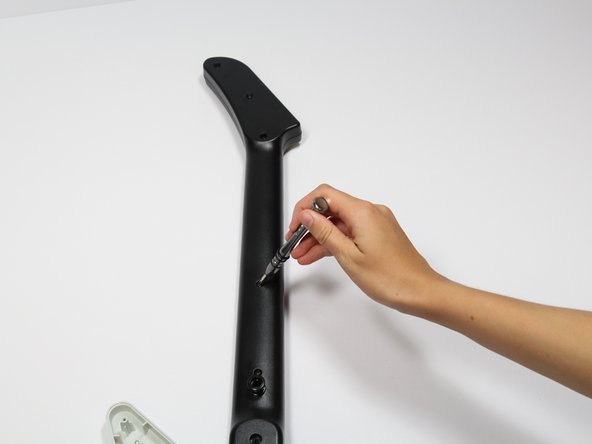
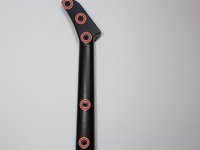
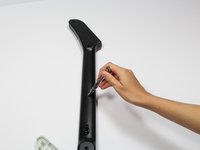
Remove the five 12mm Phillips #1 screws along the neck with a screwdriver.
-
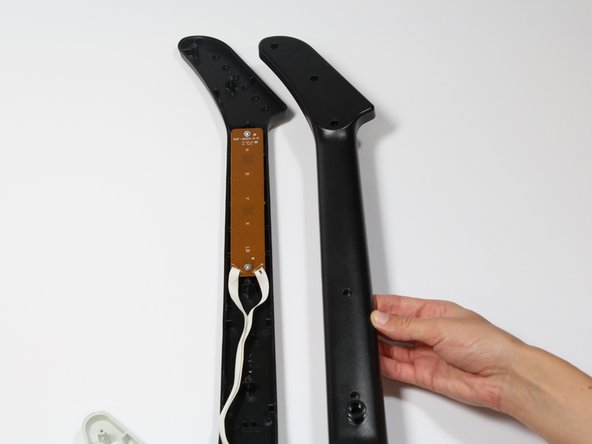
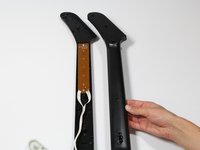
Pull off the top shell of the neck to expose the internal features.
-
-
-




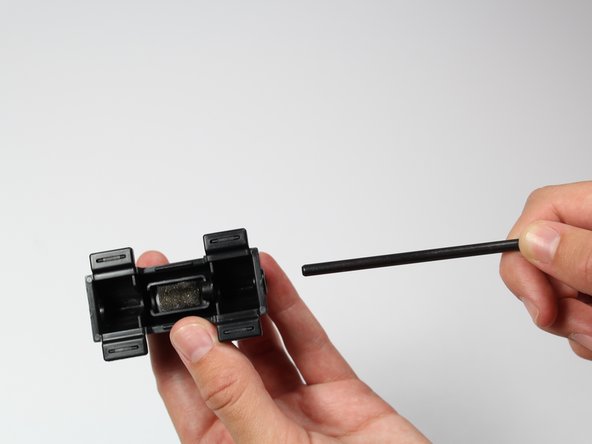
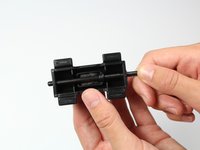
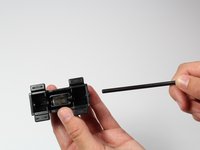
To reassemble your device, follow these instructions in reverse order.
Cancel: I did not complete this guide.
5 other people completed this guide.

Team

Cal Poly, Team S17-G1, Livingston Spring 2018 Member of Cal Poly, Team S17-G1, Livingston Spring 2018
CPSU-LIVINGSTON-S18S17G1
3 Members
108 Guides authored
3 Guide Comments
This did not help.
I had a squeaking strum bar so I followed this guide to dismantle and clean the parts. Other than the one step missed in the guide it was easy to follow. It also stopped the squeaking!
Thanks! pretty simple repair. I added a little synthetic lube to the strum bar and all quiet and smooth action now.
