Introduction
Sometimes the D-pad on the Razer Tartarus V2 model number RZ07-02270100-R3U1 can become stuck, hindering the device's performance. This guide will help you replace the D-pad on your device.
What you need
-
-
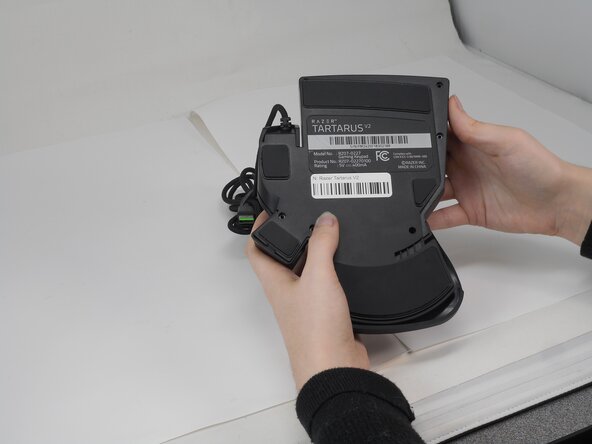
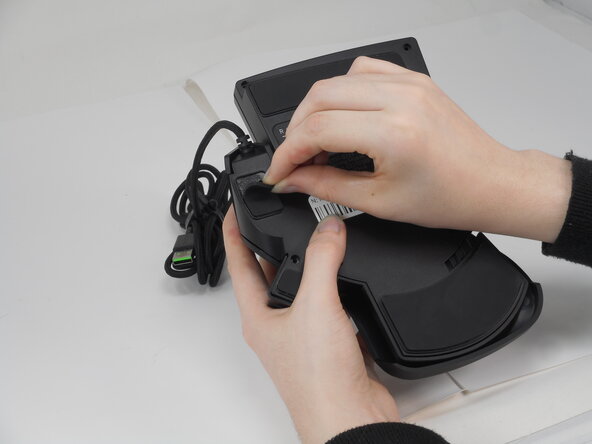
Gently peel off the rubber feet with a Jimmy.
-
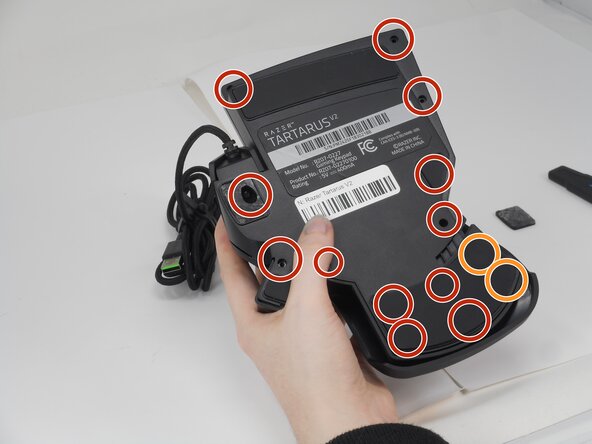
Use a Phillips #0 screwdriver to remove the following screws:
-
Twelve 6.4 mm-long screws
-
Two 3.7 mm-long screws
-
-
-
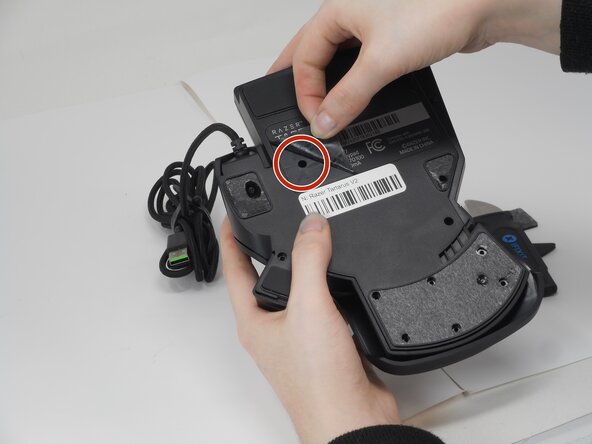
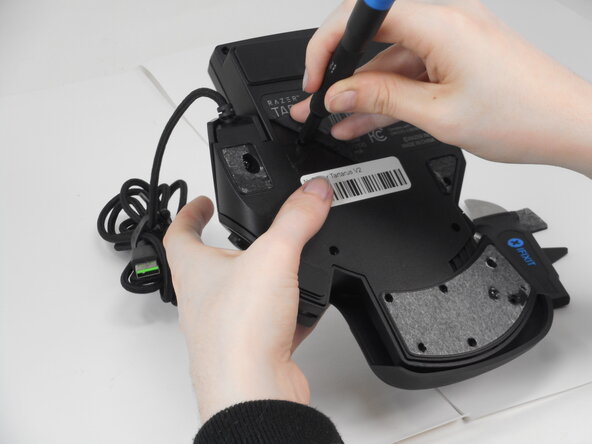
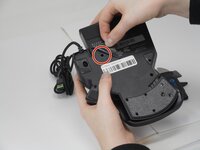
Peel up the bottom left corner of the largest sticker.
-
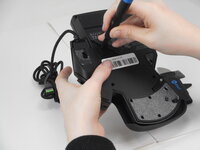
Remove the 6.4 mm-long Phillips #0 screw.
-
-
-
-
Carefully lift the joystick module up and out.
-
Separate the top and bottom casing of the keypad.
-
-
-
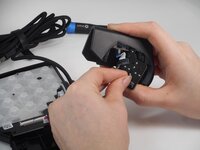
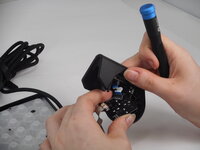
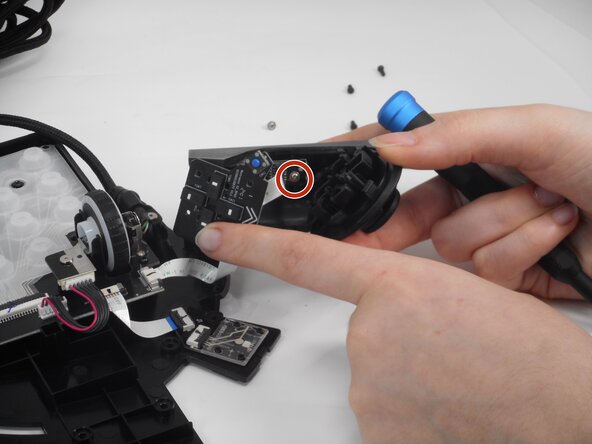
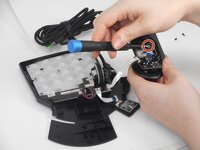
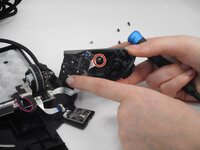
Remove the two 6.4 mm-long screws that secure the D-Pad PCB inside the casing with a Phillips #0 screwdriver.
-
There are two pairs of prongs that secure the D-Pad PCB to the housing. Use your fingernails to squeeze each set of prongs inward while gently prying the PCB away from the housing to disengage them.
-
Repeat the previous bullet for the remaining set of prongs.
-
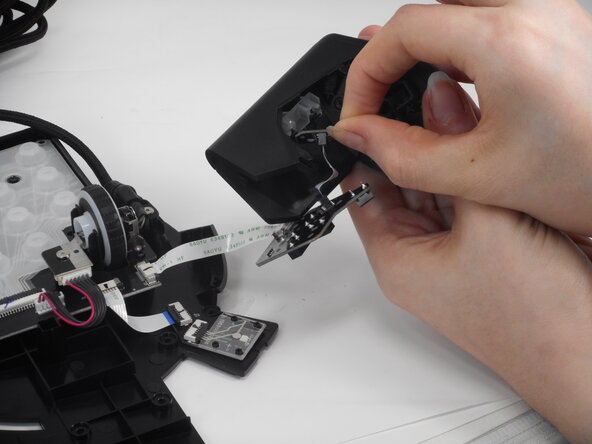
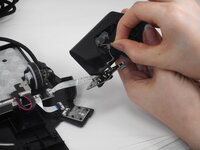
Carefully pull the PCB away from the housing.
-
-
-
Remove the two 4.9 mm silver screws that secures the smaller PCB with a Phillips #0 screwdriver.
-
Gently pull the smaller PCB away from the white plastic underneath it.
-
-
-
Use the hooked end of a halberd spudger to get under the edge of the smaller cross.
-
Pry all four arms of the smaller cross.
-
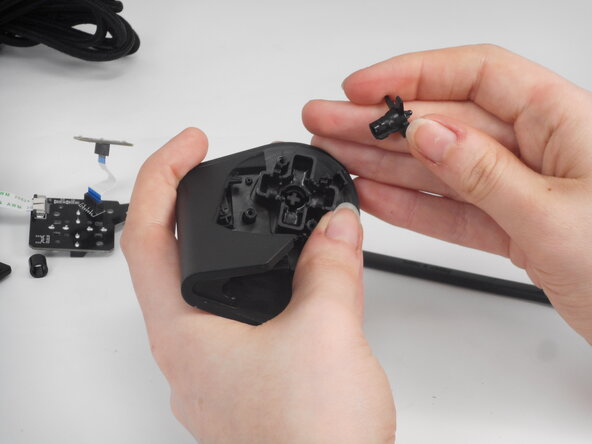
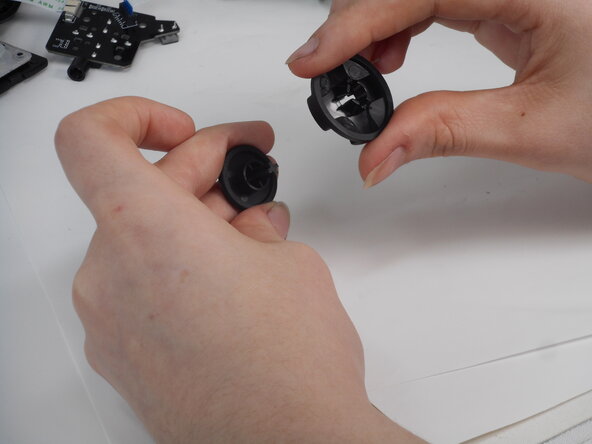
Remove both cross structures from the casing.
-
-
-
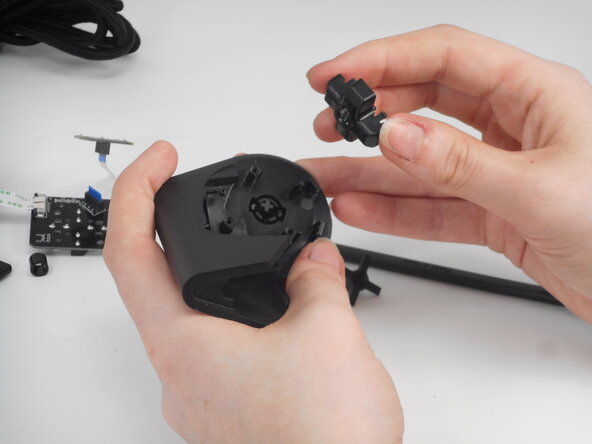
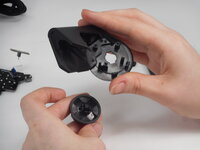
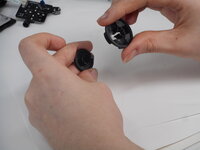
Pull the D-Pad out from its seated position. It will come off together with the D-Pad casing.
-



 Ask FixBot




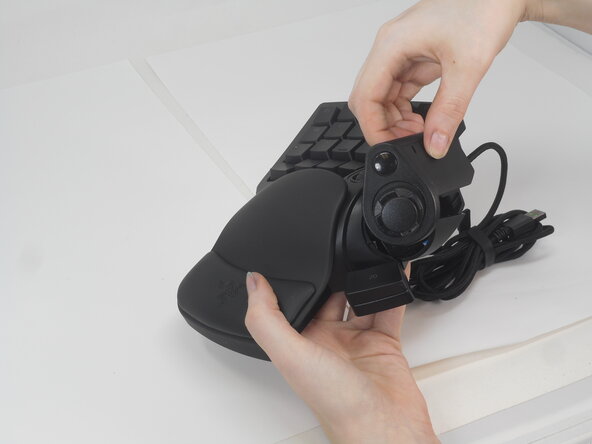
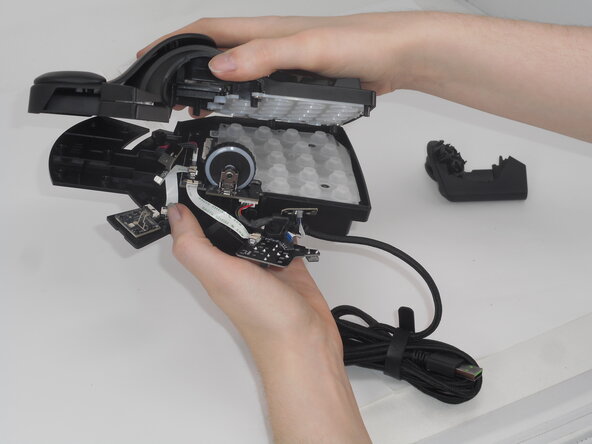
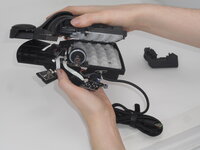

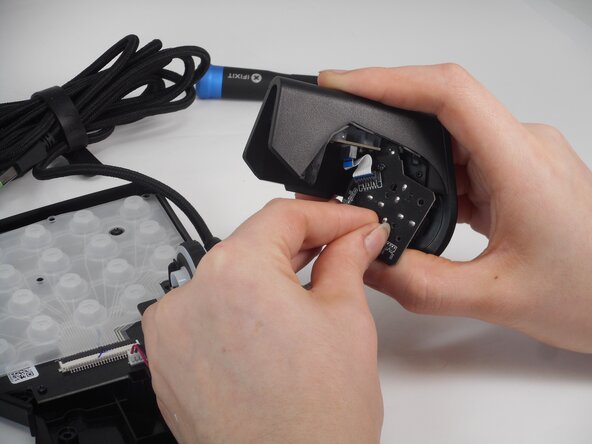
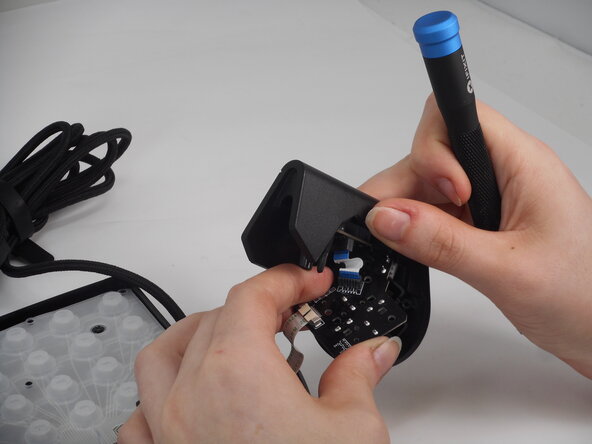
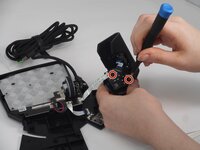




To reassemble your device, follow the above steps in reverse order.
Repair didn’t go as planned? Try some basic troubleshooting or ask our Answers community for help.
Cancel: I did not complete this guide.
One other person completed this guide.

Team

University of Memphis, Team 2-1, Sneed Spring 2025 Member of University of Memphis, Team 2-1, Sneed Spring 2025
UM-SNEED-S25S2G1
3 Members
8 Guides authored
2 Guide Comments
I'm so glad I took the one screw out that mattered before completely disassembling it like your tutorial says, don't waste your time taking all the screws off. just remove the one for the joystick
