Introduction
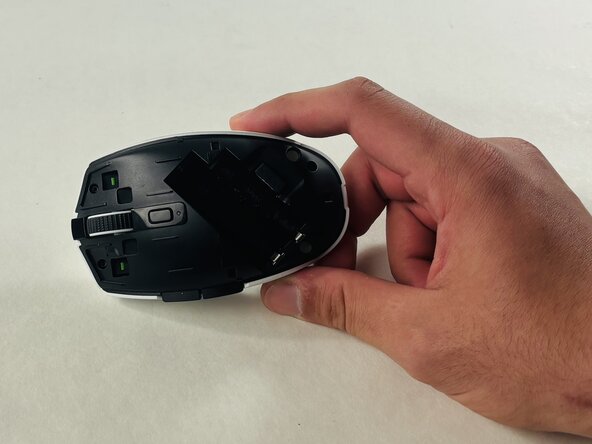
Use this guide to replace the battery of the Razer Orochi V2 mouse. The Razer Orochi V2 uses a single AA or AAA battery. You may need to replace the battery if the original battery dies, if there are connectivity issues, lag, or the mouse isn't responding to cursor movement. To access the battery you will only need to remove the top cover. Overall this is a very easy replacement to perform and no tools are necessary.


 Ask FixBot
Conclusion
To reassemble your device, follow these instructions in reverse order.

Team

UMass Dartmouth, Team 1-5, Evans Spring 2026 Member of UMass Dartmouth, Team 1-5, Evans Spring 2026
UMASSD-EVANS-S26S1G5
4 Members
60 Guides authored
