
Razer Naga Trinity Scroll Wheel Click Switch Replacement

Victoria McKinney and 5 other contributors
Last updated on Apr 18, 2023
Views: 8.4K
View statistics:
- Past 24 Hours:
- 3
- Past 7 Days:
- 41
- Past 30 Days:
- 224
- All Time:
- 8,397
Comments: 9
3 comments on steps, 6 guide comments.
Go to guide commentsCompleted: 5 6
5 people have marked this guide "completed." Will you be next?
6 people have marked this guide "completed." Including you — great job!
Favorites: 2 3
2 people have favorited (and subscribed to) this guide. Will you be next?
3 people have favorited (and subscribed to) this guide — including you!
Introduction
Go to step 1 ↓The middle mouse button is one of the least used buttons in a mouse. If for some reason the middle mouse button is not responsive, the micro switch might need replacement. This guide will list all required steps to properly and safely replace the middle mouse button micro switch in the Razer Naga Trinity mouse.
What you need


-
-
-
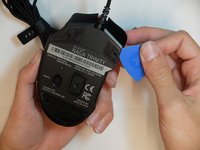
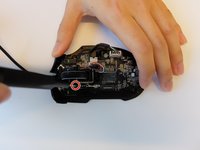
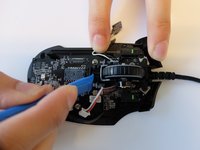
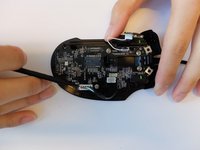
Separate the top mouse housing from the bottom mouse housing using the opening pick.
-
-
-
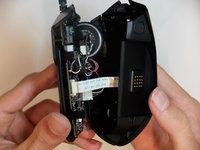
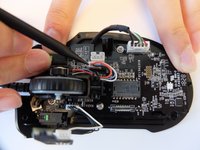
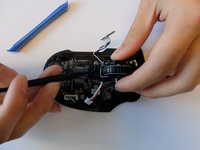
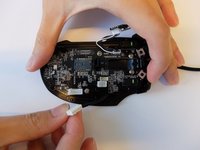
Unlock the ribbon connector that is held down by the main board clips using the spudger's pointed end.
-
-
-
-
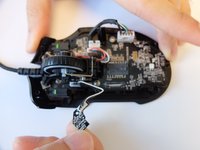
Remove one 4mm black Phillips #000 screw from the left side of the mouse holding the scroll wheel LED controller board.
-
Then pull the LED controller board upwards and out.
-
-
Tool used on this step:Halberd Spudger$2.99
-
Pry and remove the scroll wheel feedback bar from its hold-down clips using the hook end of a halberd spudger.
-
-
Tool used on this step:Tweezers$3.99
-
Remove the scroll wheel feedback bar from the scroll wheel by holding down the spring and using angled tweezers to remove it from its placement.
-
-
-
Remove the scroll wheel optical encoder 3-pin connector from the main board by wiggling the connector upwards.
-
-
-
-
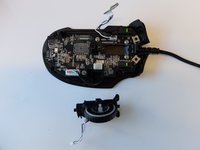
Using the opening tool, pry the black bracket holding the scroll wheel in place backwards until the scroll wheel housing pops out.
-
-
-
-
-
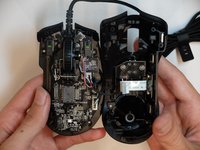
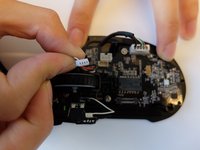
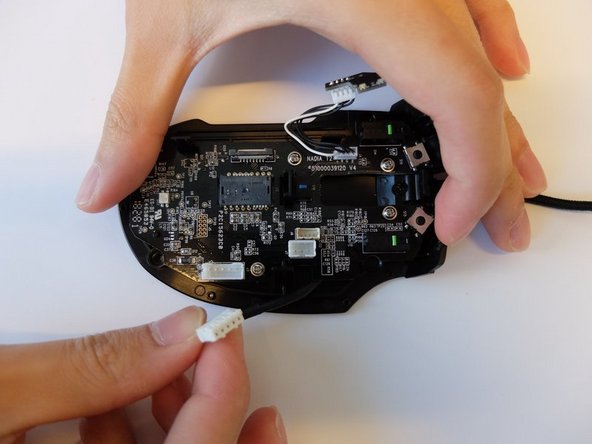
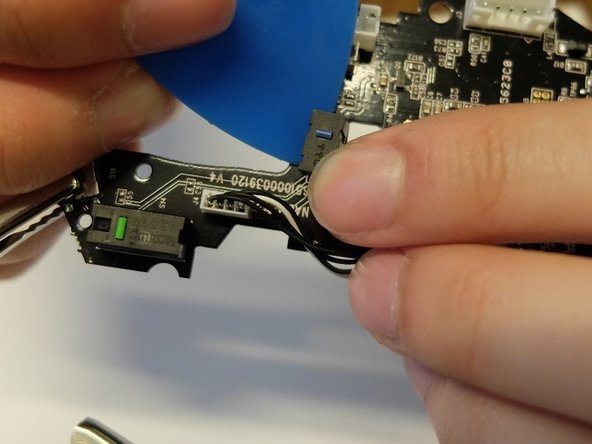
Remove the USB Type A to 5-Pin connector on the main board by pinching and pulling it upwards with your fingers.
-
-
-
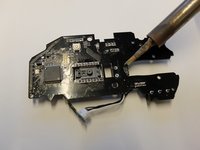
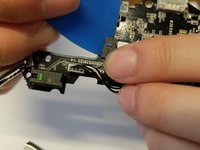
Place the tip of the soldering iron onto the micro switch contact pins.
-
Work around the micro switch pins while prying the switch with an opening pick.
-
-
-
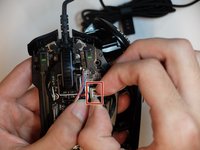
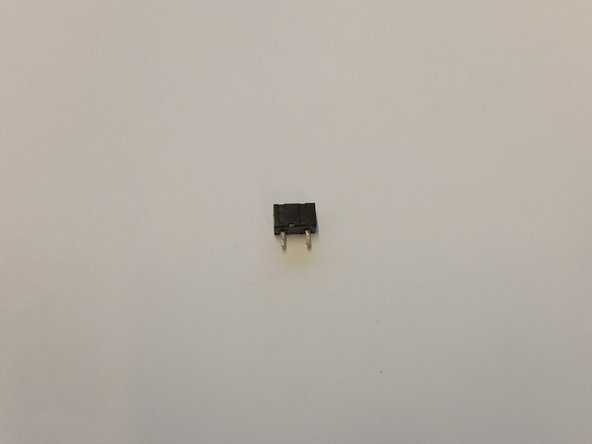
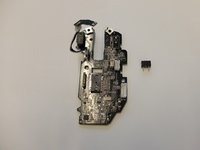
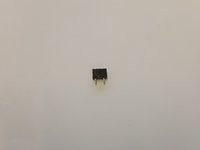
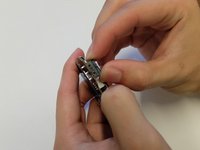
Remove and resolder the TTC subminiature micro switch.
-
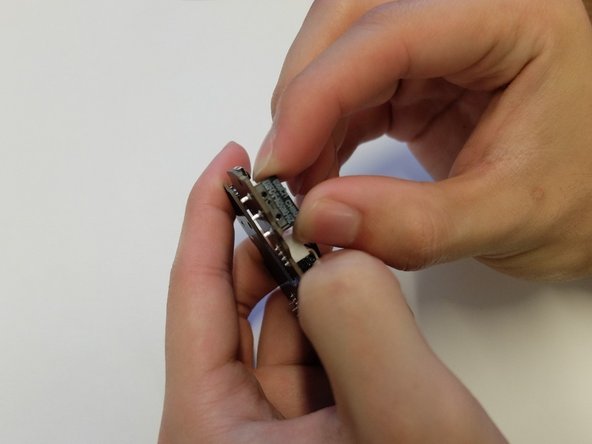
Ensure the micro switch is bonded properly by performing a tug test.
-
-


 Ask FixBot














To reassemble your device, follow these instructions in reverse order.
Cancel: I did not complete this guide.
5 other people completed this guide.

Team

Embry-Riddle Aeronautical University, Team S6-G2, Salas Fall 2019 Member of Embry-Riddle Aeronautical University, Team S6-G2, Salas Fall 2019
ERAU-SALAS-F19S6G2
4 Members
60 Guides authored
6 Guide Comments
I had real difficulty sourcing the part for this, I don’t think this is actually an Omron switch for the middle mouse button. The part I pulled from the Razer mouse is actually branded ‘TTC’. I ended up sourcing them from Aliexpress:
I'm trying to fix a Razer Naga Pro where the middle mouse button is double registering clicks and I stumbled across this guide. The switch appears to be very similar so I was hoping to be able to order a replacement based on the guide but I can't find anything from searching 'OMRON D2 Subminiature Micro Switch', and the switches that Andy Smith linked aren't right (I ordered some and they're too thin) so I'm somewhat out of ideas. This would be less of an issue if Razer even offered out-of-warranty repairs, but they consider peripherals to be 'irreparable'.
I think I managed to find them! If anyone else is looking for information on these switches, they appear to be the TTC switches here: http://www.ttcswitch.cn/product/72.html specifically the 5.6mm variant. I have ordered some from a website called Mouse Club and will update when they arrive.
As mentioned by the other comments, the correct replacement switch is the linked TTC switch, specifically the 5.6mm high variant. However, I didn't manage to find a viable seller for this type of switch.
In the end I purchased the 3.5mm variant (as linked by Andy Smith; it's available from different brands, I chose this one from HUANO). Of course this switch is about 2mm too short, so I made a little spacer from a 2mm plastic sheet (should also work with 3 layers of old credit card pieces), drilled two holes for the leads and installed the switch. The leads are just barely long enough to stick through the board with the spacer so they can be soldered in place. (photo)
Now my mouse works perfectly again, but I'm still baffled that I couldn't find the 5.6mm switch on Aliexpress.
@michael39629 I have been looking for the switch to use on this, and this is also the only option i have found. Do you by chance still have the spacer stl that you could maybe share? I wanted to print the spacer before the switch arrives. Worst case i can model it myself then, though.
