Free Shipping on Domestic Orders $75+

Razer Blade Stealth 2017 Keyboard Replacement

What you need

    1. Razer Blade Stealth 2017 Keyboard Replacement, Battery: step 1, image 1 of 2 Razer Blade Stealth 2017 Keyboard Replacement, Battery: step 1, image 2 of 2
      • Before you begin, be sure to turn off your laptop and discharge the battery down to 25%.

      • Use a Torx T5 screwdriver to remove the eight, 3mm screws on the bottom cover of the laptop.

      • Whenever you remove screws from the device, remember to save and label them.

      Ask FixBot

      Add Comment

    2. Razer Blade Stealth 2017 Keyboard Replacement: step 2, image 1 of 1
      • Remove the bottom cover of the laptop by sliding it away from the hinge.

      • Do not force the cover up!

      Ask FixBot

      Add Comment

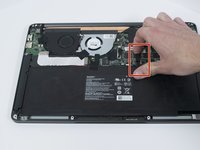
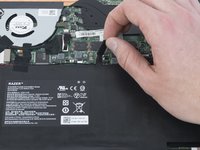
    3. Razer Blade Stealth 2017 Keyboard Replacement: step 3, image 1 of 2 Razer Blade Stealth 2017 Keyboard Replacement: step 3, image 2 of 2
      • Use your fingernail to pry up and disconnect the battery from the motherboard.

      Ask FixBot

      Add Comment

    4. Razer Blade Stealth 2017 Keyboard Replacement: step 4, image 1 of 1
      • Use a Phillips #00 screwdriver to remove the six, 5mm screws securing the battery.

      Ask FixBot

      Add Comment

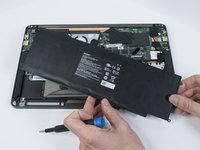
    5. Razer Blade Stealth 2017 Keyboard Replacement: step 5, image 1 of 2 Razer Blade Stealth 2017 Keyboard Replacement: step 5, image 2 of 2
      • Remove any tape attached to the battery.

      • Use the plastic spudger to pry out the battery.

      Ask FixBot

      Add Comment

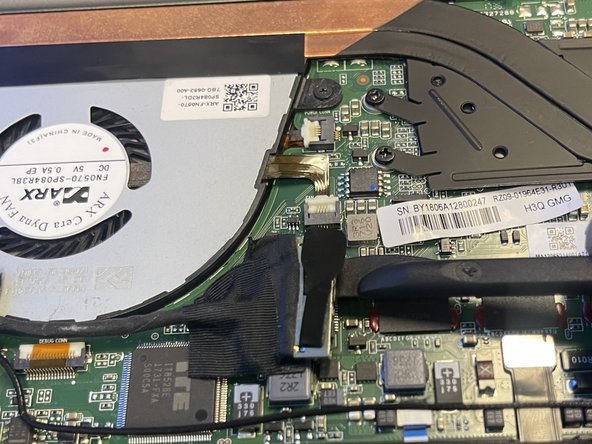
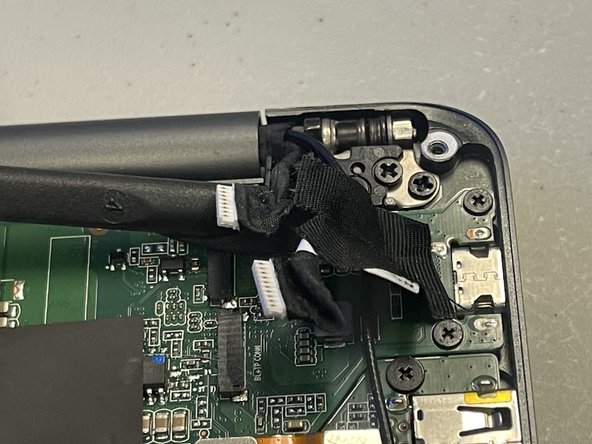
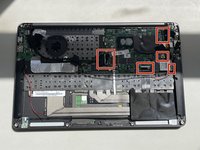
    1. Razer Blade Stealth 2017 Keyboard Replacement, Motherboard: step 6, image 1 of 3 Razer Blade Stealth 2017 Keyboard Replacement, Motherboard: step 6, image 2 of 3 Razer Blade Stealth 2017 Keyboard Replacement, Motherboard: step 6, image 3 of 3
      • Use a plastic spudger to gently undo the connections to the motherboard.

      Ask FixBot

      Add Comment

    2. Razer Blade Stealth 2017 Keyboard Replacement: step 7, image 1 of 3 Razer Blade Stealth 2017 Keyboard Replacement: step 7, image 2 of 3 Razer Blade Stealth 2017 Keyboard Replacement: step 7, image 3 of 3
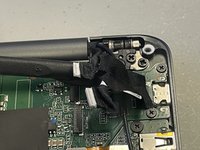
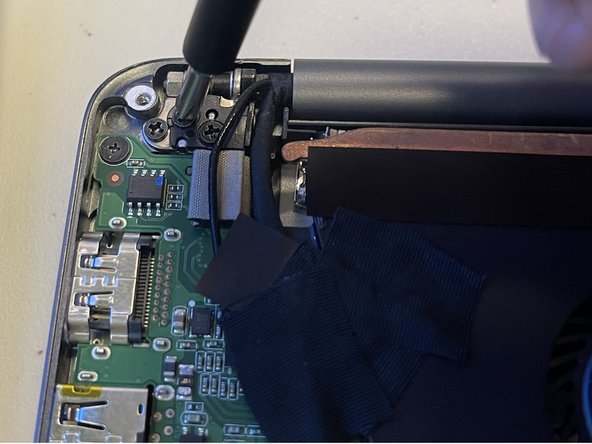
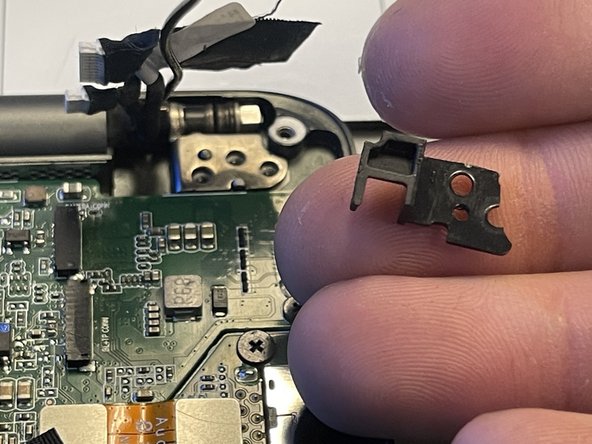
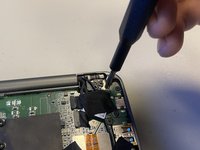
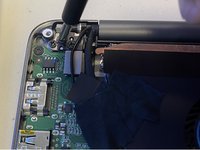
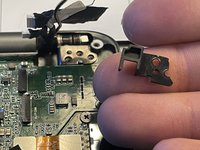
      • Use a Phillips #00 screwdriver to remove the six 4 mm screws holding the display hinges on both side.

      • Remove the small plastic brackets holding the display hinges.

      Ask FixBot

      Add Comment

    3. Razer Blade Stealth 2017 Keyboard Replacement: step 8, image 1 of 1
      • Remove the 2.6 mm screw holding the Wi-Fi card down with a Phillips #00 screwdriver.

      • Remove the motherboard from the laptop.

      Ask FixBot

      Add Comment

    1. Razer Blade Stealth 2017 Keyboard Replacement, Keyboard: step 9, image 1 of 2 Razer Blade Stealth 2017 Keyboard Replacement, Keyboard: step 9, image 2 of 2
      • Carefully remove tape from the keyboard.

      Ask FixBot

      Add Comment

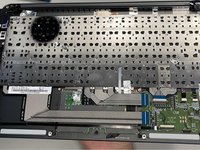
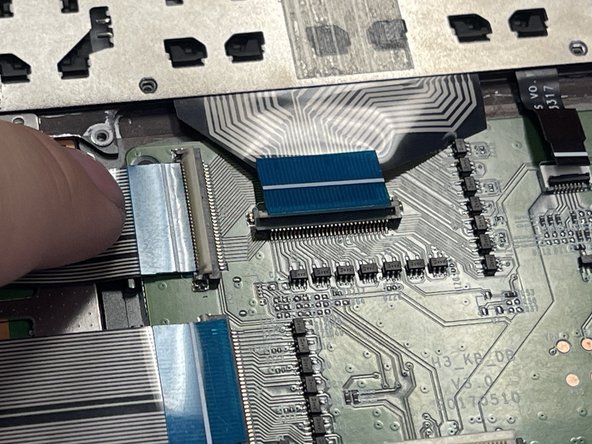
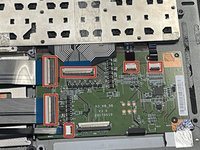
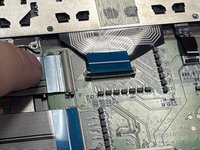
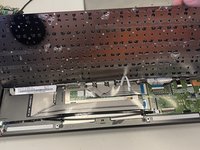
    2. Razer Blade Stealth 2017 Keyboard Replacement: step 10, image 1 of 2 Razer Blade Stealth 2017 Keyboard Replacement: step 10, image 2 of 2
      • Pull out the cables carefully.

      Ask FixBot

      Add Comment

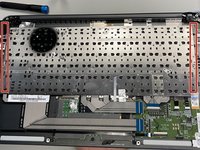
    3. Razer Blade Stealth 2017 Keyboard Replacement: step 11, image 1 of 2 Razer Blade Stealth 2017 Keyboard Replacement: step 11, image 2 of 2
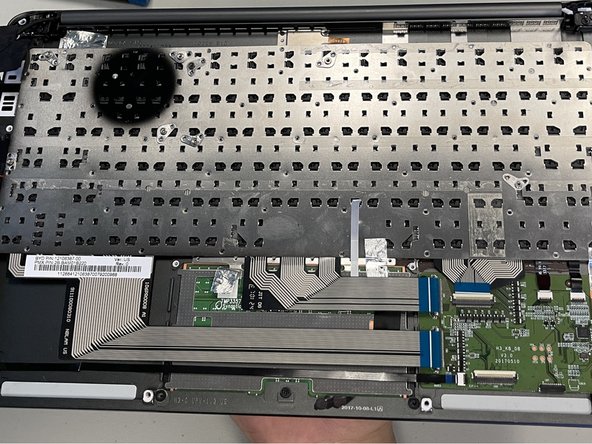
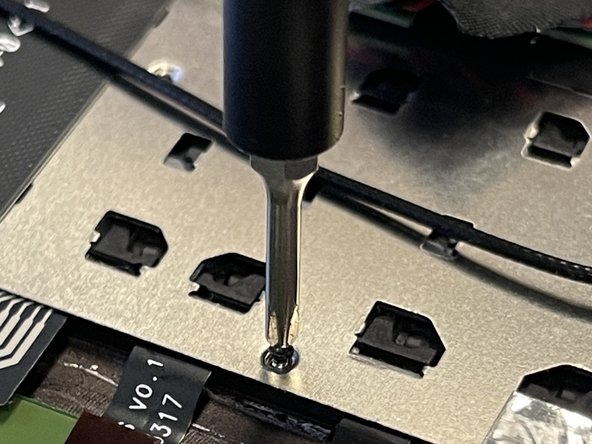
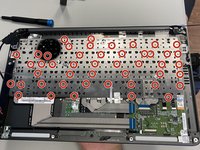
      • Use a Phillips #000 screwdriver to remove the fifty-five 1.6mm screws securing the keyboard.

      • Not all the screws are highlighted.

      Ask FixBot

      Add Comment

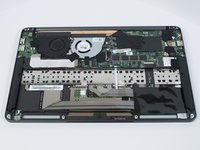
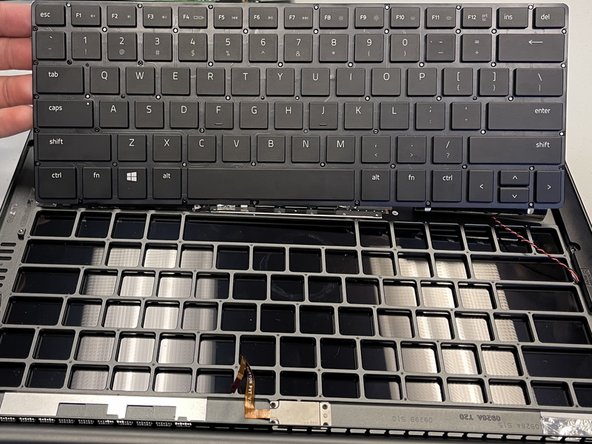
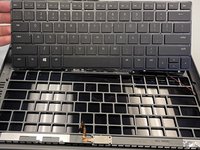
    4. Razer Blade Stealth 2017 Keyboard Replacement: step 12, image 1 of 3 Razer Blade Stealth 2017 Keyboard Replacement: step 12, image 2 of 3 Razer Blade Stealth 2017 Keyboard Replacement: step 12, image 3 of 3
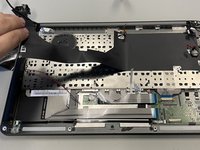
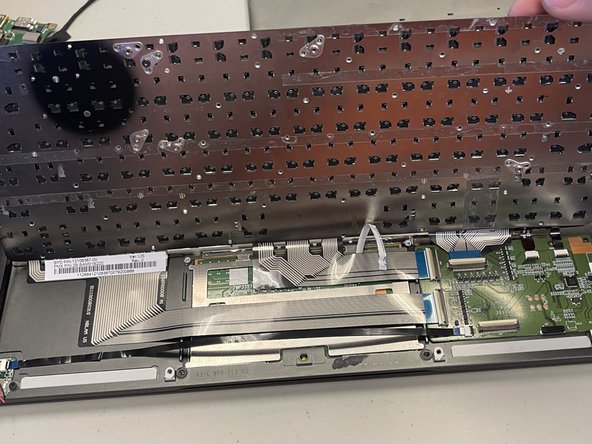
      • Carefully pick up the keyboard from both sides in order to remove the keyboard.

      • Use a spudger if necessary to remove the keyboard.

      Ask FixBot

      Add Comment

Conclusion

To reassemble your device, follow these instructions in reverse order.

Cancel: I did not complete this guide.

One other person completed this guide.

Nolan Wilkins

Member since: 02/08/24

109 Reputation

1 Guide authored

0 Guide Comments

Add Comment

View Statistics:

Past 24 Hours: 3

Past 7 Days: 29

Past 30 Days: 109

All Time: 886