Introduction
The RAM or random access memory in your Razer Blade Stealth 2016 (Model # RZ09-01682E20) is a type of memory that stores working data and possibly machine code, in a short term memory. If your RAM fails then this can significantly slow down your computer. This guide will show you how to remove and replace the RAM in your Razor Blade Stealth 2016.
WARNING: The soldering iron gets very hot, so be cautious while using it.
What you need
-
-
-
Use a Torx (T5) screwdriver to remove the eight 3 mm screws on the back case.
-
Remove the rear cover by prying up lightly starting in one of the corners.
 Ask FixBot
-
-
-
Unplug the battery connector from the motherboard.
-
Remove the battery from the device.
-
-
-
-
-
-
Remove the four 3.4 mm screws around the black square using a T4 Torx screwdriver.
-
Remove the heat sink.
-
-
-
Remove the 3.4 mm screws to the cooling fans using a T4 Torx screwdriver.
-
Remove the cooling fans.
-
-
-
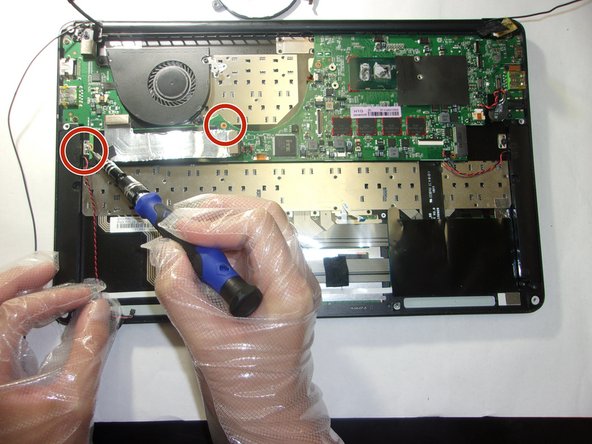
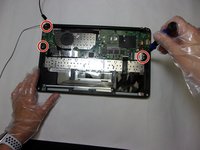
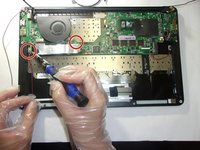
Remove the 3.4 mm screws on the perimeter of the motherboard using a T4 Torx screwdriver.
-




To reassemble your device, follow these instructions in reverse order.

Team

The Citadel Military College of South Carolina, Team 3-19, Eggleston Fall 2021 Member of The Citadel Military College of South Carolina, Team 3-19, Eggleston Fall 2021
CMCSC-EGGLESTON-F21S3G19
3 Members
36 Guides authored
