Free Shipping on Domestic Orders $75+

Razer Blade Pro 17 2019 Battery Replacement

What you need

    1. Razer Blade Pro 17 2019 Battery Replacement, Battery: step 1, image 1 of 2 Razer Blade Pro 17 2019 Battery Replacement, Battery: step 1, image 2 of 2
      • Unplug the laptop.

      • Press and hold the power button to shut down the laptop.

      Ask FixBot

      Add Comment

    2. Razer Blade Pro 17 2019 Battery Replacement: step 2, image 1 of 3 Razer Blade Pro 17 2019 Battery Replacement: step 2, image 2 of 3 Razer Blade Pro 17 2019 Battery Replacement: step 2, image 3 of 3
      • Remove the 12 screws that secure the lower case with a T5 Torx screwdriver.

      Ask FixBot

      Add Comment

    3. Razer Blade Pro 17 2019 Battery Replacement: step 3, image 1 of 3 Razer Blade Pro 17 2019 Battery Replacement: step 3, image 2 of 3 Razer Blade Pro 17 2019 Battery Replacement: step 3, image 3 of 3
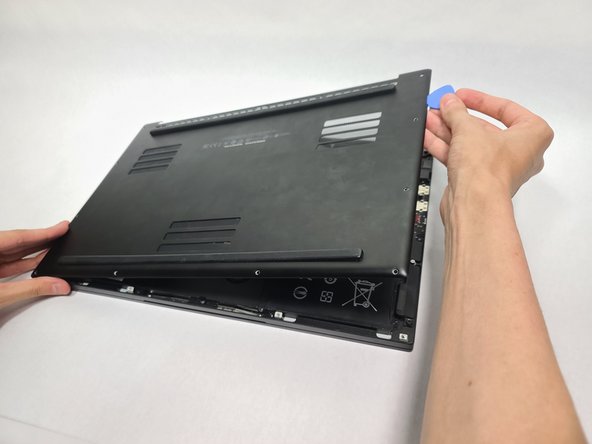
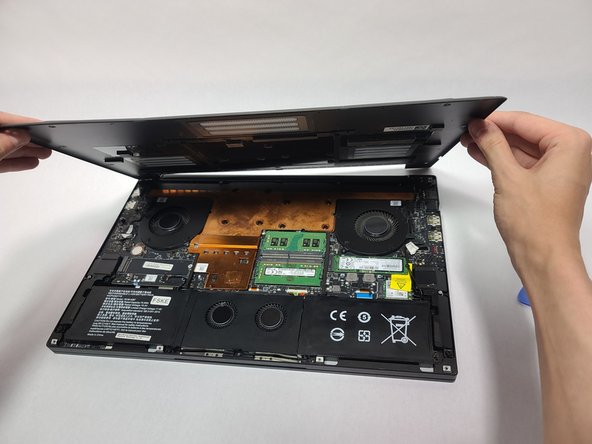
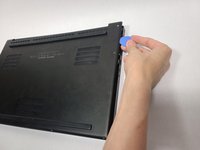
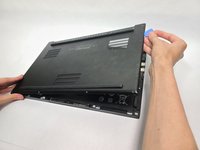
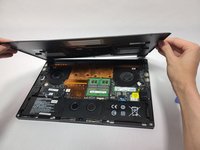
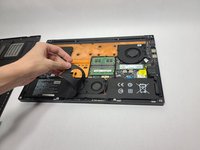
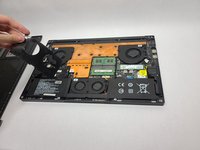
      • Insert the opening picks into the gap between the back plate and the body of the laptop and pry around the perimeter until the lower case releases.

      • It is easier to use the gap at the ethernet port.

      • Lift up and remove the lower case.

      • Be careful not to place anything on the back to avoid scratching any components.

      Ask FixBot

      Add Comment

    4. Razer Blade Pro 17 2019 Battery Replacement: step 4, image 1 of 3 Razer Blade Pro 17 2019 Battery Replacement: step 4, image 2 of 3 Razer Blade Pro 17 2019 Battery Replacement: step 4, image 3 of 3
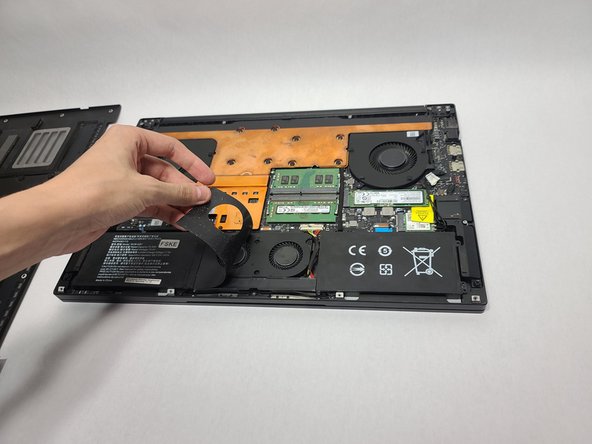
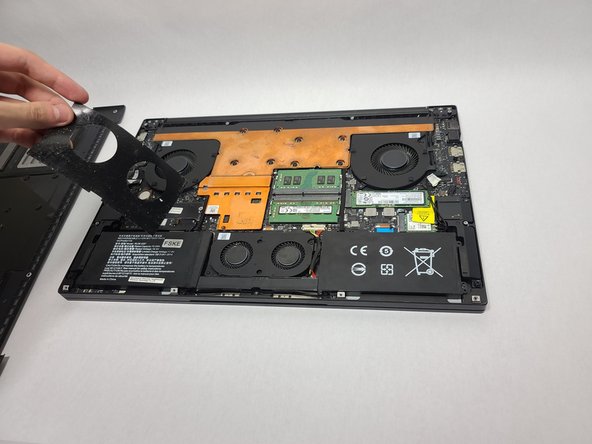
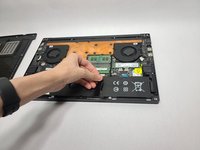
      • Remove the black sticker on the fan assembly.

      Ask FixBot

      Add Comment

    5. Razer Blade Pro 17 2019 Battery Replacement: step 5, image 1 of 2 Razer Blade Pro 17 2019 Battery Replacement: step 5, image 2 of 2
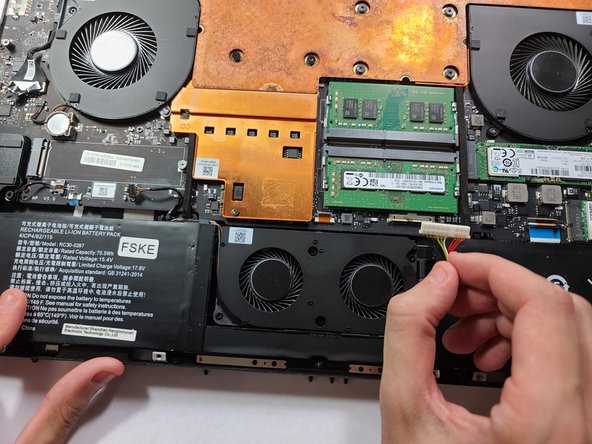
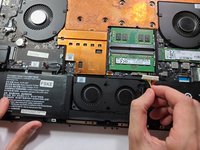
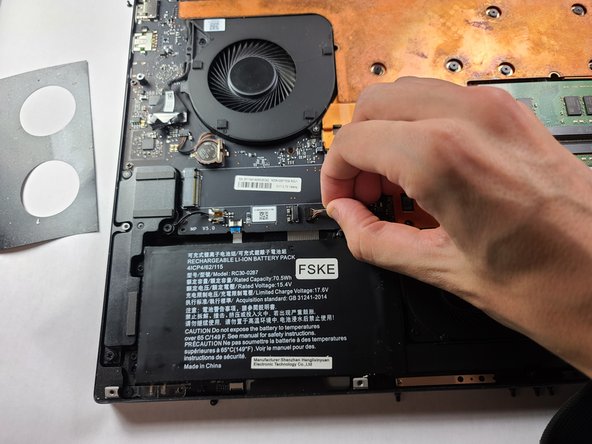
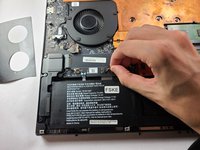
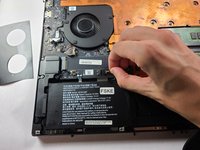
      • Use your fingernails to gently "walk" the battery connector directly out of its port.

      • Do not pull directly on the wires, as depicted in the photo.

      Ask FixBot

      Add Comment

    6. Razer Blade Pro 17 2019 Battery Replacement: step 6, image 1 of 2 Razer Blade Pro 17 2019 Battery Replacement: step 6, image 2 of 2
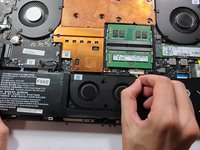
      • Use your fingernails or a spudger to gently lever the fan connector directly out of its socket.

      • Do not pull directly on the wires, as show in the photos.

      Ask FixBot

      Add Comment

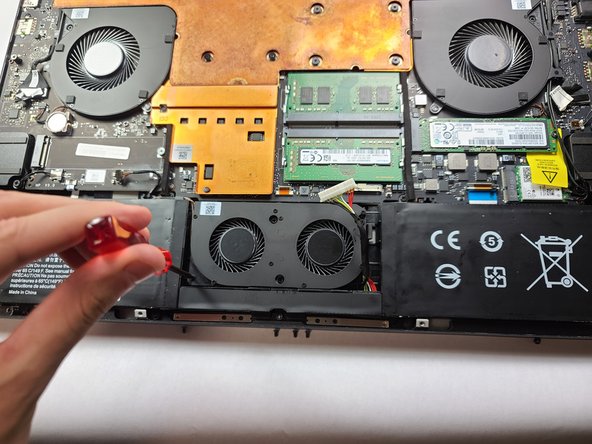
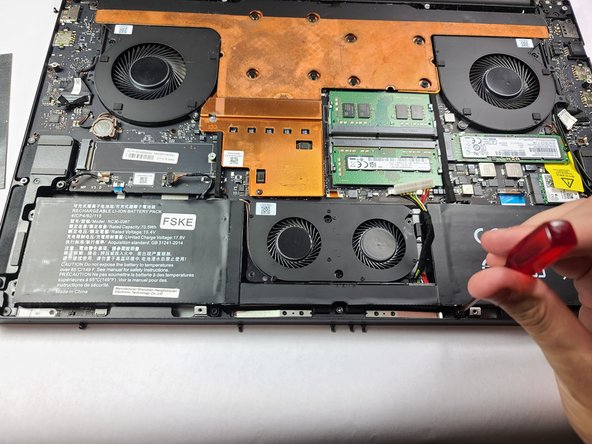
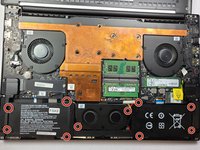
    7. Razer Blade Pro 17 2019 Battery Replacement: step 7, image 1 of 3 Razer Blade Pro 17 2019 Battery Replacement: step 7, image 2 of 3 Razer Blade Pro 17 2019 Battery Replacement: step 7, image 3 of 3
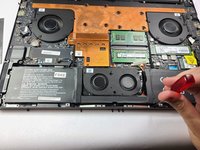
      • Use a Phillips #1 screwdriver to remove the 10 screws that secure the battery and fan assembly.

      Ask FixBot

      Add Comment

    8. Razer Blade Pro 17 2019 Battery Replacement: step 8, image 1 of 3 Razer Blade Pro 17 2019 Battery Replacement: step 8, image 2 of 3 Razer Blade Pro 17 2019 Battery Replacement: step 8, image 3 of 3
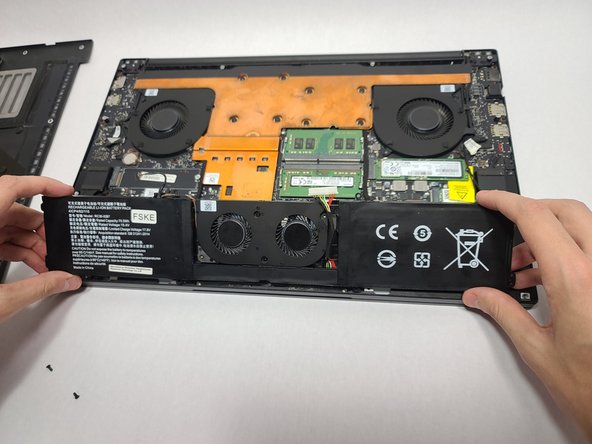
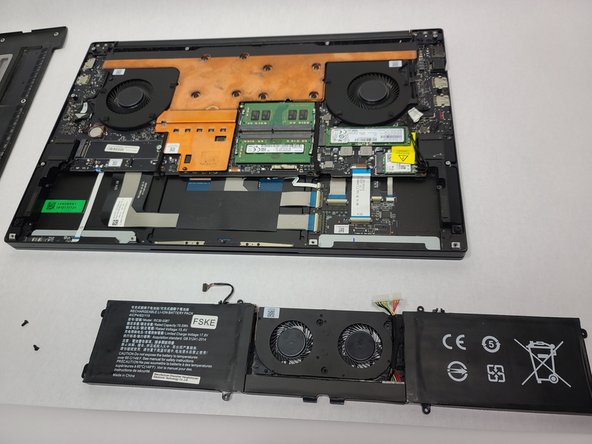
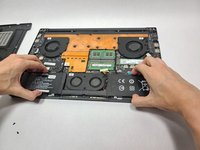
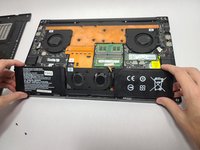
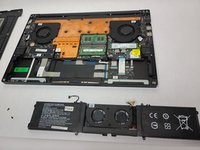
      • Lift the fan assembly and battery out of the chassis.

      Ask FixBot

      Add Comment

Conclusion

For optimal performance, calibrate your newly installed battery after completing this guide.
Compare your new replacement part to the original part—you may need to transfer remaining components or remove adhesive backings from the new part before installing.
To reassemble your device, follow the above steps in reverse order.
Take your e-waste to an R2 or e-Stewards certified recycler.

Cancel: I did not complete this guide.

2 other people completed this guide.

Nate

Member since: 04/15/24

193 Reputation

1 Guide authored

Team

UC Davis, Team 2-3, Morris Spring 2024 Member of UC Davis, Team 2-3, Morris Spring 2024

UCD-MORRIS-S24S2G3

3 Members

12 Guides authored

0 Guide Comments

Add Comment

View Statistics:

Past 24 Hours: 6

Past 7 Days: 29

Past 30 Days: 97

All Time: 1,797