Free Shipping on Domestic Orders $75+

Razer Blade 15" (2020) Speakers Replacement

What you need

  1. Razer Blade 15" (2020) Speakers Replacement, Prepare your laptop for disassembly: step 1, image 1 of 2 Razer Blade 15" (2020) Speakers Replacement, Prepare your laptop for disassembly: step 1, image 2 of 2
    • Allow your laptop's battery to drain below 25% before starting this repair—a charged battery may catch fire if damaged.

    • Unplug all cables and fully shut down your laptop.

    • Close the lid and flip your laptop over so the back cover faces up.

    Ask FixBot

    Add Comment

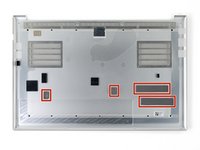
  2. Razer Blade 15" (2020) Speakers Replacement, Unfasten the back cover: step 2, image 1 of 1
    • Use a T5 Torx driver to remove the ten 3.7 mm-long screws securing the back cover.

    Ask FixBot

    Add Comment

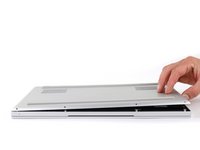
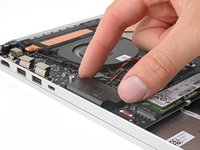
  3. Razer Blade 15" (2020) Speakers Replacement, Loosen the back cover: step 3, image 1 of 3 Razer Blade 15" (2020) Speakers Replacement, Loosen the back cover: step 3, image 2 of 3 Razer Blade 15" (2020) Speakers Replacement, Loosen the back cover: step 3, image 3 of 3
    • The back cover is lightly secured to the motherboard by thermal pads. Depending on the age of your laptop, it may be easier or harder to remove.

    • Use a finger to pry up the right side of the back cover, starting at the Ethernet port cutout.

    Ask FixBot

    Add Comment

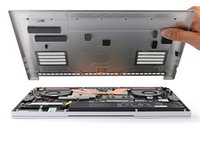
  4. Razer Blade 15" (2020) Speakers Replacement, Remove the back cover: step 4, image 1 of 3 Razer Blade 15" (2020) Speakers Replacement, Remove the back cover: step 4, image 2 of 3 Razer Blade 15" (2020) Speakers Replacement, Remove the back cover: step 4, image 3 of 3
    • Remove the back cover slowly, as to avoid tearing the thermal pads underneath.

    • Lay the back cover down on its rubber feet to avoid damaging the thermal pads on its underside.

    Ask FixBot

    Add Comment

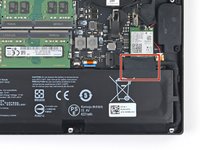
  5. Razer Blade 15" (2020) Speakers Replacement, Soften the battery cable tape adhesive: step 5, image 1 of 2 Razer Blade 15" (2020) Speakers Replacement, Soften the battery cable tape adhesive: step 5, image 2 of 2
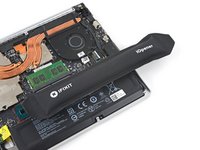
    • Apply a heated iOpener to the battery cable tape for one minute.

    • You can also use a hair dryer—but be careful, as overheating the battery may damage it or cause a fire.

    Ask FixBot

    Add Comment

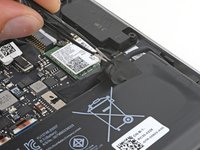
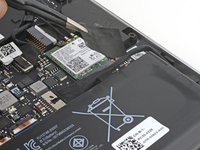
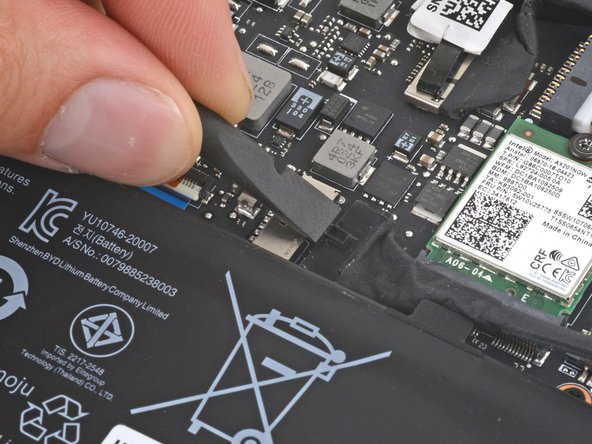
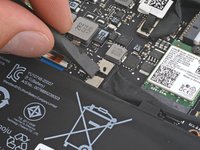
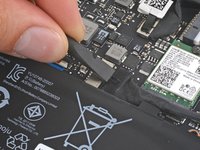
  6. Razer Blade 15" (2020) Speakers Replacement, Remove the battery cable tape: step 6, image 1 of 3 Razer Blade 15" (2020) Speakers Replacement, Remove the battery cable tape: step 6, image 2 of 3 Razer Blade 15" (2020) Speakers Replacement, Remove the battery cable tape: step 6, image 3 of 3
    Tool used on this step:
    Tweezers
    $4.99
    Buy
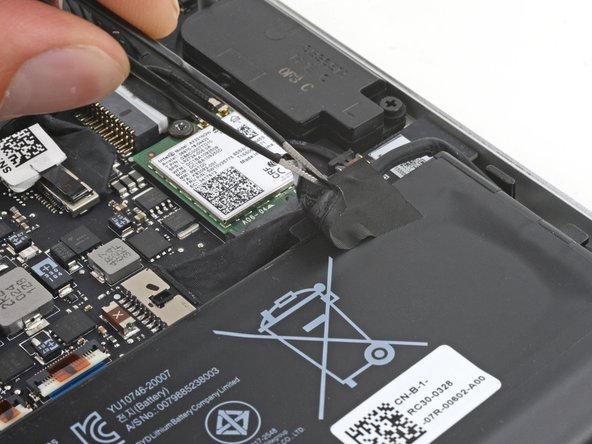
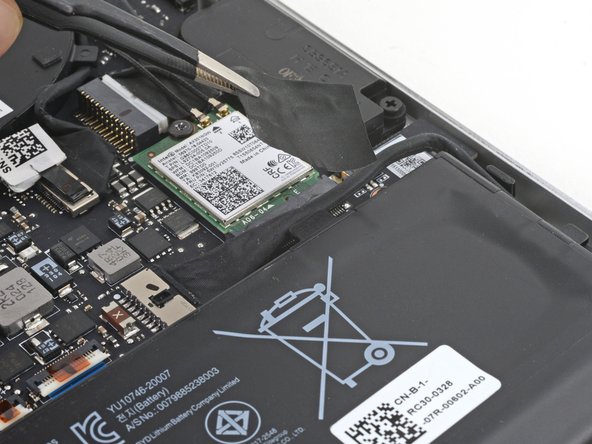
    • Be careful not to damage the battery with your tool.

    • Use blunt nose tweezers or your fingers to peel and remove the battery cable tape.

    Ask FixBot

    Add Comment

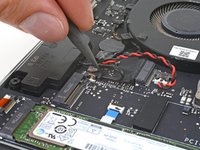
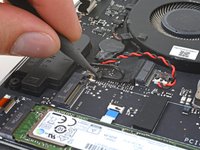
  7. Razer Blade 15" (2020) Speakers Replacement, Disconnect the battery: step 7, image 1 of 2 Razer Blade 15" (2020) Speakers Replacement, Disconnect the battery: step 7, image 2 of 2
    • Use the flat end of a spudger to push the square tab on the battery connector and slide it out of its socket.

    Ask FixBot

    Add Comment

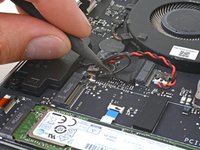
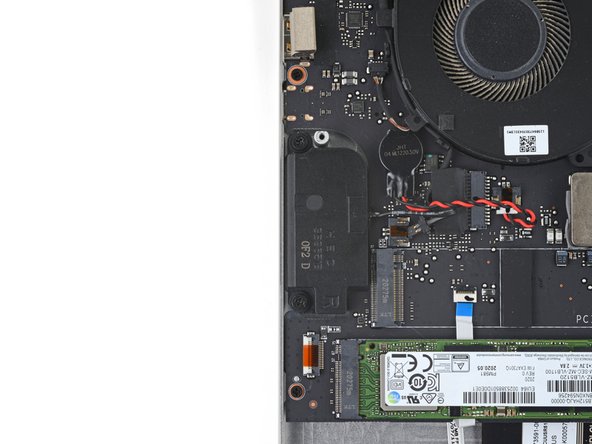
  8. Razer Blade 15" (2020) Speakers Replacement, Disconnect the right speaker: step 8, image 1 of 3 Razer Blade 15" (2020) Speakers Replacement, Disconnect the right speaker: step 8, image 2 of 3 Razer Blade 15" (2020) Speakers Replacement, Disconnect the right speaker: step 8, image 3 of 3
    • Use the point of your spudger to press on alternating sides of the right speaker (labeled R) connector to "walk" it out of its socket.

    Ask FixBot

    Add Comment

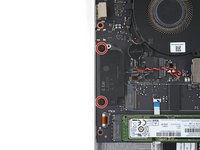
  9. Razer Blade 15" (2020) Speakers Replacement, Unfasten the right speaker: step 9, image 1 of 2 Razer Blade 15" (2020) Speakers Replacement, Unfasten the right speaker: step 9, image 2 of 2
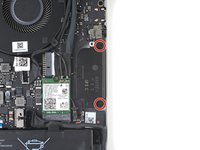
    • Use a Phillips screwdriver to remove the two 7.6 mm screws securing the right speaker.

    Ask FixBot

    Add Comment

  10. Razer Blade 15" (2020) Speakers Replacement, Remove the right speaker: step 10, image 1 of 2 Razer Blade 15" (2020) Speakers Replacement, Remove the right speaker: step 10, image 2 of 2
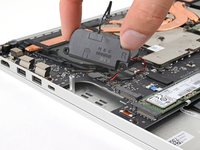
    • Remove the right speaker

    Ask FixBot

    Add Comment

  11. Razer Blade 15" (2020) Speakers Replacement, Disconnect the left speaker: step 11, image 1 of 3 Razer Blade 15" (2020) Speakers Replacement, Disconnect the left speaker: step 11, image 2 of 3 Razer Blade 15" (2020) Speakers Replacement, Disconnect the left speaker: step 11, image 3 of 3
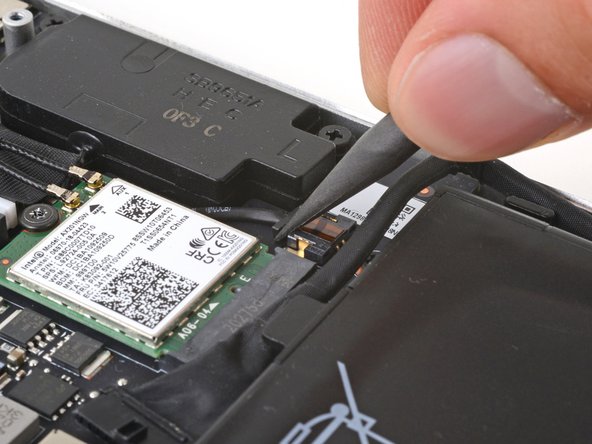
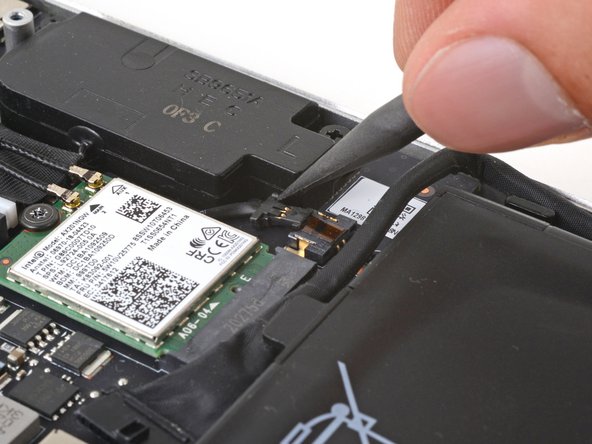
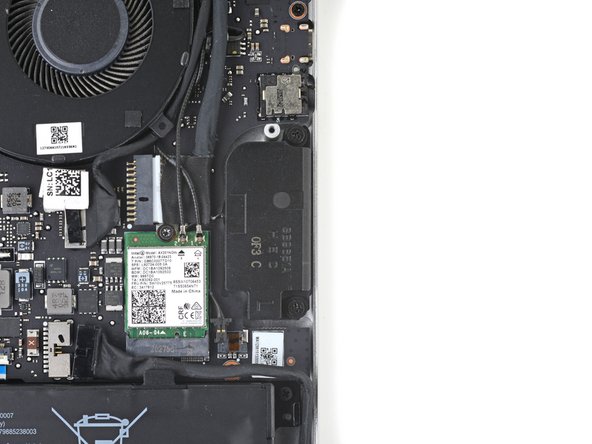
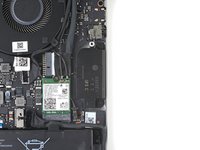
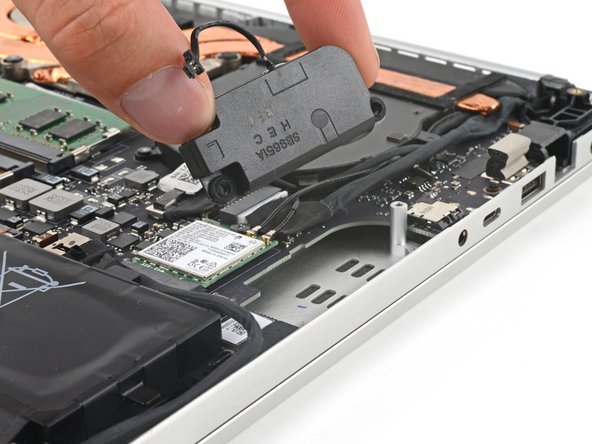
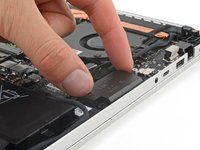
    • Use the point of your spudger to press on alternating sides of the left speaker (labeled L) connector to "walk" it out of its socket.

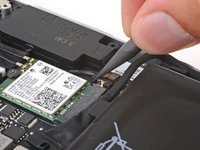
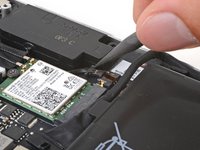
    • If the cable is tightly wedged under the Wi-Fi card, use your Phillips screwdriver to slightly loosen the screw securing it, freeing the speaker cable.

    Ask FixBot

    Add Comment

  12. Razer Blade 15" (2020) Speakers Replacement, Unfasten the left speaker: step 12, image 1 of 2 Razer Blade 15" (2020) Speakers Replacement, Unfasten the left speaker: step 12, image 2 of 2
    • Use your Phillips screwdriver to remove the two 7.6 mm screws securing the left speaker.

    Ask FixBot

    Add Comment

  13. Razer Blade 15" (2020) Speakers Replacement, Remove the left speaker: step 13, image 1 of 2 Razer Blade 15" (2020) Speakers Replacement, Remove the left speaker: step 13, image 2 of 2
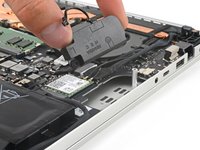
    • Remove the left speaker.

    Ask FixBot

    Add Comment

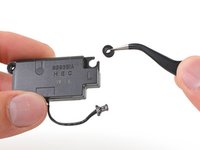
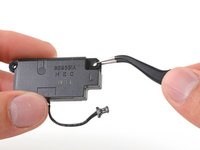
  14. Razer Blade 15" (2020) Speakers Replacement, Reassembly information: step 14, image 1 of 2 Razer Blade 15" (2020) Speakers Replacement, Reassembly information: step 14, image 2 of 2
    • During reassembly, make sure the rubber grommets are in place at each screw cutout. You might need to transfer them to your new speakers.

    Ask FixBot

    Add Comment

Conclusion

To reassemble your device, follow these instructions in reverse order.

Take your e-waste to an R2 or e-Stewards certified recycler.

Repair didn’t go as planned? Try some basic troubleshooting, or ask our Answers community for help.

Cancel: I did not complete this guide.

Clay Eickemeyer

Member since: 09/19/22

104,942 Reputation

472 Guides authored

Team

Guide Team Member of Guide Team

Staff

10 Members

18,515 Guides authored

0 Guide Comments

Add Comment

View Statistics:

Past 24 Hours: 1

Past 7 Days: 7

Past 30 Days: 41

All Time: 915