Free Shipping on Domestic Orders $75+

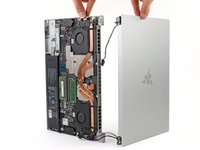
Razer Blade 15" (2020) Screen Replacement

What you need

  1. Razer Blade 15" (2020) Screen Replacement, Prepare your laptop for disassembly: step 1, image 1 of 2 Razer Blade 15" (2020) Screen Replacement, Prepare your laptop for disassembly: step 1, image 2 of 2
    • Allow your laptop's battery to drain below 25% before starting this repair—a charged battery may catch fire if damaged.

    • Unplug all cables and fully shut down your laptop.

    • Close the lid and flip your laptop over so the back cover faces up.

    Ask FixBot

    Add Comment

  2. Razer Blade 15" (2020) Screen Replacement, Unfasten the back cover: step 2, image 1 of 1
    • Use a T5 Torx driver to remove the ten 3.7 mm-long screws securing the back cover.

    Ask FixBot

    Add Comment

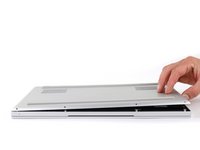
  3. Razer Blade 15" (2020) Screen Replacement, Loosen the back cover: step 3, image 1 of 3 Razer Blade 15" (2020) Screen Replacement, Loosen the back cover: step 3, image 2 of 3 Razer Blade 15" (2020) Screen Replacement, Loosen the back cover: step 3, image 3 of 3
    • The back cover is lightly secured to the motherboard by thermal pads. Depending on the age of your laptop, it may be easier or harder to remove.

    • Use a finger to pry up the right side of the back cover, starting at the Ethernet port cutout.

    Ask FixBot

    Add Comment

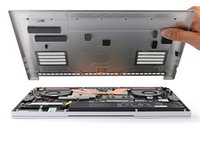
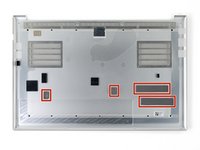
  4. Razer Blade 15" (2020) Screen Replacement, Remove the back cover: step 4, image 1 of 3 Razer Blade 15" (2020) Screen Replacement, Remove the back cover: step 4, image 2 of 3 Razer Blade 15" (2020) Screen Replacement, Remove the back cover: step 4, image 3 of 3
    • Remove the back cover slowly, as to avoid tearing the thermal pads underneath.

    • Lay the back cover down on its rubber feet to avoid damaging the thermal pads on its underside.

    Ask FixBot

    Add Comment

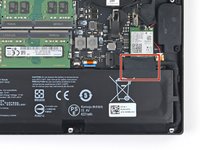
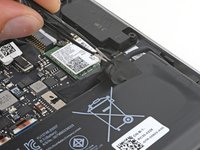
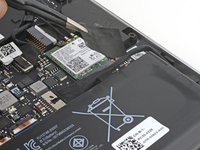
  5. Razer Blade 15" (2020) Screen Replacement, Soften the battery cable tape adhesive: step 5, image 1 of 2 Razer Blade 15" (2020) Screen Replacement, Soften the battery cable tape adhesive: step 5, image 2 of 2
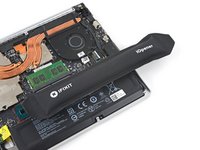
    • Apply a heated iOpener to the battery cable tape for one minute.

    • You can also use a hair dryer—but be careful, as overheating the battery may damage it or cause a fire.

    Ask FixBot

    Add Comment

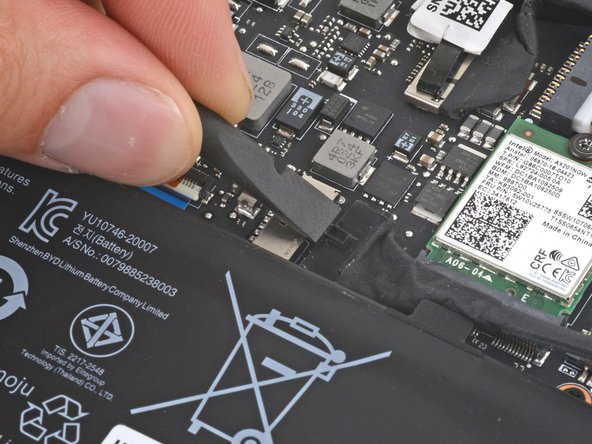
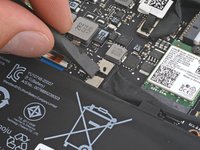
  6. Razer Blade 15" (2020) Screen Replacement, Remove the battery cable tape: step 6, image 1 of 3 Razer Blade 15" (2020) Screen Replacement, Remove the battery cable tape: step 6, image 2 of 3 Razer Blade 15" (2020) Screen Replacement, Remove the battery cable tape: step 6, image 3 of 3
    Tool used on this step:
    Tweezers
    $4.99
    Buy
    • Be careful not to damage the battery with your tool.

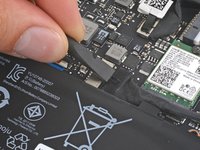
    • Use blunt nose tweezers or your fingers to peel and remove the battery cable tape.

    Ask FixBot

    Add Comment

  7. Razer Blade 15" (2020) Screen Replacement, Disconnect the battery: step 7, image 1 of 2 Razer Blade 15" (2020) Screen Replacement, Disconnect the battery: step 7, image 2 of 2
    • Use the flat end of a spudger to push the square tab on the battery connector and slide it out of its socket.

    Ask FixBot

    Add Comment

  8. Razer Blade 15" (2020) Screen Replacement, Label the antenna cables: step 8, image 1 of 2 Razer Blade 15" (2020) Screen Replacement, Label the antenna cables: step 8, image 2 of 2
    • In the next two steps, you'll disconnect the Wi-Fi antenna cables to access other components.

    • The antenna cables look very similar. Label one of them with a piece of tape or marker and remember which socket it connects to.

    Ask FixBot

    Add Comment

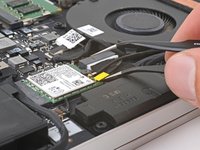
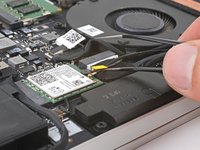
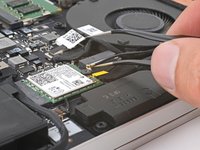
  9. Razer Blade 15" (2020) Screen Replacement, Disconnect the antenna cables: step 9, image 1 of 3 Razer Blade 15" (2020) Screen Replacement, Disconnect the antenna cables: step 9, image 2 of 3 Razer Blade 15" (2020) Screen Replacement, Disconnect the antenna cables: step 9, image 3 of 3
    Tool used on this step:
    Tweezers
    $3.99
    Buy
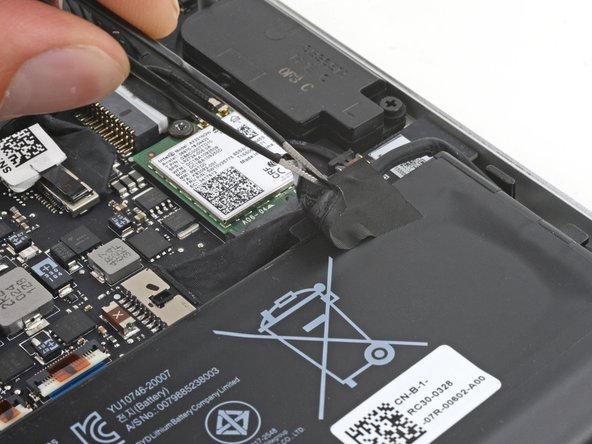
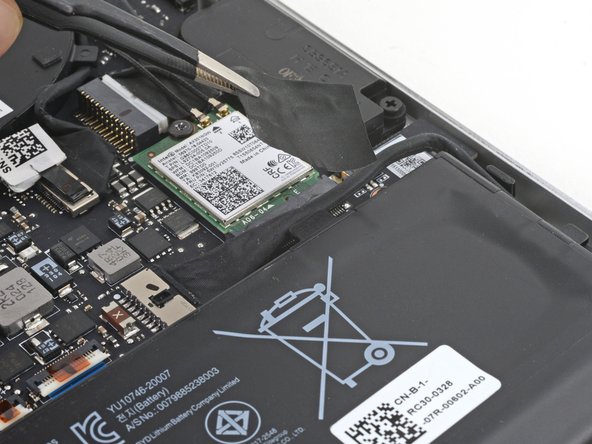
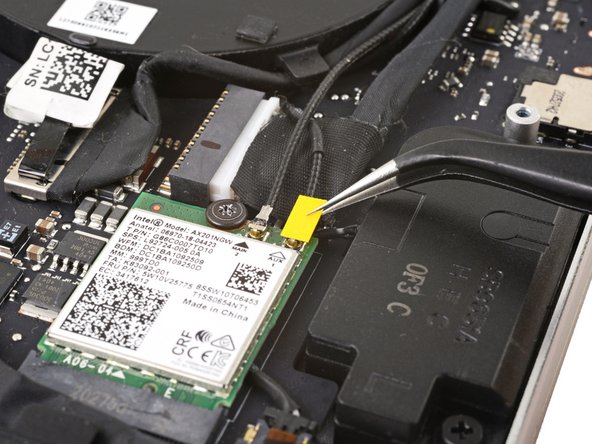
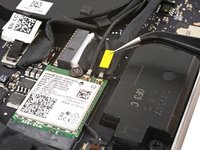
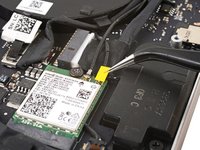
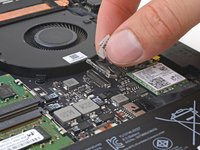
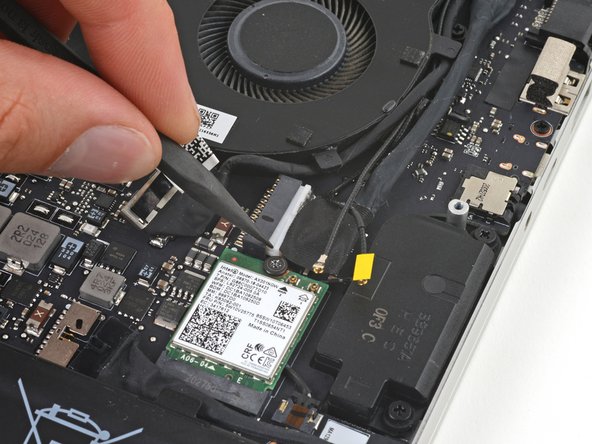
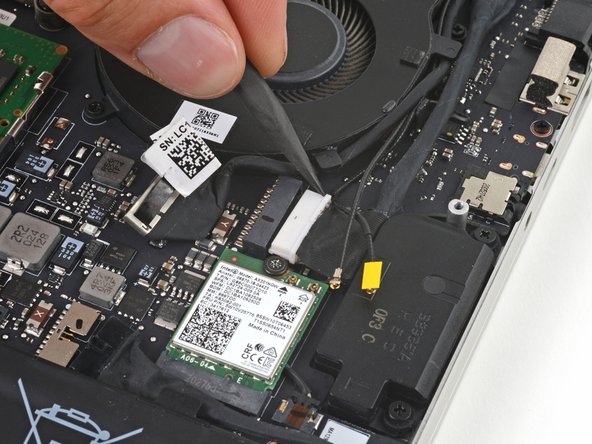
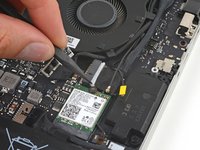
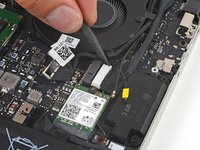
    • Insert one arm of angled tweezers under the metal neck of each antenna cable and pry up to disconnect it.

    • During reassembly, align the connector over its socket and gently press down with the flat end of your spudger or your fingernail until it clicks into place.

    Ask FixBot

    Add Comment

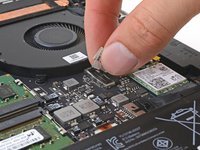
  10. Razer Blade 15" (2020) Screen Replacement, Disconnect the screen press connector: step 10, image 1 of 2 Razer Blade 15" (2020) Screen Replacement, Disconnect the screen press connector: step 10, image 2 of 2
    • Grab the pull tab on the screen connector.

    • Pull up to disconnect the connector from its socket.

    • During reassembly, align the connector over its socket and press down until it clicks into place.

    Ask FixBot

    Add Comment

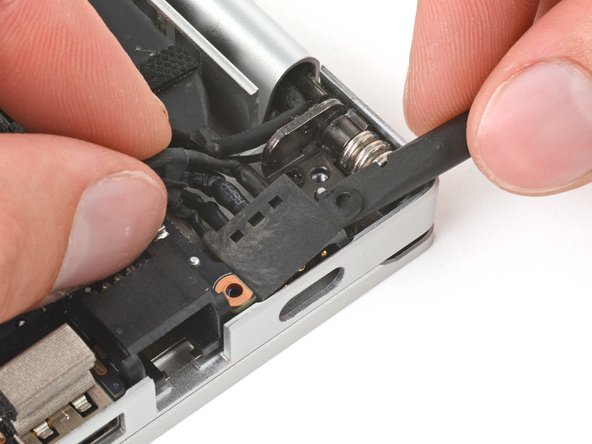
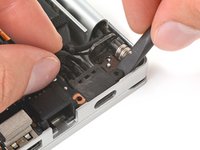
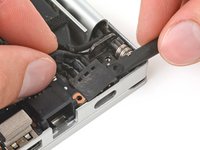
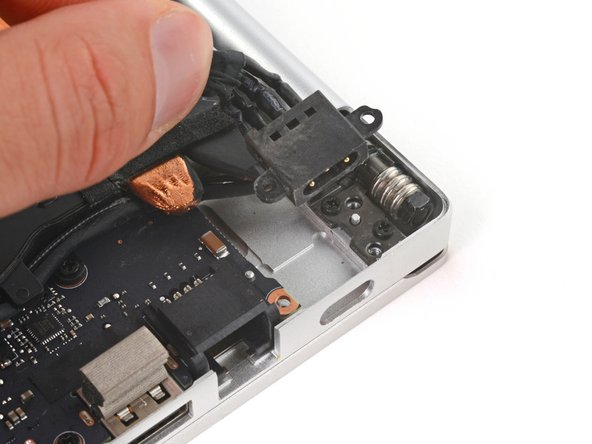
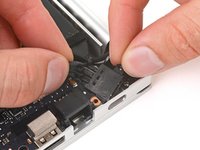
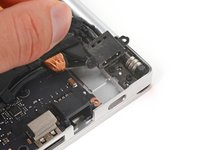
  11. Razer Blade 15" (2020) Screen Replacement, Disconnect the charging port: step 11, image 1 of 3 Razer Blade 15" (2020) Screen Replacement, Disconnect the charging port: step 11, image 2 of 3 Razer Blade 15" (2020) Screen Replacement, Disconnect the charging port: step 11, image 3 of 3
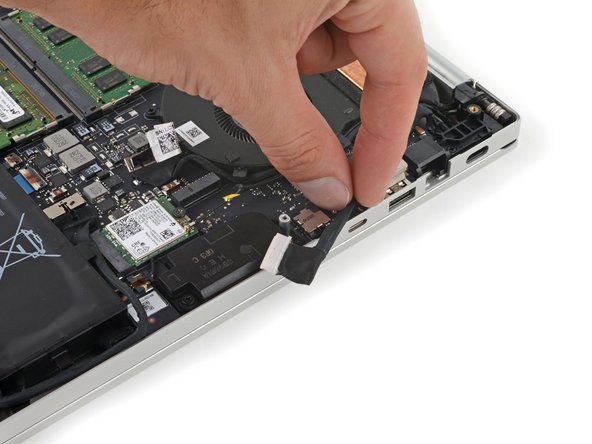
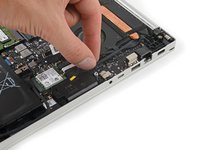
    • Use the point of your spudger to press on alternating sides of the charging port connector to "walk" it out of its socket.

    Ask FixBot

    Add Comment

  12. Razer Blade 15" (2020) Screen Replacement, Move the charging cable: step 12, image 1 of 2 Razer Blade 15" (2020) Screen Replacement, Move the charging cable: step 12, image 2 of 2
    • Move the charging cable over the right edge of the laptop.

    Ask FixBot

    Add Comment

  13. Razer Blade 15" (2020) Screen Replacement, Unfasten the right hinge cover: step 13, image 1 of 1
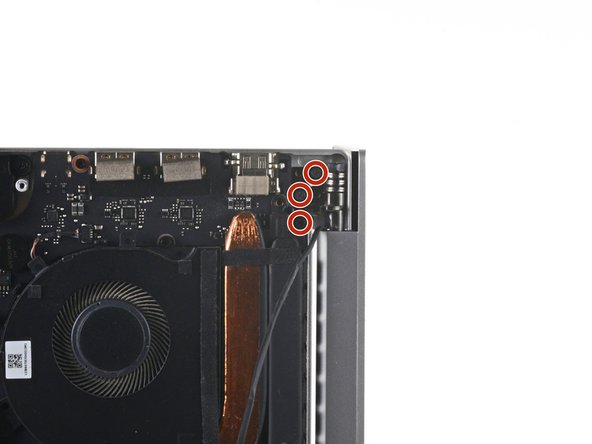
    • Use a Phillips screwdriver to remove the three 6.7 mm screws securing the right hinge cover.

    Ask FixBot

    Add Comment

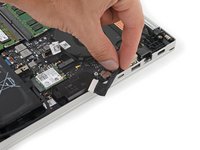
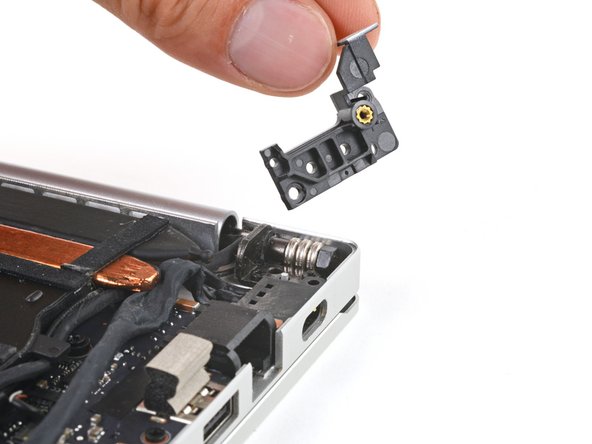
  14. Razer Blade 15" (2020) Screen Replacement, Remove the right hinge cover: step 14, image 1 of 2 Razer Blade 15" (2020) Screen Replacement, Remove the right hinge cover: step 14, image 2 of 2
    • Remove the right hinge cover.

    Ask FixBot

    Add Comment

  15. Razer Blade 15" (2020) Screen Replacement, Pry up the charging port: step 15, image 1 of 2 Razer Blade 15" (2020) Screen Replacement, Pry up the charging port: step 15, image 2 of 2
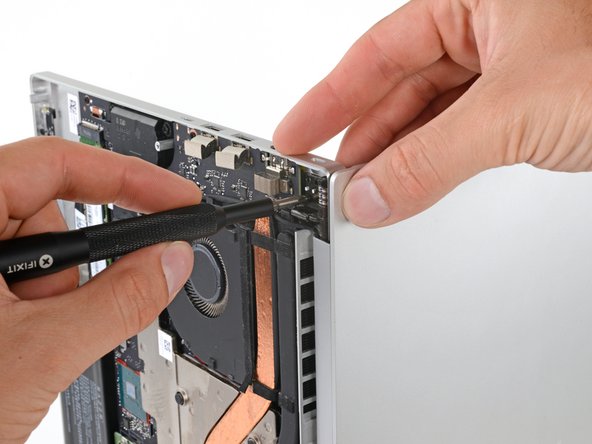
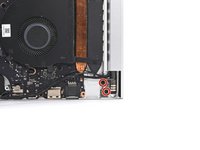
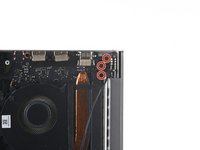
    • Hold the charging port cables out of the way of the heatsink.

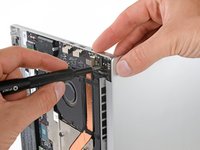
    • Use the flat end of your spudger to pry up the top screw mount of the charging port until it clears the hinge.

    Ask FixBot

    Add Comment

  16. Razer Blade 15" (2020) Screen Replacement, Remove the charging port: step 16, image 1 of 2 Razer Blade 15" (2020) Screen Replacement, Remove the charging port: step 16, image 2 of 2
    • Rotate the charging port counterclockwise and slide the lower screw mount out from underneath the motherboard.

    • Remove the charging port.

    Ask FixBot

    Add Comment

  17. Razer Blade 15" (2020) Screen Replacement, Disconnect the left-side screen cable: step 17, image 1 of 2 Razer Blade 15" (2020) Screen Replacement, Disconnect the left-side screen cable: step 17, image 2 of 2
    • Grab the pull tab on the neck of the left-side screen connector and pull it straight out of its socket.

    Ask FixBot

    Add Comment

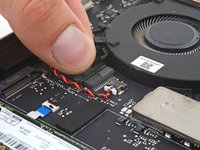
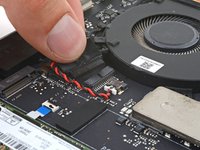
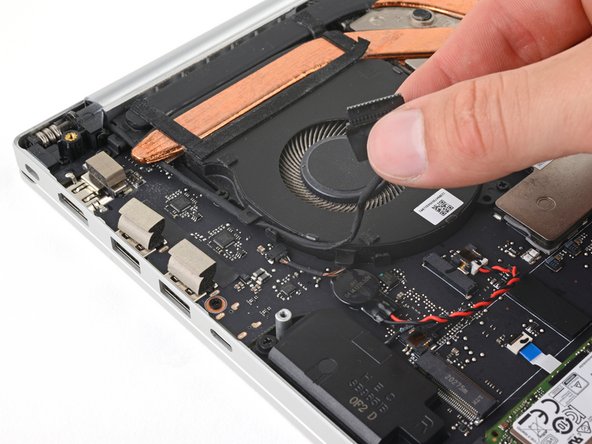
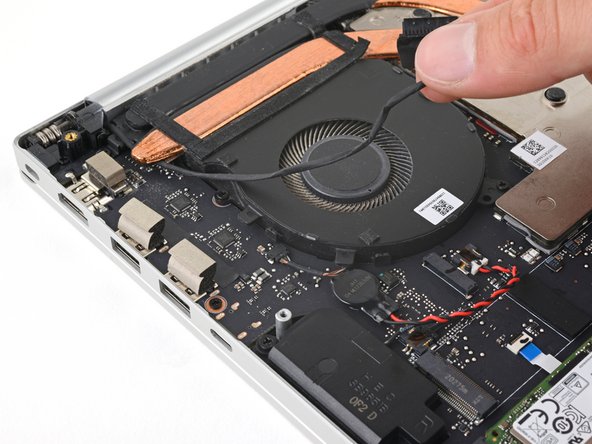
  18. Razer Blade 15" (2020) Screen Replacement, Unclip the screen cable: step 18, image 1 of 3 Razer Blade 15" (2020) Screen Replacement, Unclip the screen cable: step 18, image 2 of 3 Razer Blade 15" (2020) Screen Replacement, Unclip the screen cable: step 18, image 3 of 3
    • Pull the left-side screen cable out from the clips along the left edge of the fan.

    Ask FixBot

    Add Comment

  19. Razer Blade 15" (2020) Screen Replacement, Unfasten the left hinge cover: step 19, image 1 of 1
    • Use your Phillips screwdriver to remove the two 6.7 mm screws securing the left hinge cover.

    • Depending on the condition of your screwdrivers, either a Phillips #1 or Phillips #0 will work.

    Ask FixBot

    Add Comment

  20. Razer Blade 15" (2020) Screen Replacement, Remove the left hinge cover: step 20, image 1 of 2 Razer Blade 15" (2020) Screen Replacement, Remove the left hinge cover: step 20, image 2 of 2
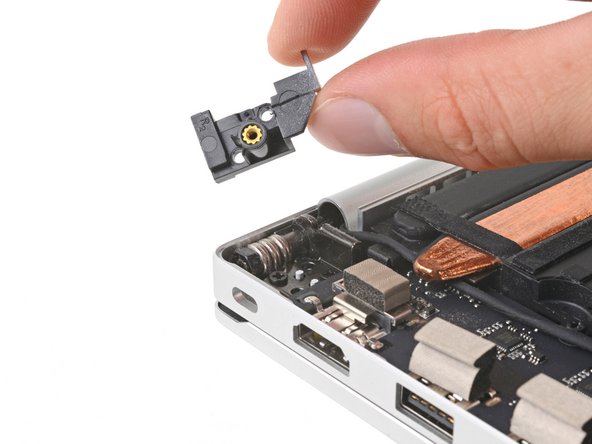
    • Remove the left hinge cover.

    Ask FixBot

    Add Comment

  21. Razer Blade 15" (2020) Screen Replacement, Unclip the right-side screen and antenna cables: step 21, image 1 of 2 Razer Blade 15" (2020) Screen Replacement, Unclip the right-side screen and antenna cables: step 21, image 2 of 2
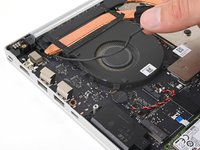
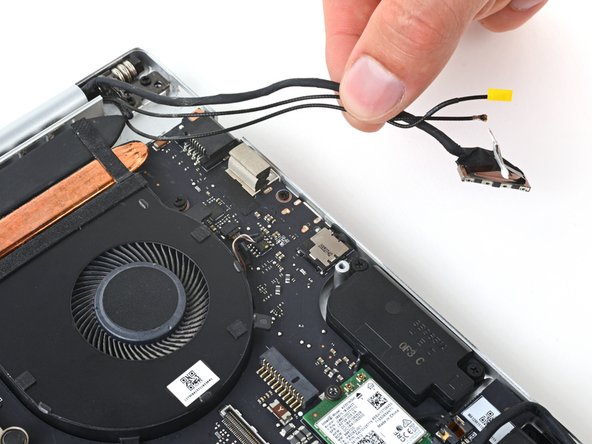
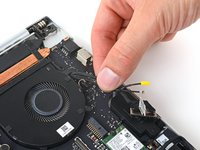
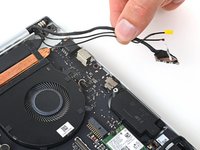
    • Unclip the right-side screen and antenna cables from the fan and move them over the right side of the laptop.

    Ask FixBot

    Add Comment

  22. Razer Blade 15" (2020) Screen Replacement, Prop up your laptop: step 22, image 1 of 1
    Ask FixBot

    Add Comment

  23. Razer Blade 15" (2020) Screen Replacement, Unfasten the hinges: step 23, image 1 of 3 Razer Blade 15" (2020) Screen Replacement, Unfasten the hinges: step 23, image 2 of 3 Razer Blade 15" (2020) Screen Replacement, Unfasten the hinges: step 23, image 3 of 3
    • Hold the laptop steady with one hand.

    • Use your Phillips screwdriver to remove the five 4.7 mm screws securing the screen hinges.

    Ask FixBot

    Add Comment

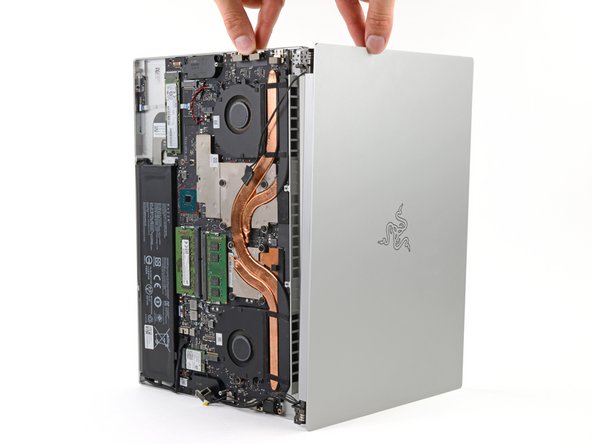
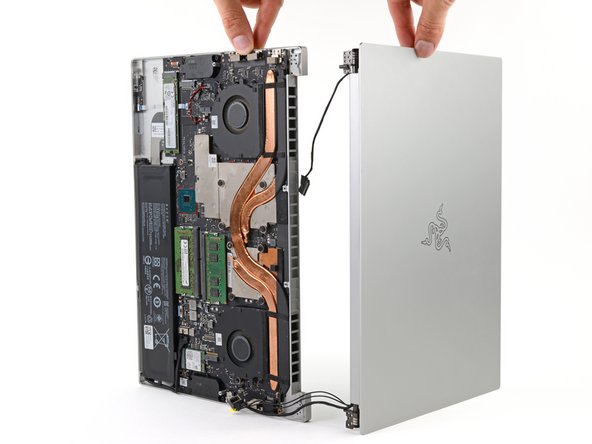
  24. Razer Blade 15" (2020) Screen Replacement, Remove the screen: step 24, image 1 of 3 Razer Blade 15" (2020) Screen Replacement, Remove the screen: step 24, image 2 of 3 Razer Blade 15" (2020) Screen Replacement, Remove the screen: step 24, image 3 of 3
    • Hold both halves of the laptop steady during this step, as they might fall unexpectedly.

    • Slide the screen hinges away from the frame to free them from their recesses.

    • Remove the screen.

    Ask FixBot

    Add Comment

Conclusion

To reassemble your device, follow these instructions in reverse order.

Take your e-waste to an R2 or e-Stewards certified recycler.

Repair didn’t go as planned? Try some basic troubleshooting, or ask our Answers community for help.

Cancel: I did not complete this guide.

Clay Eickemeyer

Member since: 09/19/22

104,683 Reputation

472 Guides authored

Team

Guide Team Member of Guide Team

Staff

10 Members

18,391 Guides authored

2 Guide Comments

Any info on where to get a replacement OLED screen? Seems like it's either LCD replacements or used Ebay ones that are damaged already.

Simon Arias - Reply Share
@simonarias I too am in need of a OLED screen replacement. I was gently cleaning mine and for whatever reason cracked the screen right at the hinge. Curious if you ever found a source.

Hunter Baker - Reply Share
Add Comment

View Statistics:

Past 24 Hours: 1

Past 7 Days: 18

Past 30 Days: 61

All Time: 2,052