
Razer Blade 14" (2013) Battery Replacement

tallme15 and 3 other contributors
Last updated on Jul 11, 2017
Views: 29K
View statistics:
- Past 24 Hours:
- 3
- Past 7 Days:
- 19
- Past 30 Days:
- 91
- All Time:
- 29,180
Comments: 18
1 comment on steps, 17 guide comments.
Go to guide commentsCompleted: 21 22
21 people have marked this guide "completed." Will you be next?
22 people have marked this guide "completed." Including you — great job!
Favorites: 2 3
2 people have favorited (and subscribed to) this guide. Will you be next?
3 people have favorited (and subscribed to) this guide — including you!
Community-Contributed Guide
An awesome member of our community made this guide. It was not created by iFixit staff.
Introduction
Go to step 1 ↓I Intend to show you how to safely remove the battery.
What you need
Tools
-
Spudger4.9
-


-
-
-
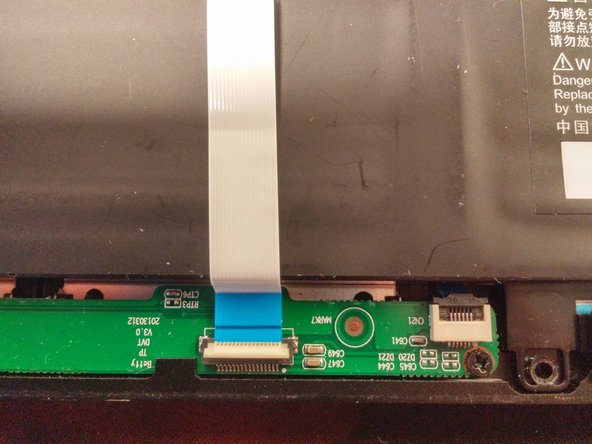
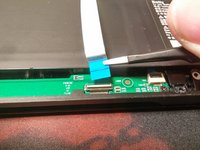
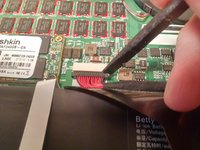
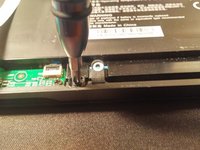
Flip the hold down up
-
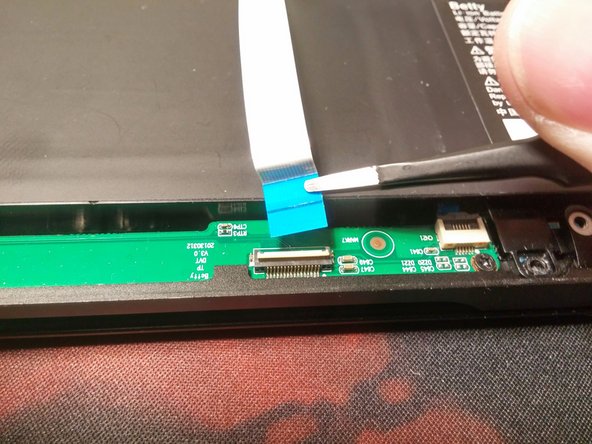
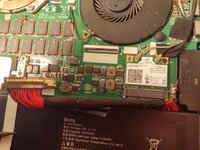
Remove the cable
-
Repeat for second cable
-
-
-
-
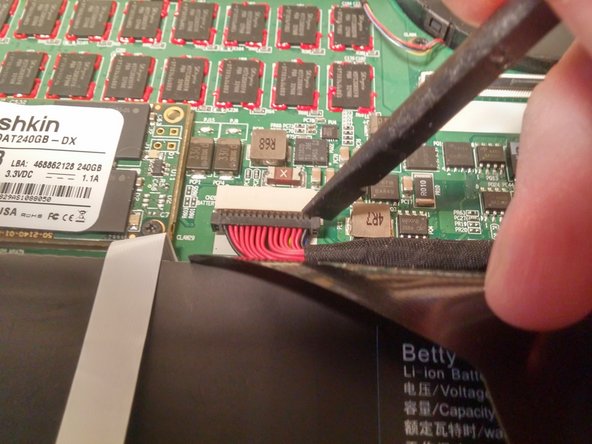
Use a spudger to disconnect the plug from the connector by pulling it away from the socket, parallel to the board.
-
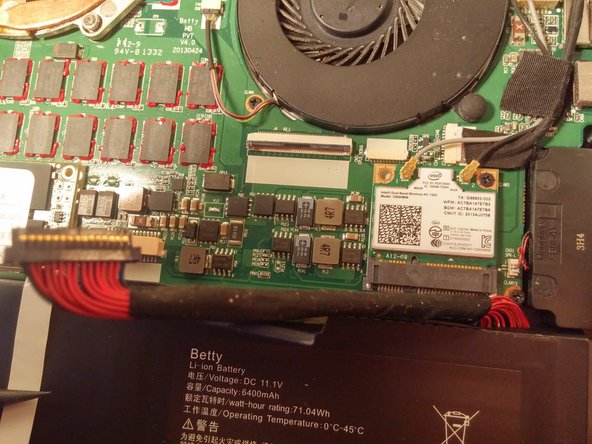
Bend the connector backwards to prevent it from getting in the way of the motherboard.
-
-
-
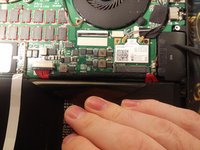
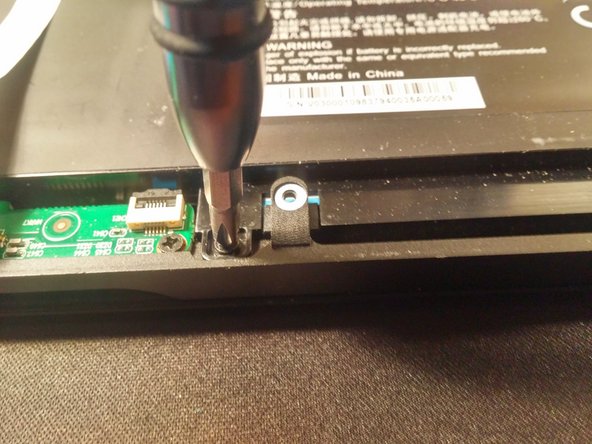
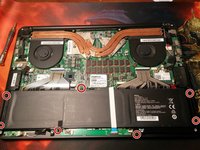
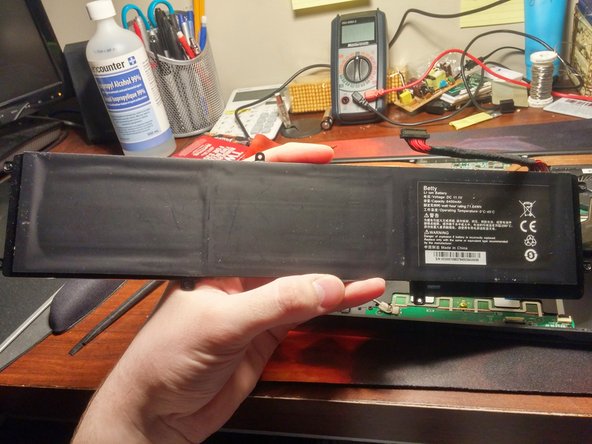
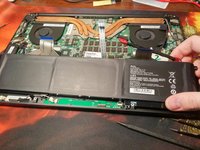
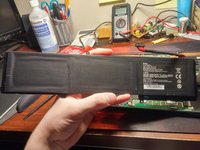
Remove the battery by pulling up from the side closest to the motherboard
-


 Ask FixBot





To reassemble your device, follow these instructions in reverse order.
Cancel: I did not complete this guide.
21 other people completed this guide.

17 Guide Comments
i want buy a battery for razer blade but I can't buy it anywhere
Please help me, my battery only 20% heathly
May I have a detailed guide on how you remove the cable over the battery, please? I am not used to taking machines apart, and wouldn't want to risk ruining my laptop. (didn't quite understand your pictures)
The only way to remove the cable is to work it out with a set of tweezers and be gentle not to pull the cables lose from the connector.
