Introduction
If your Razer BlackWidow V3 Tenkeyless keyboard is experiencing unresponsive or damaged keys, this switch replacement guide will help you restore full functionality. Since the switches are an integral part of the keyboard’s performance, replacing them can resolve many common issues. For this guide, you will need a keycap puller, a soldering iron, desoldering pump or wick, and replacement switches compatible with your keyboard. The steps are straightforward, but involve basic soldering—so be sure to follow each instruction carefully.
What you need
-
-
-
Before you start, unplug the keyboard from your computer to prevent accidental damage.
-
Use a keycap puller remove all keycaps.
 Ask FixBot
-
-
-
Remove the 7.8 mm screws that secure the faceplate using a Phillips #0 screwdriver.
-
-
-
-
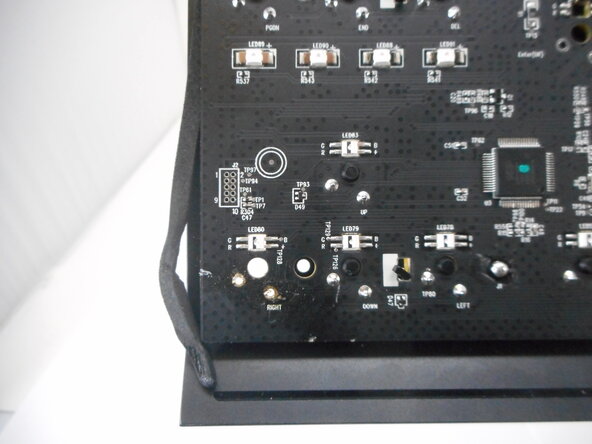
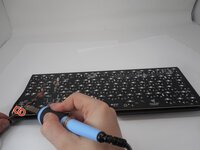
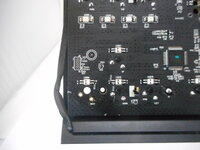
Use a soldering iron to heat the two solder points securing the switch to the board, then apply a solder wick to absorb and remove the melted solder.
-
-


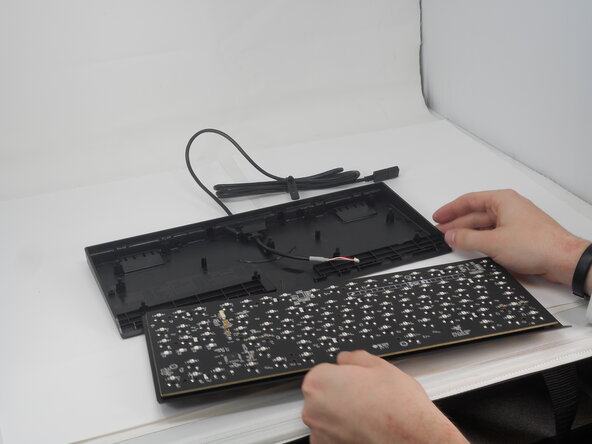

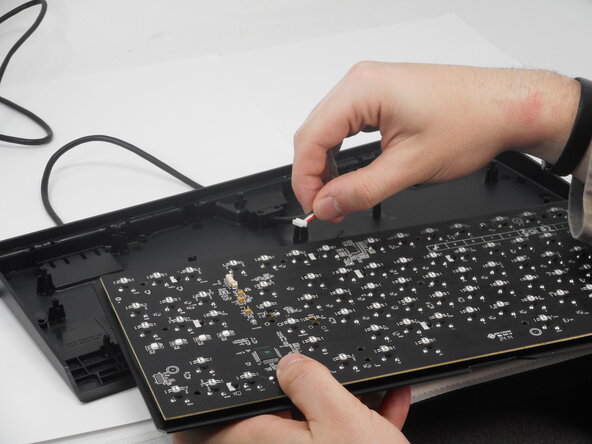

To reassemble your device, follow these instructions in reverse order.
Cancel: I did not complete this guide.
One other person completed this guide.

Team

University of Memphis, Team 2-2, Sneed Spring 2025 Member of University of Memphis, Team 2-2, Sneed Spring 2025
UM-SNEED-S25S2G2
3 Members
4 Guides authored
1 Guide Comment
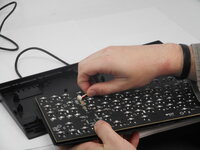
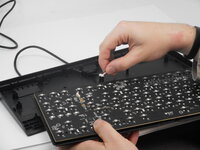
To remove the switches after desoldering you will need to gently push on the black circle (bottom of the switch) near the 2 pins. This pops the switch out.
If its too hard to push the switch out consider using the tip of the soldering iron to push the pins to the middle of the whole in the circuit board to make sure its not being held on by left over solder.
