
RIDGID R84015 X2 Planetary Gear Replacement Guide

Evan Long and 10 other contributors
Last updated on Oct 3, 2018
Views: 7.4K
View statistics:
- Past 24 Hours:
- 11
- Past 7 Days:
- 37
- Past 30 Days:
- 152
- All Time:
- 7,376
Comments: 1
1 guide comment.
Go to guide commentsCompleted: 4 5
4 people have marked this guide "completed." Will you be next?
5 people have marked this guide "completed." Including you — great job!
Favorites: 5 6
5 people have favorited (and subscribed to) this guide. Will you be next?
6 people have favorited (and subscribed to) this guide — including you!
Introduction
Go to step 1 ↓Follow these steps to disassemble the drill and replace the planetary gear for the RIDGID R84015 X2 power drill.
What you need
Tools


-
-
-
Remove the backplate.
-
Using a Torx T20 screwdriver, remove the four screws attaching the back plate.
 Ask FixBot
-
-
-
Remove the drill handle.
-
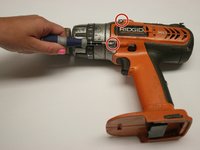
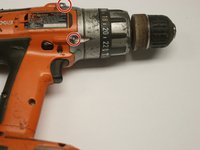
Using the Phillips #2 screwdriver, remove the five screws attaching the drill handle to the body.
-
-
-
Remove the gear casing from the body.
-
Using the Philips #2 screwdriver, remove the four screws attaching the gear casing to the body.
-
-
-
-
-
-
Prepare to remove the gear chamber.
-
Using the Phillips #2 screwdriver, unscrew the four screws at the rear of the plastic gear chamber.
-
-
-
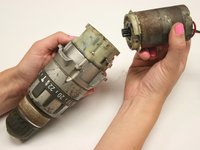
Remove the motor from the drill by gently pulling the motor away from the gear chamber.
-
-
-
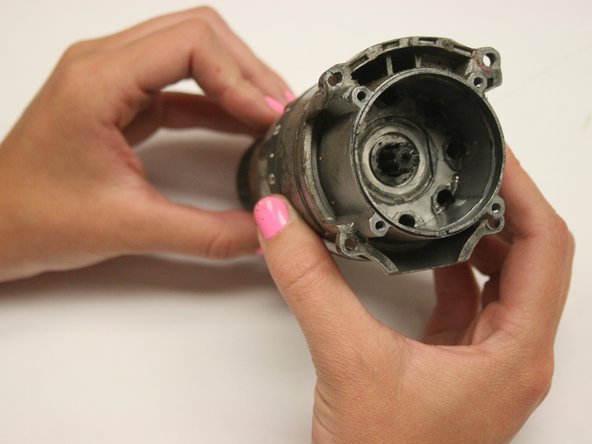
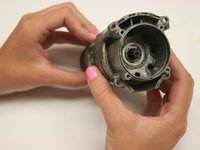
Remove the plastic gear chamber.
-
Using the Phillips #2 screwdriver, remove the four screws that attach the plastic gear chamber.
-
-
-
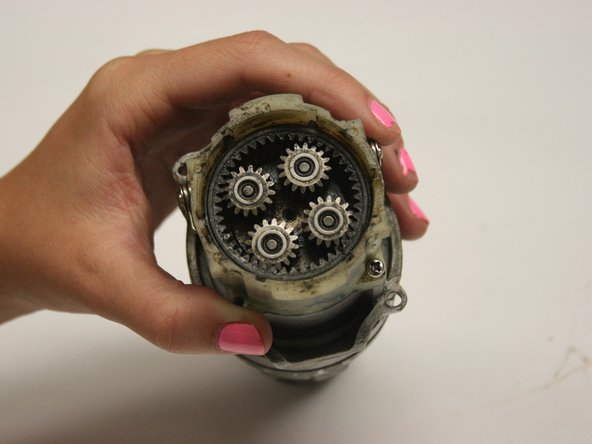
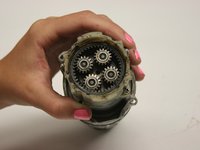
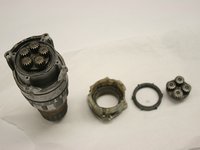
Remove each component from the gear assembly. Replace components as needed.
-
Reassemble the drill following the gear replacement instructions in reverse order.
-
-






Cancel: I did not complete this guide.
4 other people completed this guide.

Team

Cal Poly, Team 15-48, Garner Spring 2010 Member of Cal Poly, Team 15-48, Garner Spring 2010
CPSU-GARNER-S10S15G48
6 Members
60 Guides authored
