
RIDGID R2740 Motor Replacement

Errett Gary Bainum and 9 other contributors
Last updated on Jan 3, 2023
Views: 1.2K
View statistics:
- Past 24 Hours:
- 2
- Past 7 Days:
- 8
- Past 30 Days:
- 61
- All Time:
- 1,240
Comments: 0
No one has left comments on this guide. Will you be first?
Go to guide commentsCompleted: 0 1
No one has marked this guide "completed." Will you be the first?
1 person has marked this guide "completed." It's you — great job!
Favorites: 0 1
No one has favorited (and subscribed to) this guide. Will you be the first?
1 person has favorited (and subscribed to) this guide — and that's you!
Introduction
Go to step 1 ↓This guide is designed to walk you through step-by-step procedures on how to replace the motor on a RIDGID Belt Sander R2740. A broken or damaged motor will cause the motor driven drum not to rotate, therefore, causing the belt of the sander not to move or function properly. The belt may also be moving at a very slow speed if the motor is burning out.
Before working on the RIDGID Belt Sander make sure the the power tool is unplugged or disconnected from any power source. Failure to do so may result in electrocution or personal injury while removing the motor. Make sure to read through this guide for addition information before beginning the replacement of the RIDGID Belt Sander R2740 motor.
What you need


-
-
-
Orient the Ridgid Sander to where the Air Guard logo is facing upwards.
-
Unscrew the outlined screw in the figure with a Torx TR10 screw bit.
-
Remove the guard that is protecting the tread-line.
 Ask FixBot
-
-
-
See attached diagram.
-
The guard below the wheels should be able to lift up out of place.
-
Remove the timing belt from the pulleys.
-
Unscrew the three screws with a Phillips #1 screwdriver.
-
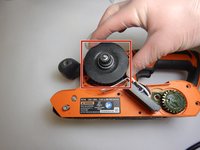
Remove the large pulley after removing the screw.
-
Using the Torx TR10 Bit, unscrew the 10 screws which hold the external casing in place.
-
-
-
-
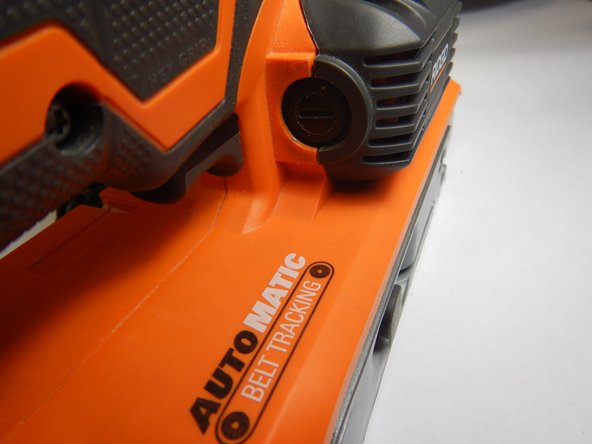
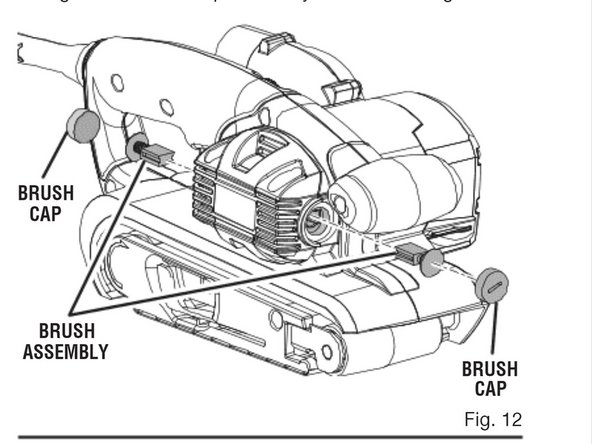
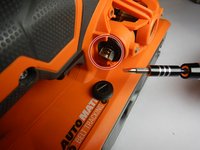
Remove the brush caps from either side using a flathead screwdriver (See attached diagram).
-
Remove the plastic cover with the Ridgid logo.
-
Remove the brush assembly (See attached diagram).
-
-
-
Now orient the Rigid Sander to the other side that shows the exposed motor.
-
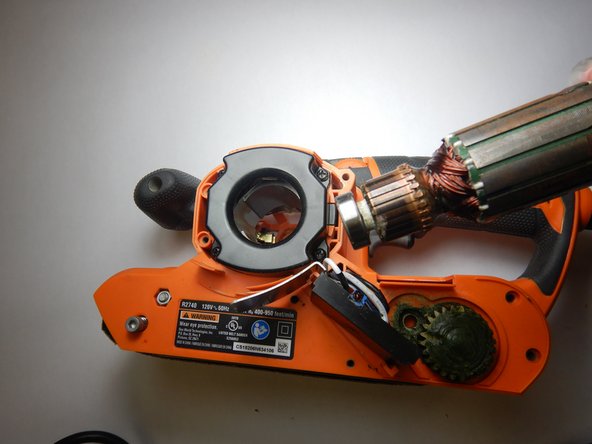
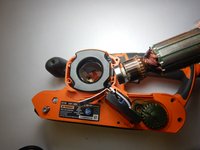
The motor will be able to lift up out of place.
-
-




To reassemble your device, follow these instructions in reverse order.

Team

The Citadel Military College of South Carolina, Team S2-G2, Eggleston Fall 2019 Member of The Citadel Military College of South Carolina, Team S2-G2, Eggleston Fall 2019
CMCSC-EGGLESTON-F19S2G2
3 Members
36 Guides authored
