Introduction
If the buttons on the keypad do not respond and cleaning the keypad has not fixed the problem, follow these steps to remove the keypad.
What you need
-
-
-
Place your thumb in the groove on the back of handset. Next, push down with your thumb and then slide the battery cover towards the bottom of the phone to remove the battery cover.
 Ask FixBot
-
-
-
To remove the battery, gently pull up on the white connector located on the left side of the phone.
-
-
-
-
-
Remove the four screws, located at each of the corners within the back encasing, with a small Phillips head screwdriver.
-
-
-
-
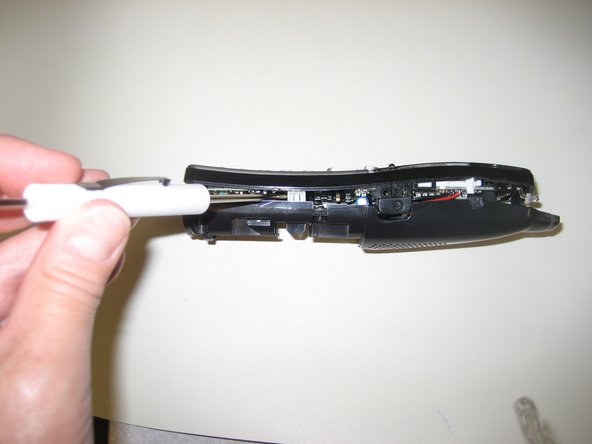
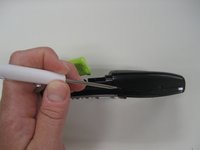
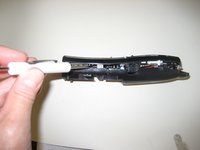
Insert a small flathead screwdriver between the face plate and the back of the handset.
-
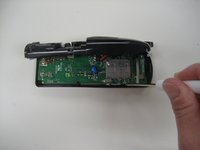
Gently pry open the handset. You may need to insert the flathead screwdiver at multiple points in order to open the handset.
-
-
-
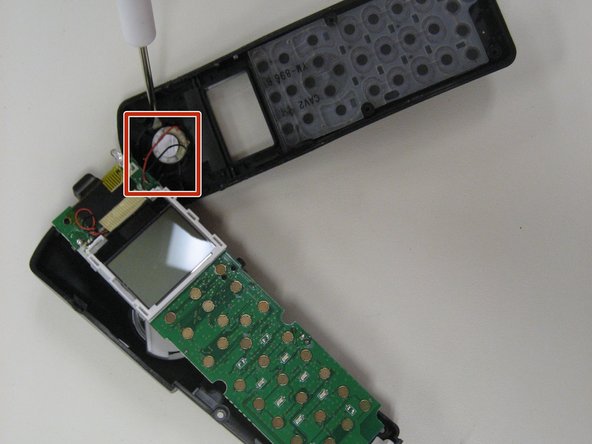
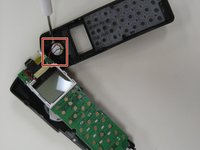
Using a small Phillips head screwdriver, remove the single screw (located at the top right) holding the circuit board in place.
-
-
-





To reassemble your device, follow these instructions in reverse order.

Team

Pasco Hernando, Team 5-3, Prince Winter 2015 Member of Pasco Hernando, Team 5-3, Prince Winter 2015
PHSC-PRINCE-W15S5G3
6 Members
48 Guides authored
