Introduction
- This guide might be of use if the battery life of your device has degraded over time.
- HAZARDS: Don't use heat to remove the adhesive of the battery because it can potentially cause a fire.
What you need
-
-
-
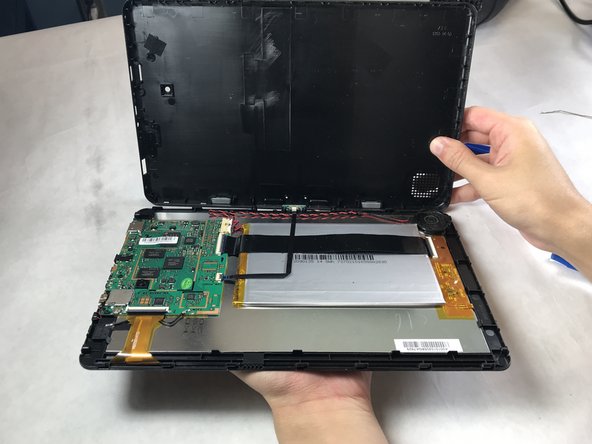
Insert plastic opening tool and slide it around the edges until the cover starts to pop off. It may be necessary to go over each side multiple times in order to pop the cover off.
-
-
-
-
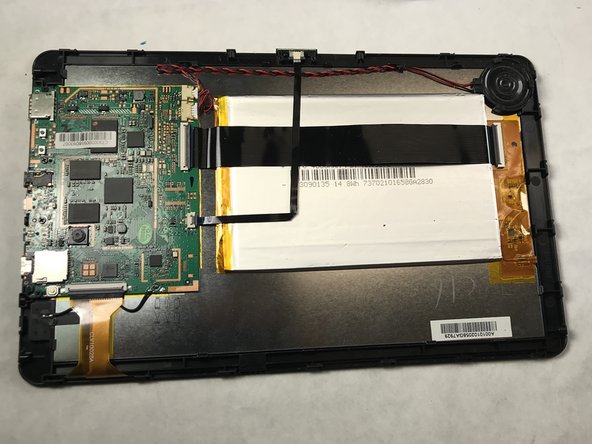
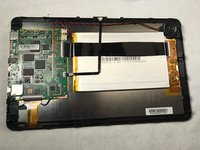
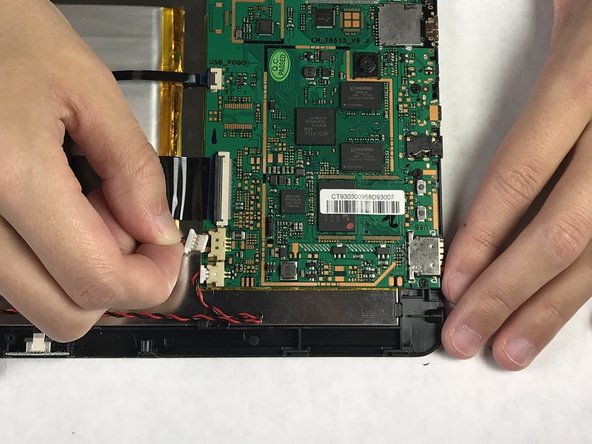
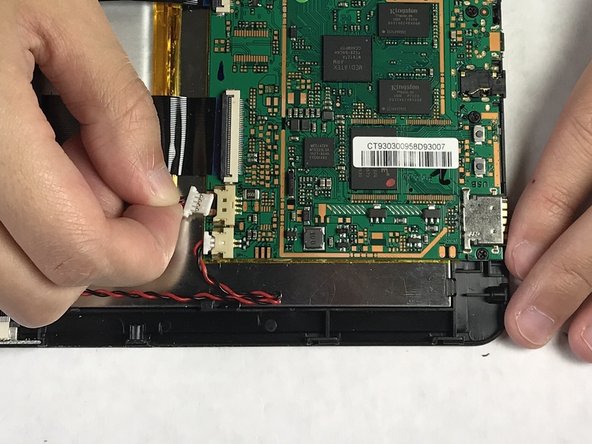
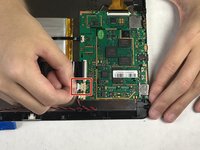
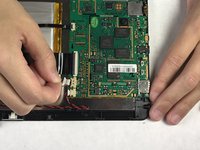
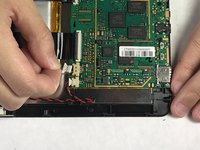
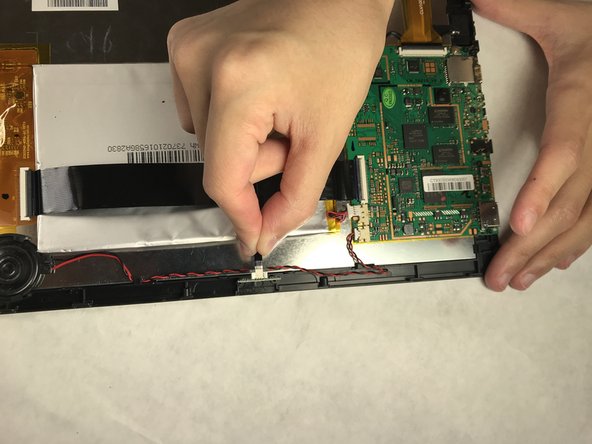
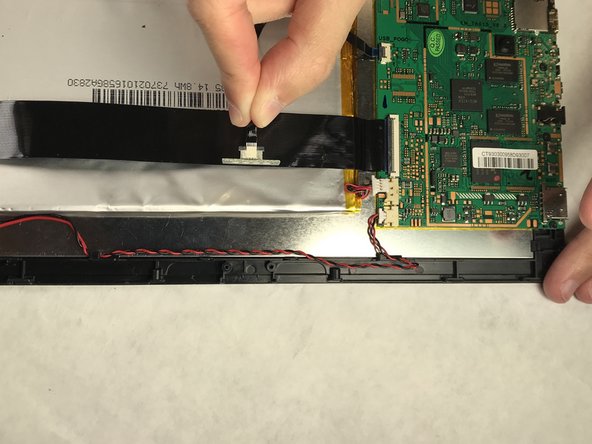
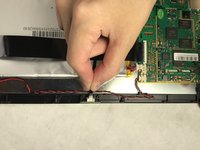
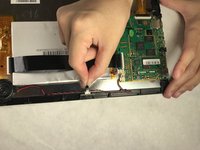
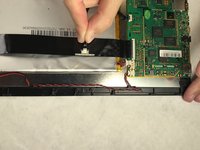
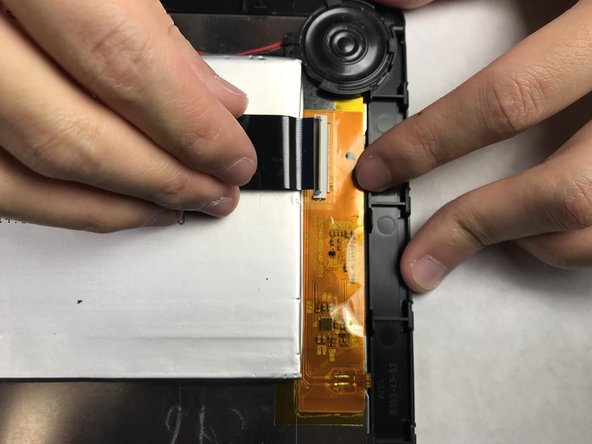
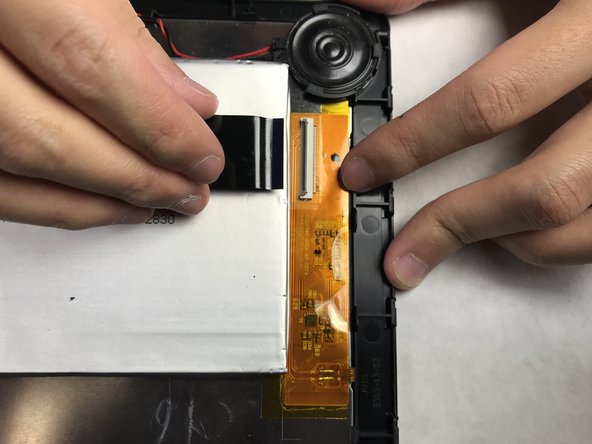
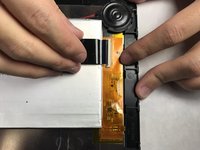
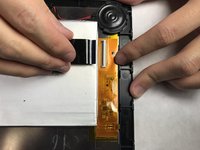
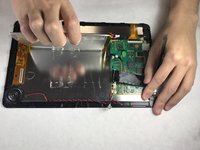
Disconnect the thick black band (bus) using a plastic opening tool or fingernail.
-
-
Tool used on this step:Plastic Cards$2.99
-
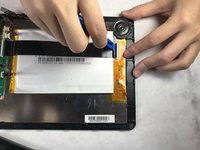
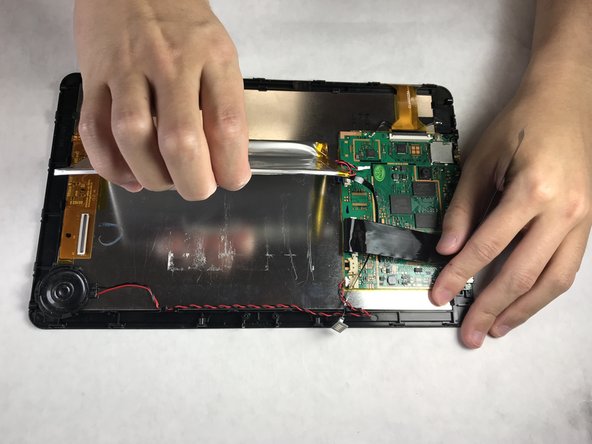
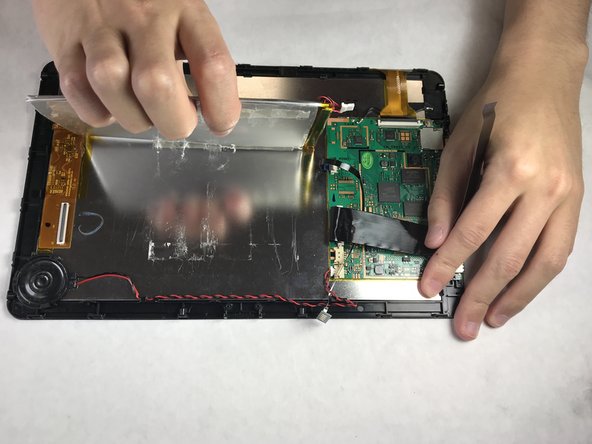
Use nylon spudger tool or plastic card to separate battery from the case.
-


 Ask FixBot







To reassemble your device, follow these instructions in reverse order.
Cancel: I did not complete this guide.
16 other people completed this guide.

Team

IUPUI, Team S3-G2, Harley Spring 2018 Member of IUPUI, Team S3-G2, Harley Spring 2018
IUPUI-HARLEY-S18S3G2
3 Members
24 Guides authored
5 Guide Comments
Thank you very much for the instructions. I was totally in the blind about what to unplug or not.
Thanks for the instructions. I don’t know if mine is newer or older but the bus cable turns 90 degrees and goes under the keyboard cable so step 6 really wasn’t necessary. A plastic putty knife slid under old battery loosening the adhesive so you can slide it out from under the bus cable.
Super helpful- worked great!
