Introduction
The reset button resets the tablet in the event of a crash. For this guide you will need a Phillips screwdriver.
What you need
-
-
-
Remove all the 8 mm Phillips head screws on the side and back of the device.
 Ask FixBot
-
-
-
Pry off the cover by sticking a wedge in between the screen and the cover.
-
Once the cover is partly removed, use your hands to take off the rest of the cover.
-
-
-
-
-
-
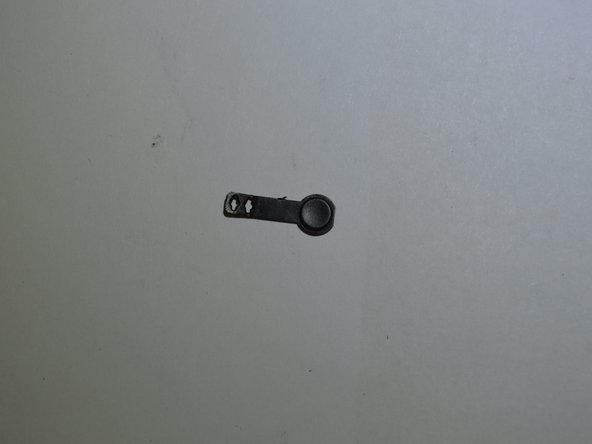
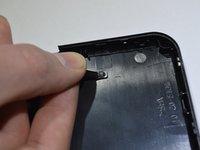
Carefully pull up on the power button. There are two pins holding it in.
-
Remove the power button.
-


Conclusion
To reassemble your device, follow these instructions in reverse order.

Team

Purdue University Northwest, Team S4-G2, Hingst Spring 2019 Member of Purdue University Northwest, Team S4-G2, Hingst Spring 2019
PNW-HINGST-S19S4G2
4 Members
60 Guides authored
