Introduction
Use this guide to replace the USB port of the RCA Lyra X2400.
What you need
-
-
-
Remove the two Phillips screws from the silver cover at the top of the Lyra.
-
Slowly wiggle the silver cover while pulling it away from the device.
 Ask FixBot
-
-
-
Remove the two Phillips screws from the bottom of the device, next to the charger port and Compact Flash release button.
-
Pull the silver case from the bottom of the device.
-
-
-
-
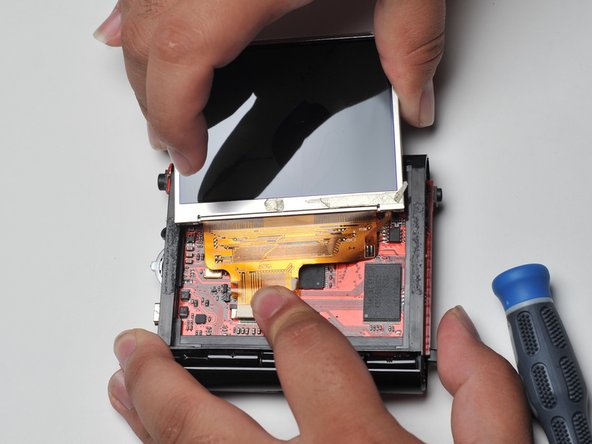
Carefully pry up the screen with a plastic opening tool.
-
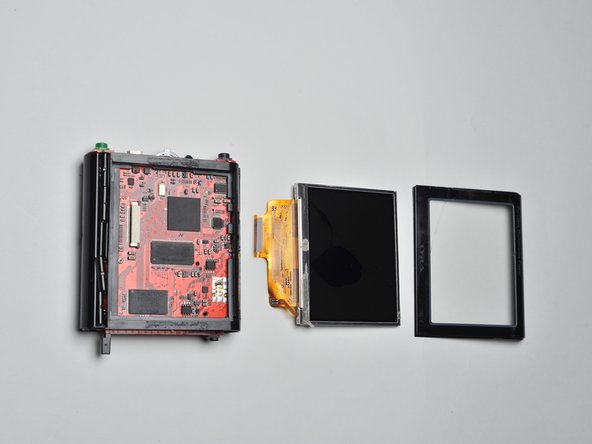
Disconnect the screen's ribbon cable from the circuit board.
-
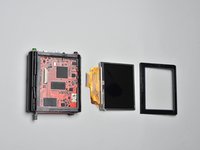
Remove the screen.
-
-
-
-
-
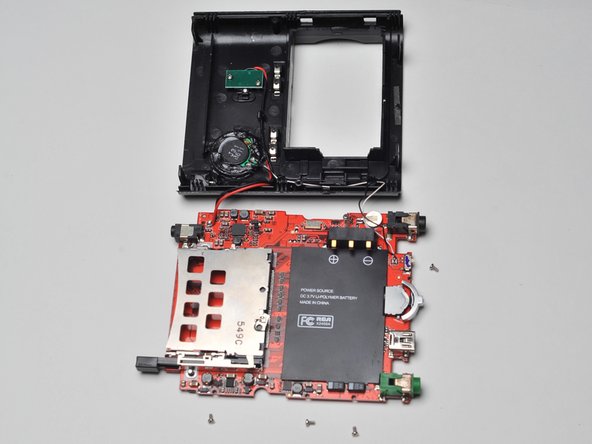
Open the case of the Lyra.
-
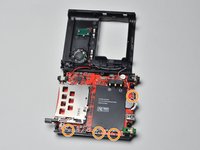
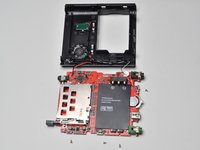
Remove the four screws that secure the motherboard to the frame of the Lyra X2400.
-
-
-
-
-
Locate the USB in/out component on your Lyra X2400.
-
Start using solder/desolder tools to remove the USB in/out.
-
Once removed replace it with the new working USB in/out.
-
Use the soldering tools to reattach the component back to the main logic board.
-
-





To reassemble your device, follow these instructions in reverse order.

Team

Cal Poly, Team 17-3, Regan Spring 2013 Member of Cal Poly, Team 17-3, Regan Spring 2013
CPSU-REGAN-S13S17G3
4 Members
88 Guides authored
