
RCA CC310 Viewfinder Replacement

Oliver Adams and 7 other contributors
Last updated on Feb 19, 2016
Views: 3.2K
View statistics:
- Past 24 Hours:
- 6
- Past 7 Days:
- 28
- Past 30 Days:
- 123
- All Time:
- 3,157
Comments: 2
1 comment on steps, 1 guide comment.
Go to guide commentsCompleted: 0 1
No one has marked this guide "completed." Will you be the first?
1 person has marked this guide "completed." It's you — great job!
Favorites: 1 2
1 person has favorited (and subscribed to) this guide. Will you be next?
2 people have favorited (and subscribed to) this guide — including you!
Introduction
Go to step 1 ↓This guide will instruct on how to replace a malfunctioning Viewfinder assembly on the RCA CC310.
What you need
Tools
-
Spudger4.9


-
-
-
Slide a spudger between the plastic rail and the metal tab on the left side of the rail. Push away from the camcorder to release the flap.
-
Slide the lifted flap towards the viewfinder assembly until the viewfinder is free from the rail.
 Ask FixBot
-
-
-
Unscrew the 7mm ph#0 screw on the underside where the cable connects.
-
Lift the plastic where the cable connects off of the viewfinder assembly.
-
Disconnect the cable inside by pulling it apart.
-
-
-
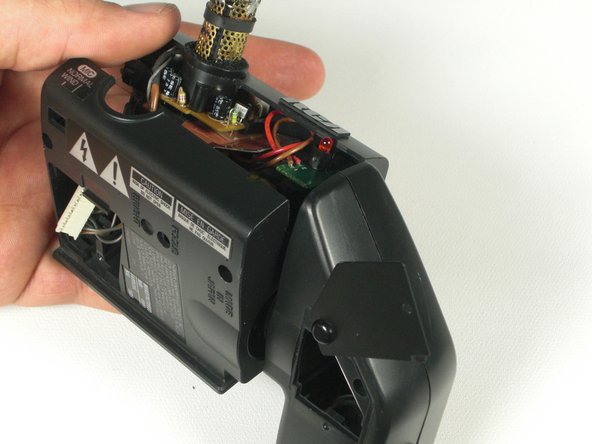
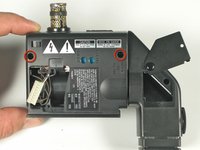
Unscrew two 7.0mm ph#0 screws on the underside of the viewfinder assembly.
-
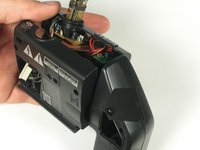
Lift the viewfinder plastic assembly up and remove.
-
-
-
Flip back the viewfinder access tab.
-
Unscrew the 7.0mm ph #0 screw next to the mirror.
-
-
-
-
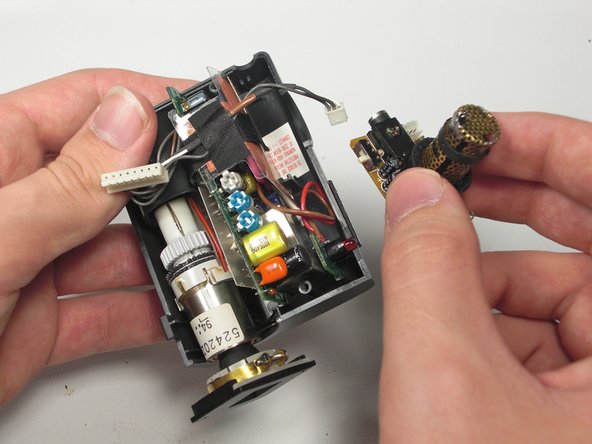
Lift the microphone circuit board straight up.
-
Unclip the cable connected to the circuit board.
-
-
-
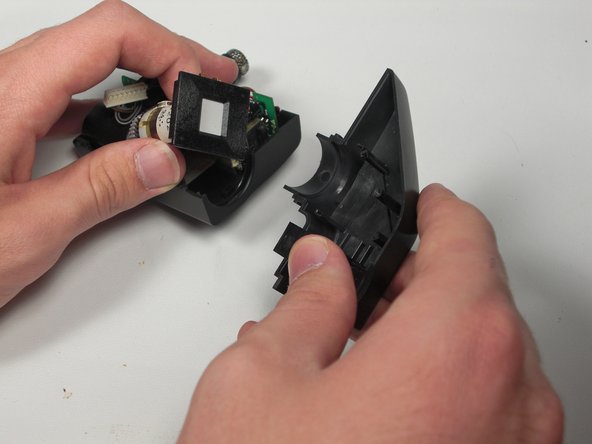
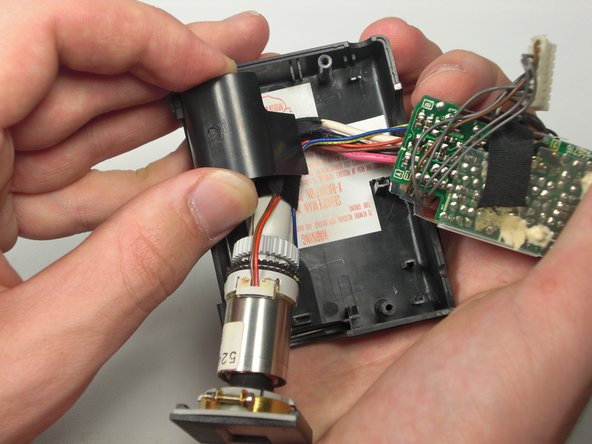
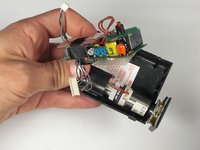
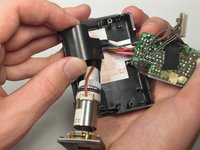
Lift plastic housing and guide the wires from underneath.
-
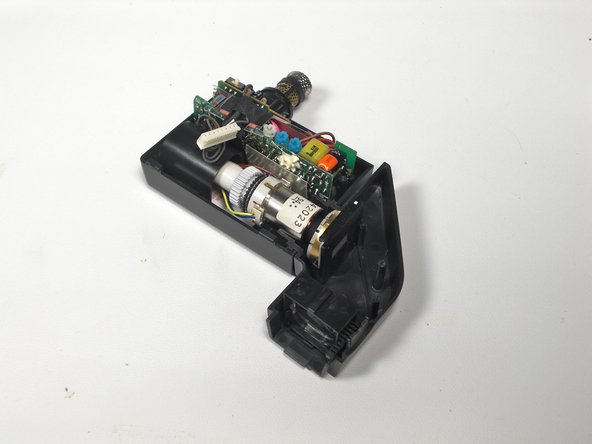
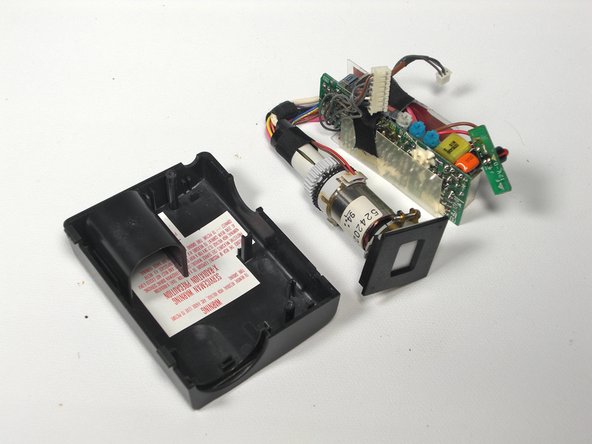
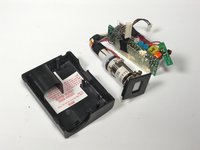
Lift out the entire circuit board and viewfinder.
-
Replace entire circuit board and viewfinder assembly.
-
-






To reassemble your device, follow these instructions in reverse order.

Team

Cal Poly, Team 5-20, Amido Winter 2011 Member of Cal Poly, Team 5-20, Amido Winter 2011
CPSU-AMIDO-W11S5G20
4 Members
84 Guides authored
1 Guide Comment
do you know where i can find a relacement one of these parts
