Free Shipping on Domestic Orders $75+

Quiksilver The Fifty50 Digital Battery Replacement

What you need

  1. Quiksilver The Fifty50 Digital Battery Replacement, Strap: step 1, image 1 of 2 Quiksilver The Fifty50 Digital Battery Replacement, Strap: step 1, image 2 of 2
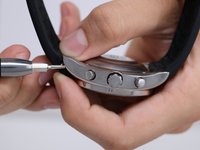
    • Place the watch (face down) on a solid surface.

    • Carefully use the screwdriver and push in one side of the strap.

    • Slowly remove the strap by pushing back one of the hidden metallic holders for the strap.

    • If you are having difficulty trying to take off the strap, feel free to use a 3.5 flat head screw driver, or any kind of tool that make this step easier.

    Ask FixBot
  2. Quiksilver The Fifty50 Digital Battery Replacement: step 2, image 1 of 2 Quiksilver The Fifty50 Digital Battery Replacement: step 2, image 2 of 2
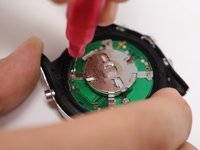
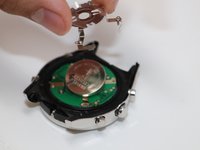
    • Gently pull the pin out of the strap.

    • Carefully handle the small metallic holder, as they are sharp and may be difficult to locate if lost.

    Ask FixBot
  3. Quiksilver The Fifty50 Digital Battery Replacement, Back Panel: step 3, image 1 of 2 Quiksilver The Fifty50 Digital Battery Replacement, Back Panel: step 3, image 2 of 2
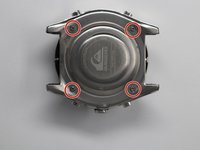
    • Remove the four 1.1 mm screws holding the back panel in place using the Phillips #00 screwdriver.

    Ask FixBot
  4. Quiksilver The Fifty50 Digital Battery Replacement: step 4, image 1 of 1
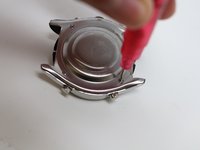
    • Carefully separate the panel off of the watch.

    • Careful not to lose the four 1.1 mm screw or else the back panel will not be able to put back.

    Ask FixBot
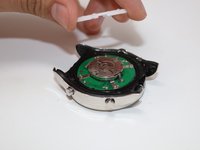
  5. Quiksilver The Fifty50 Digital Battery Replacement, Analog Battery: step 5, image 1 of 2 Quiksilver The Fifty50 Digital Battery Replacement, Analog Battery: step 5, image 2 of 2
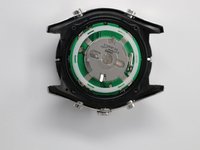
    • Carefully lift the white plastic circular out of the watch.

    Ask FixBot
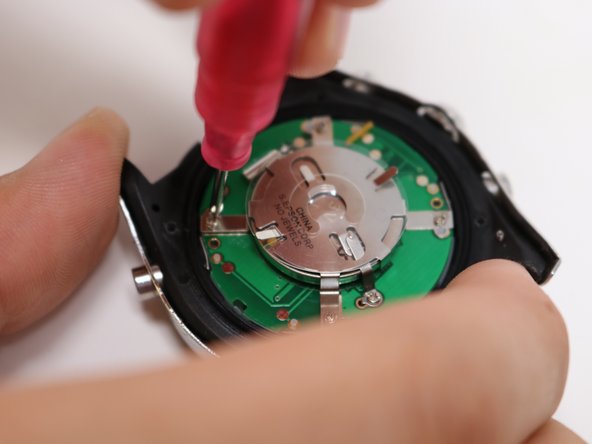
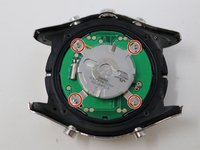
  6. Quiksilver The Fifty50 Digital Battery Replacement: step 6, image 1 of 3 Quiksilver The Fifty50 Digital Battery Replacement: step 6, image 2 of 3 Quiksilver The Fifty50 Digital Battery Replacement: step 6, image 3 of 3
    • Remove the four 1.1 mm screws located on the metallic holder using the Phillips #00 screwdriver.

    Ask FixBot
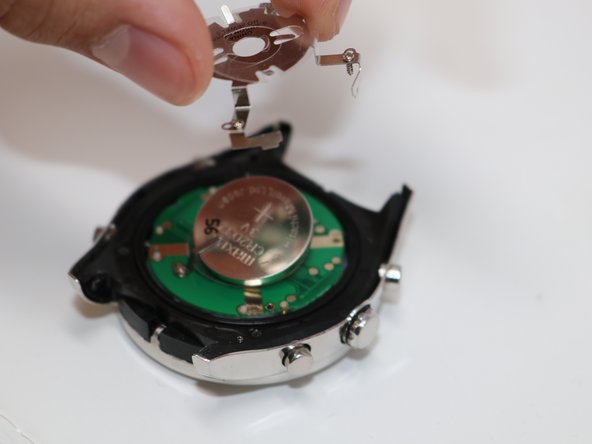
  7. Quiksilver The Fifty50 Digital Battery Replacement: step 7, image 1 of 3 Quiksilver The Fifty50 Digital Battery Replacement: step 7, image 2 of 3 Quiksilver The Fifty50 Digital Battery Replacement: step 7, image 3 of 3
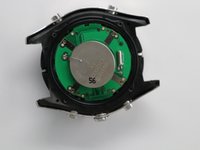
    • Remove the large circular Analog battery.

    Ask FixBot
  8. Quiksilver The Fifty50 Digital Battery Replacement, Circuit Board: step 8, image 1 of 2 Quiksilver The Fifty50 Digital Battery Replacement, Circuit Board: step 8, image 2 of 2
    • Using the Phillips #00 screwdriver, remove the two 1 mm screws holding the circuit board to the device.

    Ask FixBot
  9. Quiksilver The Fifty50 Digital Battery Replacement: step 9, image 1 of 1
    Tool used on this step:
    Tweezers
    $4.99
    Buy
    • Remove the green circular chip using a pair of tweezers.

    Ask FixBot
  10. Quiksilver The Fifty50 Digital Battery Replacement, Digital Battery: step 10, image 1 of 2 Quiksilver The Fifty50 Digital Battery Replacement, Digital Battery: step 10, image 2 of 2
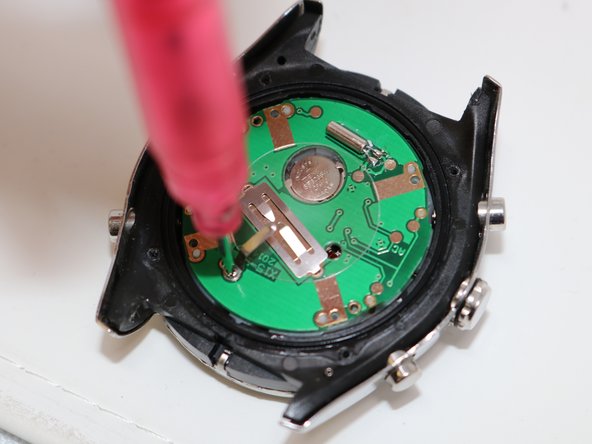
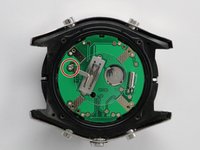
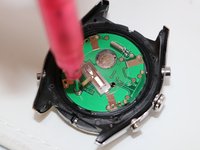
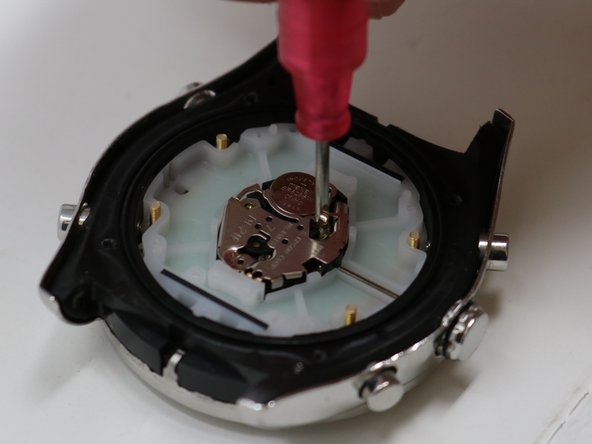
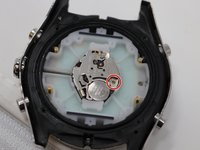
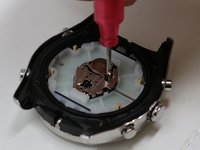
    • Using the Phillips #00 screwdriver, remove the 1.1 mm screw that is holding the digital battery holder in place.

    Ask FixBot
  11. Quiksilver The Fifty50 Digital Battery Replacement: step 11, image 1 of 1
    • Use the magnetic pick-up tool to remove the small screw.

    • Careful to not lose this screw because it is crucial for putting the watch back.

    Ask FixBot
  12. Quiksilver The Fifty50 Digital Battery Replacement: step 12, image 1 of 1
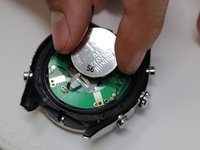
    • Lift up the battery holder.

    Ask FixBot
  13. Quiksilver The Fifty50 Digital Battery Replacement: step 13, image 1 of 1
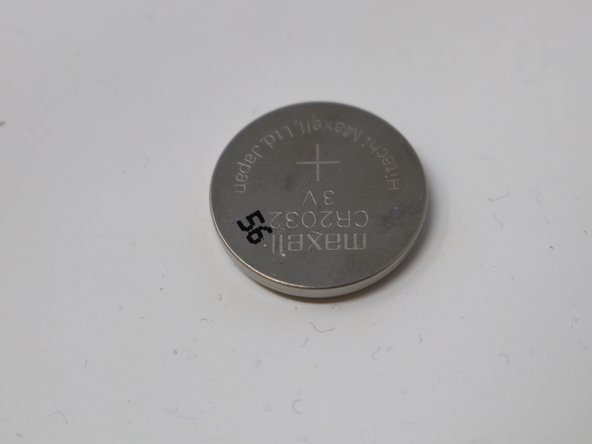
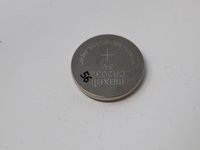
    • Remove the digital battery from the socket.

    Ask FixBot
Conclusion

To reassemble your device, follow these instructions in reverse order.

Sue Giske

Member since: 07/16/19

634 Reputation

5 Guides authored

Team

UW Tacoma, Team S1-G4, Liner Summer 2019 Member of UW Tacoma, Team S1-G4, Liner Summer 2019

UWT-LINER-SU19S1G4

5 Members

5 Guides authored

0 Guide Comments

Add Comment

View Statistics:

Past 24 Hours: 2

Past 7 Days: 16

Past 30 Days: 77

All Time: 2,326