
Pyrus PY21S03211 Battery Replacement

Danielle Hadaway and 2 other contributors
Last updated on Jun 16, 2016
Views: 569
View statistics:
- Past 24 Hours:
- 2
- Past 7 Days:
- 16
- Past 30 Days:
- 78
- All Time:
- 569
Comments: 0
No one has left comments on this guide. Will you be first?
Go to guide commentsCompleted: 0 1
No one has marked this guide "completed." Will you be the first?
1 person has marked this guide "completed." It's you — great job!
Favorites: 0 1
No one has favorited (and subscribed to) this guide. Will you be the first?
1 person has favorited (and subscribed to) this guide — and that's you!
Step Trimmer
This guide has unnecessary steps. Trim them to be more concise!
Introduction
Go to step 1 ↓Battery replacement is a simple replacement for the Pyrus video camera, and the first thing anyone should do before taking the device apart. Check with the troubleshooting page to see if your device battery needs to be replaced.
-
-
-
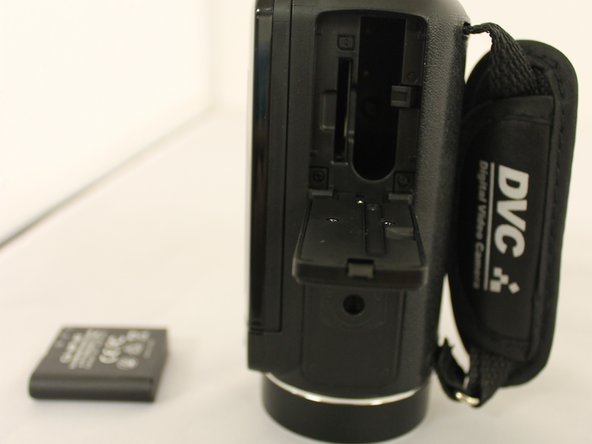
Turn the video camera upside down so the bottom of the device is visible.
 Ask FixBot
-
-
-
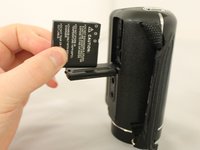
Pull back tab that is holding in the battery in place and remove the battery from the device.
-
-
-



To reassemble your device, follow these instructions in reverse order.

Team

Eastern Washington University, Team 1-5, Giguere Spring 2016 Member of Eastern Washington University, Team 1-5, Giguere Spring 2016
EWU-GIGUERE-S16S1G5
3 Members
36 Guides authored
