Free Shipping on Domestic Orders $75+

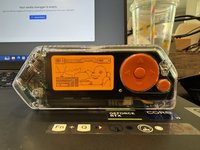
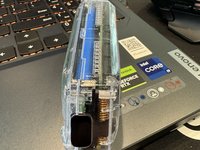
Putting On A Transparent Shell On Flipper Zero

What you need

  1. Putting On A Transparent Shell On Flipper Zero, Take Out The SD Card: step 1, image 1 of 1
    • An Easy Way To Get The SD Card Out Is To Grip It With Your Fingernails.

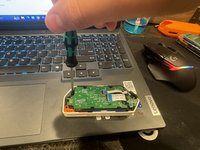
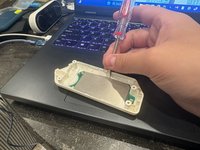
  2. Putting On A Transparent Shell On Flipper Zero, Remove The 4 PH0 Screws On The Back: step 2, image 1 of 3 Putting On A Transparent Shell On Flipper Zero, Remove The 4 PH0 Screws On The Back: step 2, image 2 of 3 Putting On A Transparent Shell On Flipper Zero, Remove The 4 PH0 Screws On The Back: step 2, image 3 of 3
    • Use A PH0 Screwdriver To Open/Remove The Back Part Of The Shell.

    • Be Careful, The Screws Strip Easily. One Way To Combat This Is To Press Down On The Screw While Unscrewing It.

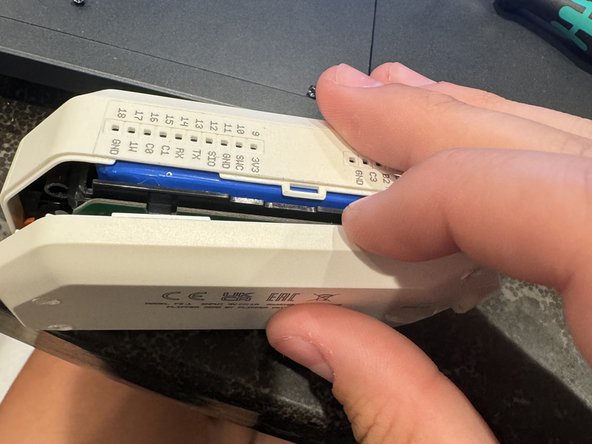
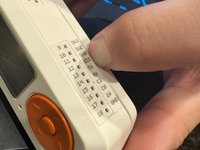
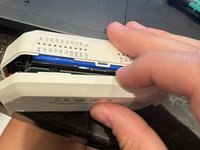
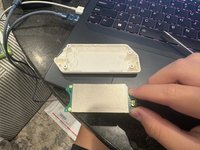
  3. Putting On A Transparent Shell On Flipper Zero, Taking Off The Back Shell: step 3, image 1 of 3 Putting On A Transparent Shell On Flipper Zero, Taking Off The Back Shell: step 3, image 2 of 3 Putting On A Transparent Shell On Flipper Zero, Taking Off The Back Shell: step 3, image 3 of 3
    • Using Your Fingernail, Spudger, Guitar Pick, Or Any Other Prying Tool, Take Off The Back Shell.

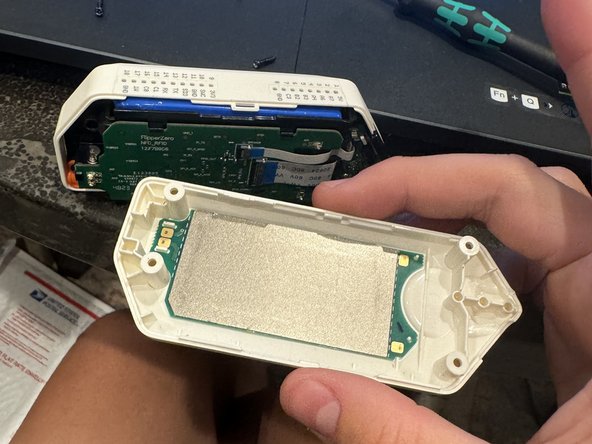
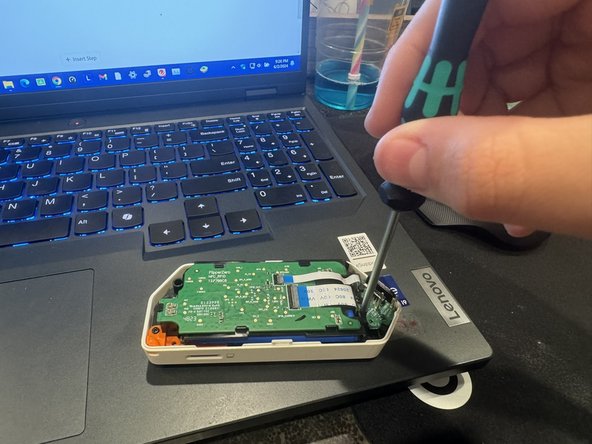
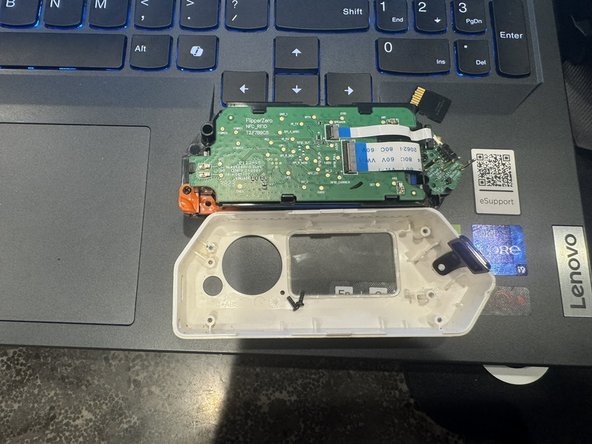
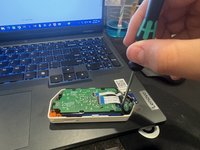
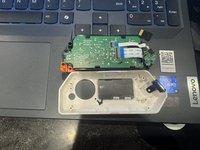
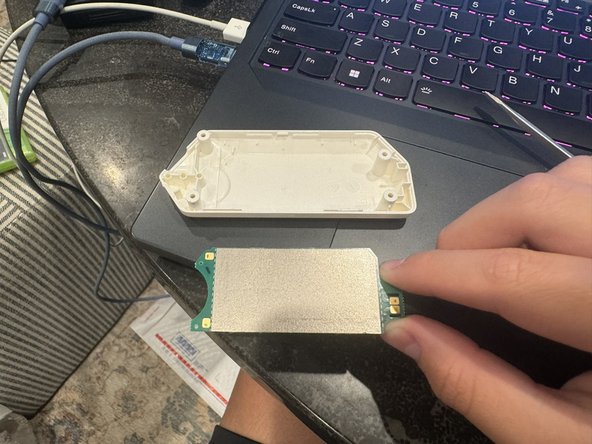
  4. Putting On A Transparent Shell On Flipper Zero, Take Out The Internals: step 4, image 1 of 3 Putting On A Transparent Shell On Flipper Zero, Take Out The Internals: step 4, image 2 of 3 Putting On A Transparent Shell On Flipper Zero, Take Out The Internals: step 4, image 3 of 3
    • Using Your PH0 Screwdriver Unscrew The Two Short Screws Holding The Internals Down To The Shell.

    • Be Careful With The iButton Pins, They Break Off Very Easily.

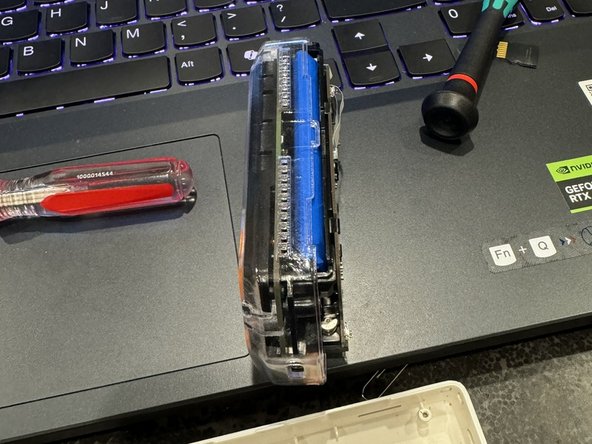
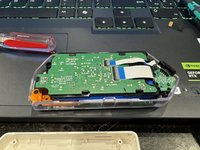
  5. Putting On A Transparent Shell On Flipper Zero, Transfer The Flipper's Internals To The New Shell: step 5, image 1 of 2 Putting On A Transparent Shell On Flipper Zero, Transfer The Flipper's Internals To The New Shell: step 5, image 2 of 2
    • Put Your Flipper's Internals Into The New Shell.

    • Screw The Three Short Screws Back Into Place.

    • Do Not Make The Screws Too Tight As The Threads On The New Transparent Board Will Strip Because It Is 3D Printed.

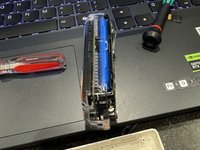
  6. Putting On A Transparent Shell On Flipper Zero, Take The NFC Board Off The Back Shell: step 6, image 1 of 2 Putting On A Transparent Shell On Flipper Zero, Take The NFC Board Off The Back Shell: step 6, image 2 of 2
    • Using Your, Spudger, Guitar Pick, Flathead Screwdriver, Or Any Other Prying Tool, Take Off The NFC Board. Heating may help if it sticks too much.

    • Do Not Use Your Fingernails To Take Off The NFC Board!

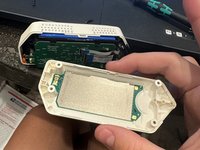
  7. Putting On A Transparent Shell On Flipper Zero, Put The NFC Board Onto The New Transparent Back Shell: step 7, image 1 of 1
    • The NFC Board Should Look Like How It Is In The Picture, If It Doesn't Look Like The Picture Reapply The NFC Board.

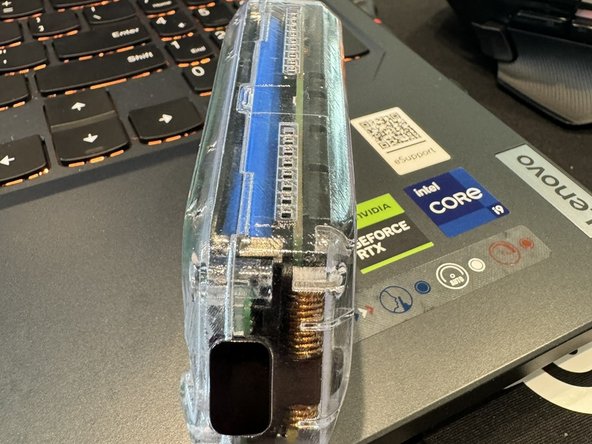
  8. Putting On A Transparent Shell On Flipper Zero, Combine The Two Shells: step 8, image 1 of 2 Putting On A Transparent Shell On Flipper Zero, Combine The Two Shells: step 8, image 2 of 2
    • Put The Two Shells Together And Then Insert The Four Long Screws Into The Screw Holes And Tighten Them.

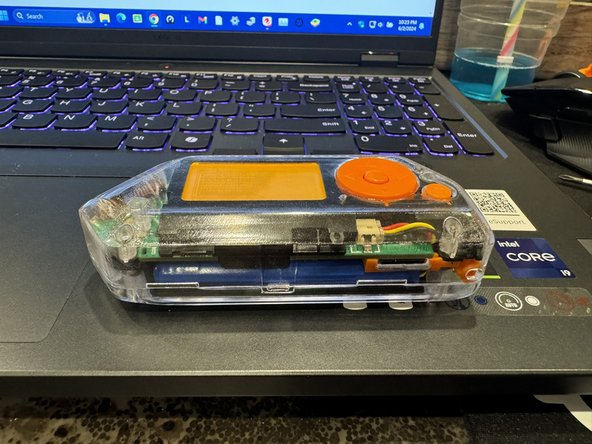
  9. Putting On A Transparent Shell On Flipper Zero, YA DONE!: step 9, image 1 of 2 Putting On A Transparent Shell On Flipper Zero, YA DONE!: step 9, image 2 of 2
    • You Have Just Assembled Yourself A Transparent Flipper Zero, Nice Work!

Finish Line

4 other people completed this guide.

Kaeden

Member since: 06/02/24

367 Reputation

1 Guide authored

0 Guide Comments

Add Comment

View Statistics:

Past 24 Hours: 5

Past 7 Days: 18

Past 30 Days: 131

All Time: 2,120