
Purple SmartVP Speaker Replacement

Brian Maulucci and 4 other contributors
Last updated on Jul 6, 2026
Views: 524
View statistics:
- Past 24 Hours:
- 1
- Past 7 Days:
- 16
- Past 30 Days:
- 66
- All Time:
- 524
Comments: 0
No one has left comments on this guide. Will you be first?
Go to guide commentsCompleted: 0 1
No one has marked this guide "completed." Will you be the first?
1 person has marked this guide "completed." It's you — great job!
Favorites: 0 1
No one has favorited (and subscribed to) this guide. Will you be the first?
1 person has favorited (and subscribed to) this guide — and that's you!
Better Introduction
Improve this guide by completing or revising its introduction.
What you need
Tools
-
-
Spudger4.9


-
-
-
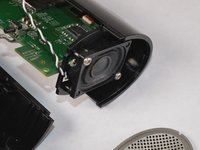
Remove the top bar by removing the 5cm hex T10 screws on the back of the device as shown. Then gently pull off the top bar from the main component.
 Ask FixBot
-
-
-
-
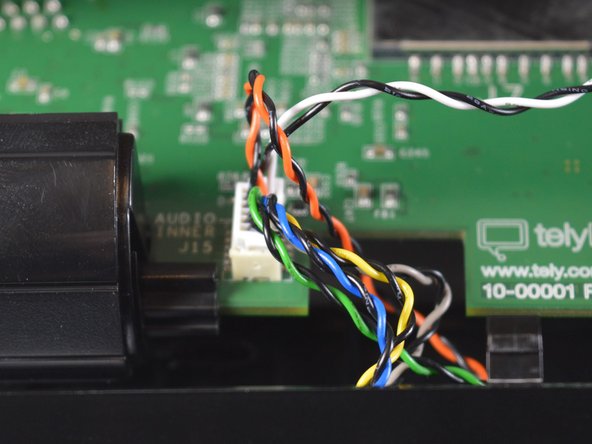
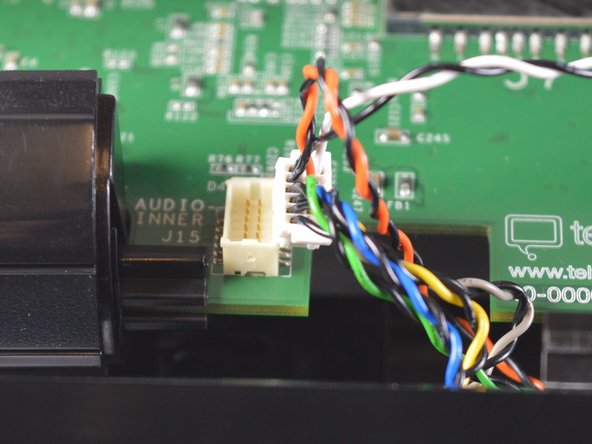
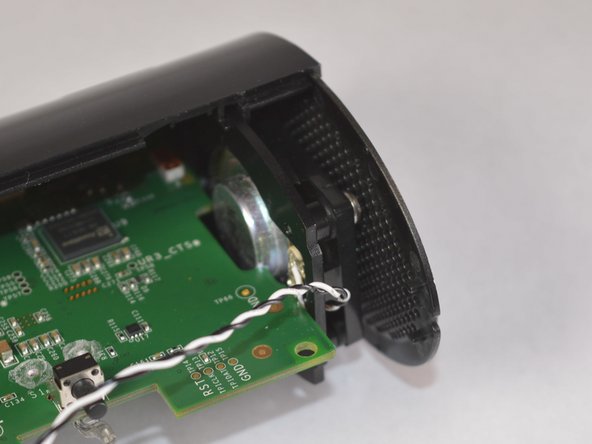
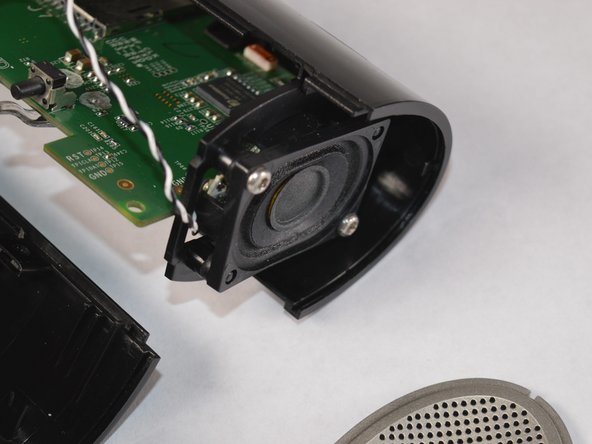
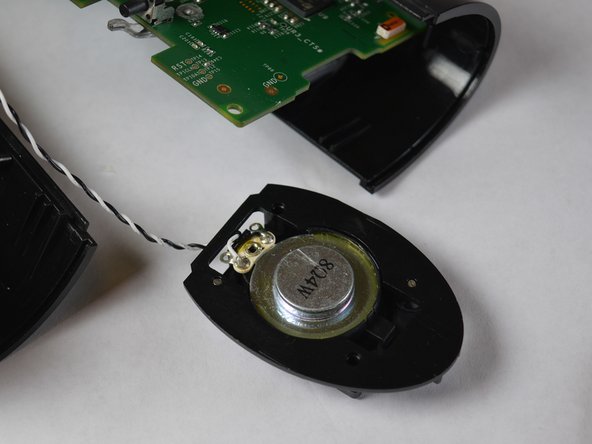
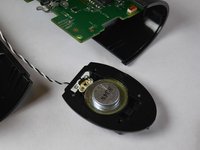
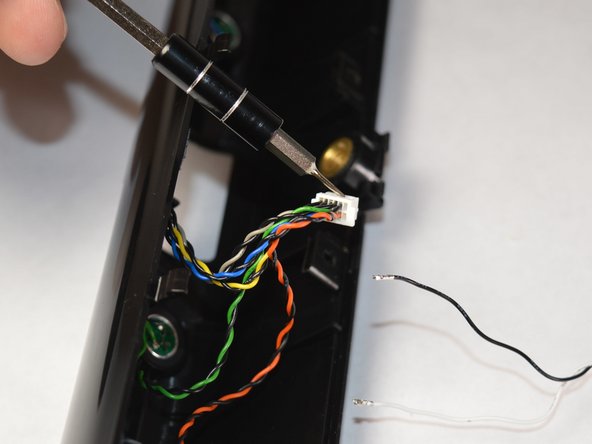
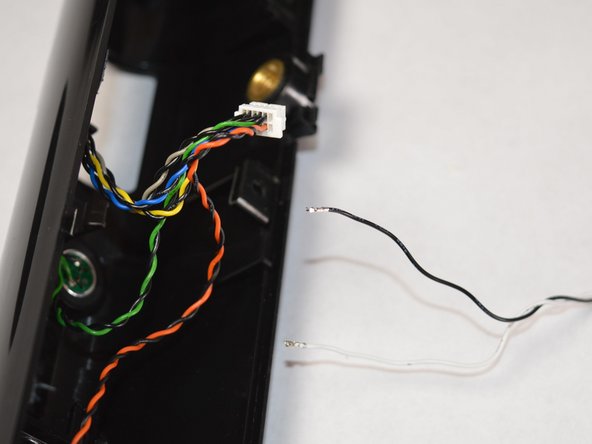
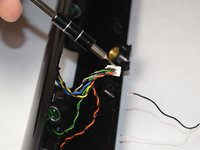
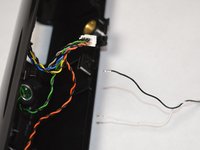
Release the wires connected to the speaker from the 12-pin connector with a spudger and replace the affected speaker.
-
-


To reassemble your device, follow these instructions in reverse order.

Team

Appalachian State University, Team S2-G6, Menagarishvili Fall 2018 Member of Appalachian State University, Team S2-G6, Menagarishvili Fall 2018
APSU-MENAGARISHVILI-F18S2G6
3 Members
48 Guides authored
