Introduction
If the audio from the phone sounds unclear or distorted, you may need to consider replacing your phone's front and back speakers. This replacement guide will help you easily replace your Punkt MP02's speaker. Before you begin, backup important data, and power off the device to ensure no data loss throughout the process.
What you need
-
-
-
Use a SIM card eject tool to to eject and remove the SIM card tray on the side of the phone.
 Ask FixBot
-
-
-
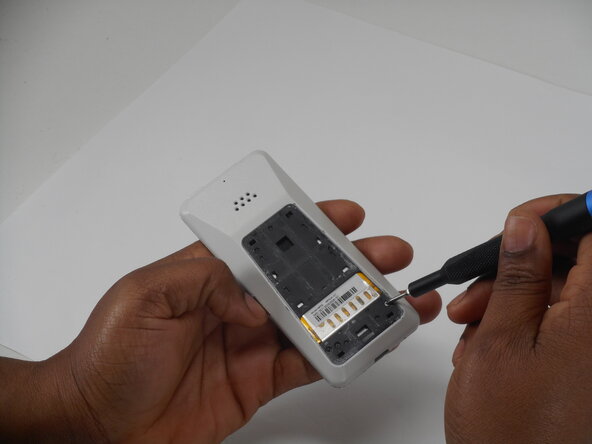
Slide a Jimmy into the seam between the back panel and the chassis.
-
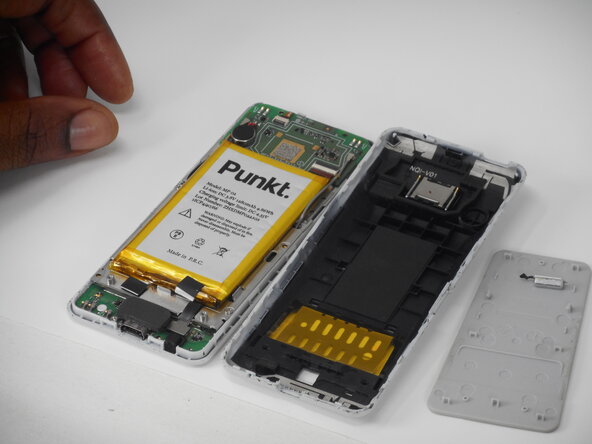
Slide the Jimmy around the perimeter to release the back panel, with care not to damage the retaining clips.
-
-
-
Insert a Jimmy into the seam between the front and back case.
-
Slide the Jimmy around the perimeter while prying to separate the front and back case.
-
-
-
-
-
-
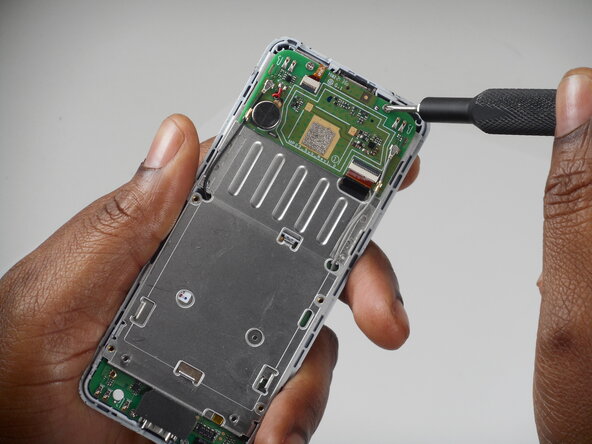
Remove the six 3 mm-long Phillips screws located on the board beneath the battery.
-
-
-
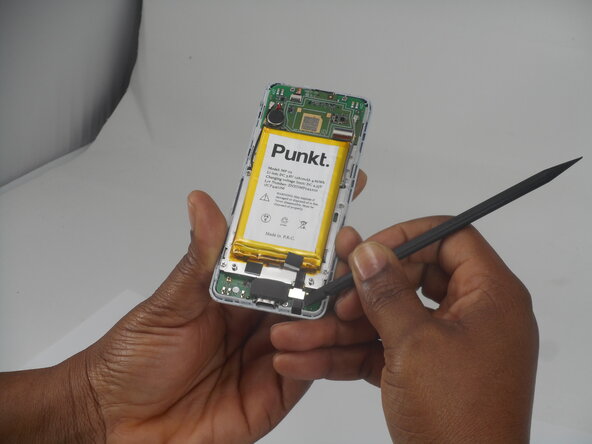
Remove the antenna coaxial connectors on the board with a spudger by gently prying straight up where they are connected on the board.
-
-
-
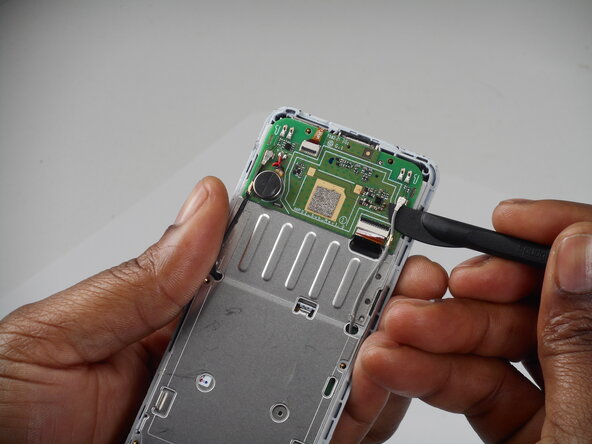
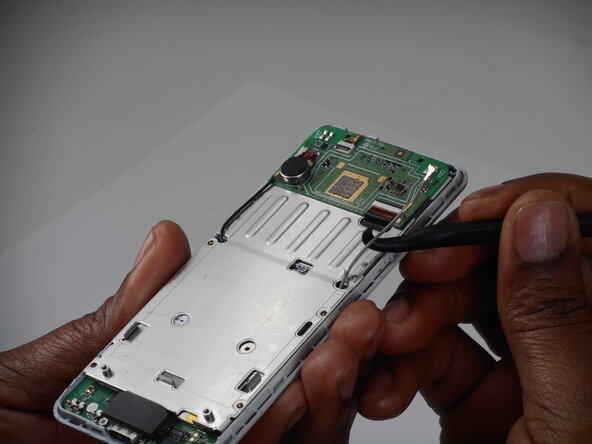
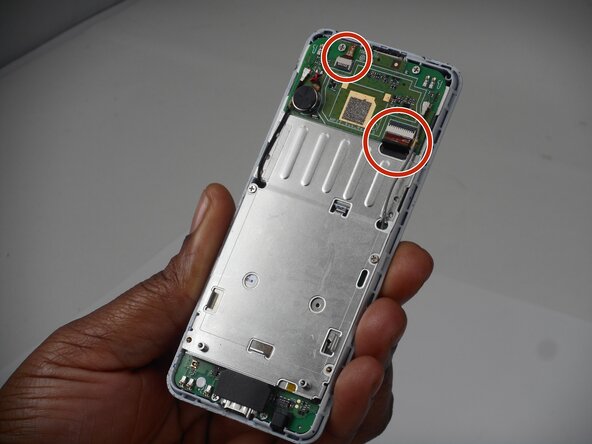
Flip up the two black locking flaps securing each of the two ribbon cables.
-
Disconnect the two ribbon cables.
-
-
-
Using your thumbs, push the board up so that the clip can slide out of the indent.
-
Use a spudger to gently separate the boards.
-
-
-
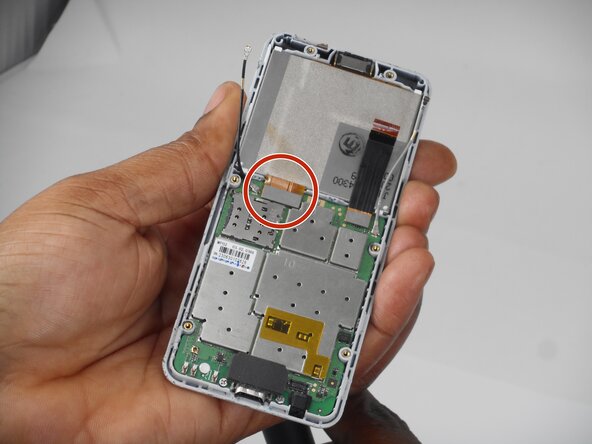
Use a spudger to lift and disconnect the screen press connector.
-
Remove the screen.
-
-
-
-
-
Take the screen display and turn it around to the back side.
-
Remove the speaker from the black rubber framing with the angled tweezers.
-
-
-
Grab the back phone casing and locate the speaker.
-
Remove the speaker from the back phone casing, using the spudger.
-
-
















To reassemble your device, follow the above steps in reverse order.
Take your e-waste to an R2 or e-Stewards certified recycler.
Repair didn’t go as planned? Try some basic troubleshooting or ask our Answers community for help.

Team

University of Memphis, Team 1-3, Sneed Spring 2026 Member of University of Memphis, Team 1-3, Sneed Spring 2026
UM-SNEED-S26S1G3
3 Members
60 Guides authored
