
Protocol Videodrone AP Propeller Motors Replacement

Karan Paranganat and 3 other contributors
Last updated on Jan 7, 2020
Views: 591
View statistics:
- Past 24 Hours:
- 1
- Past 7 Days:
- 11
- Past 30 Days:
- 53
- All Time:
- 591
Comments: 0
No one has left comments on this guide. Will you be first?
Go to guide commentsCompleted: 2 3
2 people have marked this guide "completed." Will you be next?
3 people have marked this guide "completed." Including you — great job!
Favorites: 0 1
No one has favorited (and subscribed to) this guide. Will you be the first?
1 person has favorited (and subscribed to) this guide — and that's you!
Introduction
Go to step 1 ↓This guide shows how to replace the propeller motors for the Protocol Videodrone AP Drone. Working propeller motors are integral to making sure your drone flies properly. Before replacing the motors, make sure there is no debris that might be preventing the motors from rotating properly.
Remember to use the included screwdriver that came with your drone.
A soldering iron is required, so keep one ready.
What you need
Tools


-
-
-
Power off the drone before proceeding with the rest of the guide.
 Ask FixBot
-
-
-
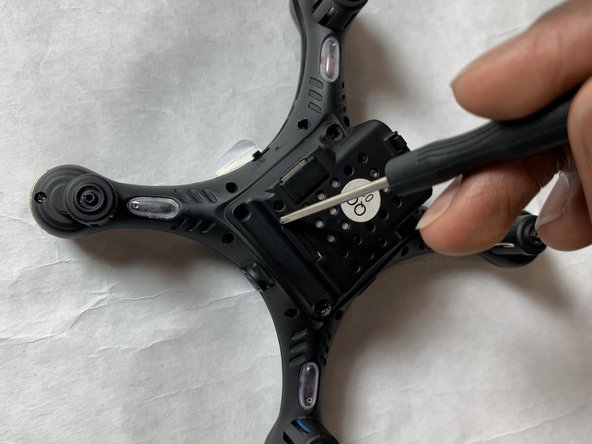
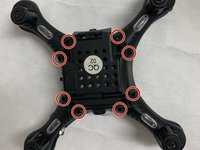
Use the Phillips #0 screwdriver to remove eight housing screws from the bottom of the drone.
-
-
-
-
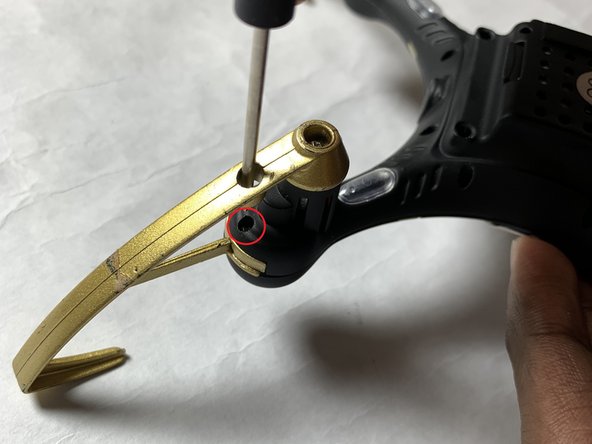
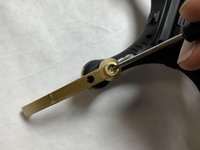
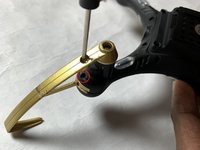
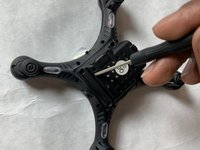
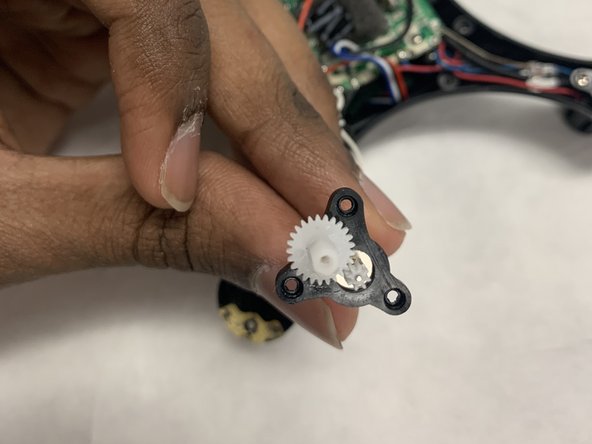
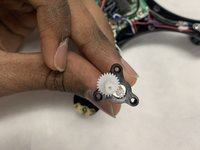
Use the Phillips #0 screwdriver to remove three motor housing screws. There are three screws per motor.
-
-
-
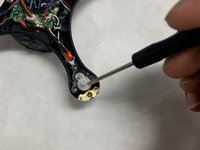
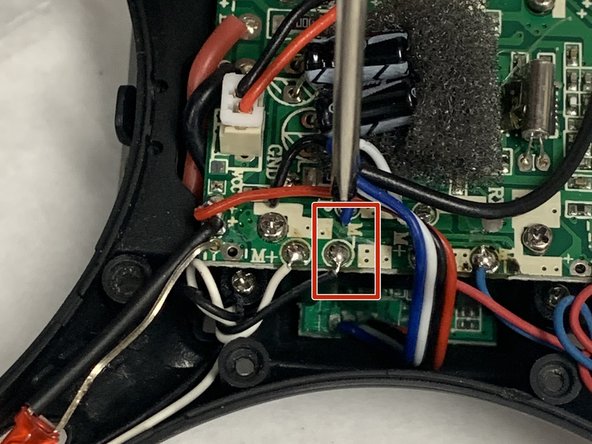
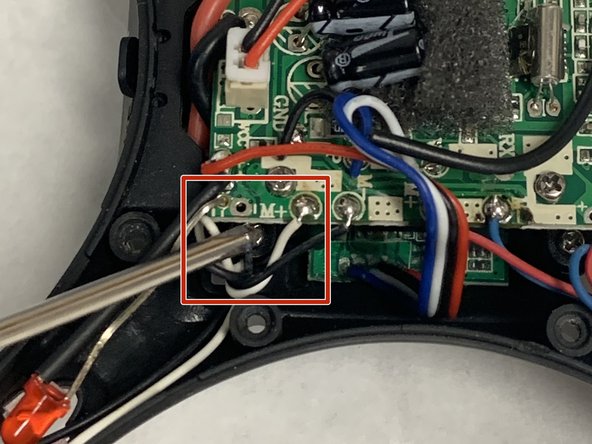
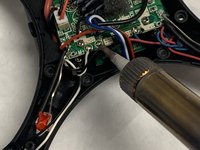
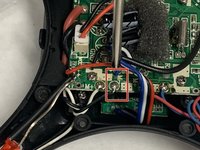
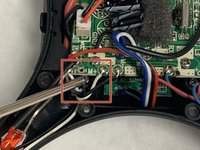
Desolder the wires connecting the propeller motor to the motherboard (2 per motor) and remove the motor from the device.
-
-






To reassemble your device, follow these instructions in reverse order.
Cancel: I did not complete this guide.
2 other people completed this guide.

Team

IUPUI, Team S2-G2, Harley Fall 2019 Member of IUPUI, Team S2-G2, Harley Fall 2019
IUPUI-HARLEY-F19S2G2
3 Members
24 Guides authored
