
PowerA Spectra Infinity Enhanced Bumpers Replacement

Kevyn Jorge and 2 other contributors
Last updated on Jun 12, 2024
Views: 2.5K
View statistics:
- Past 24 Hours:
- 5
- Past 7 Days:
- 20
- Past 30 Days:
- 83
- All Time:
- 2,509
Comments: 3
3 guide comments.
Go to guide commentsCompleted: 3 4
3 people have marked this guide "completed." Will you be next?
4 people have marked this guide "completed." Including you — great job!
Favorites: 1 2
1 person has favorited (and subscribed to) this guide. Will you be next?
2 people have favorited (and subscribed to) this guide — including you!
Introduction
Go to step 1 ↓Use this guide to replace the bumpers of a Power A Spectra Infinity Enhanced Xbox controller.
The bumpers may need to be replaced if they no longer press down, get stuck, or do not provide imput to the controller when plugged in. Please ensure that the controller is not plugged in before taking it apart.
What you need
Tools

-
-
-
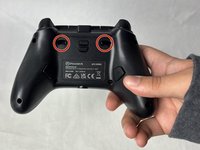
Remove the eight 10 mm screws from the back of the controller using a Phillips #0 screwdriver.
-
-
-
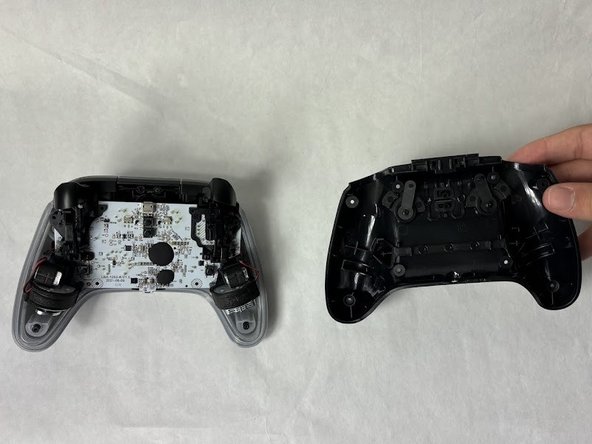
Unlock the trigger locks before removing the backplate.
-
Use your fingers and carefully remove the backplate.
-
-
-
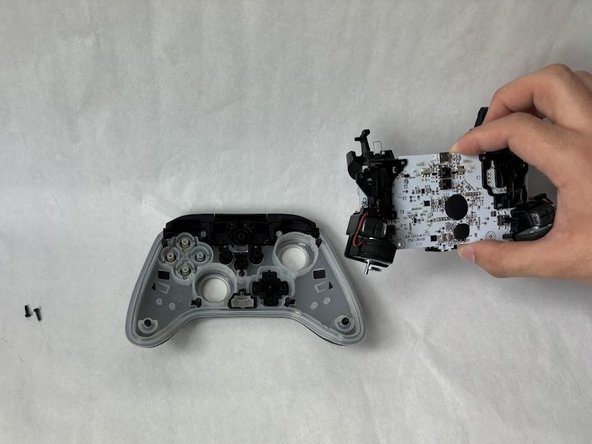
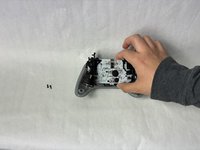
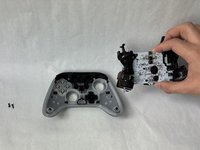
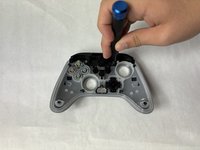
Remove the two 10 mm screws connecting the motherboard to the faceplate using a Phillips #0 screwdriver.
-
-
-
-
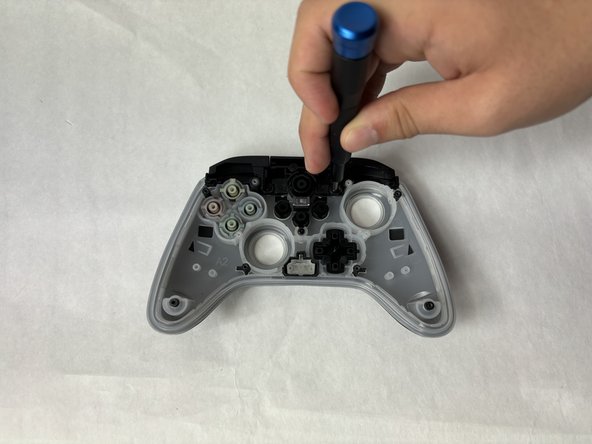
Remove two 10 mm screws holding the bumper to the faceplate using a Phillips #0 screwdriver.
-
-
-
-
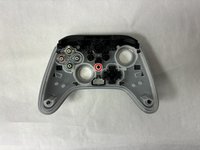
Remove the single 7.9 mm screw holding the bumpers to the faceplate using a Phillips #0 screwdriver.
-
-


 Ask FixBot







To reassemble your device, follow these instructions in reverse order.
Cancel: I did not complete this guide.
3 other people completed this guide.

Team

UMass Dartmouth, Team 6-5, Botvin Spring 2024 Member of UMass Dartmouth, Team 6-5, Botvin Spring 2024
UMASSD-BOTVIN-S24S6G5
3 Members
72 Guides authored
