Introduction
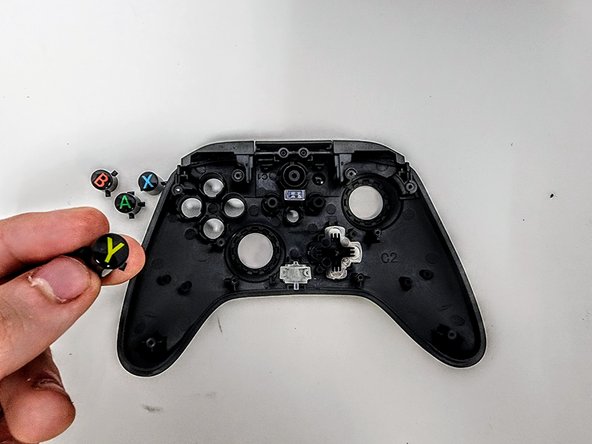
Are your PowerA Enhanced wired Controller (Xbox) ABXY Buttons not properly functioning? This guide will show you step by step how to take out each of the buttons to replace and or clean them.
What you need
-
-
Lay the controller face down.
-
Use a Phillips screwdriver to remove the eight 9.2 mm screws that secure the rear case.
-
Lift the rear case up and off of the chassis.
 Ask FixBot
-
-
-
-
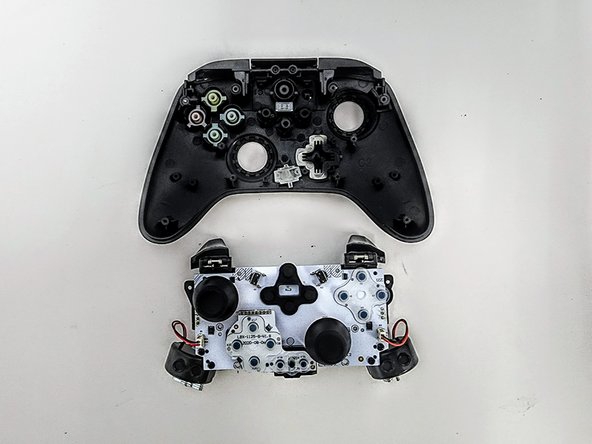
Remove the two 3.3 mm Phillips screws that secure the motherboard to the front case.
-
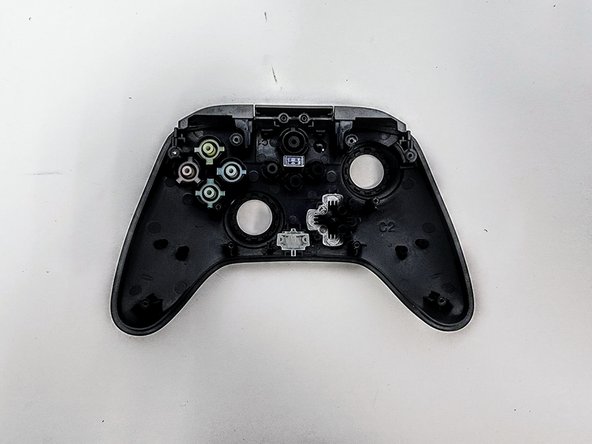
Lift the motherboard up and out of the chassis.
-


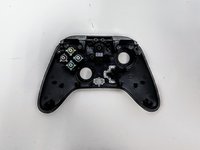

To reassemble your device, follow these instructions in reverse order.
Cancel: I did not complete this guide.
2 other people completed this guide.

Team

Austin Community College, Team 9-3, Watkins Spring 2024 Member of Austin Community College, Team 9-3, Watkins Spring 2024
AUSTINCC-WATKINS-S24S9G3
4 Members
7 Guides authored
