
Porter-Cable PCE211 Motor Replacement

Layla Berry and one other contributor
Last updated on Dec 21, 2022
Views: 566
View statistics:
- Past 24 Hours:
- 2
- Past 7 Days:
- 14
- Past 30 Days:
- 66
- All Time:
- 566
Comments: 0
No one has left comments on this guide. Will you be first?
Go to guide commentsCompleted: 1 2
1 person has marked this guide "completed." Will you be next?
2 people have marked this guide "completed." Including you — great job!
Favorites: 0 1
No one has favorited (and subscribed to) this guide. Will you be the first?
1 person has favorited (and subscribed to) this guide — and that's you!
Introduction
Go to step 1 ↓If you need to replace the motor of your Porter-Cable PCE211 impact wrench, follow this guide. You may need to replace it due to motor failure or if it has burned out because another component has failed.
If you notice the wrench overheating or a burning smell it is best to check if the motor needs to be lubricated. Another indicating sign might be that the impact wrench is not spinning as fast or giving resistance. This guide is also useful to access the motor and reapply grease to maintain lubrication.
Before beginning, make sure to turn off the device and unplug it from the power source.
What you need
Tools


-
-
-
Using the Hex Security SAE 7/32", remove the four 10 mm socket screws at the base of the gearcase.
 Ask FixBot
-
-
-
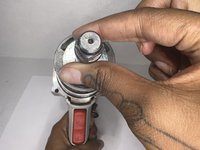
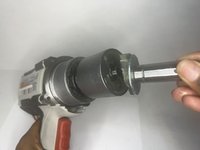
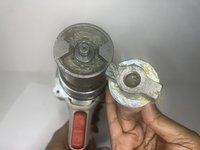
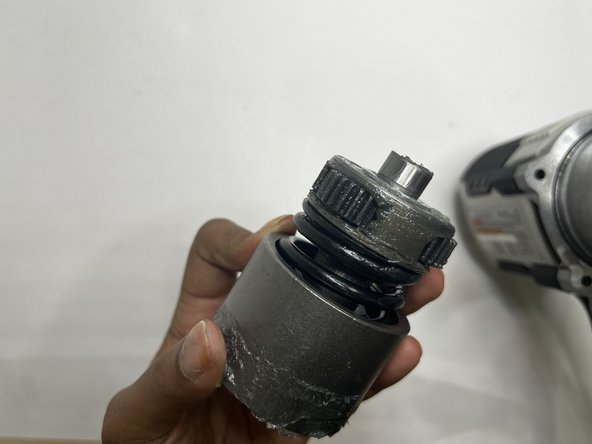
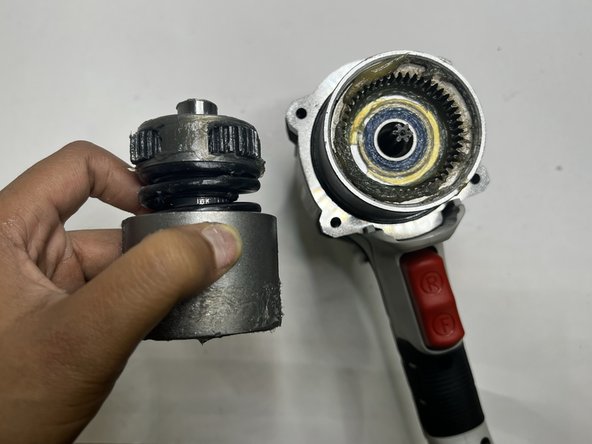
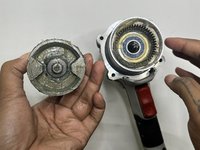
Grip the body of the impact wrench with one hand and the gearcase in the other and firmly pull to remove it.
-
-
-
-




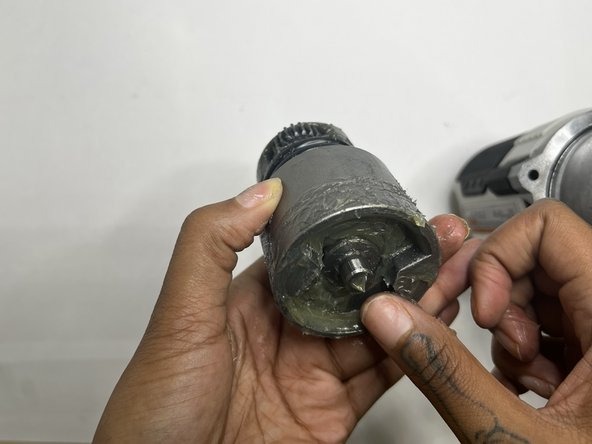
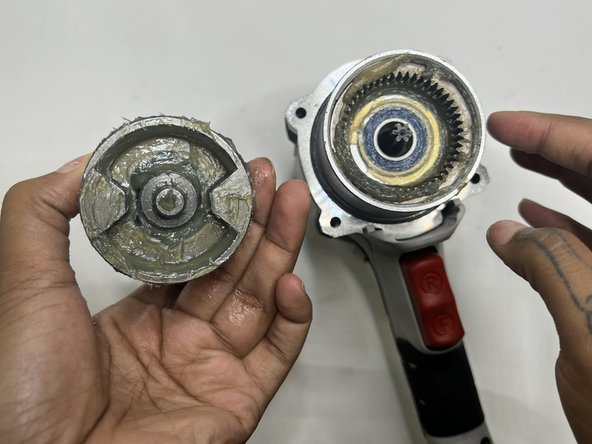
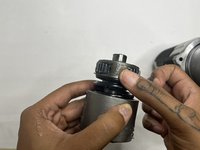
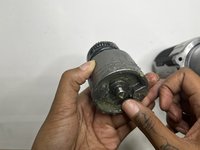
To reassemble your device, follow these instructions in reverse order.
Cancel: I did not complete this guide.
One other person completed this guide.

Team

Austin Community College, Team 13-1, Watkins Fall 2022 Member of Austin Community College, Team 13-1, Watkins Fall 2022
AUSTINCC-WATKINS-F22S13G1
3 Members
84 Guides authored
