Free Shipping on Domestic Orders $75+

Polaroid PMID4312 Motherboard Replacement

What you need

  1. Polaroid PMID4312 Motherboard Replacement, Battery: step 1, image 1 of 1
    • Pry the seam between the screen and the case and slide it on all four sides with a large plastic opening tool until the plastic case comes off.

    Ask FixBot

    Add Comment

  2. Polaroid PMID4312 Motherboard Replacement: step 2, image 1 of 1
    • Lift the device off of the case and flip over the device so that it sits screen side down.

    Ask FixBot

    Add Comment

  3. Polaroid PMID4312 Motherboard Replacement: step 3, image 1 of 1
    • The device is now free from the plastic case.

    Ask FixBot

    Add Comment

  4. Polaroid PMID4312 Motherboard Replacement: step 4, image 1 of 2 Polaroid PMID4312 Motherboard Replacement: step 4, image 2 of 2
    Tool used on this step:
    Plastic Cards
    $2.99
    Buy
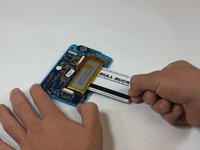
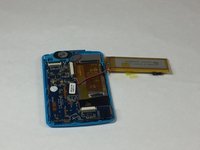
    • Wedge a plastic card beneath the battery unit and wiggle the card side to side and up and down gently until the glue sealing the battery to the device is broken.

    Ask FixBot

    Add Comment

  5. Polaroid PMID4312 Motherboard Replacement: step 5, image 1 of 1
    • Peel back any yellow tape not directly attached to the battery.

    • Using a soldering iron, desolder the two wires that connect the battery to the motherboard.

    Ask FixBot

    Add Comment

  6. Polaroid PMID4312 Motherboard Replacement, Speaker: step 6, image 1 of 2 Polaroid PMID4312 Motherboard Replacement, Speaker: step 6, image 2 of 2
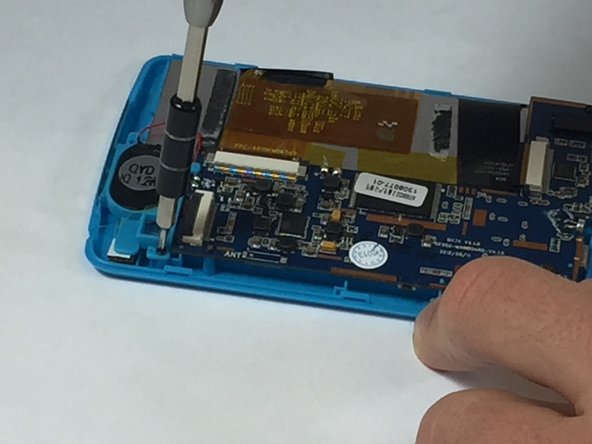
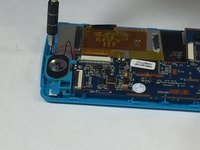
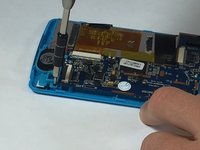
    • Remove the two 5mm screws attached to the top right and bottom left corners of the speaker

    Ask FixBot

    Add Comment

  7. Polaroid PMID4312 Motherboard Replacement: step 7, image 1 of 2 Polaroid PMID4312 Motherboard Replacement: step 7, image 2 of 2
    • Solder off the wires connecting the speaker to the device

    Ask FixBot

    Add Comment

  8. Polaroid PMID4312 Motherboard Replacement: step 8, image 1 of 1
    • Pull the speaker out of the casing to release it.

    Ask FixBot

    Add Comment

  9. Polaroid PMID4312 Motherboard Replacement, Motherboard: step 9, image 1 of 2 Polaroid PMID4312 Motherboard Replacement, Motherboard: step 9, image 2 of 2
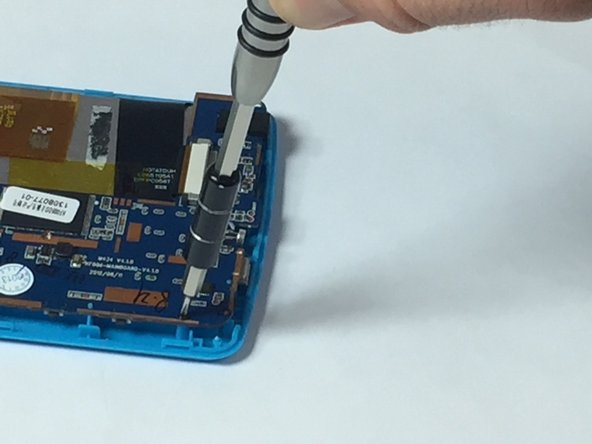
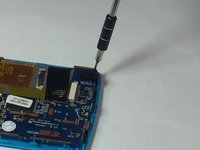
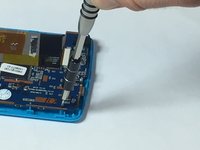
    • Using the ph#00 screwdriver, remove the four 5mm screws connecting the motherboard to the casing.

    Ask FixBot

    Add Comment

  10. Polaroid PMID4312 Motherboard Replacement: step 10, image 1 of 3 Polaroid PMID4312 Motherboard Replacement: step 10, image 2 of 3 Polaroid PMID4312 Motherboard Replacement: step 10, image 3 of 3
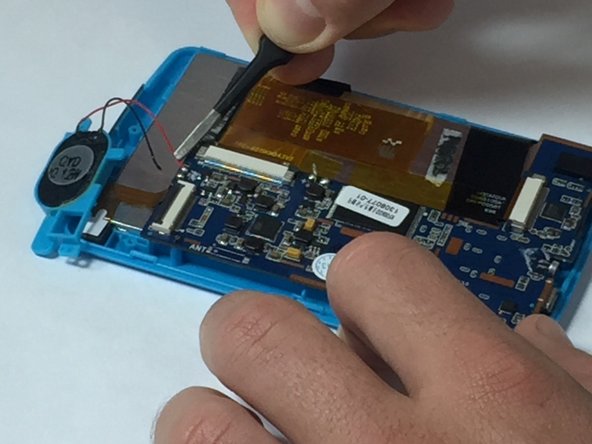
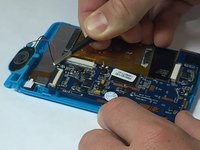
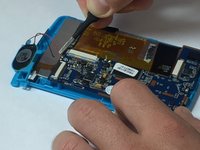
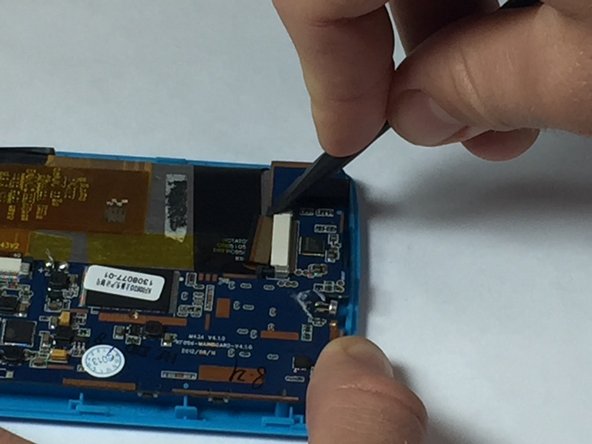
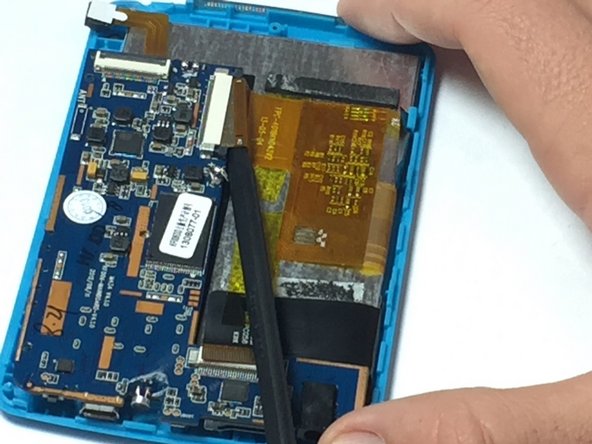
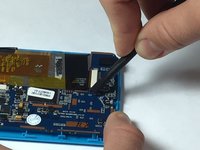
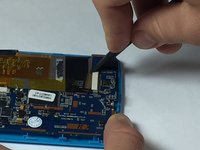
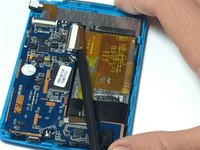
    • Using a spudger or a fingernail, detach the two ribbons from the motherboard by pushing the plastic tab away from the Zero Insertion Force connectors.

    • As the name implies, no force is needed to plug in or remove the cable.

    • Be sure you are prying the plastic tabs connected tab and not the connector itself.

    Ask FixBot

    Add Comment

  11. Polaroid PMID4312 Motherboard Replacement: step 11, image 1 of 1
    • Now carefully remove the motherboard.

    Ask FixBot

    Add Comment

Conclusion

To reassemble your device, follow these instructions in reverse order.

Cancel: I did not complete this guide.

Christopher Bertan

Member since: 10/06/16

479 Reputation

4 Guides authored

Team

USF Tampa, Team 5-4, Lacy Fall 2016 Member of USF Tampa, Team 5-4, Lacy Fall 2016

USFT-LACY-F16S5G4

4 Members

10 Guides authored

0 Guide Comments

Add Comment

View Statistics:

Past 24 Hours: 0

Past 7 Days: 3

Past 30 Days: 11

All Time: 366