
Polaroid OneStep 2 Lens Replacement

Abby Boucher and 6 other contributors
Last updated on May 7, 2024
Views: 9.1K
View statistics:
- Past 24 Hours:
- 4
- Past 7 Days:
- 32
- Past 30 Days:
- 138
- All Time:
- 9,080
Comments: 5
4 comments on steps, 1 guide comment.
Go to guide commentsCompleted: 2 3
2 people have marked this guide "completed." Will you be next?
3 people have marked this guide "completed." Including you — great job!
Favorites: 0 1
No one has favorited (and subscribed to) this guide. Will you be the first?
1 person has favorited (and subscribed to) this guide — and that's you!
Featured Student Guide
This guide has been the hard work of our awesome students and is found to be exceptionally cool by the iFixit staff.
Introduction
Go to step 1 ↓If you need to replace the lens this is guide will allow you to do so. You may need to replace the lens if it becomes scratched or cracked. For this replacement guide you will need to use the Shutter Switch replacement guide steps 1-4 as a precursor guide.
What you need
Tools


-
-
-
Unscrew the four Phillips #0 5 mm screws on the base of the camera.
-
Remove the two pieces of the base.
 Ask FixBot
-
-
-
Remove the four Phillips #0 5mm screws on the top of the inside base piece.
-
Remove the Phillips #0 5mm two screws on the bottom of the inside base piece nearer the strap.
-
-
-
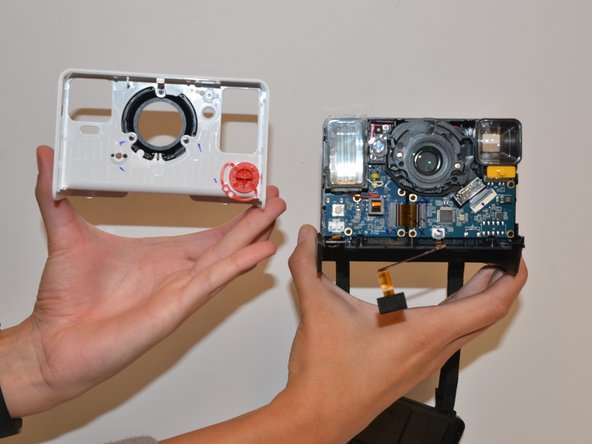
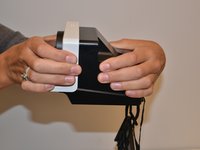
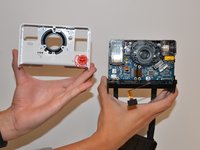
With force separate the white front piece from the back of the camera. You will use your hands and pull it apart.
-
-
-
-
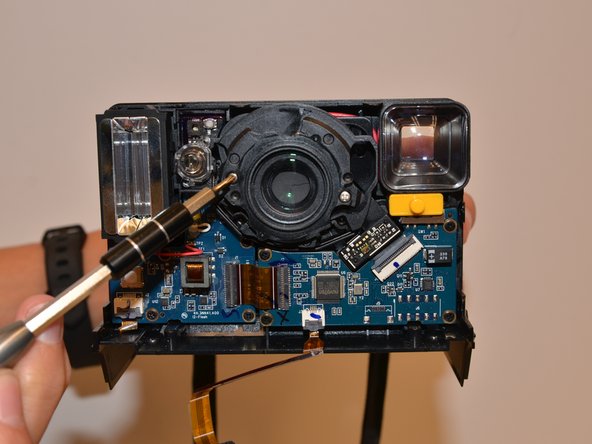
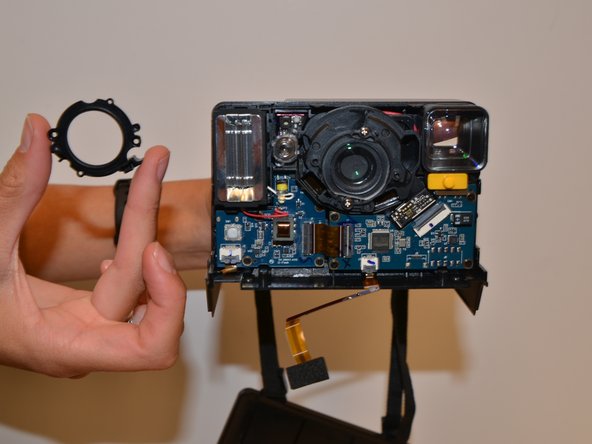
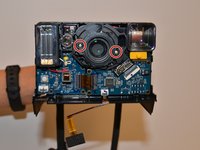
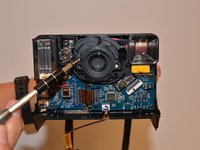
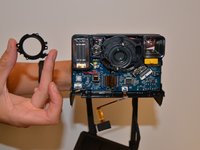
Remove the two Phillips #0 3mm screws on the black ring holding the lens in place and remove the ring.
-
-
Tool used on this step:Tweezers$4.99
-
Remove the clear plastic lens with tweezers.
-
-





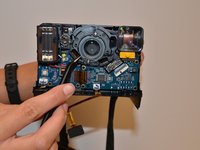
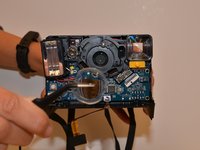
To reassemble your device, follow these instructions in reverse order.
Cancel: I did not complete this guide.
2 other people completed this guide.

Team

University of Alabama, Team S1-G1, Bedsole Fall 2018 Member of University of Alabama, Team S1-G1, Bedsole Fall 2018
UA-BEDSOLE-F18S1G1
4 Members
60 Guides authored
