Introduction
This guide takes you through the process of installing the start/select button on the PlayStation Vita.
What you need
-
-
-
Using a Phillips #00 screwdriver, remove the four 6.4mm screws on the back casing.
 Ask FixBot
-
-
-
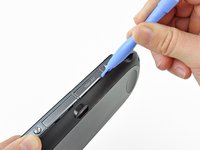
Using your fingernail or a spudger, pry open the accessory port cover on the top of the device.
-
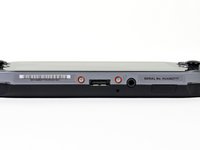
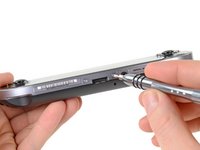
Using a Phillips #00 screwdriver, remove the two 5.4mm screws hidden beneath the accessory port cover.
-
-
-
Remove the two 5.4mm Phillips #00 screws on the bottom of the device near the charging port.
-
-
-
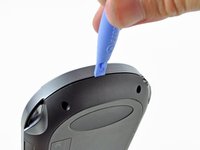
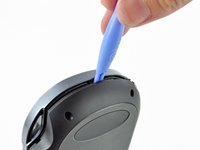
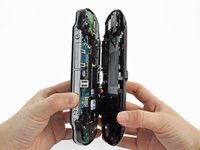
Beginning at the sides of the device, use a plastic opening tool to separate the front and rear cases.
-
Continue working your way around the device gently prying it open.
-
-
-
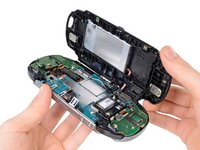
Gently separate the two cases, minding the battery and the touch screen controller connectors holding the two cases together.
-
-
-
Using a spudger, free the touch screen controller flex cable by gently prying up the connection.
-
-
-
-
-
-
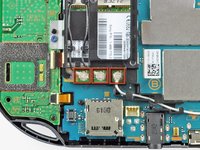
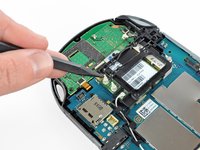
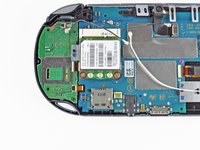
Using the pointy end of the spudger, disconnect the three antenna cable connectors on top of the wireless card.
-
Deroute the antenna cables so that they are out of the wireless card casing. Rest the wires out of the way.
-
-
-
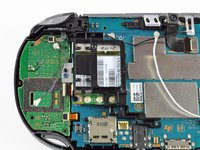
Hook the spudger beneath the tab on the wireless card casing and release the tab.
-
Peel up and remove the wireless card casing.
-
-
-
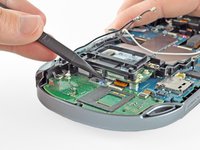
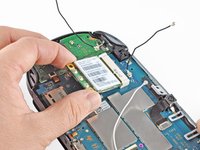
Remove the two 4.4mm Phillips #00 screws on the wireless card.
-
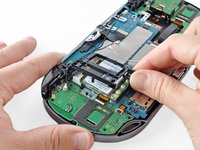
Pull out the wireless card.
-
-
-
-
-
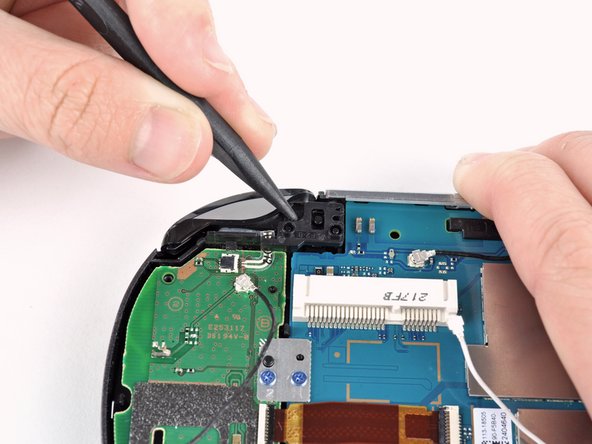
Pry up the right shoulder button casing with a spudger and set it aside.
-
-
Tool used on this step:Tweezers$4.99
-
Release the right shoulder button flex cable socket by using a spudger to gently pry open the tab.
-
Using tweezers, slide the flex cable out of the socket.
-
-
-
Using a spudger, gently peel up the right shoulder button from the light adhesive connecting it to casing.
-
-
-
-
-
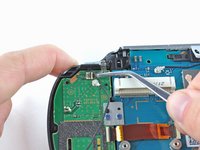
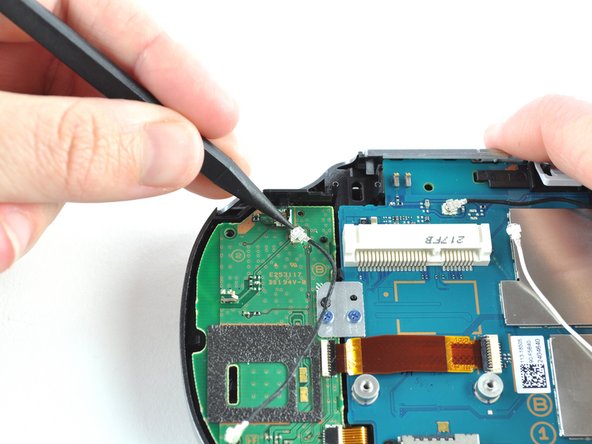
Using the pointy end of a spudger, detach the antenna cable on the right button board.
-
Remove the antenna cable.
-
-
-
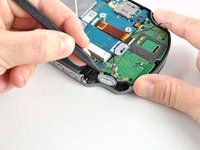
Using a spudger, pry up and release the ZIF socket on the right button board.
-
Gently pull the flex cable out of the socket. Rest the flex cable out of the way.
-
-
Tool used on this step:Tweezers$4.99
-
Release the tab on the small flex cable socket by prying up the tab with a spudger.
-
Using tweezers, gently pull the flex cable out of the socket. Rest the flex cable out of the way.
-
-
-
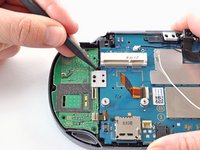
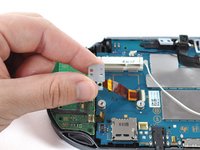
Remove the two 5.0mm Phillips #00 screws from the metal bracket securing the right button board to the motherboard.
-
Remove the metal bracket, using a spudger as necessary to lift it out.
-
-
-
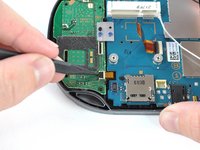
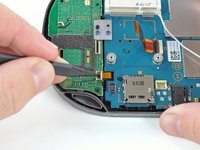
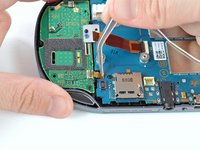
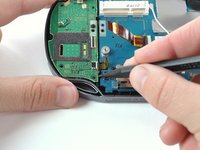
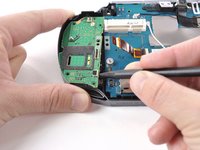
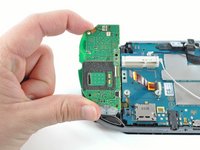
Use a spudger to free the right button board by prying up from the bottom right corner of board.
-
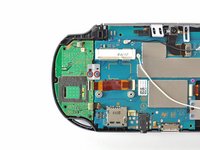
Gently lift the right button board out.
-
-
-
-
Tool used on this step:Tweezers$4.99
-
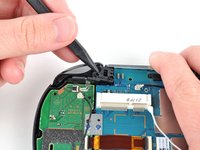
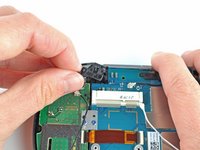
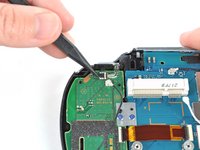
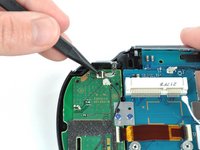
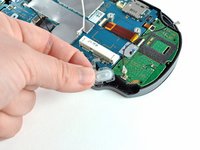
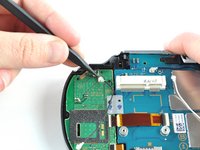
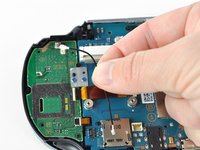
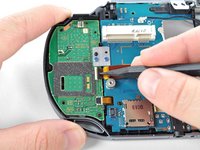
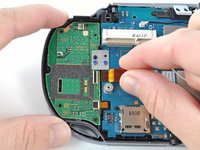
Using tweezers, peel the start/select button off the back case.
-
-





























To reassemble your device, follow these instructions in reverse order.
Cancel: I did not complete this guide.
4 other people completed this guide.


1 Guide Comment
So I hit a roadblock at step 11, it seems some of these devices have security screws with no specific bit (or at least not one I could find) on the network card, so if you plan on attempting this repair please check your network card before doing so as you may need to perform some extra steps (such as cutting at the thing with a dremel if you're comfortable with that...) before moving forward. Here's what I'm referring to
