
PlayStation VR Band Adjuster Replacement

Aaron Suttles and 4 other contributors
Last updated on Dec 16, 2022
Views: 4.3K
View statistics:
- Past 24 Hours:
- 6
- Past 7 Days:
- 28
- Past 30 Days:
- 131
- All Time:
- 4,334
Comments: 1
1 guide comment.
Go to guide commentsCompleted: 0 1
No one has marked this guide "completed." Will you be the first?
1 person has marked this guide "completed." It's you — great job!
Favorites: 1 2
1 person has favorited (and subscribed to) this guide. Will you be next?
2 people have favorited (and subscribed to) this guide — including you!
Incorrect Tools
Help make this guide better by using the correct tools in images and/or text.
Introduction
Go to step 1 ↓Over long periods of time and use, the manual adjustment wheel for the PlayStation VR headset can wear and the teeth can dull. This guide will assist with replacing the mechanical adjustment wheel for the PlayStation VR headset using basic household tools. While this project doesn't require a lot of tools, it does require a delicate touch when working with the headband and plastic tabs. If you are too rough with these parts they can become damaged and will require more maintenance.
What you need
Tools


-
-
-
Use your hands to remove the foam piece in the headband.
-
Use the iFixIt Opening Tool to pry the top and bottom trim pieces off of the rear band assembly.
 Ask FixBot
-
-
-
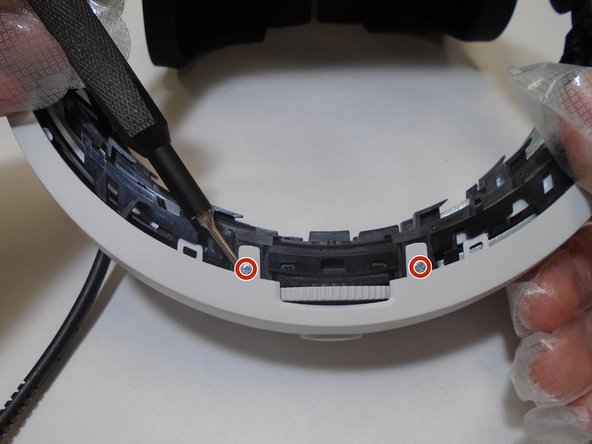
Remove a total of four 5 mm screws from inside the left and right sides of the headband using a Phillips #00 screwdriver.
-
-
-
Remove three silver 5 mm screws that are securing the rear white cover of the band using a Phillips #00 screwdriver.
-
-
-
Remove the 6 mm screw from the retainer securing wires to the rear band assembly using a Phillips #00 screwdriver.
-
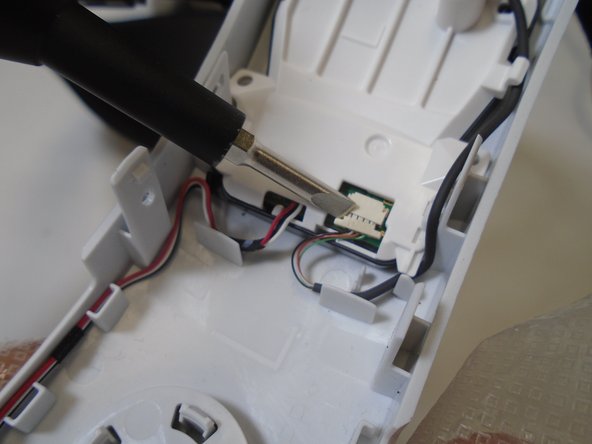
Use a spudger to flip up the retaining flap connected to the rear LEDs.
-
-
-
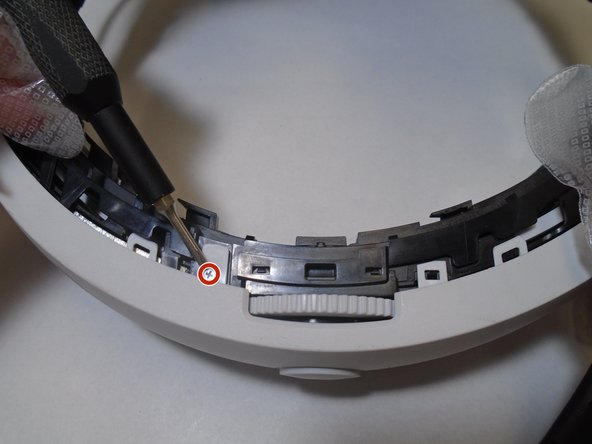
Remove the single 5 mm screw from the center of the headband adjuster using a Phillips #00 screwdriver.
-
-
-
-
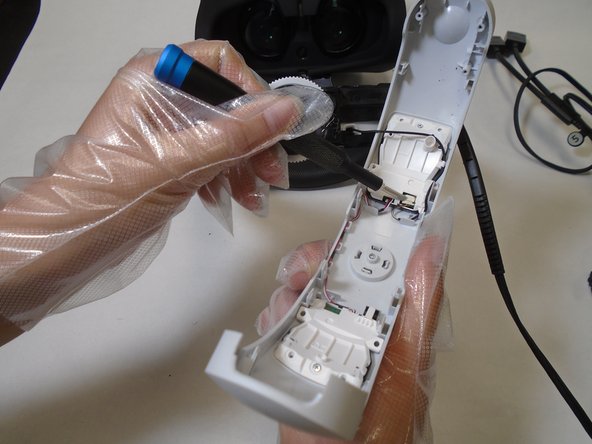
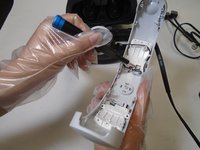
Gently pry the adjuster assembly away from the rear headband using an opening tool.
-
-
-
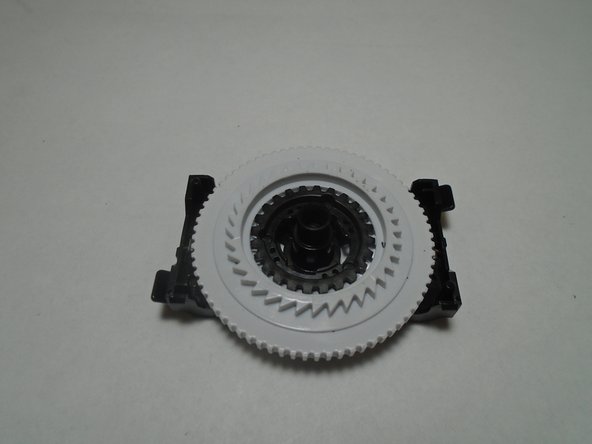
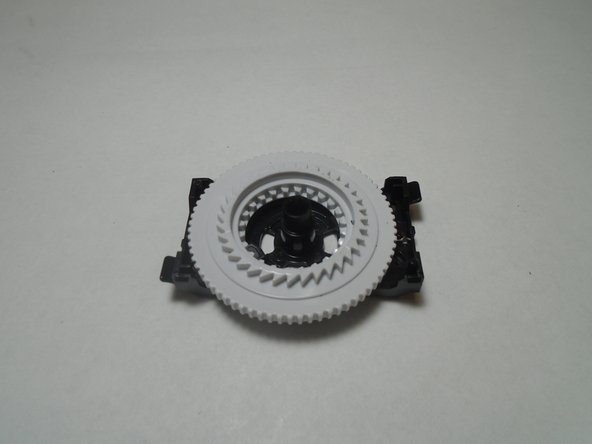
Disassemble the adjuster assembly spring, small gear, large gear, and bracket in order to replace the broken component.
-
-





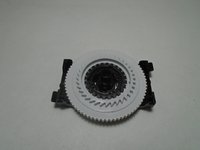
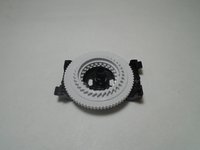
To reassemble your device, follow these instructions in reverse order.

Team

The Citadel Military College of South Carolina, Team 1-7, Eggleston Fall 2021 Member of The Citadel Military College of South Carolina, Team 1-7, Eggleston Fall 2021
CMCSC-EGGLESTON-F21S1G7
3 Members
36 Guides authored
